Editorial Minimalist LinkedIn Carousel Template
Sophisticated serif typography with clean editorial layouts. Perfect for thought leadership content.
A reusable starter style for the moments when you want a strong carousel direction first.
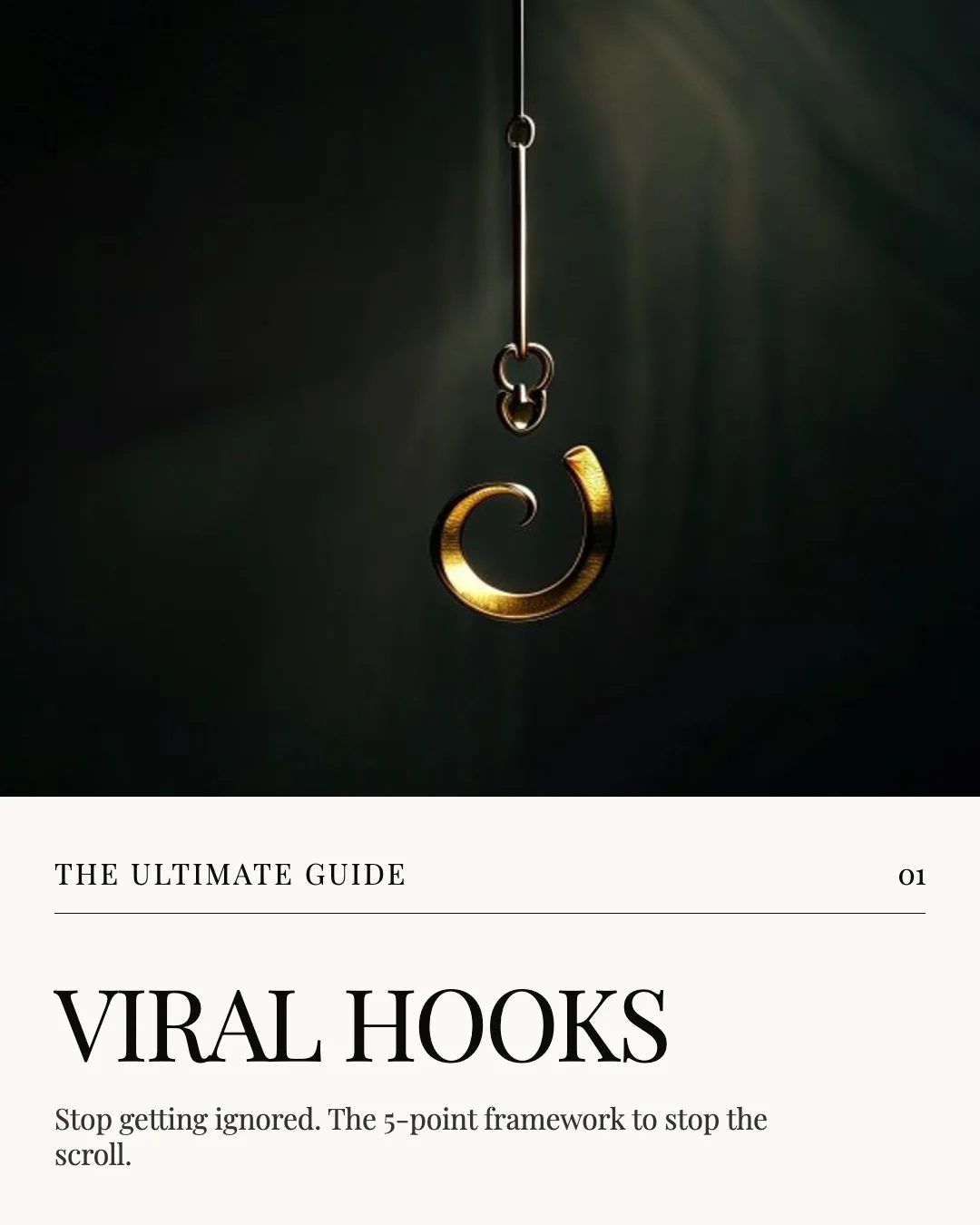
About this template
A global visual system, ready for your topic.
No niche required.
The Editorial Minimalist template is a global SlideDrift starter design. Use it when you want a reusable educational carousel style without choosing a profession-specific page first. Open it in SlideDrift, add your topic or source material, then edit the generated slides before export.
What's inside
The carousel structure is ready to adapt.
Slide 1: a strong visual hook
Middle slides: structured explanation or story
Final slide: conclusion, CTA, or next step
Best use cases
Built for flexible carousel starts.
- LinkedIn thought leadership posts
- article-to-carousel repurposing
- educational carousel content
- product or service explainers
- newsletter and update summaries
- brand profile experiments
How to use it
- 1Open the template in SlideDrift.
- 2Add your topic, notes, article, or source material.
- 3Review the generated carousel plan.
- 4Edit slides and apply your brand profile.
- 5Export a LinkedIn-ready PDF.
Overview
The important pieces, at a glance.
Template details
- Template
- Editorial Minimalist
- Type
- Global starter
- Category
- Educational
- Slides
- 8
- Format
- LinkedIn carousel
- Editable
- Yes
- Brand profiles
- Supported
- Export
FAQ
Can I edit the Editorial Minimalist template?
Yes. Use it as a starting point, then edit the prompt, plan, slide text, layout, and brand settings before exporting.
Will SlideDrift duplicate this preview exactly?
No. The preview shows the template direction. Creating from it starts a new carousel with the same visual style and editable slide structure.
Can I use it for any topic?
Yes. Global seed templates are not tied to one profession, so you can use them for marketing, education, commentary, or repurposed content.
Can I export it for LinkedIn?
Yes. After editing the carousel, you can export it as a LinkedIn-ready PDF.
Related templates
More global starters.
Global template
Tutorial - Visual Storyline LinkedIn Carousel Template
Image-first tutorial template with large typography and step-by-step pacing.
View details
Global template
Dark LinkedIn Carousel Template
Use the Dark template as a polished starting point for a LinkedIn carousel. It gives you a complete visual direction, editable slide structure, and a fast path into the SlideDrift editor.
View details
Global template
Light LinkedIn Carousel Template
Use the Light template as a polished starting point for a LinkedIn carousel. It gives you a complete visual direction, editable slide structure, and a fast path into the SlideDrift editor.
View details