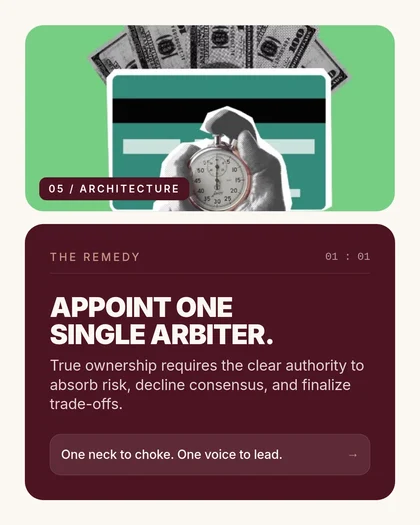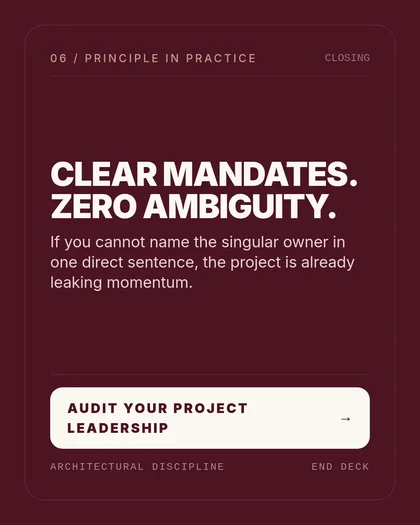

Marketing team workspace

NOW IN PUBLIC BETA

LinkedIn Carousels

Your expertise,
formatted.

LinkedIn carousels in minutes, not hours.

Turn any idea or article into a polished LinkedIn carousel. No design skills. No blank page.

60 second generationNo design skills neededNo credit card required
Try:

Built for professionals who share what they know

PhysiciansAttorneysEngineersConsultantsCoachesFoundersArchitectsTherapistsPhysiciansAttorneysEngineersConsultantsCoachesFoundersArchitectsTherapists

The reality

You have insights worth sharing.But LinkedIn rewards the wrong format.

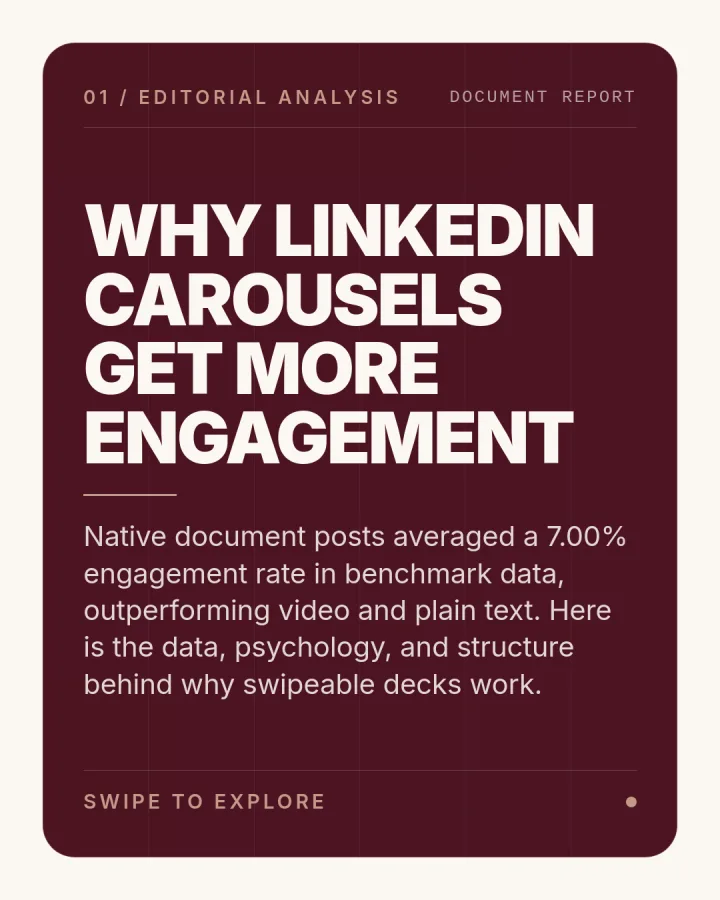
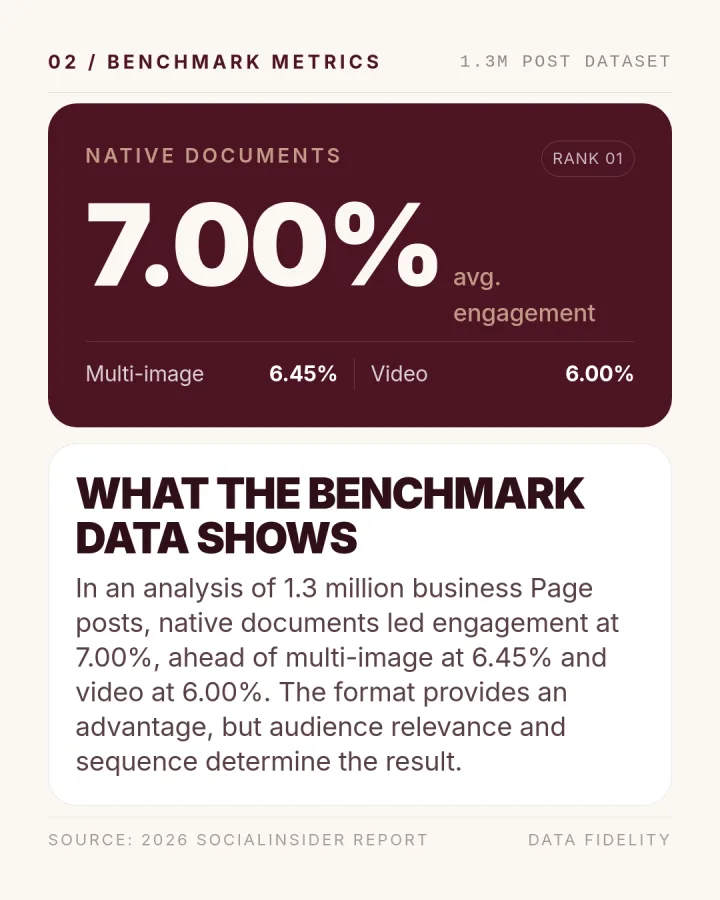
Text posts get buried. External links get suppressed. Carousels get 3x the reach. But who has time to open Canva, lay out slides, and fight with fonts? You're a professional, not a graphic designer.

See how it works

Your time is worth more

An hour designing a carousel is an hour not spent with clients, patients, or building your business. The maths doesn't work.

Looking polished shouldn't be this hard

You have the expertise. Maybe an article. Maybe just bullet points in your head. What you don't have is the design eye, or the patience, to make it look professional every single time.

The algorithm has opinions

LinkedIn suppresses link posts and rewards native carousels. Your best thinking deserves the format that actually gets seen.

How It WorksThree steps. No design skills required.

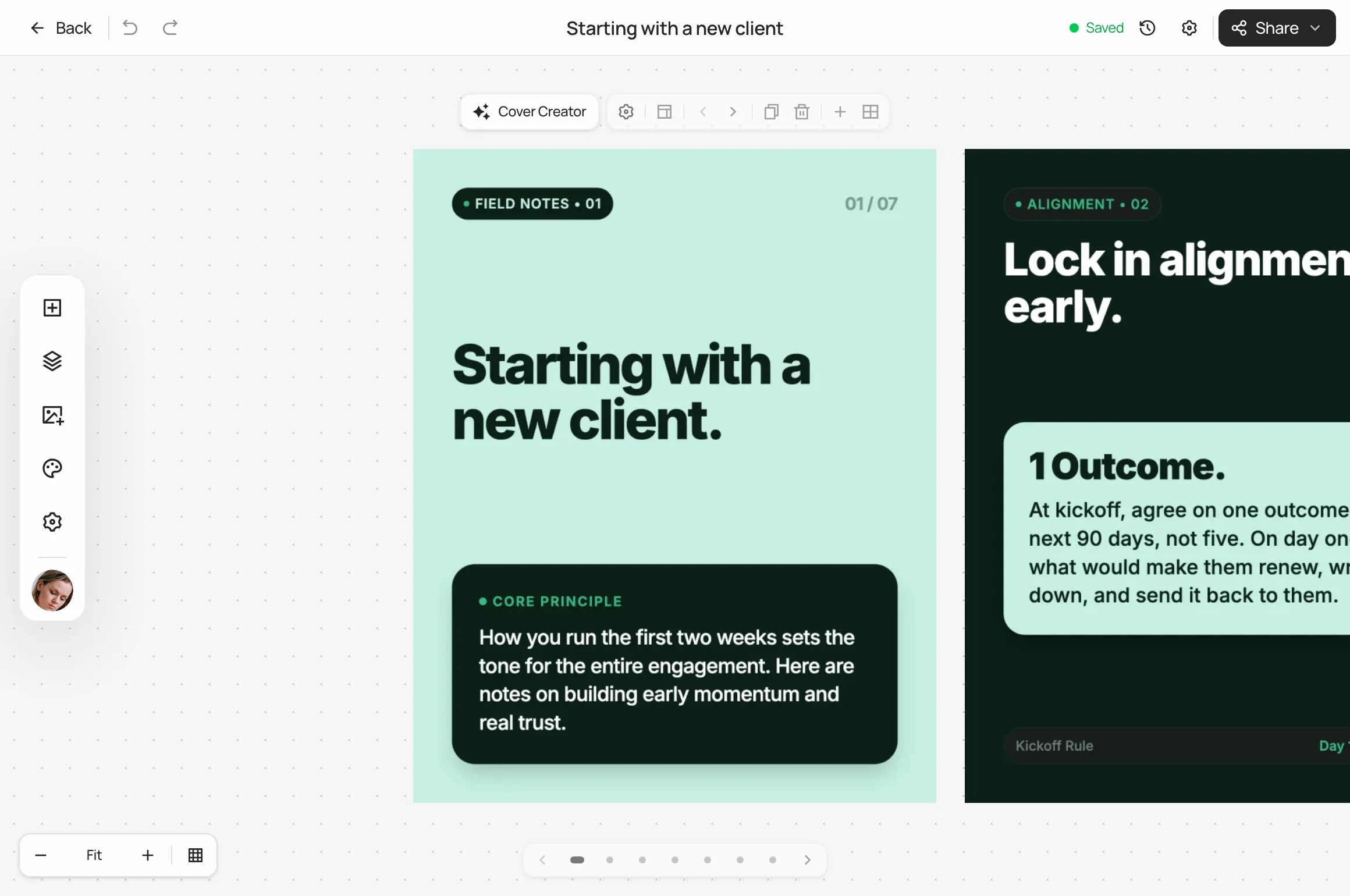
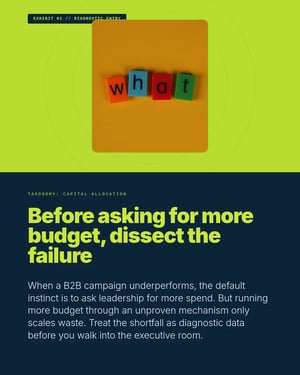
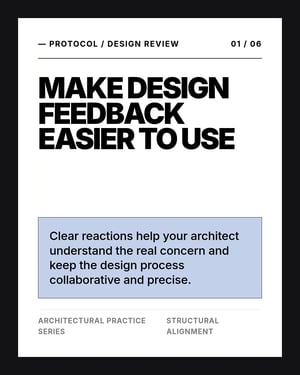
Start from a URL or your own ideas. Choose your look. Download. Most professionals publish their first carousel within five minutes of signing up.

1

Start with what you have

Paste a blog post URL or drop in your own notes and ideas. SlideDrift reads your content and extracts the key points worth sharing.

URLYour own text
2

Match your brand

Pick your colours, fonts, and style. Save it once as a brand profile, and every future carousel will be consistent without you thinking about it.

PersonalClinicAdvisory
3

Download and post

Get a clean PDF carousel ready for LinkedIn. Edit any slide if you want. Most people don't change a thing.

carousel.pdf
Ready to upload
LinkedIn
9:41
SC
Dr. Sarah ChenOrthodontist · 2h ·

I’ve been thinking about preventive care lately…

I've been thinking a lot about preventive care lately and wanted to share some insights from my practice. Here are 5 things most patients don't know:

1. Early detection saves lives — most conditions caught early have a 90%+ treatment success rate. Regular check-ups aren't optional, they're essential.

2. Your family history matters more than you think. Genetic predispositions inform screening schedules and your doctor needs this information at every annual visit.

3. Sleep is non-negotiable. Adults need 7-9 hours consistently. Poor sleep is linked to cardiovascular disease, weakened immunity, and cognitive decline.

4. Stress management isn't a luxury — chronic stress physically changes your body. It raises cortisol, increases inflammation, and accelerates ageing in ways most people don't realise until it's too late.

5. Hydration affects everything — your kidneys, skin, joints, and even your mood. Most adults are chronically under-hydrated and don't realise it until symptoms...

...see more

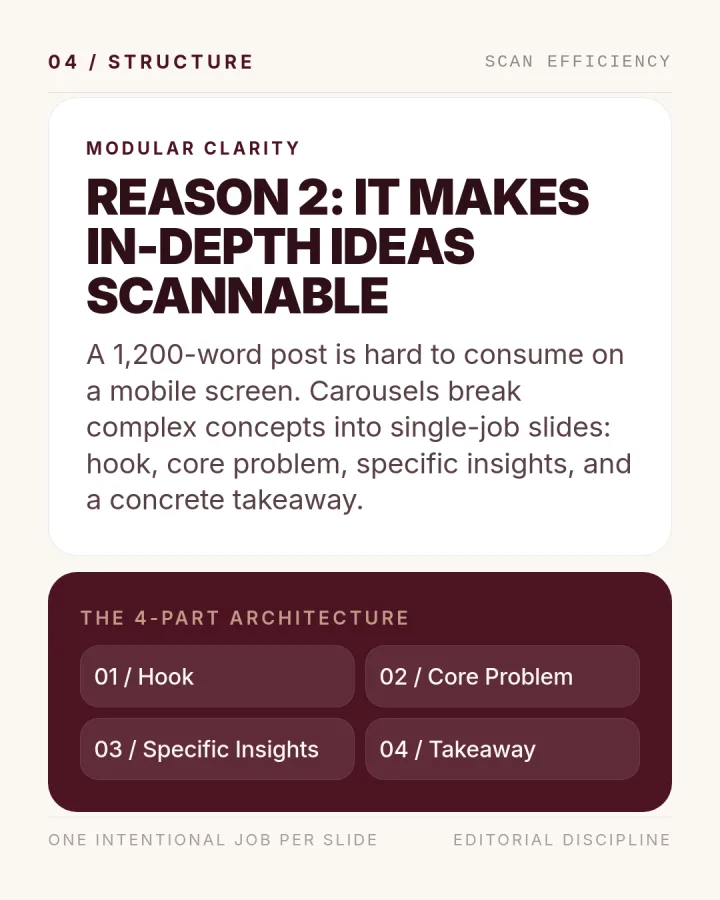
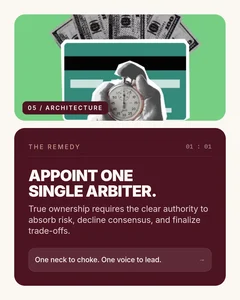
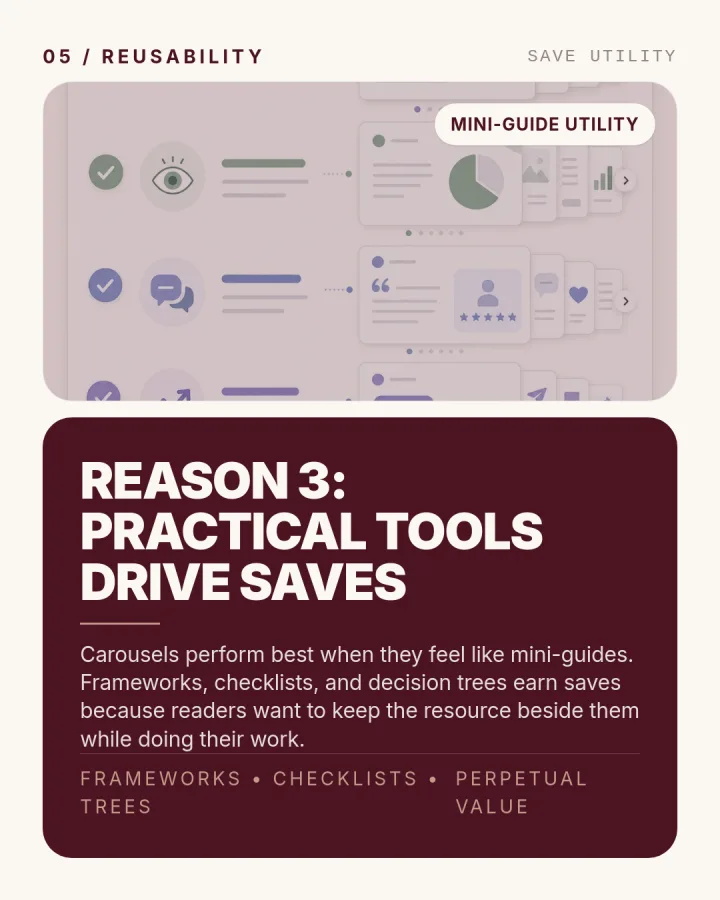
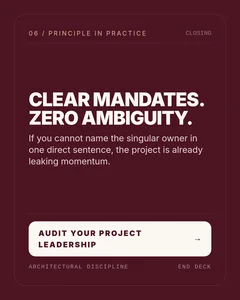
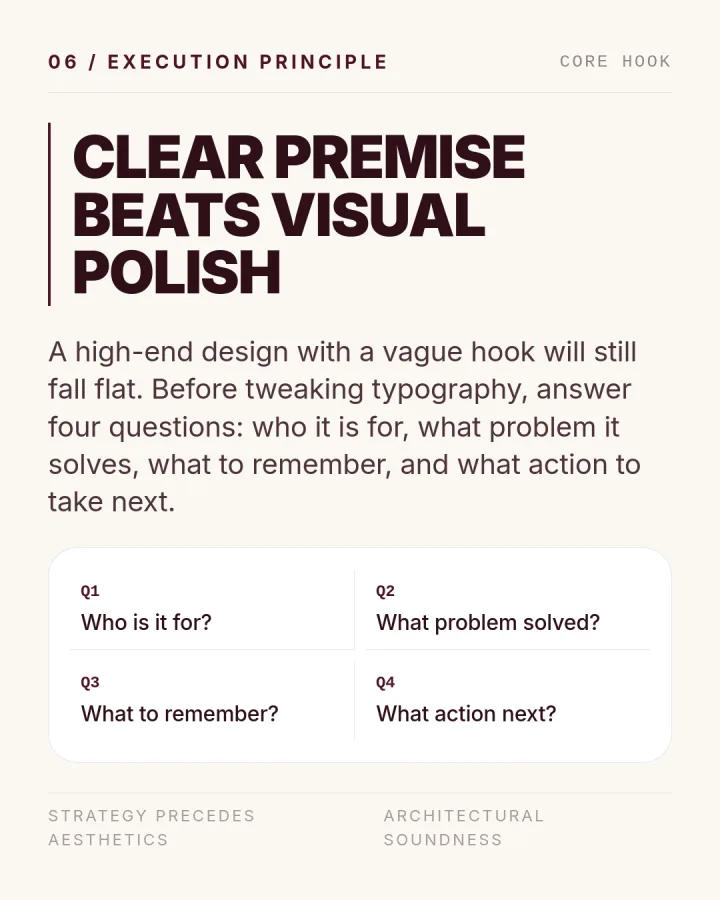
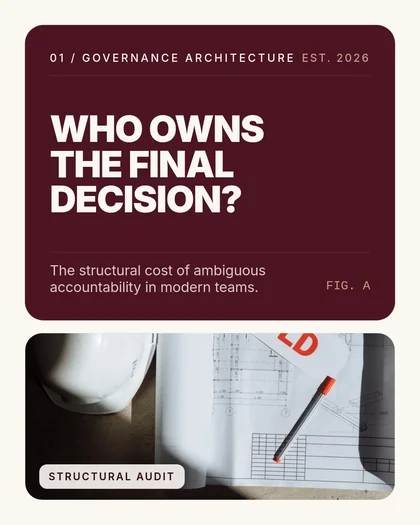
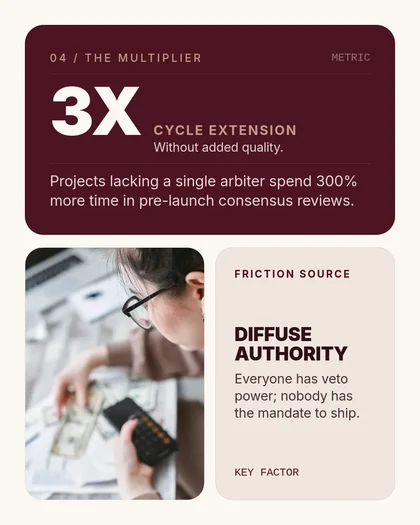
Carousel slide 1
Carousel slide 2
Carousel slide 3
Carousel slide 4
Carousel slide 5
23 impressions
2 likes · 0 comments

Tap "After" to see the transformation

The difference

Every idea you have, and every article you've written, is a carousel waiting to happen.

Stop choosing between quality and speed. SlideDrift creates clean, branded carousels that look like you hired a designer, in under a minute.

60sAverage generation time

Down from the hour you'd spend doing it manually.

3xMore reach vs link posts

LinkedIn's algorithm rewards native carousels over external links.

20+Brand profiles per account

Your personal brand, your practice, your side project, all in one place.

Built for professionals who share what they know

Whether you're growing your practice or building a personal brand, SlideDrift fits the way you already work.

Professional in warm natural light

For professionals

Build Authority in Your Field

Doctors, lawyers, consultants, coaches. Share your expertise in a format that earns trust and visibility with the people who matter.

Solo professional working at a desk

For founders

Grow Without a Marketing Team

You have the blog post, the podcast notes, or just a list of ideas. Let SlideDrift turn them into LinkedIn content while you focus on building.

Collaborative workspace

More Reach From Every Idea

A blog post becomes 2 or 3 carousel variations. A weekly idea becomes a month of LinkedIn content. Your thinking, amplified.

Save your colours, fonts, and logo once. Every carousel matches your professional identity, whether it's your personal brand, your practice, or a side project.

AI reads your content and pulls out the key insights, statistics, and takeaways. No manual copy-pasting or rewriting.

Full control when you want it. Edit text, reorder slides, or tweak the layout before exporting.

PDF

Download a LinkedIn-ready PDF. Upload it directly. No resizing, no reformatting, no surprises.

What users are sayingProfessionals are saving hours every week.

“I spend my days with patients, not in Canva. SlideDrift lets me share clinical insights on LinkedIn without the design headache. My referral network has grown noticeably since I started posting regularly.”

Avatar

Dr. Sarah Chen

Orthodontist, Private Practice

“I was spending Sunday evenings turning my blog posts into carousels. Now I paste the URL and it's done before my coffee gets cold. The output genuinely looks better than what I was making manually.”

Avatar

James Whitfield

Technology Consultant

Advisory Firm

“We run a boutique advisory firm. Each partner has their own voice and brand on LinkedIn. SlideDrift lets us maintain three distinct brand profiles without hiring a designer or social media manager.

Avatar

Priya Sharma

Managing Partner, Meridian Advisory

Not another design tool

SlideDrift handles the content and the design. Here is how it compares to the way you're probably doing it now.

Option ADesign it yourselfOption BHire a designer
RecommendedOption CSlideDrift
Time per carousel1 to 2 hours24 to 48h turnaround~60 seconds
Content extractionManual copy-pasteBrief + revisionsFrom URL or your own text
Brand consistencyVaries each timeDepends on designerSaved to your profile
Multiple brandsStart from scratchExtra cost per brandSwitch in one click
Design skills neededIntermediateNone (but $$$)None
Monthly cost at scaleYour time$1,500 to 3,000+From $29/mo

Simple pricing, no surprises.

Sign up free with 200 credits. Upgrade when you need more. Cancel anytime.

Start free with 200 credits. No credit card required.

Starter

For professionals building their LinkedIn presence.

$29/month

Generate, export, rewrite, and more

  • 1,000 credits per month
  • 1 brand profile
  • Standard templates
  • PDF export
  • Pro templates
Most Popular

Pro

For professionals who post frequently or manage multiple brands.

$59/month

5x the creative headroom

  • 5,000 credits per month
  • 5 brand profiles
  • Pro templates
  • AI image generation
  • Slide editor

Agency

For teams and agencies managing client brands at scale.

$199/month

Built for volume and teams

  • 20,000 credits per month
  • 20+ brand profiles
  • Pro templates
  • AI image generation
  • Priority support

Credits are used across all features: generate (10), export (20), AI images (25), rewrite (5), Pro templates (100), smart remix (100)

Cancel or downgrade anytime from your account. No long-term commitment.

Questions you probably have

What types of content can I turn into carousels?

Any publicly accessible URL: blog posts, Substack articles, Medium posts, newsletter archives. If it has text content, SlideDrift can extract it. You can also paste raw text directly if your content isn't published yet.

Do I need any design experience?

None. SlideDrift handles layout, typography, and formatting automatically. You set up your brand profile once (colours, fonts, logo) and every carousel matches it. Most users publish without making any edits.

How is this different from doing it myself in Canva?

Canva is a design tool. You still write the copy, choose layouts, and format each slide manually. SlideDrift reads your actual content, extracts the key points, and produces a finished carousel in your brand style. It's the difference between cooking from scratch and having it prepared for you.

Can I edit the slides after generation?

Yes. Every carousel opens in our slide editor where you can tweak text, reorder slides, or remove slides you don't need. That said, most users tell us they publish as-is without making any changes.

What does “brand profile” mean?

A brand profile stores your visual identity: colours, fonts, logo, and style preferences. When generating a carousel, you select which profile to use and SlideDrift applies it automatically. Professionals on the Pro or Agency plan can save multiple profiles, for example your personal brand and your practice.

What if I don't have any articles or published content?

You don't need published content. Drop in bullet points, rough notes, or key ideas and SlideDrift will structure them into a polished carousel. You can start from a single sentence if that's all you have.

Is there a free plan?

Yes. Sign up and get 200 credits free, no credit card required. That's enough to generate around 20 carousels and see if SlideDrift fits your workflow. Upgrade anytime for more credits and features.

Stop designing carousels.
Start publishing your expertise.

Create your first LinkedIn carousel in under a minute. Paste a URL or drop in your ideas. 200 free credits on signup. No credit card.

Create Your First Carousel
No credit card required.Cancel anytime.