5 LinkedIn Carousel Frameworks That Work for Any Industry
The five LinkedIn carousel frameworks that work for any industry: listicle, before/after, step-by-step, myth buster and story arc. Slide structures, example hooks and how to pick one.
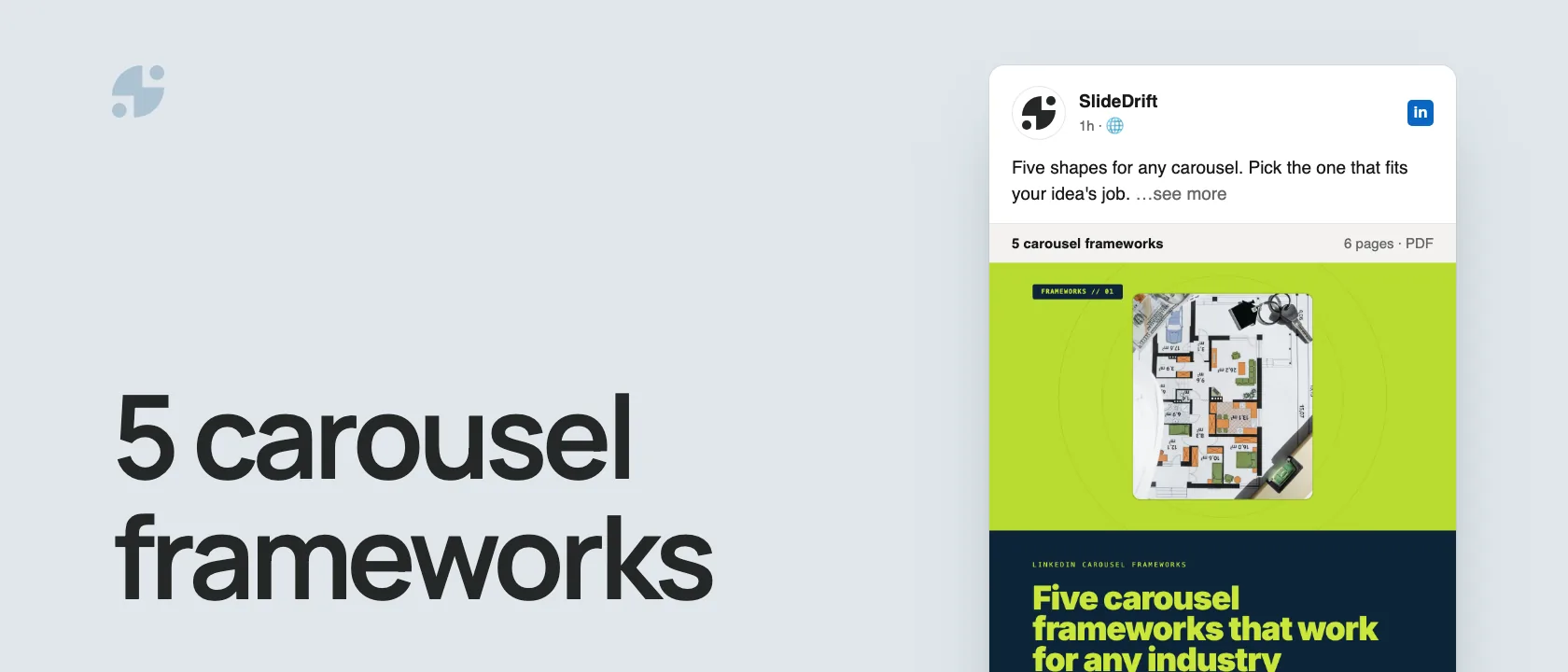
The five LinkedIn carousel frameworks that work for any industry are the listicle, the before/after, the step-by-step, the myth buster and the story arc. Pick the one that matches the job your idea needs to do:
- Listicle: a set of tips, mistakes or tools.
- Before/after: a better way, shown by contrast.
- Step-by-step: a process, in order.
- Myth buster: a common belief, corrected.
- Story arc: a lesson from something that happened.
The framework isn't the content; it's the shape that makes the content easy to follow. A lawyer, a founder and an engineer can use the same framework with different substance.
Pick the framework by the job
Choose a framework from the job it needs to do
| Your idea | Best framework | What the reader gets |
|---|---|---|
| I have a group of useful tips | Listicle | A fast, predictable set of takeaways |
| I want to show a better way | Before/after | A clear contrast and a practical change |
| I want to teach a process | Step-by-step | An ordered path to a result |
| I want to challenge a belief | Myth buster | A corrected assumption and what to do instead |
| I learned something from experience | Story arc | A memorable lesson grounded in events |
Here are the five frameworks as a carousel, made in SlideDrift.
SlideDriftCreate your ownCarousel transcriptShowHide


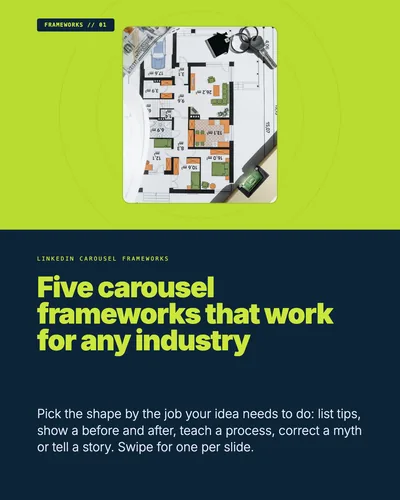
- 01LinkedIn carousel frameworks. Five carousel frameworks that work for any industry. Pick the shape by the job your idea needs to do: list tips, show a before and after, teach a process, correct a myth or tell a story. Swipe for one per slide.
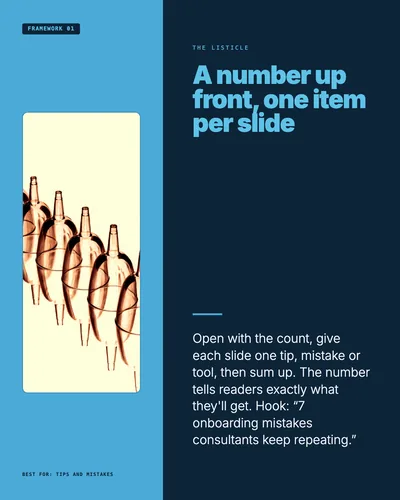
- 02Framework 01, the listicle, best for tips and mistakes. A number up front, one item per slide. Open with the count, give each slide one tip, mistake or tool, then sum up. The number tells readers exactly what they'll get. Hook: “7 onboarding mistakes consultants keep repeating.”
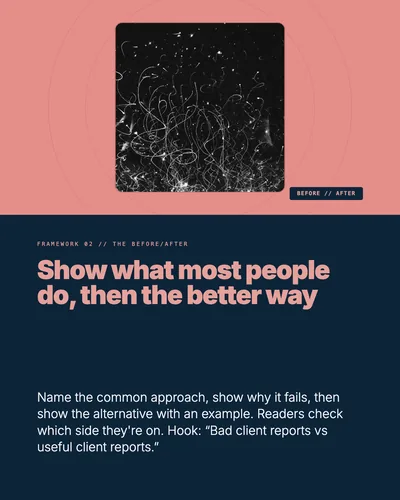
- 03Framework 02, the before/after. Show what most people do, then the better way. Name the common approach, show why it fails, then show the alternative with an example. Readers check which side they're on. Hook: “Bad client reports vs useful client reports.”
- 04Framework 03, the step-by-step. Turn a process into a path. Promise a result, give one step per slide, flag the common mistake and end with a checklist. Each step depends on the last. Hook: “How to prepare for a client kickoff in 30 minutes.”
- 05Framework 04, the myth buster. Correct a belief your readers still hold. Name the misconception, pair each myth with the reality, then say what to do instead. Readers swipe to see if they believe it. Hook: “5 carousel myths that make your posts worse.”
- 06Framework 05, the story arc. Set up the tension, then turn it into a lesson. Context, what went wrong, what changed, then the lesson and one takeaway. Stories make people care before you teach. Save this: pick the framework before you write slide one.
Framework 1: The listicle
The listicle is the simplest carousel format. It gives the reader a clear number and a predictable payoff.
Slide structure
| Slide | Job |
|---|---|
| 1 | Hook with a number |
| 2 | Item 1 |
| 3 | Item 2 |
| 4 | Item 3 |
| 5 | Item 4 |
| 6 | Item 5 |
| 7 | Summary |
| 8 | CTA |
Example hooks
- 7 client onboarding mistakes consultants keep repeating
- 5 questions every patient should ask before choosing a clinic
- 6 LinkedIn post formats founders can write in under 20 minutes
- 9 small design decisions that make your carousel easier to read
Why it works
A number lowers uncertainty. The reader knows how much they are getting and how long the post might take to consume. Each swipe delivers one discrete piece of value.
Best for
Tips, mistakes, tools, resources, examples, checklists, lessons, and "things I wish I knew" posts.
Framework 2: The before/after
The before/after framework shows a transformation. It works because contrast is easy to understand.
Slide structure
| Slide | Job |
|---|---|
| 1 | State the contrast |
| 2 | What most people do |
| 3 | Why it fails |
| 4 | What better operators do |
| 5 | Example comparison |
| 6 | How to apply it |
| 7 | Summary |
| 8 | CTA |
Example hooks
- Bad client reports vs useful client reports
- How junior consultants explain problems vs how senior consultants do it
- The difference between a vague LinkedIn post and a useful one
- Before: more content. After: better content loops.
Why it works
Readers immediately try to locate themselves. Am I doing the "before" version or the "after" version? That self-assessment keeps them swiping.
Best for
Case studies, process improvements, design critiques, leadership lessons, and expert-vs-beginner comparisons.
Framework 3: The step-by-step
The step-by-step framework is the workhorse of educational content. It turns a process into a path.
Slide structure
| Slide | Job |
|---|---|
| 1 | Promise a result |
| 2 | Step 1 |
| 3 | Step 2 |
| 4 | Step 3 |
| 5 | Step 4 |
| 6 | Common mistake |
| 7 | Final checklist |
| 8 | CTA |
Example hooks
- How to turn one blog post into a LinkedIn carousel
- How to prepare for a client kickoff in 30 minutes
- How to write a better first slide for your next carousel
- How to explain a complicated idea without oversimplifying it
Why it works
A process creates natural momentum. Each slide depends on the last one, so the reader has a reason to continue.
Best for
Tutorials, workflows, onboarding, planning, audits, and "how I do X" posts.
Framework 4: The myth buster
The myth buster corrects common misunderstandings. It is useful for thought leadership because it lets you show expertise without sounding abstract.
Slide structure
| Slide | Job |
|---|---|
| 1 | Name the misconception |
| 2 | Myth 1 |
| 3 | Reality 1 |
| 4 | Myth 2 |
| 5 | Reality 2 |
| 6 | Myth 3 |
| 7 | What to do instead |
| 8 | CTA |
Example hooks
- 5 LinkedIn carousel myths that make your posts worse
- The legal marketing advice that sounds smart but is risky
- 4 myths about patient education content on LinkedIn
- Stop measuring your agency content by likes alone
Why it works
The reader wants to know whether they believe the myth. This creates a knowledge gap on each slide.
Best for
Contrarian posts, industry education, professional trust-building, and expert commentary.
Framework 5: The story arc
The story arc turns experience into a lesson. It is less rigid than the other frameworks, but it can be more memorable.
Slide structure
| Slide | Job |
|---|---|
| 1 | Set up the tension |
| 2 | Context |
| 3 | What went wrong |
| 4 | What changed |
| 5 | Lesson 1 |
| 6 | Lesson 2 |
| 7 | Takeaway |
| 8 | CTA |
Example hooks
- We lost a client because our reporting was too detailed
- The first version of our onboarding process failed for a simple reason
- I thought better design would fix our content. It did not.
- A client asked one question that changed how we write proposals
Why it works
Stories give readers a reason to care before you explain the lesson. They also make professional content feel more human.
Best for
Founder stories, client lessons, mistakes, transformation posts, and case-study-style content.
Make one in SlideDrift
Paste your source into SlideDrift and name the framework in the brief:
SlideDrift brief
Turn the notes below into an 8-slide LinkedIn carousel using the myth-buster framework.
Audience: agency owners. Tone: direct and practical.
One idea per slide, and end with what to do instead.

[Paste your notes, article or link here]Swap in the framework and audience you need: "a before/after carousel on the difference between generic advice and practical implementation" works the same way. Then edit the draft, apply your brand and export the PDF. The guide to making a LinkedIn carousel covers the whole process.
Put your idea into a framework
Paste notes, an article or a link and name the framework. SlideDrift drafts the slides, you edit them, then export the PDF.
Brief for this carousel
Make a 6-slide LinkedIn carousel that explains five carousel frameworks. A cover, then one framework per slide (the listicle, the before/after, the step-by-step, the myth buster and the story arc), each with what it's for, its slide sequence and one example hook. End with: pick the framework before you write slide one.
Framework check before you generate the draft
- The framework matches the job: list, compare, teach, challenge, or tell a story.
- The first slide makes a specific promise or creates clear tension.
- Every slide has one job and advances the sequence.
- The examples come from the audience's real context rather than generic placeholders.
- The final slide closes the lesson with a takeaway, question, or next action.
For the first and last slides, pair this with the LinkedIn carousel hook examples and the LinkedIn carousel CTA examples.
FAQ
What is a LinkedIn carousel framework?
A LinkedIn carousel framework is a repeatable slide structure, such as a list, before/after, step-by-step process, myth buster, or story arc.
Which carousel framework is easiest to start with?
The listicle is usually easiest because each slide covers one item and the first slide can use a clear numbered hook.
Which framework is best for thought leadership?
The myth-buster and story-arc formats are strong for thought leadership because they let you challenge assumptions or share lessons from experience.
Can one article become multiple carousel frameworks?
Yes. A long article can often become a listicle, a step-by-step guide, and a myth-buster carousel depending on the angle you choose.
Can SlideDrift use a specific framework?
Yes. Add a short instruction before your source, such as "use the step-by-step framework" or "turn this into a myth-buster carousel."