How to Make a LinkedIn Carousel: A Step-by-Step Guide
How to make a LinkedIn carousel: pick one idea, plan the slides, write one point per slide, export one PDF and upload it as a document post. Steps, a slide structure and a worked example.
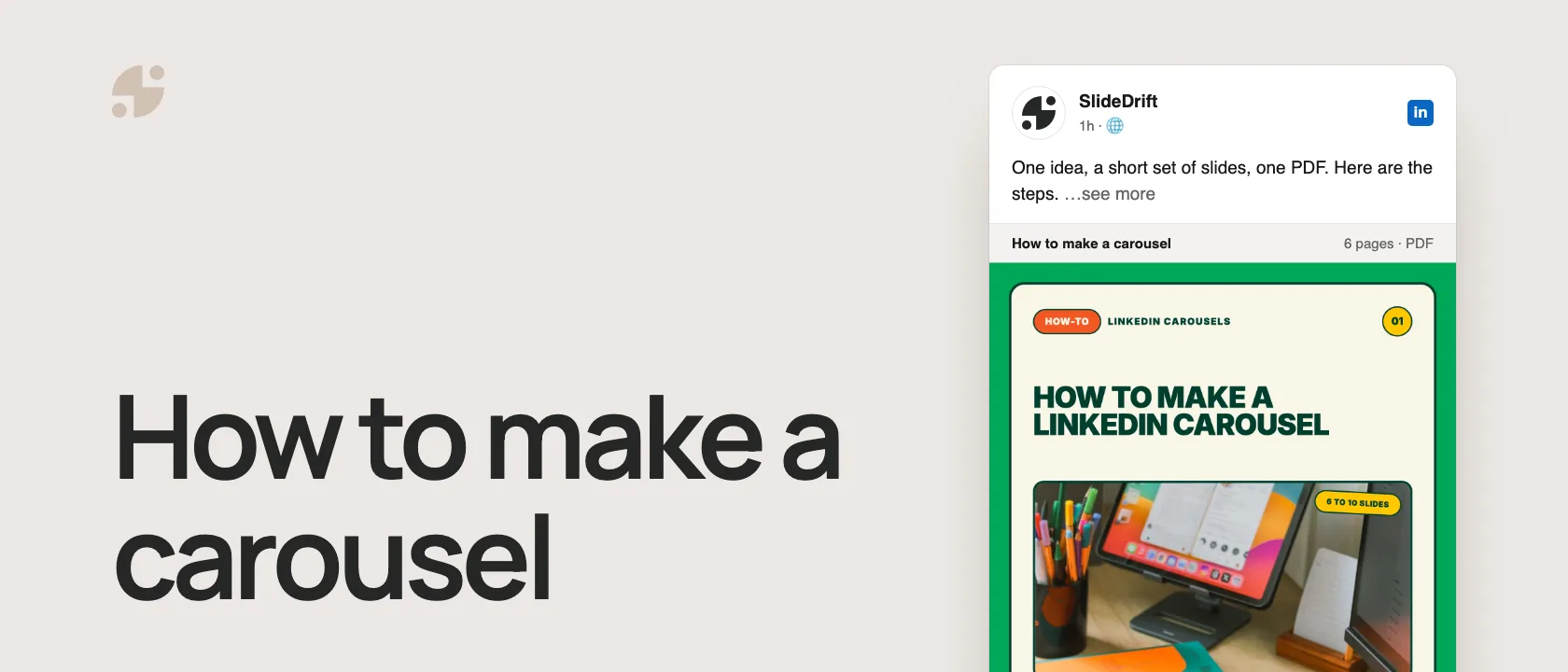
To make a LinkedIn carousel, turn one idea into a short set of slides, export them as one PDF, and upload it to LinkedIn as a document post:
- Pick one idea with a clear reader and a point of view.
- Plan the slides: a hook, the problem, the points, an example, a recap and one next step.
- Write one point per slide, big enough to read on a phone.
- Design or generate the slides at 1080 × 1350 px, and keep every page the same size.
- Export one PDF and open it once to check the order.
- Upload it as a document, add a title that names the content, and write a caption that gives a reason to swipe.
Most carousels need 6 to 10 slides. LinkedIn's help page accepts PDF, PPT, PPTX, DOC and DOCX files up to 100 MB and 300 pages, and recommends PDF for the best quality.
What a LinkedIn carousel actually is
LinkedIn does not require you to create a "carousel" in the way Instagram does. On LinkedIn, the format people call a carousel is usually a document post. You upload a PDF, and LinkedIn displays the pages as a swipeable deck in the feed.
That means the job is not "design a carousel." The job is:
- Create a clear slide sequence.
- Export it as a clean PDF.
- Upload it as a document post.
Once you understand that, the process becomes simpler.
Here are the steps as a carousel, made in SlideDrift.
SlideDriftCreate your ownCarousel transcriptShowHide


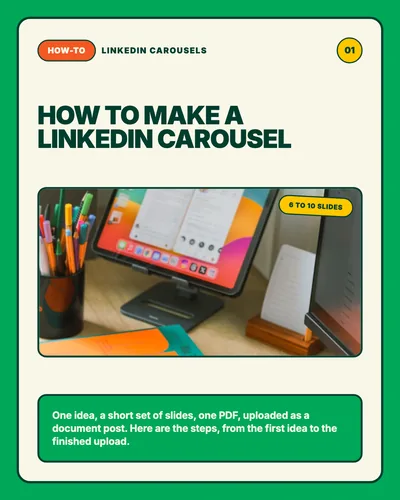
- 01How-to, LinkedIn carousels, 6 to 10 slides. How to make a LinkedIn carousel. One idea, a short set of slides, one PDF, uploaded as a document post. Here are the steps, from the first idea to the finished upload.
- 02Step 01, pick one idea: one reader, one point. Start with one idea and one reader. A topic isn't an idea. “Client reporting” is a topic; “clients don't need more charts, they need decisions” is an idea. Write it in one sentence, for one reader.
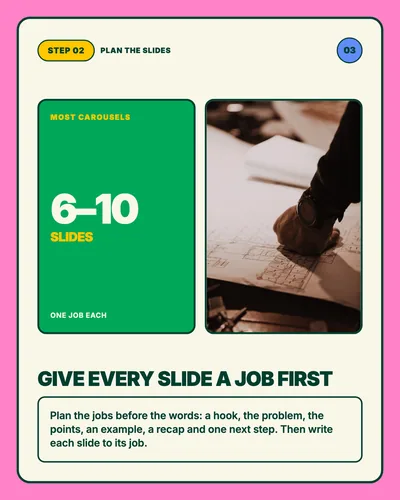
- 03Step 02, plan the slides: most carousels have 6–10 slides, one job each. Give every slide a job first. Plan the jobs before the words: a hook, the problem, the points, an example, a recap and one next step. Then write each slide to its job.
- 04Step 03, write and design: 1080 × 1350 px, same size pages. One point per slide, readable on a phone. Keep a big headline and one short line per slide. Use 4:5 portrait pages, the same size throughout, or generate the draft from your notes and edit it.
- 05Step 04, export one PDF: up to 100 MB and 300 pages. Export one PDF and open it once. LinkedIn recommends PDF for the best quality. Open the file before you upload: check the page order, the size and the smallest text.
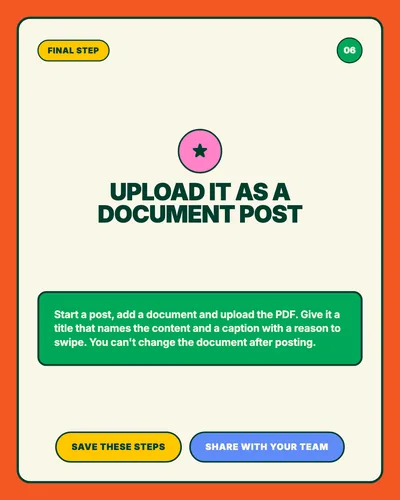
- 06Final step. Upload it as a document post. Start a post, add a document and upload the PDF. Give it a title that names the content and a caption with a reason to swipe. You can't change the document after posting. Save these steps and share them with your team.
The 3 fastest ways to create one
Method 1: Start from a URL
Use this when you already have a blog post, newsletter archive, article, or long-form page.
Workflow:
- Open SlideDrift Create.
- Paste the public URL.
- Choose a template, a brand kit and a story mode if you want them.
- Generate the carousel.
- Review the deck in the editor.
- Export as PDF.
This works best when the source page has a clear argument. A scattered landing page or gated article may not extract cleanly. If the URL does not work, copy the important text and use the text/notes workflow instead.
Method 2: Start from notes
Use this when your idea is private, messy, or unpublished.
Paste something like this into SlideDrift:
SlideDrift brief
Audience: B2B consultants
Goal: Explain why client onboarding fails
Tone: direct and practical
Points:
- Most onboarding fails because expectations are unclear
- The first week should define roles, risks, and rhythm
- Clients need fewer documents and better decision points
- A simple kickoff checklist prevents most avoidable confusionThis gives the generator enough direction to create a useful first draft. You can then edit the slides directly.
Method 3: Start from one rough idea
Use this when all you have is the seed of a post.
Example input:
SlideDrift brief
Turn this into a LinkedIn carousel for agency owners: Most client reporting is too detailed. Clients do not need more charts. They need the three decisions the data should trigger.The key is to include an audience and a point of view. "Client reporting tips" is vague. "Clients do not need more charts; they need clearer decisions" is a premise.
Worked example
One rough idea turned into an 8-slide carousel
Rough input:
Most client reports are too detailed. Clients do not need more charts. They need the three decisions the data should trigger.
A focused slide sequence could be:
- Hook: Your client report has too many charts.
- Problem: More data does not automatically create better decisions.
- Cause: Teams often report activity because it is easy to measure.
- Reframe: A useful report should trigger one clear next action.
- Example: Replace 12 dashboard screenshots with three decisions: keep, change, stop.
- Checklist: For every metric, ask: what decision should this change?
- Summary: The report is not the deliverable. The decision is.
- CTA: Save this before your next client review.
The rough idea becomes stronger because every slide now has a job. SlideDrift can create the first draft from the input, but the review step is where you tighten the promise, sequence, and example.
Use SlideDrift to turn a post, article, or idea into a carousel
The fastest SlideDrift path depends on what you already have:
| Starting point | Best next step |
|---|---|
| A rough topic or idea | Use the LinkedIn carousel brief generator to shape it before opening Create |
| A finished LinkedIn post | Paste it into SlideDrift Create and turn the sequence into slides |
| A blog post or article | Use the URL workflow in SlideDrift Create or plan the angle first |
| A designed deck size question | Check dimensions with the LinkedIn carousel size tool |
This keeps the workflow focused: decide the idea, check the format, generate the deck, edit the slides, then export the PDF.
The slide structure to use
A useful LinkedIn carousel does not need 25 slides. For most professional posts, start with this 8-slide structure:
| Slide | Purpose | Example |
|---|---|---|
| 1 | Hook | "Your client reports are too detailed" |
| 2 | Problem | "More data is not the same as more clarity" |
| 3 | Why it happens | "Teams report activity because it is easy to measure" |
| 4 | Principle | "A good report should trigger a decision" |
| 5 | Example | "Instead of 12 charts, show 3 choices" |
| 6 | Checklist | "Keep, change, stop" |
| 7 | Summary | "The report is a decision tool" |
| 8 | CTA | "Save this before your next client review" |
What to edit before exporting
Do not export the first draft blindly. Review the deck in this order:
1. First slide
The hook should be specific enough that the right reader stops.
Weak:
How to improve client reports
Better:
Your client reports are too detailed to be useful
2. Slide order
The deck should move naturally. If slide 5 needs slide 7 to make sense, reorder it.
3. Text density
If a slide has more than one main idea, split it. If a sentence is only there to sound polished, cut it.
4. Examples
Abstract advice is forgettable. Add one concrete example where possible.
5. Final CTA
The final slide should ask for one thing. Do not ask readers to save, follow, comment, book a call, and visit a link at once.
How to upload the carousel on LinkedIn
- Export the carousel as a PDF.
- Open LinkedIn and start a post.
- Choose the document upload option.
- Upload the PDF.
- Add a document title.
- Write a caption that gives context.
- Publish.
Remember: LinkedIn says you can edit the post description after upload, but you cannot edit the document itself in the published post. Review the PDF before publishing.
Caption template
Use a caption to frame the carousel, not repeat every slide.
Most [audience] make [mistake].

The problem is not [surface issue].
The problem is [deeper issue].

I broke down the fix in this carousel:
-> [point 1]
-> [point 2]
-> [point 3]

Save it before your next [relevant moment].Why start from your content, not a blank canvas
Canva is great when you want manual design control. But you still have to decide the slide structure, rewrite the source, choose layouts, fit the text and export correctly. A carousel generator starts from your content instead: paste an article, notes or an idea, and edit the draft it gives you.
Make a carousel from one idea
Paste notes, an article or a link. SlideDrift drafts the slides, you edit them, then export the PDF for LinkedIn.
Brief for this carousel
Make a 6-slide LinkedIn carousel that shows how to make a LinkedIn carousel. A cover, then one step per slide: start with one idea and one reader, give every slide a job first, write one point per slide readable on a phone (1080 × 1350 px pages), export one PDF and open it once, and upload it as a document post.
Not sure which idea to start with? The free LinkedIn carousel brief generator helps you shape it, and the carousel frameworks guide gives you five structures to pick from.
FAQ
Can I make a LinkedIn carousel without Canva?
Yes. Create a multi-page PDF with a clear slide sequence and upload it as a LinkedIn document post. SlideDrift can generate the deck from a URL, notes, text, or rough idea.
What file type should I use for a LinkedIn carousel?
PDF is usually the best choice because LinkedIn recommends converting documents to PDF where possible and PDF preserves layout reliably.
Can I edit the document after posting it on LinkedIn?
LinkedIn lets you edit the post description, but not the uploaded document itself. Review the PDF before publishing.
How many slides should I make?
For most professional carousels, 6 to 10 slides is a useful starting range. Use more only when the idea genuinely needs more steps.
Can SlideDrift create a carousel from unpublished notes?
Yes. Use the text or notes workflow, add the audience and goal, and generate an editable carousel.