Why LinkedIn Carousels Get More Engagement: Data, Psychology, and Format
Learn why LinkedIn carousels and document posts drive engagement, what the 2026 data shows, and how to create better swipeable posts.

LinkedIn carousels can earn strong engagement because they turn a useful idea into a native, swipeable document. But the format is an advantage to test, not a guarantee: the best current public benchmark covers business Pages, while your result still depends on the audience, topic, slide sequence, and usefulness of the post.
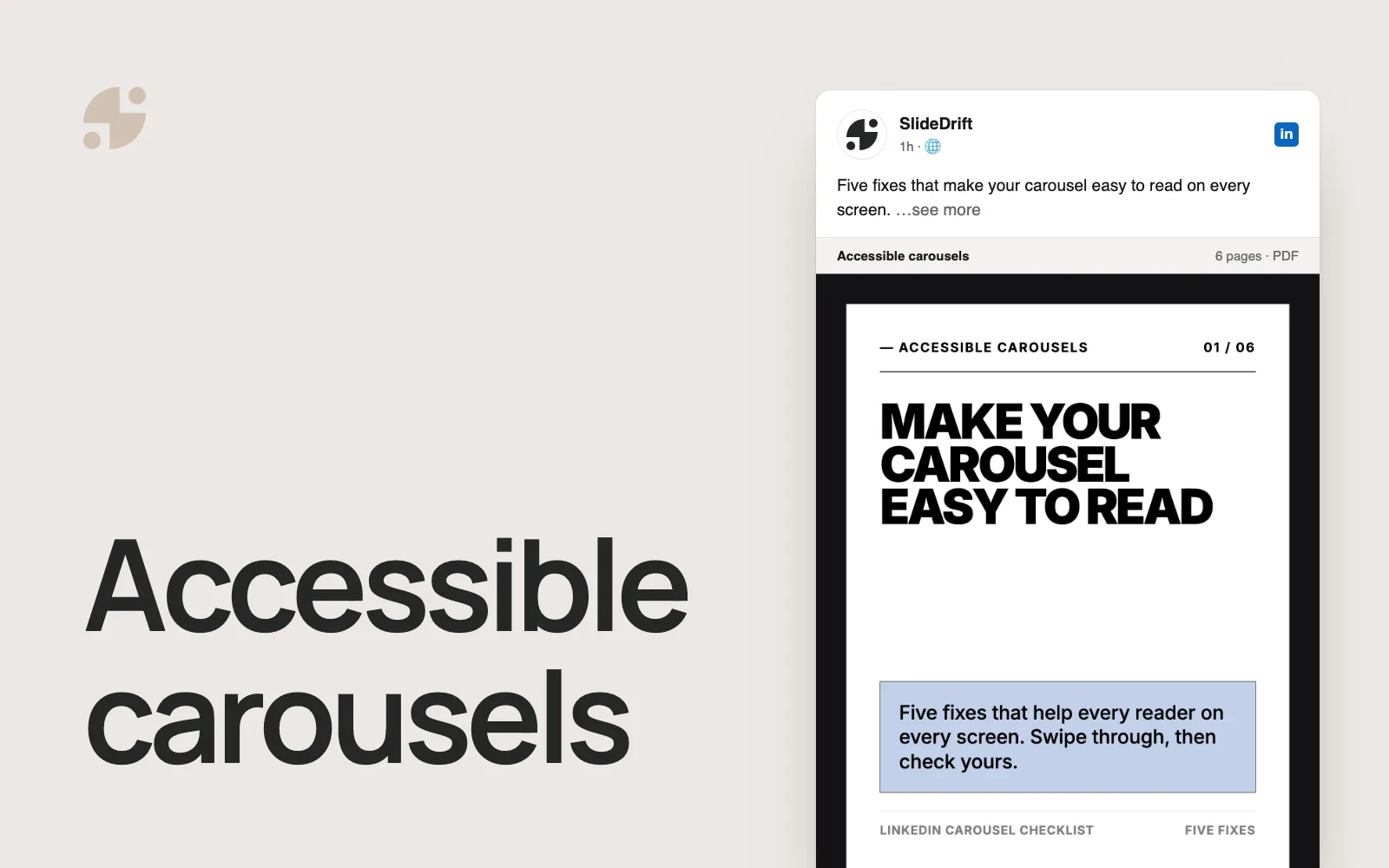
A carousel is not a separate LinkedIn post type. It is usually a multi-page PDF uploaded as a LinkedIn document post, then presented as a swipeable deck in the feed.
Key takeaways
- Socialinsider's 2026 report found a 7.00% average engagement rate for native documents in its 2025 Page dataset; its Q2 2026 update reported 6.60%.
- The benchmark covers business Pages, so do not use it as a promised result for an individual member or a single post.
- Useful sequence, readable slides, and reusable material are plausible reasons to test the format, not platform-ranking facts.
- Measure impressions, reactions, comments, reposts, saves, sends, profile activity, and business outcomes before deciding what worked.
Direct answer
LinkedIn carousels often perform strongly in benchmark data because native documents can deliver a complete, structured resource inside the feed. That is the observed pattern. Swiping, scannability, and reuse are reasonable explanations to test against your own post analytics, not proven causes of higher engagement.
What the data actually says
The most defensible claim is that native documents are among the highest-engagement LinkedIn Page formats in current benchmark data.
| Format | 2025 average engagement rate by impressions |
|---|---|
| Native document | 7.00% |
| Multi-image | 6.45% |
| Video | 6.00% |
| Image | 5.30% |
| Text | 4.50% |
| Link | 3.25% |
Socialinsider based the report on 1.3 million posts from 16,645 active LinkedIn business Pages collected from January 2024 through December 2025. The report labels the 2025 averages as its 2026 benchmark and adds quarterly updates; native documents recorded 6.60% in Q2 2026, behind multi-image posts at 6.90% for that quarter. Socialinsider LinkedIn benchmark and methodology
Use those figures as Page-level context, not a target for every post. LinkedIn also defines Page engagement rate differently from the custom rates members may calculate, so compare like with like. LinkedIn Page content analytics
The claim-versus-evidence worksheet
Use this worksheet before repeating a claim about carousel engagement. It separates what a source directly shows from what you still need to test.
Claim-versus-evidence worksheet
| Claim | Evidence status | Safe conclusion | What to check next |
|---|---|---|---|
| Documents led the 2025 Page benchmark | Supported | Native documents averaged 7.00% in Socialinsider's 2025 Page dataset | Check the report's sample and rate definition |
| Documents always lead every quarter | Contradicted | In Q2 2026, multi-image posts were higher than native documents | Use the latest quarterly figures, not only the annual headline |
| My member carousel should reach 7% | Unsupported | The benchmark does not set a target for an individual member post | Compare the post with your own recent member posts |
| Swiping caused the engagement | Hypothesis | Sequence and interaction may help, but the benchmark does not prove causation | Test comparable topics in two suitable formats |
| This carousel helped the business | Requires first-party results | Public engagement alone cannot prove a commercial outcome | Record profile activity, qualified conversations, leads, or another intended outcome |
Score each claim before publishing your analysis:
- 1 point if the source directly supports the wording.
- 1 point if the audience matches: Page benchmark, Page post, or member post.
- 1 point if the metric definition matches.
- 1 point if the date and comparison period are current.
- 1 point if the conclusion stops before causation or business impact unless you have first-party proof.
A 5/5 claim is ready to use. A lower score tells you exactly what to qualify, source, or measure.
Why the carousel format works
1. It creates active reading
A carousel asks for a small action: move to the next slide. A deliberate sequence can create a sense of progression because each slide answers one question and opens the next.
This is why the first slide is so important. It should not be a title page. It should make a specific promise.
Weak first slide:
My thoughts on leadership
Strong first slide:
7 leadership mistakes I see new managers repeat every quarter
The second version makes the reader want the list. It also tells them exactly what they will get.
2. It makes depth easier to consume
LinkedIn is full of smart people posting useful ideas in the wrong shape. A 1,200-word post can be valuable, but it is hard to scan. A carousel can turn the same idea into eight slides:
| Slide | Job |
|---|---|
| 1 | Hook |
| 2 | Problem |
| 3 | Mistake or context |
| 4 | Insight 1 |
| 5 | Insight 2 |
| 6 | Insight 3 |
| 7 | Practical example |
| 8 | Summary and CTA |
This structure helps the reader learn in pieces. It also helps you avoid dumping the whole idea into one block of text.
3. It encourages saves
The most useful carousels feel like mini-guides. Checklists, frameworks, templates, teardown posts, and step-by-step lessons give readers something they may want to reuse later.
High-save carousel formats include:
- "Before you publish, check these 9 things."
- "The 6-slide framework I use for client onboarding."
- "5 mistakes that make your proposal feel weaker."
- "A simple decision tree for choosing your next growth channel."
A good test: would someone want this beside them while doing the work? If yes, the post offers a concrete reason to save it. Use the five-check saveability worksheet to review the draft before publishing.
4. It keeps the content native
LinkedIn's document upload workflow is built for sharing documents directly on LinkedIn. LinkedIn supports PDF, PPT, PPTX, DOC, and DOCX document uploads, and recommends converting files to PDF where possible for upload quality. LinkedIn Help document upload That is why many creators export carousels as PDFs rather than posting a link to a blog or uploading separate images.
This means the reader can consume the whole piece inside the feed. It does not prove that LinkedIn rewards the format in its ranking system.
5. It gives complex ideas a visual hierarchy
Carousels give you design tools that text posts do not:
- Large headline for the main idea.
- Short supporting copy.
- Contrast between sections.
- Slide numbers to show progress.
- Diagrams, screenshots, and examples.
- A clear final slide.
You do not need fancy design. You need enough visual structure that the idea is easy to follow on a phone.
The best-performing carousel is not always the prettiest one
A common mistake is treating carousels like design projects. The design matters, but the idea matters more.
A polished carousel with a vague hook will still underperform. A simple carousel with a sharp premise can work because the reader knows why they are swiping.
Before worrying about fonts, answer these questions:
- Who is this for?
- What problem does it help them solve?
- What is the one idea they should remember?
- What should they do after the final slide?
SlideDrift starts from the source material. Paste a URL, text, notes, or a rough idea, then turn it into an editable carousel. You can review the story, adjust wording, apply a brand kit, and export a LinkedIn-ready PDF.
What makes a carousel engaging
A specific first slide
The first slide should stop a specific reader, not everyone.
Generic:
How to be more productive
Specific:
6 productivity traps that keep consultants busy but not billable
One idea per slide
A slide is not a page of an ebook. If a slide needs three paragraphs, split it.
A clear sequence
Readers should never wonder why one slide follows another. Use a simple progression: problem, reason, example, fix, result.
A useful final slide
"Thanks for reading" wastes the close. Use the last slide to ask for one action:
- Save this checklist.
- Comment with the step you would add.
- Follow for more practical LinkedIn content systems.
- Try the workflow with your latest article.
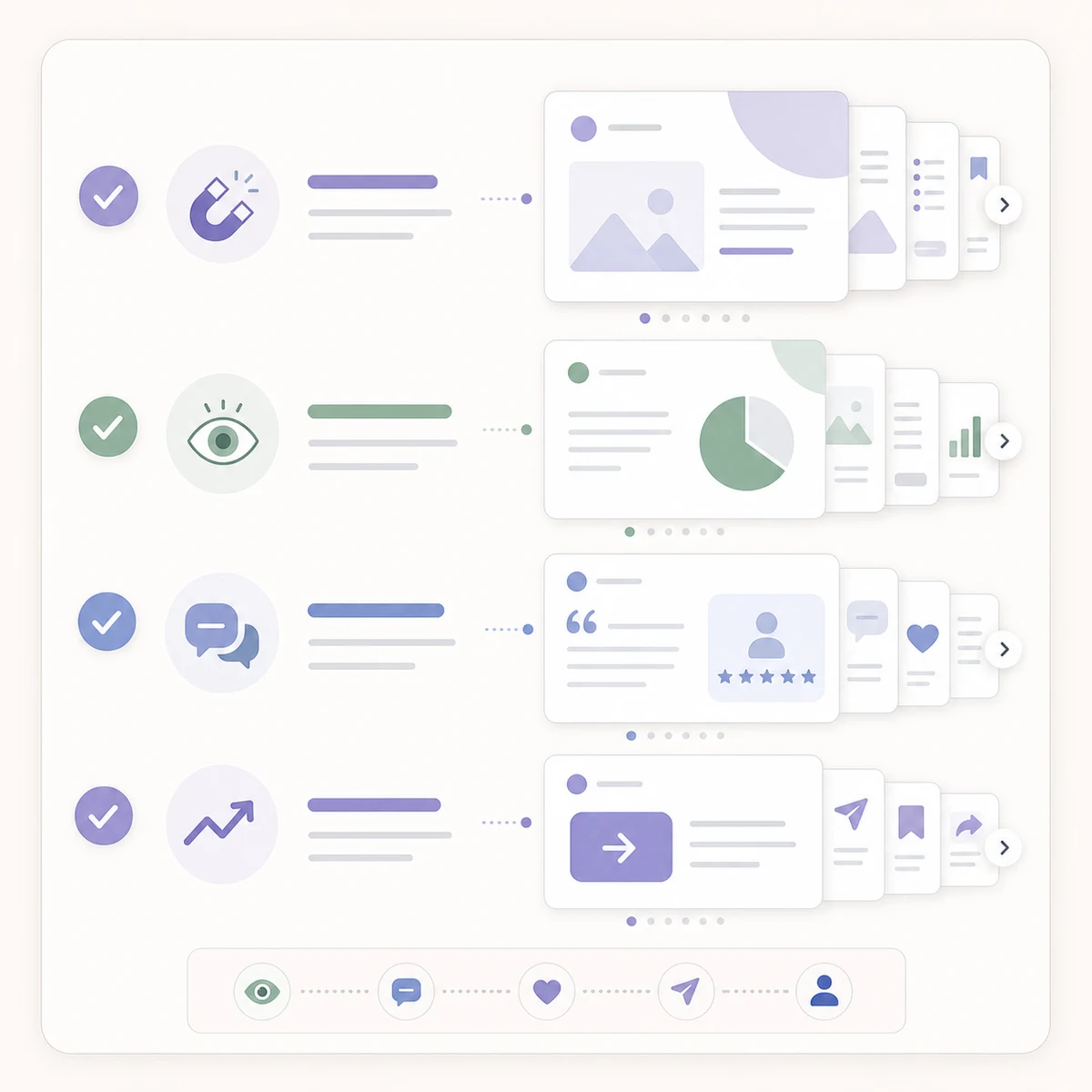
Use the checklist before publishing the final carousel.
When carousels do not work
Carousels are not magic. They fail when they are:
- Too generic.
- Too long without payoff.
- Designed beautifully but written vaguely.
- Filled with paragraphs instead of slide-level ideas.
- Published without a caption that gives context.
- Used for topics that are better as a quick text post.
Use carousels when the idea benefits from sequence. Use text when the idea is short, emotional, timely, or conversational.
A simple SlideDrift workflow
- Start with one source: a blog post, newsletter, notes, or a clear idea.
- Generate a carousel in SlideDrift.
- Review the opening slide first.
- Check that every slide has one job.
- Add an example where the deck feels abstract.
- Apply your brand kit.
- Export as a PDF.
- Upload the PDF to LinkedIn as a document post.
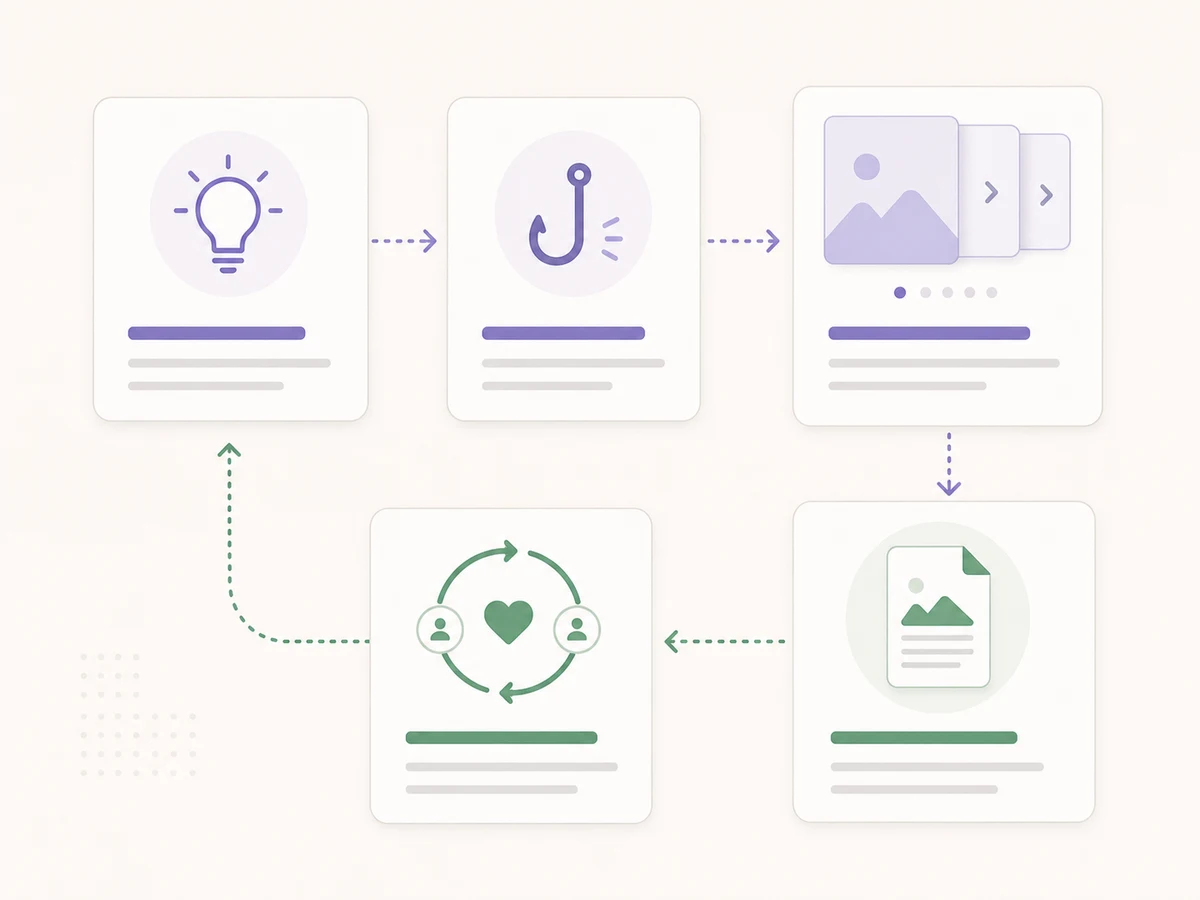
The workflow should make the article usable even for readers who skim.
Final takeaway
LinkedIn carousels deserve testing because current Page benchmarks show strong engagement for native documents, while the format can package a useful idea as a clear sequence. Neither point guarantees the result of your next post.
The winning formula is not "make more slides." It is:
Specific hook + useful sequence + one idea per slide + clear final action.
After publishing, use the 30-day carousel measurement worksheet to compare the post with a relevant baseline instead of judging it from likes alone.
Related reading
Before you publish, use the LinkedIn carousel checklist, improve the first slide, and confirm dimensions with the LinkedIn carousel size guide.
FAQ
Do LinkedIn carousels always get more engagement than text posts?
No. Current benchmark data shows native document posts performing strongly on average for business Pages, but individual results depend on the account, audience, topic, hook, sequence, and measurement period.
What is a LinkedIn carousel?
A LinkedIn carousel is usually a multi-page PDF uploaded as a LinkedIn document post and displayed as a swipeable deck in the feed.
How many slides should a LinkedIn carousel have?
Use enough slides to deliver the idea clearly without padding the deck. A short argument may need five or six slides; a worked framework may need more.
Why do carousels get saved?
People can save carousels when they contain reusable resources such as checklists, frameworks, templates, examples, decision trees, or step-by-step workflows. LinkedIn member analytics reports saves as a post-level metric. LinkedIn post analytics
Can SlideDrift create LinkedIn carousels from existing articles?
Yes. SlideDrift can turn public URLs, pasted text, notes, or rough ideas into editable LinkedIn carousel slides and export them as PDF or PNG.
Turn your source into slides
Ready to make one? Start with a URL, notes, or a short outline in SlideDrift, then export the finished carousel as a PDF for LinkedIn.