LinkedIn Document Posts: What They Are and Why They Work
A LinkedIn document post is a PDF people swipe through in the feed. What it is, when it works, LinkedIn's limits, and how to make one worth swiping.
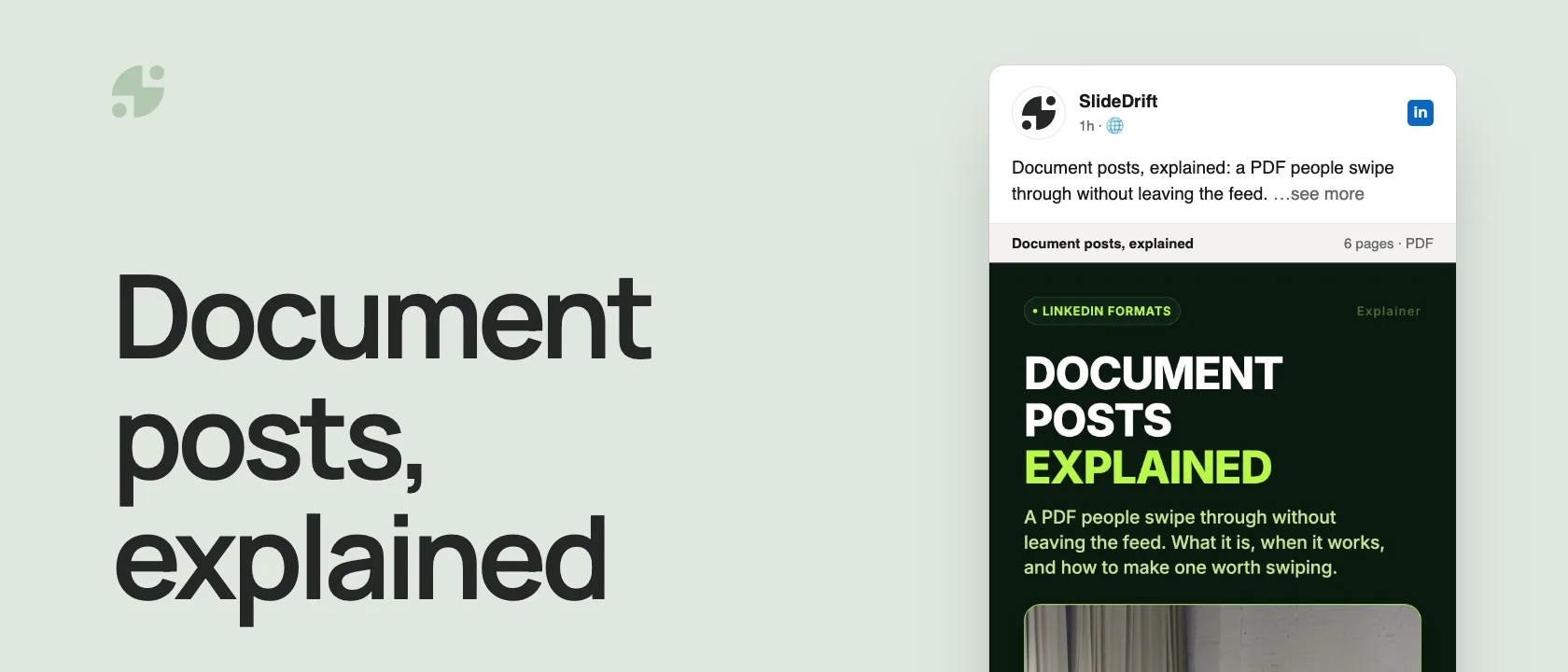
A LinkedIn document post is a post with a file attached, usually a multi-page PDF, that people swipe through without leaving the feed. Designed slide by slide, it's what most people call a carousel.
- What you can upload: a PDF, PowerPoint or Word file, up to 100 MB and 300 pages.
- When it works: ideas that build step by step, such as frameworks, checklists, tutorials and report summaries.
- Why it works: readers get the whole idea in the feed, with no click away.
- What to check first: you can't change the document after posting, so open the PDF before you upload.
What a document post is
From your homepage, a Group or a LinkedIn Page, you attach a file, give it a title and post it. LinkedIn's help page lists PPT, PPTX, DOC, DOCX and PDF files up to 100 MB and 300 pages, and recommends converting files to PDF for the best quality.
People call the result different things: a carousel, a PDF carousel, a document carousel. It's the same post. The carousel vs document post guide covers the naming.
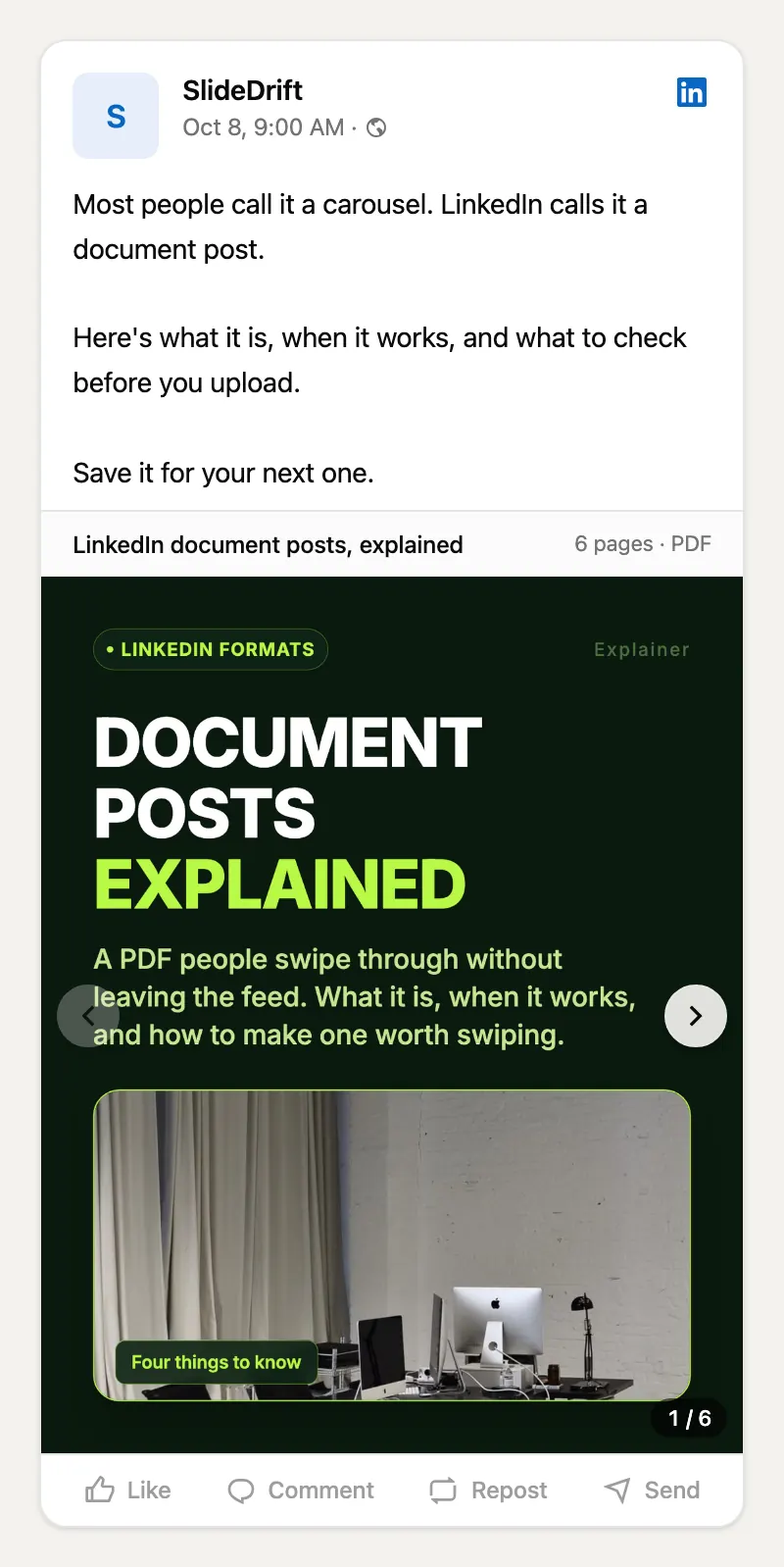
Here's this guide as a carousel, made in SlideDrift.
SlideDriftCreate your ownCarousel transcriptShowHide


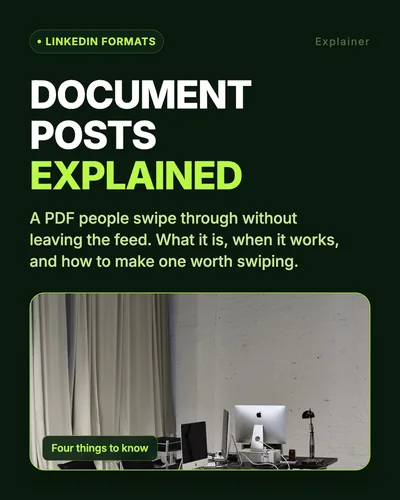
- 01Document posts explained. A PDF people swipe through without leaving the feed. What it is, when it works, and how to make one worth swiping.
- 02A post with a PDF attached. Upload a PDF, PowerPoint or Word file from your homepage, a Group or a LinkedIn Page. Readers swipe through its pages right in the feed. The limits: up to 100 MB and 300 pages. PDF gives the best quality.
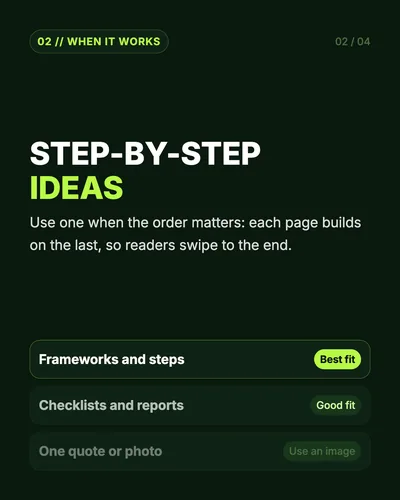
- 03Step-by-step ideas. Use one when the order matters: each page builds on the last, so readers swipe to the end. Frameworks and steps: best fit. Checklists and reports: good fit. One quote or photo: use an image.
- 04No click needed. Readers swipe the whole idea without leaving LinkedIn. Socialinsider's 2026 benchmark found documents had the highest average engagement rate in 2025.
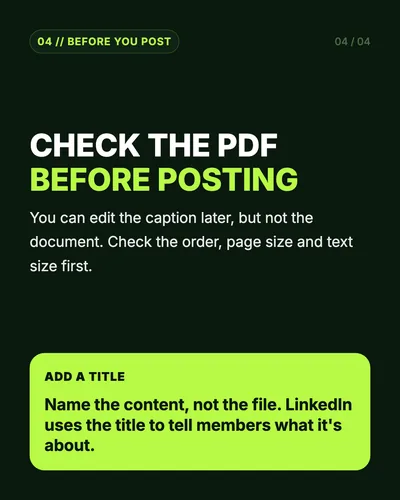
- 05Check the PDF before posting. You can edit the caption later, but not the document. Check the order, page size and text size first. Add a title: name the content, not the file.
- 06Plan. Design. Post. Plan one idea per page, export one PDF, and write a caption that gives people a reason to swipe.
When to use one
Use a document post when the order matters: each page builds on the last, so the reader has a reason to keep swiping.
| Good fit | Why it works |
|---|---|
| Frameworks and step-by-step guides | Each page is one step |
| Checklists | People save them to come back to |
| Report and case study summaries | One finding per page, with its context |
| Before-and-after examples | The swipe is the reveal |
Skip it when the point fits in one picture or one sentence. A quote, an announcement or a single chart works better as an image post; the image posts vs carousels guide helps you choose.
Why document posts work
A link post asks the reader to leave LinkedIn. A document post delivers the idea in the feed, where people can swipe through it, save it and send it on.
Socialinsider's 2026 LinkedIn benchmark, based on 1.3 million posts from 16,645 business Pages, found native documents had the highest average engagement rate of any format in 2025: 7.00% by impressions. In its Q2 2026 figures, multi-image posts edged ahead, 6.90% to 6.60%. Treat documents as a strong format, not a guaranteed winner.
If you were planning a link post, the trade-off is real. Ordinal's review of three link-penalty studies found that all three measured lower reach for posts with external links, though the size of the gap varied with account type. When the goal is to share an idea, a document keeps it in the feed.
What a good document post looks like
A document post isn't a blog article saved as a PDF. Give every page one job:
| Page | Job |
|---|---|
| 1 | Hook: a specific promise |
| 2 | Context: why it matters now |
| 3–5 | The idea, one point per page |
| 6 | An example or proof |
| 7 | Recap |
| 8 | One next step |
Keep the text big enough to read on a phone, and keep every page the same size: LinkedIn says PDFs with mixed page sizes must be fit to one size. The carousel size guide has the dimensions.
How to post one
On desktop, select Start a post, then More, then the Add a document icon. Choose the file, add a title, write your caption and select Post. On mobile, tap Post, then More, then Document. The step-by-step posting guide covers both.
Two rules from LinkedIn's help page are worth knowing before you upload:
- You can edit the caption after posting, but you can't change or edit the document. Open the PDF once before you post.
- Videos and animations inside documents show as still images.
The title is how LinkedIn tells people what the document is about, so name the content, not the file:
Make one in SlideDrift
Start from what you already have: an article, notes or a link. SlideDrift drafts the slides; you edit them and export a PDF. Tell it the structure you want:
SlideDrift brief
Turn the notes below into a 7-slide LinkedIn document post.
One idea per slide, with a specific first slide.
End with one next step, like saving the checklist.

[Paste your notes or a link here]On paid plans you can schedule the carousel to LinkedIn from SlideDrift instead of uploading the PDF yourself.
Make a document post worth swiping
Paste an article, notes or a link. SlideDrift drafts the slides, you edit them, then export the PDF.
Brief for this carousel
Make a 6-slide LinkedIn carousel explaining LinkedIn document posts. A cover, then one point per slide: what a document post is (a PDF, PowerPoint or Word file up to 100 MB and 300 pages, posted from your homepage, a Group or a Page), when to use one (ideas that build step by step), why it works (readers get the whole idea in the feed), what to check before posting (you can't change the document later; add a clear title), and a recap.
Mistakes to avoid
- A vague first page. "Marketing tips" gives no reason to swipe. "Your content problem isn't consistency, it's positioning" does.
- Too much text on a page. Split dense pages in two.
- No sequence. Each page should answer: why am I seeing this next?
- No ending. Close with a takeaway, a checklist or one next step.
- Relying on animation. LinkedIn shows every page as a still image.
Before you post a document
- The first page makes a specific promise.
- Every page has one job, in an order that builds.
- The smallest text is readable on a phone.
- Every page is the same size, and the PDF opens in the right order.
- The document title names the content, not the file.
- The caption gives a reason to swipe.
FAQ
What is a LinkedIn document post?
A post with an uploaded file, usually a multi-page PDF, that readers swipe through in the feed. LinkedIn accepts PDF, PPT, PPTX, DOC and DOCX files up to 100 MB and 300 pages.
Is a document post the same as a carousel?
Yes. Document post is LinkedIn's name for the upload; carousel is what most people call the swipeable result.
What file should I upload?
A PDF. LinkedIn recommends converting documents to PDF for the best quality, and every page should be the same size.
Can I edit a document post after publishing?
You can edit the caption, but not the document. To change the slides, delete the post and upload a corrected PDF.
Do document posts get more engagement?
In Socialinsider's 2026 benchmark of business Pages, native documents had the highest average engagement rate in 2025. That's a benchmark, not a promise for any single post.