LinkedIn Carousel Ideas for Lawyers: 30 Ethical, Useful Post Formats
30 LinkedIn carousel ideas for lawyers: checklists, process explainers, myth-busters and client guides that educate without promising outcomes. With a real example.
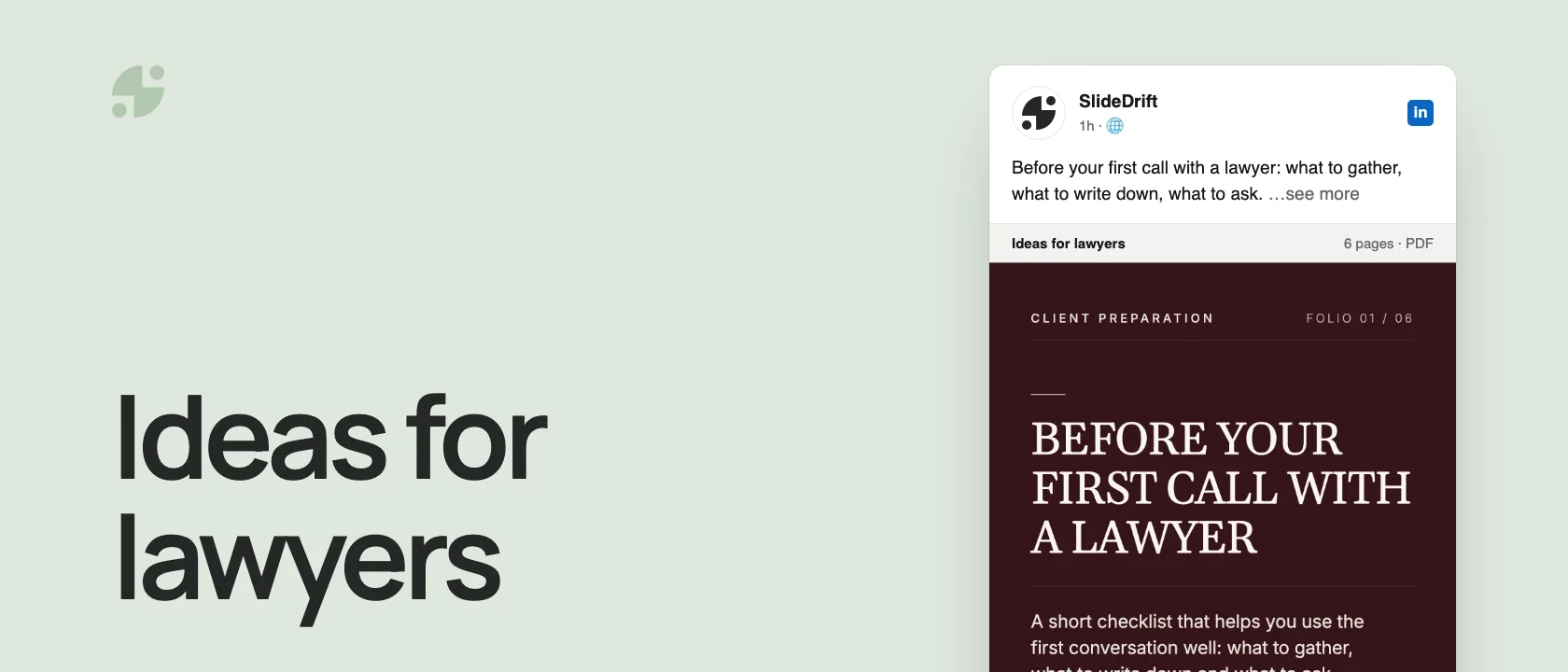
The best LinkedIn carousel ideas for lawyers are educational: checklists, process explainers, myth-busters, plain-English term guides, client-preparation guides and anonymized lessons. They work because legal topics need structure, and a carousel explains one step at a time.
- Educate; don't promise outcomes.
- Use general scenarios, never identifiable client facts.
- Check your jurisdiction's rules before you post anything that describes your services.
Below are 30 ideas with example hooks, a full example outline, and a brief for drafting your own.
Stay inside the rules
This isn't legal ethics advice: review every post against the rules where you practice. As a baseline, ABA Model Rule 7.1 says a lawyer must not make false or misleading communications about the lawyer or the lawyer's services, and ABA Model Rule 7.2 allows lawyers to communicate information about their services through media, subject to the rule and local requirements.
Use these guardrails for every carousel:
- Educate; don't promise outcomes.
- Use general scenarios, not identifiable client facts.
- Avoid "we win every case" language.
- Add jurisdiction context when it matters.
- Don't imply a specialization unless you're allowed to.
- Don't let the comments turn into legal consultations.
- Have firm marketing or ethics review sensitive posts.
The strongest lawyer carousels build trust by making the reader better informed. Here's idea 15 from the list, a client-preparation checklist, as a carousel made in SlideDrift.
SlideDriftCreate your ownCarousel transcriptShowHide


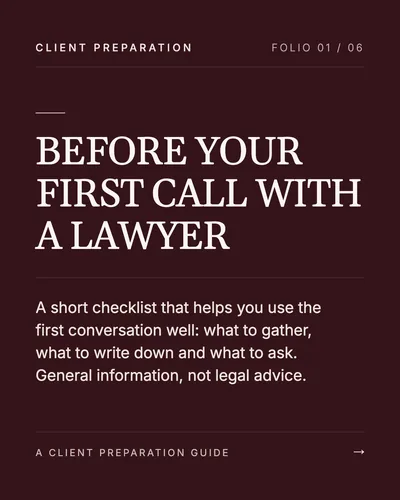
- 01Before your first call with a lawyer. A short checklist that helps you use the first conversation well: what to gather, what to write down and what to ask. General information, not legal advice.
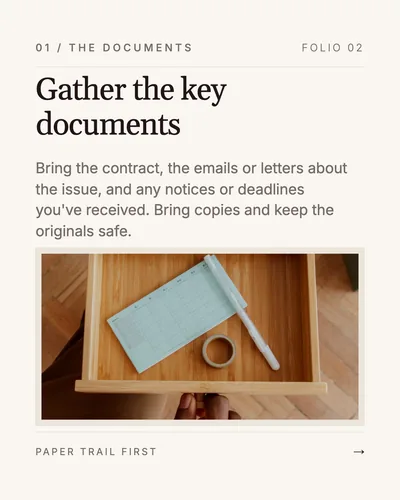
- 02Gather the key documents. Bring the contract, the emails or letters about the issue, and any notices or deadlines you've received. Bring copies and keep the originals safe.
- 03Write down what happened, in order. A one-page timeline with dates, who was involved and what was said helps the lawyer understand the matter quickly.
- 04Know what outcome you want. Decide what a good result looks like for you, and note any deadlines, budget limits or business pressures the lawyer should know about.
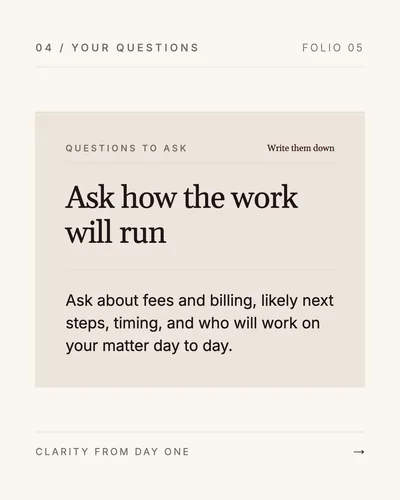
- 05Ask how the work will run. Ask about fees and billing, likely next steps, timing, and who will work on your matter day to day.
- 06Documents, timeline, goal and questions. Bring those four, and the first call can focus on your situation instead of gathering facts. General information, not legal advice.
30 LinkedIn carousel ideas for lawyers
Each idea comes with an example first slide. To sharpen yours, see the carousel hook examples.
1. The "before you sign" checklist
Example hook: "Before you sign a commercial lease, check these 7 clauses."
Slide outline:
- Hook.
- Renewal terms.
- Personal guarantees.
- Maintenance obligations.
- Assignment restrictions.
- Default provisions.
- Negotiation checklist.
- CTA: Save this before reviewing your next lease.
2. The process explainer
Example hook: "What actually happens after you receive a demand letter?"
Use this to reduce anxiety and clarify the steps in a general process.
3. The myth-buster
Example hook: "5 contract myths that create expensive surprises."
Good for common misunderstandings that you see repeatedly.
4. The terminology translator
Example hook: "Plain-English meanings of 10 contract terms founders keep skipping."
Translate legal language into practical meaning without giving case-specific advice.
5. The founder legal checklist
Example hook: "The legal admin most founders ignore until fundraising."
Cover entity records, IP assignments, contractor agreements, cap table hygiene, and board approvals.
6. The "what not to do" carousel
Example hook: "Do not send this email during a dispute."
Keep it general and practical.
7. The timeline post
Example hook: "What a typical trademark application timeline looks like."
Timeline carousels are easy to swipe because each slide represents a stage.
8. The document teardown
Example hook: "The 6 sections of an NDA that actually matter."
Use generic sample language, not confidential documents.
9. The decision tree
Example hook: "Should you use a contractor agreement or employment agreement?"
Make it clear that this is general education and not a substitute for jurisdiction-specific advice.
10. The risk ranking
Example hook: "Not all contract risks are equal. Here is how to triage them."
Rank issues as low, medium, high, or "call counsel."
11. The negotiation preparation guide
Example hook: "What to prepare before your first settlement conversation."
Focus on documents, goals, constraints, and questions.
12. The common clause guide
Example hook: "Indemnity clauses: what non-lawyers usually miss."
Use plain language and examples.
13. The "red flags" carousel
Example hook: "7 red flags in a vendor agreement."
Red-flag posts are useful because readers know what to scan for.
14. The compliance calendar
Example hook: "A simple annual legal calendar for small businesses."
Good for recurring duties and reminders.
15. The client-prep checklist
Example hook: "What to bring to your first call with a business lawyer."
This helps prospective clients come prepared without a hard sell. It's the carousel embedded above.
16. The "ask better questions" post
Example hook: "5 better questions to ask before hiring legal counsel."
Useful for trust-building.
17. The industry update explainer
Example hook: "What this new regulation may mean for small businesses."
Be careful with dates, jurisdiction, and source links.
18. The mistake roundup
Example hook: "6 legal mistakes I see early-stage companies make."
Keep examples broad and anonymized.
19. The role explainer
Example hook: "What a corporate lawyer actually does for a growing company."
Useful for demystifying services.
20. The cost-of-delay carousel
Example hook: "The cheapest time to fix a contract problem is before signing."
Show general patterns, not guarantees.
21. The template caution post
Example hook: "Free templates are not free if they skip the wrong clause."
Explain when templates are useful and when they are risky.
22. The "legal vs practical" comparison
Example hook: "A clause can be legally valid and still commercially bad."
This is a strong thought-leadership format.
23. The FAQ carousel
Example hook: "The 8 questions I hear before every contract review."
Answer common questions at a high level.
24. The intake roadmap
Example hook: "What happens after you contact a law firm?"
Good for lowering friction.
25. The anonymized lesson
Example hook: "A contract lesson from a dispute we see too often."
Remove identifying details and avoid implying a specific result.
26. The document hierarchy post
Example hook: "Which legal documents should a startup prioritize first?"
Rank documents by stage.
27. The "legal health check" carousel
Example hook: "A 10-minute legal health check for small businesses."
Useful as a saveable resource.
28. The "what changed" post
Example hook: "What changed in employment law this year?"
Requires current research and jurisdiction clarity.
29. The misconception comparison
Example hook: "Registered company name vs trademark: not the same thing."
Great for founders.
30. The closing CTA carousel
Example hook: "When to stop Googling and speak to a lawyer."
Use this carefully. Make it educational, not fear-based.
Example full carousel: contract red flags
| Slide | Copy idea |
|---|---|
| 1 | 7 contract red flags small businesses miss |
| 2 | Red flag 1: one-sided termination rights |
| 3 | Red flag 2: vague payment timing |
| 4 | Red flag 3: unlimited liability |
| 5 | Red flag 4: broad indemnity language |
| 6 | Red flag 5: unclear IP ownership |
| 7 | Red flag 6: auto-renewal without reminders |
| 8 | Red flag 7: jurisdiction you did not expect |
| 9 | Save this before reviewing your next agreement |
For ten formats written up as templates, with disclaimers built in, see LinkedIn carousel templates for lawyers.
How to generate one in SlideDrift
Give SlideDrift a brief like this, with your own notes or article below it:
SlideDrift brief
Create a LinkedIn carousel for small business owners.
Topic: contract red flags.
Tone: educational, careful and practical.
Avoid legal advice and avoid promising outcomes.
Use one idea per slide and end with a checklist readers can save.

[Paste your notes or article here]Review the draft against your advertising rules and edit anything too broad. Then run the carousel checklist and export the PDF.
Turn a client question into a carousel
Paste your notes or an article. SlideDrift drafts the slides, you review them against your rules, then export the PDF.
Brief for this carousel
Make a 6-slide LinkedIn carousel a law firm could post: what to bring to your first call with a business lawyer. A cover, then one item per slide: the key documents, a one-page timeline of what happened, the outcome you want (with deadlines and budget limits), and questions to ask about fees, next steps, timing and who will do the work. End with a short recap. Keep it general information, not legal advice, and say so on the slides.
FAQ
What should lawyers post on LinkedIn?
Educational content: checklists, process explainers, plain-English term guides, myth-busters and anonymized lessons. Posts that make readers better informed build trust without promising outcomes.
Can lawyers advertise on LinkedIn?
Generally yes, within the advertising rules where they practice. ABA Model Rule 7.2 allows lawyers to communicate information about their services through media, and Model Rule 7.1 prohibits false or misleading communications. Check your own jurisdiction's rules.
How do I avoid giving legal advice in a carousel?
Keep it general, say so on the slides ("general information, not legal advice"), use hypothetical scenarios instead of client facts, and move individual questions out of the comments.
How many slides should a legal carousel have?
Six to ten is usually enough: one idea per slide, a clear first slide and a short recap or checklist at the end.