25 LinkedIn Carousel Ideas for Consultants
25 practical LinkedIn carousel ideas for consultants, with hooks, slide structures, examples, CTAs, and source prompts.

Consultants have an advantage on LinkedIn: their work produces useful patterns. Every proposal, client call, audit, workshop, and project retrospective can become a carousel if it teaches a clear lesson without exposing confidential details. The goal is not to post generic business advice. It is to turn repeated client problems into useful LinkedIn carousel ideas that a buyer, founder, or operator would save.
The short version: the best LinkedIn carousel ideas for consultants are practical, specific, and based on repeated client problems. Start with mistakes, checklists, frameworks, before-and-after thinking, diagnostic questions, client lessons, pricing advice, onboarding lessons, decision trees, and myth-busting posts.
LinkedIn carousels are worth testing because native document posts perform strongly in benchmark data. Socialinsider’s 2026 LinkedIn benchmark report found native document posts had the highest average engagement rate in its dataset, at 7.00%, based on 1.3 million LinkedIn business posts. Socialinsider LinkedIn benchmarks 2026
Key takeaways
- Start with a repeated client problem, decision, or diagnostic question rather than a broad business topic.
- Separate evidence from interpretation so the carousel teaches a useful pattern without overstating what happened.
- Remove names, identifying details, private numbers, and confidential context before drafting.
- Give each slide one job, then end with a next step that fits the lesson.
What makes a strong consultant carousel?
A consultant carousel should do one of four things:
- Help the reader diagnose a problem.
- Explain a decision they need to make.
- Show a better process.
- Reveal a pattern the consultant sees repeatedly.
Weak consultant carousel:
“5 ways to grow your business”
Stronger consultant carousel:
“5 signs your onboarding process is creating scope creep”
The second title is stronger because it is specific, practical, and tied to a real consulting problem.
If you are choosing a format first, start with the LinkedIn carousel hook examples for first-slide ideas, then use the LinkedIn carousel checklist before publishing.
25 LinkedIn carousel ideas for consultants
| # | Carousel idea | Example hook |
|---|---|---|
| 1 | Common mistakes | “5 mistakes that make client projects harder than they need to be” |
| 2 | Before and after | “What changed when we replaced status meetings with decision logs” |
| 3 | Diagnostic checklist | “If your strategy feels vague, check these 7 things” |
| 4 | Framework | “The 4-part audit I use before recommending any tool” |
| 5 | Client lesson | “A client asked for more leads. The real problem was conversion.” |
| 6 | Myth-busting | “You do not need more content ideas. You need sharper constraints.” |
| 7 | Pricing advice | “Why your proposal feels expensive even when the price is fair” |
| 8 | Onboarding lesson | “Scope creep usually starts before the project starts” |
| 9 | Decision tree | “Should you hire, outsource, automate, or simplify?” |
| 10 | Red flags | “7 signs your project brief is not ready yet” |
| 11 | Green flags | “What a strong client brief looks like” |
| 12 | Timeline breakdown | “What should happen in the first 14 days of a consulting project” |
| 13 | Process teardown | “Why your weekly meeting is not solving the real problem” |
| 14 | Audit template | “The 10-question audit I use before touching a strategy” |
| 15 | Common objection | “We tried that already is not a strategy” |
| 16 | Founder education | “What founders misunderstand about consultants” |
| 17 | Client education | “How to get better work from your consultant” |
| 18 | ROI explainer | “The hidden cost of slow decisions” |
| 19 | Tools vs systems | “A new tool will not fix a broken process” |
| 20 | Workshop recap | “The 5 decisions every useful workshop needs to force” |
| 21 | Case study pattern | “The handoff change that stopped status updates from becoming rework” |
| 22 | Mistake reversal | “Stop asking for deliverables. Ask for decisions.” |
| 23 | Operating principle | “Clarity beats urgency in client work” |
| 24 | Communication lesson | “The update your client actually needs” |
| 25 | CTA carousel | “Use this checklist before your next discovery call” |
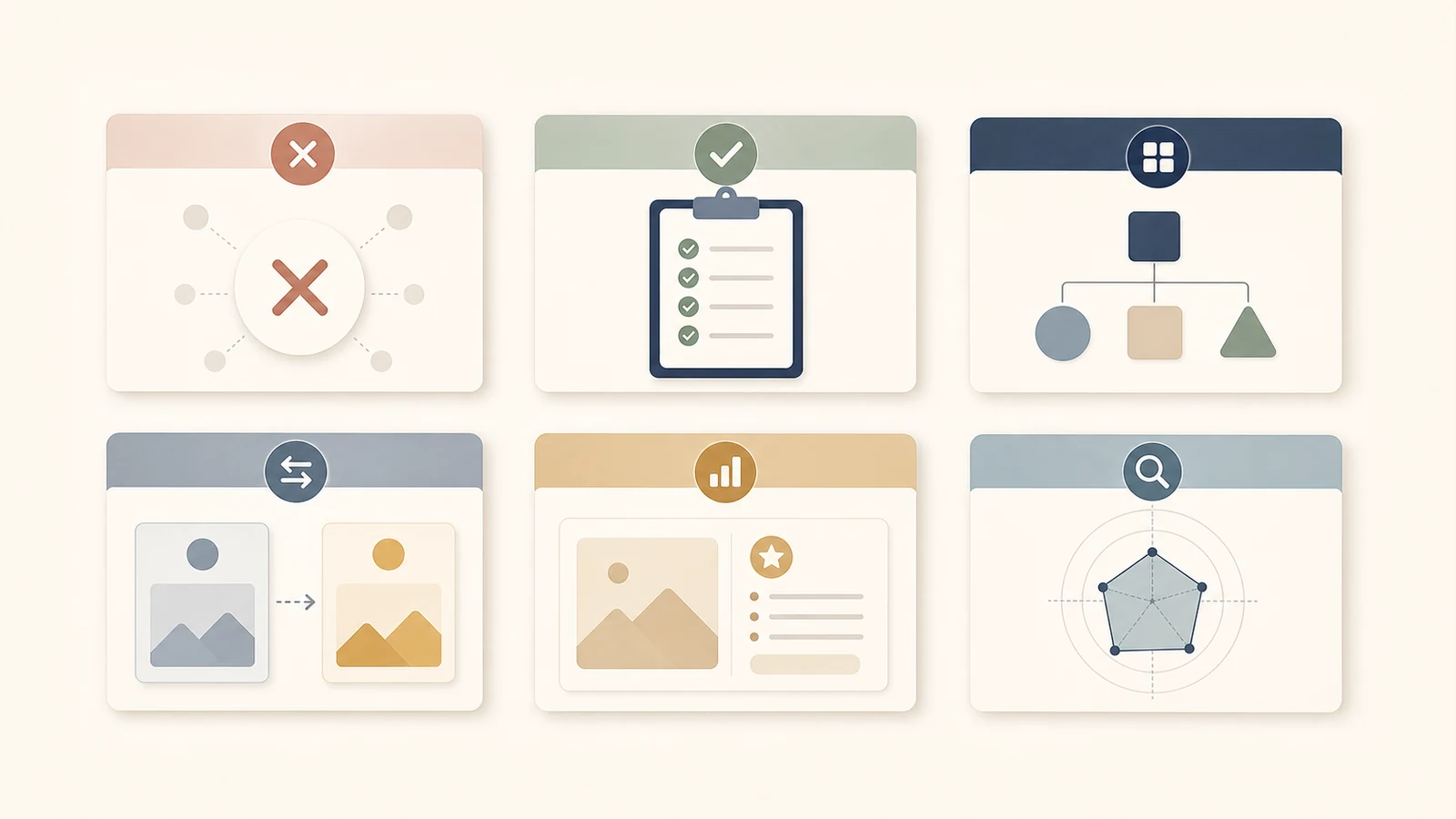
Most consultant carousels fit a few repeatable formats.
10 ready-to-use carousel outlines
1. The mistake carousel
Hook: “Most strategy projects fail before the strategy starts.”
| Slide | Content |
|---|---|
| 1 | Most strategy projects fail before the strategy starts |
| 2 | The problem is not the strategy deck |
| 3 | Mistake 1: unclear decision owner |
| 4 | Mistake 2: no definition of done |
| 5 | Mistake 3: too many stakeholders too late |
| 6 | Mistake 4: no constraints |
| 7 | Better setup checklist |
| 8 | CTA: save this before your next kickoff |
2. The diagnostic carousel
Hook: “Your process is not broken. Your handoffs are.”
Use this structure:
- State the hidden problem.
- Show three symptoms.
- Explain what each symptom means.
- Give a simple diagnostic question.
- End with a next step.
3. The consulting framework carousel
Hook: “I use this 4-part audit before recommending any software.”
Slides:
- Hook.
- Why tools fail when process is unclear.
- Step 1: map the current workflow.
- Step 2: identify the decision points.
- Step 3: identify repeated manual work.
- Step 4: define what must not change.
- Example application.
- CTA.
4. The before-and-after carousel
Hook: “Before: status meetings. After: a decision log with named owners.”
This format works because it shows transformation without needing a full case study.
Use it for:
- Operations improvements.
- Sales process changes.
- Onboarding redesigns.
- Internal communication fixes.
- Reporting simplification.
5. The client lesson carousel
Hook: “A client asked for more leads. The real problem was not leads.”
Structure:
- The request.
- The real diagnosis.
- What the team was measuring.
- What they were missing.
- The change that was tested.
- The evidence you can safely show.
- The lesson and its limits.
- CTA.
Avoid confidential details. Share the pattern, not the private client story.
Turn consulting evidence into a carousel brief
A useful consultant carousel needs more than a topic. It needs a bounded claim, a source you are allowed to use, and a sequence that helps the reader make a decision.
Copy this six-field brief before you draft:
Repeated problem:
Reader:
Evidence I can safely use:
Claim boundary:
Decision or action:
Slide jobs:Completed example: scope creep before kickoff
This example uses the five scope-creep notes from the SlideDrift input later in this article. They are editorial source material, not a customer result.
From 5 source notes to 8 slide jobs
| Brief field | Completed choice |
|---|---|
| Repeated problem | Scope creep begins when the project starts with vague outcomes, exclusions, and decision ownership. |
| Reader | Consultants and client leads preparing a project kickoff. |
| Evidence I can safely use | Five process notes: outcomes, exclusions, decision owners, decision-focused updates, and a pre-project checklist. |
| Claim boundary | Teach a prevention pattern. Do not claim a client result, time saving, or guaranteed outcome. |
| Decision or action | Review the project brief before kickoff and fill any missing field. |
| Slide jobs | Hook, hidden cause, outcome check, exclusions check, owner check, update check, pre-kickoff checklist, next step. |
The source has 5 raw notes. The output gives them 8 distinct slide jobs and one explicit boundary against invented proof. Nothing in the example depends on a client name, private metric, or claimed outcome.
Confidentiality check before you draft
- Remove names, logos, company details, and identifying project context.
- Replace private numbers with the decision they informed, unless you have permission to publish them.
- Separate what you observed from what you inferred.
- Do not turn a proposed change into a completed result.
- Keep the lesson specific enough to use without reconstructing the client story.
6. The objection carousel
Hook: “We tried that already is not enough information.”
Slides:
- Hook.
- Why the objection is common.
- What “tried” might actually mean.
- Four questions to ask.
- Example of a weak answer.
- Example of a useful answer.
- How to decide what to try next.
- CTA.
7. The checklist carousel
Hook: “Before you hire a consultant, answer these 9 questions.”
This type works well because it is immediately useful and save-worthy.
Checklist examples:
- Before a strategy workshop.
- Before a website redesign.
- Before hiring a fractional operator.
- Before changing your pricing.
- Before choosing software.
8. The pricing carousel
Hook: “Your proposal does not feel expensive. It feels unclear.”
Slides:
- Hook.
- Why price objections often hide uncertainty.
- What the buyer needs to trust.
- Outcome clarity.
- Scope clarity.
- Timeline clarity.
- Exclusions clarity.
- CTA: audit your next proposal.
9. The myth-busting carousel
Hook: “Consultants do not sell advice. They sell decision speed.”
Use this format when you want thought leadership.
Slides:
- Myth.
- Why people believe it.
- Why it creates bad decisions.
- The better framing.
- Example.
- Practical takeaway.
- CTA.
10. The weekly insight carousel
Hook: “One thing I noticed in client calls this week.”
This is a low-friction recurring format. Use it when you want to publish consistently without writing a full article.
Structure:
- What you noticed.
- Why it matters.
- What most people do.
- What works better.
- The question to ask.
- CTA.
CTA examples for consultant carousels
A consultant CTA does not always need to be “book a call.” When the carousel is educational, a lower-commitment action can fit the lesson better.
Use:
- “Save this before your next kickoff.”
- “Use this checklist in your next client meeting.”
- “Comment ‘audit’ and I’ll share the questions.”
- “Which of these shows up most often in your projects?”
- “Send this to someone planning a strategy workshop.”
- “Follow for more practical consulting frameworks.”
How to generate these in SlideDrift
If you already have notes, paste them into SlideDrift using the notes workflow. The docs recommend including audience, goal, tone, and points when starting from text or notes. SlideDrift create from text
Example input:
Audience:
Independent consultants

Goal:
Create a carousel about scope creep starting before the project starts

Tone:
Direct, useful, experienced

Carousel type:
Mistakes + checklist

Points:
- Scope creep starts with vague outcomes
- Proposals need exclusions
- Kickoffs need decision owners
- Weekly updates should track decisions, not activity
- End with a pre-project checklistIf you already have a public article, paste the URL instead. SlideDrift’s URL docs explain that public article-style pages such as blog posts, articles, newsletters, and long-form landing pages work best. SlideDrift create from URL
For a deeper walkthrough, use the notes-to-carousel workflow when your idea is still rough, or the URL-to-carousel workflow when the source is already published.

A focused source makes it easier to generate a useful consultant carousel.
How consultants should avoid generic posts
Avoid:
- “5 tips for success.”
- “Be consistent.”
- “Communication matters.”
- “Know your audience.”
- “Use data.”
Make the post specific:
- “5 questions to ask before a strategy workshop.”
- “How vague proposals create scope creep.”
- “Why your dashboard does not change behavior.”
- “The handoff checklist I use before implementation.”
- “The difference between a project update and a decision update.”
Specificity is the main advantage consultants have. Use it.
Final recommendation
Start with the problems you see repeatedly. Turn each repeated pattern into a mistake, checklist, framework, or diagnostic carousel. Use SlideDrift to generate the draft from your notes or source article, then edit the deck so it sounds like your actual consulting point of view.
FAQ
What should consultants post on LinkedIn carousels?
Consultants should post practical carousels based on repeated client problems, such as mistakes, diagnostic checklists, frameworks, before-and-after lessons, pricing advice, onboarding tips, and decision trees.
How many slides should a consultant carousel have?
Most consultant carousels work well with 6–10 slides. Use fewer slides for a quick point and more slides for a framework, checklist, or case study.
Can consultants share client lessons without breaching confidentiality?
Yes, but they should share anonymized patterns, not private client details. Remove names, identifying facts, sensitive data, and confidential context.
How can SlideDrift help consultants create carousels?
Consultants can paste notes, outlines, rough ideas, or public URLs into SlideDrift and generate editable LinkedIn carousel drafts that can be reviewed, branded, and exported.
Turn your consulting insight into slides
Ready to make one? Start with a URL, notes, or a short outline in SlideDrift, then export the finished carousel as a PDF for LinkedIn.