

Create from a URL
Turn a public article, blog post, newsletter, or webpage into a carousel.
Use a URL when your source material is already published online.
SlideDrift reads the page, extracts the source content, and uses it to generate an editable carousel.
With the SlideDrift Chrome extension, you can capture the current article, selected text, a link, a video URL, or your own transcript notes into a structured brief before opening Create.
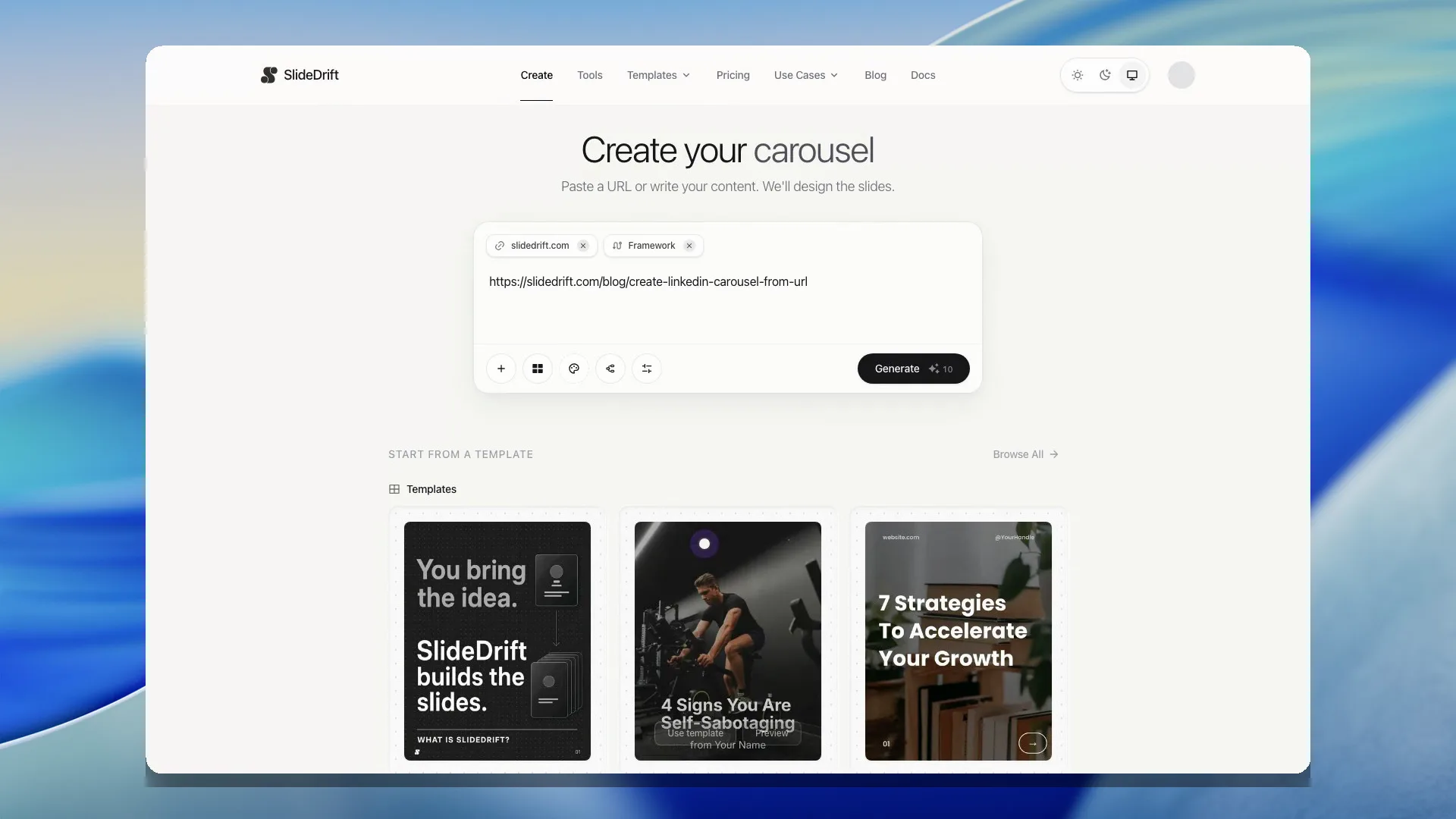
Create from a URL
- Open Create.
- Paste the public URL into the input box.
- Choose any available template, brand, story, or planning options you want to use.
- Generate the carousel.
- Review the deck in the editor.
Add direction beside a link
Paste a public link with notes about the audience, angle, or points to keep. SlideDrift reads the linked page and keeps your notes alongside it. A link inside brackets or parentheses is also recognised. Review any claims in the result against your source.
When the Chrome extension sends selected text or a video brief, that text stays the source even when it includes a source URL. SlideDrift does not expand a selection into the whole page or fetch a video transcript. Whole-page captures still read the linked page.
What URLs work best
Use pages with readable article-style content, such as:
- Blog posts.
- Articles.
- Newsletters published on the web.
- Long-form landing pages with a clear argument.
Pages that depend heavily on logins, scripts, popups, or private access may not extract cleanly.
If the URL does not work
If SlideDrift cannot read the page, copy the important text from the source and use Create from text or notes instead.
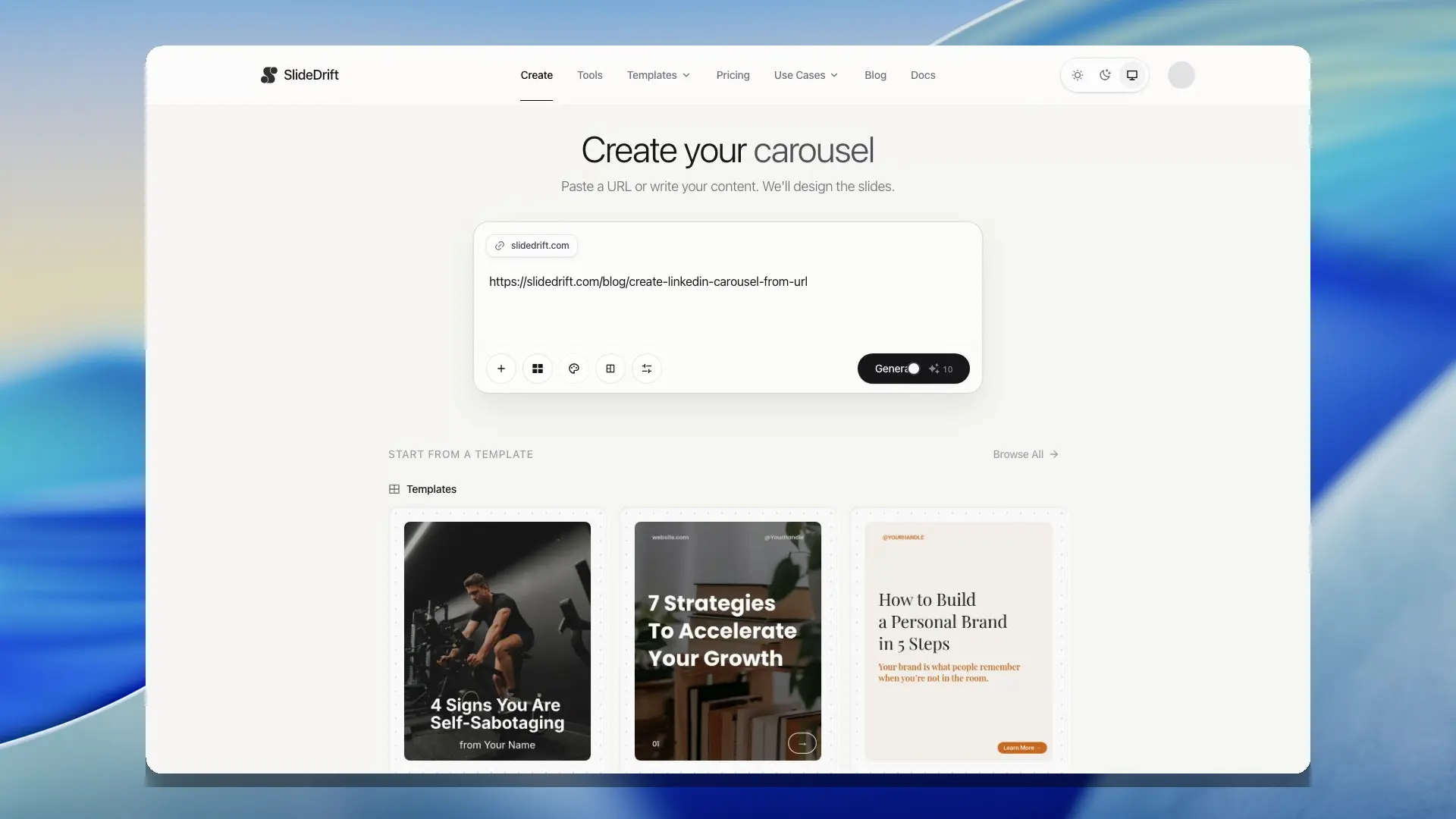
This is also a better option when the page contains private, gated, or messy content.
For videos, SlideDrift works best when you paste notes or transcript text you have permission to use. The Chrome extension can pass a video URL and title into Create, but it does not fetch or scrape captions for you.