

Export & share
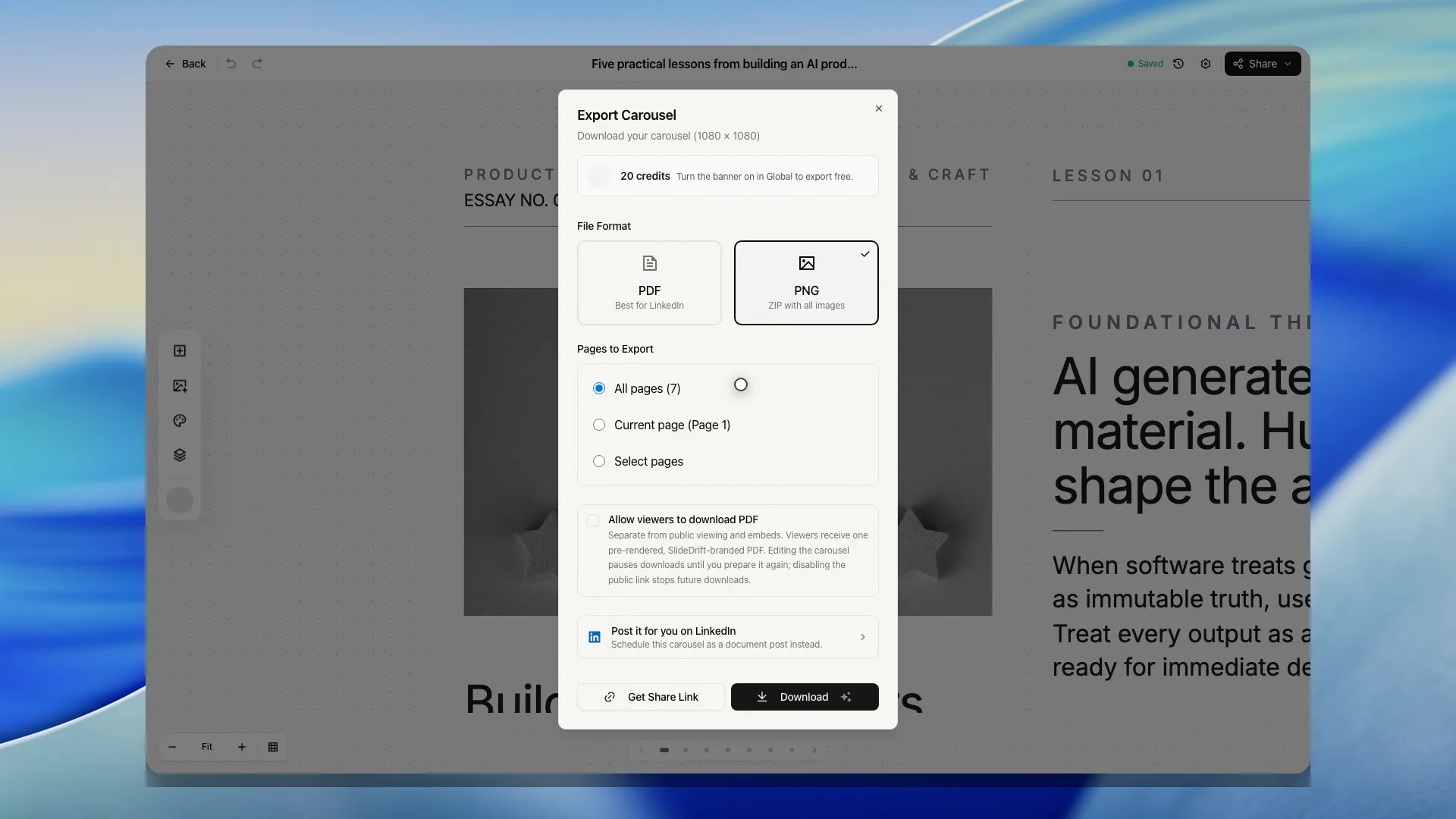
Export as PNG
Download carousel slides as image files in a ZIP.
PNG export gives you image files for the selected slides.
SlideDrift downloads PNG exports as a ZIP file.
Download PNG files
- Open the carousel in the editor.
- Click Share, then Export.
- Choose PNG.
- Every slide starts ticked. Untick any slide you want to leave out, or choose This slide to export only the slide you're looking at.
- Click the Download button to get the ZIP file.
- Unzip the file before uploading or sharing the images.
When to use PNG
Use PNG when you need individual slide images, want to share slides outside LinkedIn, or want more control over where each image is used.
For LinkedIn document carousel posts, PDF is usually simpler.