

Brand kits
Create and apply brand kits so carousels feel consistent.
Brand kits help keep generated carousels closer to your preferred colors, fonts, tone, and identity.
Use them when you want new decks, saved templates, and editor changes to start closer to the same brand system instead of restyling every carousel manually.
Create a brand kit
Signed-in users manage brand kits on the Brand Kits page, under Library in the app menu. The page shows each kit as a slide in its own colours, fonts and logo, with its colours and fonts underneath.
- Choose New brand kit. The form opens in a panel on the right, and the page shows your kit on three gallery templates as you fill it in.
- To start from a website, paste the brand's public address under Start from your website and choose Import. It usually takes under a minute. To set the kit up yourself, skip this and fill in the form.
- Check the name, logo, colours, and heading and body fonts. Changes update the preview straight away.
- Add optional details if you need them: a writing style, and under On your slides a display name, website, social handle and platform, tagline, or profile photo.
- Choose Save brand kit.
On a smaller window the panel opens over the page and shows its own preview.
Website import gives you an editable starting point. It finds the logo even when the site draws it in the page instead of linking an image file, and adds it to your kit as a PNG. When the site's main colour is a pale grey, the import uses the colour of the site's main button instead. SlideDrift can also retain extra visual references detected from the site, including imagery, spacing, component treatments, and additional typography or color details. Review the result before saving, especially when a site uses several logos, palettes, or typefaces.
Wait for website import and image uploads to finish before saving. Read any import notes, then check the result and fill in missing details yourself.
LinkedIn pages can't be imported, so paste your own website instead. If SlideDrift cannot read a site or find usable brand details, fill in the form yourself.
You can also make a kit from the brand menu on Home or from the editor's Brand panel, when your plan allows it. The same panel opens there, with your kit on a gallery template.
A brand kit can include:
- Name.
- Display name.
- Website.
- Social handle and platform.
- Tagline.
- Logo.
- Profile photo.
- Primary color.
- Secondary color.
- Heading font.
- Body font.
- Tone and writing guidance.
- Optional advanced colors.
Each plan includes custom brand kits:
- Free: 1 custom brand kit.
- Starter: 1 custom brand kit.
- Pro: 5 custom brand kits.
- Agency: 25 custom brand kits.
Every account can also use the preset brand styles.
When creating a kit, start with the fields that appear most often in your carousels: display name, website, social handle, primary color, secondary color, heading font, body font, and tone. Add a logo or profile photo when your templates include matching brand-content slots.
The brand editor keeps the main choices focused on Brand colour, Slide background, and Text colour. SlideDrift creates supporting colors automatically. Open More colour options only when you need to override the secondary brand color, accent, alternate slide background, or secondary text color; choose Use automatic colours to return those supporting values to the generated palette. If your text colour, or small words in your brand colour, would be hard to read on your slide background, the panel says so; slides then switch those words to a readable colour.
Apply a brand kit
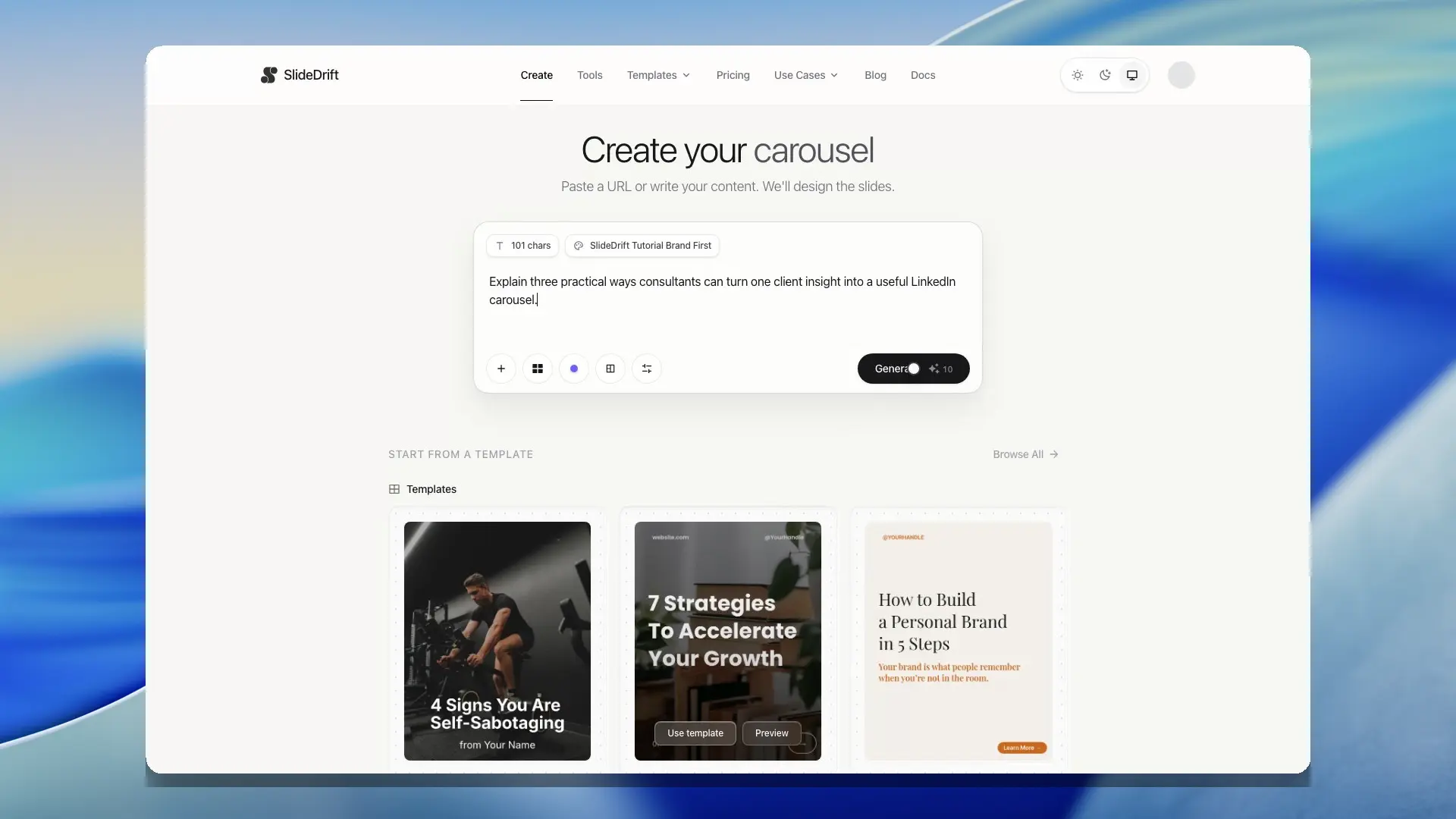
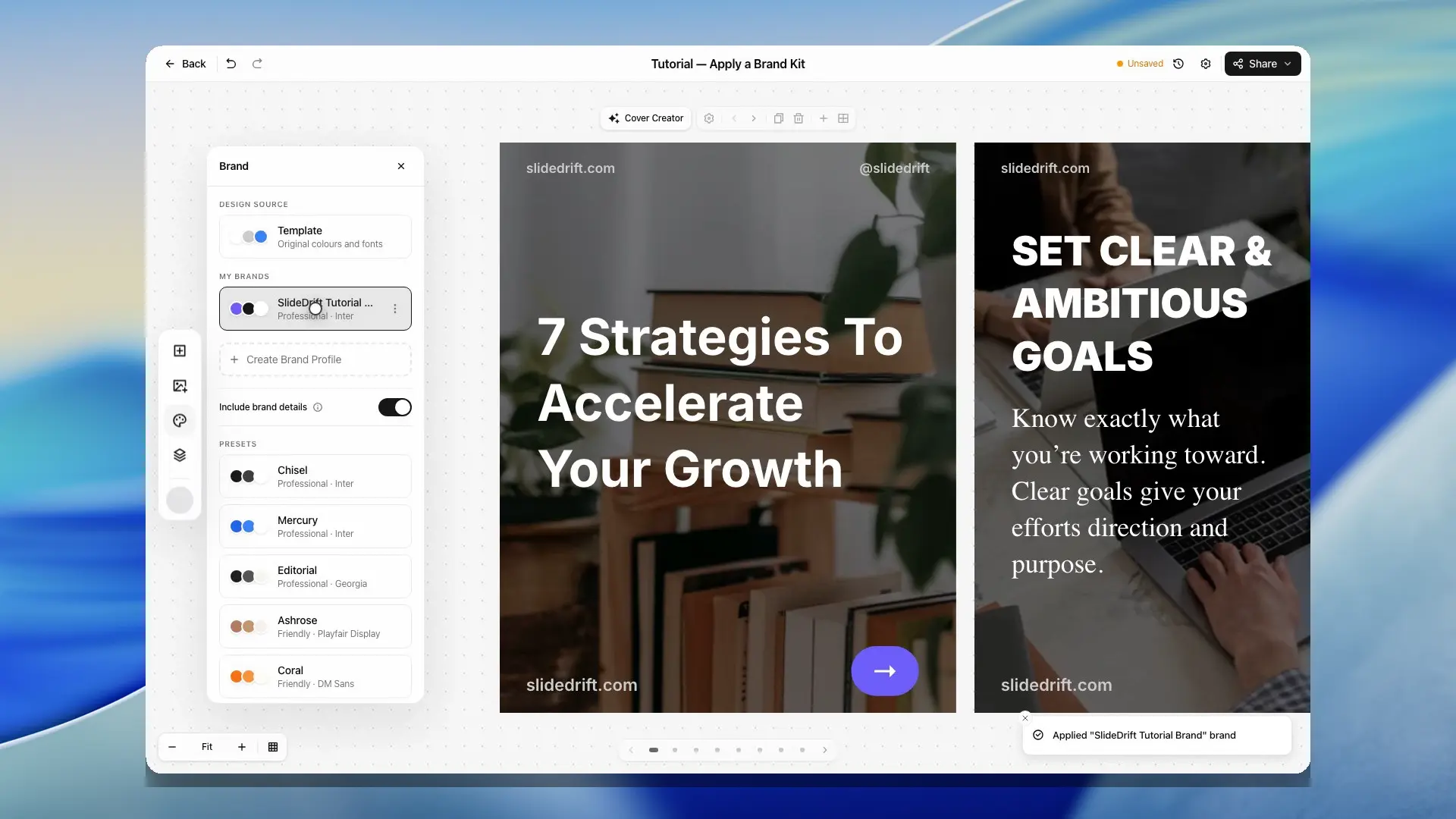
Choose a brand kit in the brand menu on Home before generating, or apply one later from the editor's Brand panel. SlideDrift updates the carousel design using the selected kit.
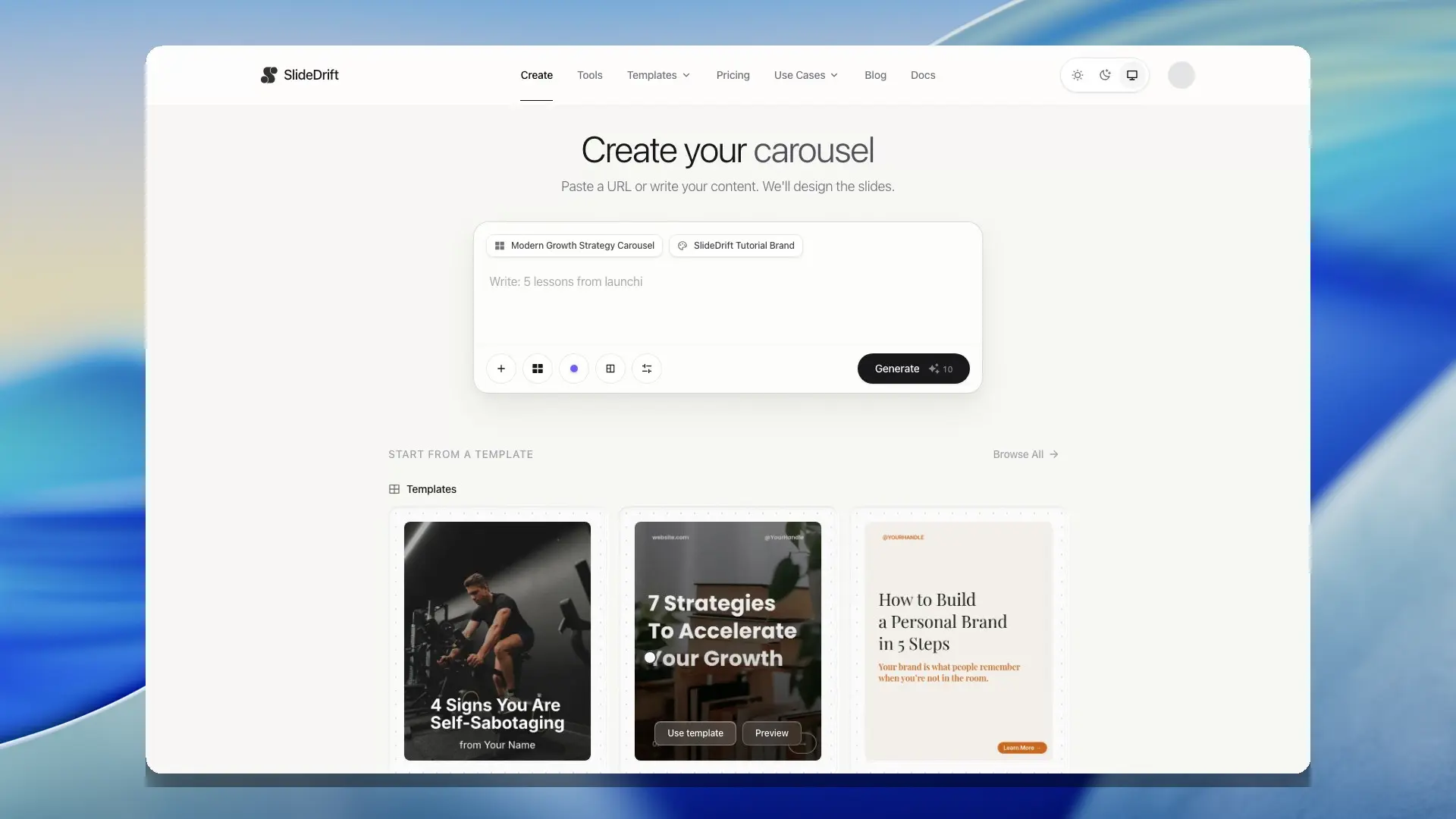
The brand button on Home shows the kit Generate will use. Your default kit is marked Default and is used unless you pick another. Choose No brand kit to keep the template's own colours. On the Brand Kits page, Create with this kit opens Home with that kit picked.
When a brand kit is selected during generation or applied in the editor, SlideDrift can use the kit's colors, heading and body fonts, background color, tone, and identity details across the deck. Identity fields can also fill supported header, footer, and template placeholders such as brand display name, website, social handle, and tagline.
The kit's tone and writing guidance shape the words too: in carousels you generate, in carousels the Remix designer writes, and in the posts For you writes, which use your default kit. For you posts leave out your website and handle, since they carry no links.
On a Remix design, the kit restyles the whole design. Every colour in it has a job, such as the page, a card, a panel, text or an accent, and takes the kit's colour for that job. Text stays readable on its new background, and the layout keeps its own margins and spacing. To put the design's own colours back, choose Template in the Brand panel, or use Undo.
Standard designs, such as the starter design Home uses when you don't pick one, take the kit's colours too. A word that would be hard to read on its background, such as a small word in a pale brand colour, switches to a readable colour: your kit's text or background colour, or else near-black or white. Words on photos keep their own colours.
Carousels an AI assistant makes for you through an AI connection use the kit it chooses, or your default kit. When it fills a Remix design, the kit restyles the whole design the same way.
Include brand details is on by default when you apply a kit. It fills only template slots marked for a brand name, website, social handle, tagline, logo, or profile photo. Ordinary text and images are left alone. Turn the option off to restore the template's original values.
Edit a brand kit
On the Brand Kits page, select a kit to edit it in the right panel. The page previews your changes on three gallery templates; choose Save changes, or ‹ Brand Kits to go back to your kits without saving. You can also edit or delete a saved kit from the brand menu on Home or the editor's Brand panel, in the same panel. Update the kit when your style changes, then apply it again to the carousel you are working on.
Each kit's menu (⋯) has Edit, Duplicate, Set default and Delete:
- Use Duplicate when you want to make a close variation without rebuilding the kit from scratch.
- Use Set default to have new carousels use one kit unless you pick another. Clear default means new carousels use no kit unless you pick one.
- Delete removes the kit after you confirm. Carousels that already use it keep their look.
Use brand kits with templates
Templates provide the layout direction and identify which content is a logo, profile photo, or other brand field. Brand kits provide the matching values.
When using both, choose the template for structure first, then apply the brand kit so colors, fonts, tone, and identity placeholders can adapt to your brand. Remix designs keep their layout while their colours and fonts take the kit's.
Your logo stays visible on every slide. If a dark logo would sit on a dark slide, or a white logo on a light one, SlideDrift shows it in plain white or near-black there instead, the way brands use a one-colour version of their logo. Logos that read on both, or that have their own background, always appear as designed. This works for logos you add or import from now on, and an older kit picks it up when you next save it. If its logo still doesn't switch, upload the logo again. Header and footer words work the same way: a handle, website or slide number that would disappear on a slide is shown in plain white or near-black there.
Saved templates can also keep reusable slide structure and deck-level settings. If you want every new carousel to start from the same layout and brand direction, create or choose the template, apply the brand kit, polish the reusable deck, then save the result as a template when your plan allows it.
Common issues
If brand details do not appear on a slide, that slide may not include supported identity placeholders or marked brand-content slots.
If you do not want saved identity details in a deck, turn off Include brand details. The marked slots return to the template defaults.
If a logo looks too small, too large, or cropped, replace it with a cleaner logo file or adjust the individual image slot in the editor when supported.
If you reach your plan's brand kit limit, delete a kit you no longer use, or upgrade to a plan with a higher limit.
Tips
Use brand kits for broad consistency, then make slide-level edits where needed. Some templates may still require manual polish after applying a brand.