

Watermark and attribution
Understand the SlideDrift banner, free exports, and paid exports.
Exports can include a SlideDrift banner depending on your account and settings.
Free exports
When the SlideDrift banner is included, export can be free.
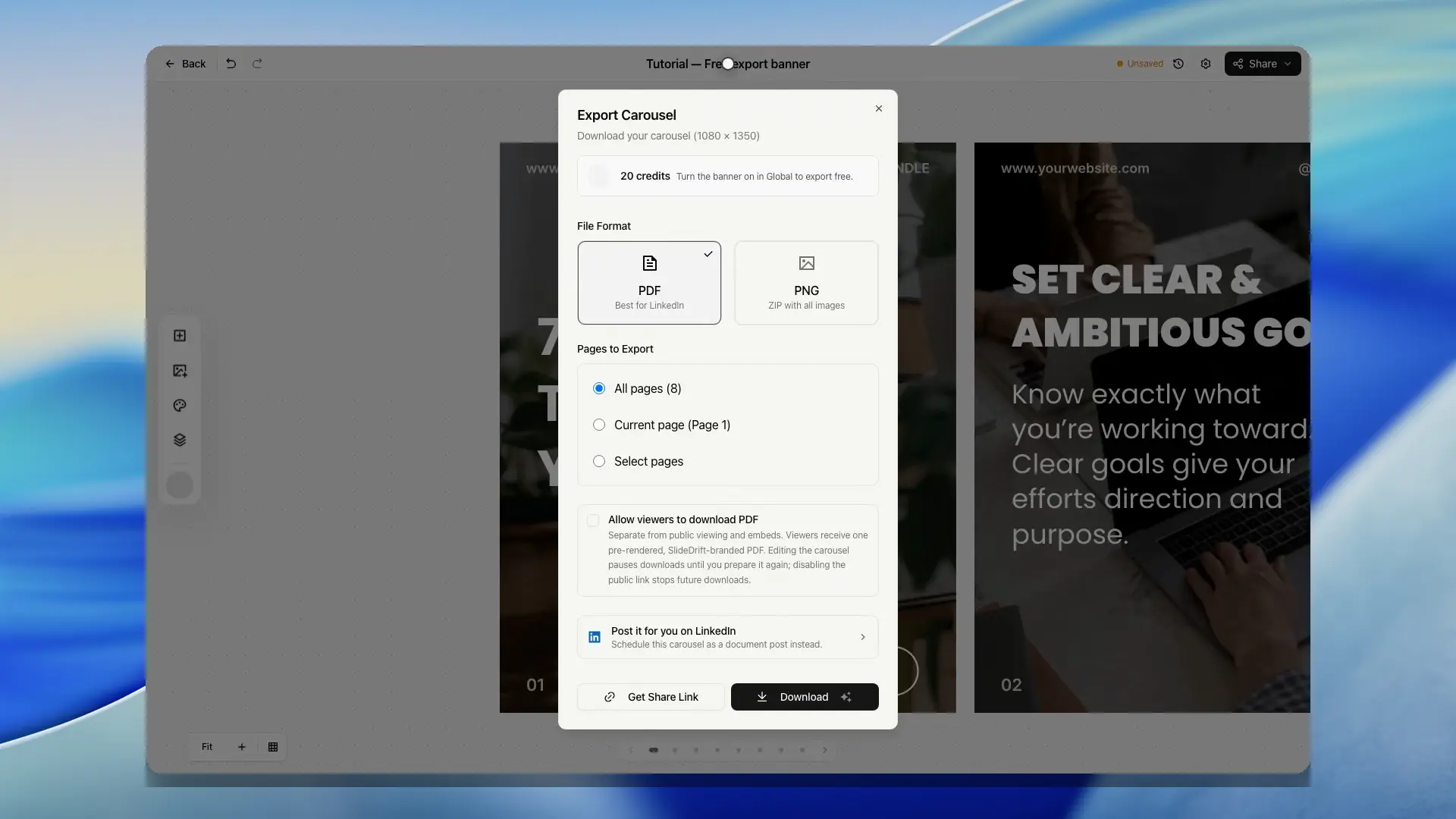
The export dialog explains whether the current export includes the banner and whether credits are required.
Free accounts export with the SlideDrift banner and may need to complete a verification challenge before downloading. Free exports also have a daily safety limit. SlideDrift counts export allowance after a file or share link is delivered, so a failed render should not spend the daily export slot.
When the banner is enabled and editable for your account, Carousel settings let you show it on every slide or only on the last slide. The same placement is used for editor previews, PDF exports, PNG exports, and refreshes for scheduled posts.
Select the SlideDrift badge in the editor’s slide preview or Slide overview to open its banner settings. If removal is locked, the settings explain the account or upgrade step needed.
The banner is sized from the export canvas so it stays readable without becoming oversized on larger carousel formats.
Paid exports
When the banner is not included, exports can cost credits.
The export dialog shows the credit cost before you download.
Removing the banner
Paid plans can remove the SlideDrift banner. If the banner is locked for your account, the editor will show an upgrade message in Carousel settings.
Paid plans have higher daily export safety limits. If you hit a daily limit, wait until the limit resets or upgrade for more export headroom.