

Create carousels
Create from text or notes
Turn pasted text, notes, outlines, or rough ideas into a carousel.
Use text input when your source is not a public URL.
This is useful for drafts, notes, call summaries, outlines, or ideas that only exist in your own workspace.
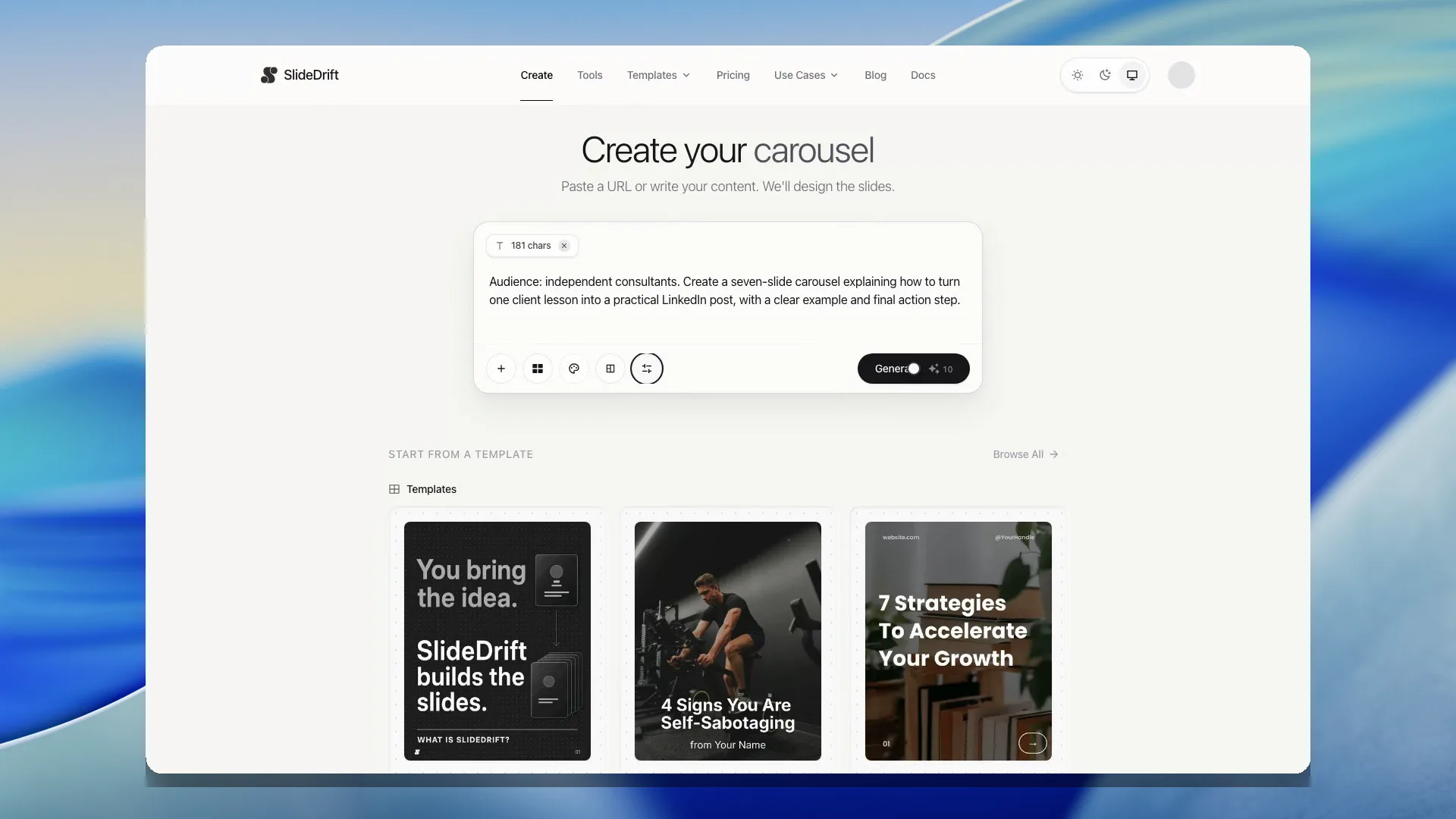
Create from text
- Open Create.
- Paste your notes, outline, draft, or idea into the input box.
- Add a short instruction if the source needs direction.
- Generate the carousel.
- Review and edit the result.
Helpful input format
You can paste messy notes, but a little structure helps:
Audience: SaaS founders
Goal: Explain why onboarding emails fail
Tone: Practical and direct

Points:
- Most teams send too much too soon
- The first email should help users reach one win
- Follow-ups should respond to user behavior
Keep one job per carousel
If your notes cover several topics, split them into separate generations. One focused source usually creates a cleaner carousel than one overloaded source.