LinkedIn Carousel Templates for Case Studies
Six slide-by-slide templates for turning client work into a LinkedIn carousel, plus a client-safe checklist. Pick the one that matches your story.
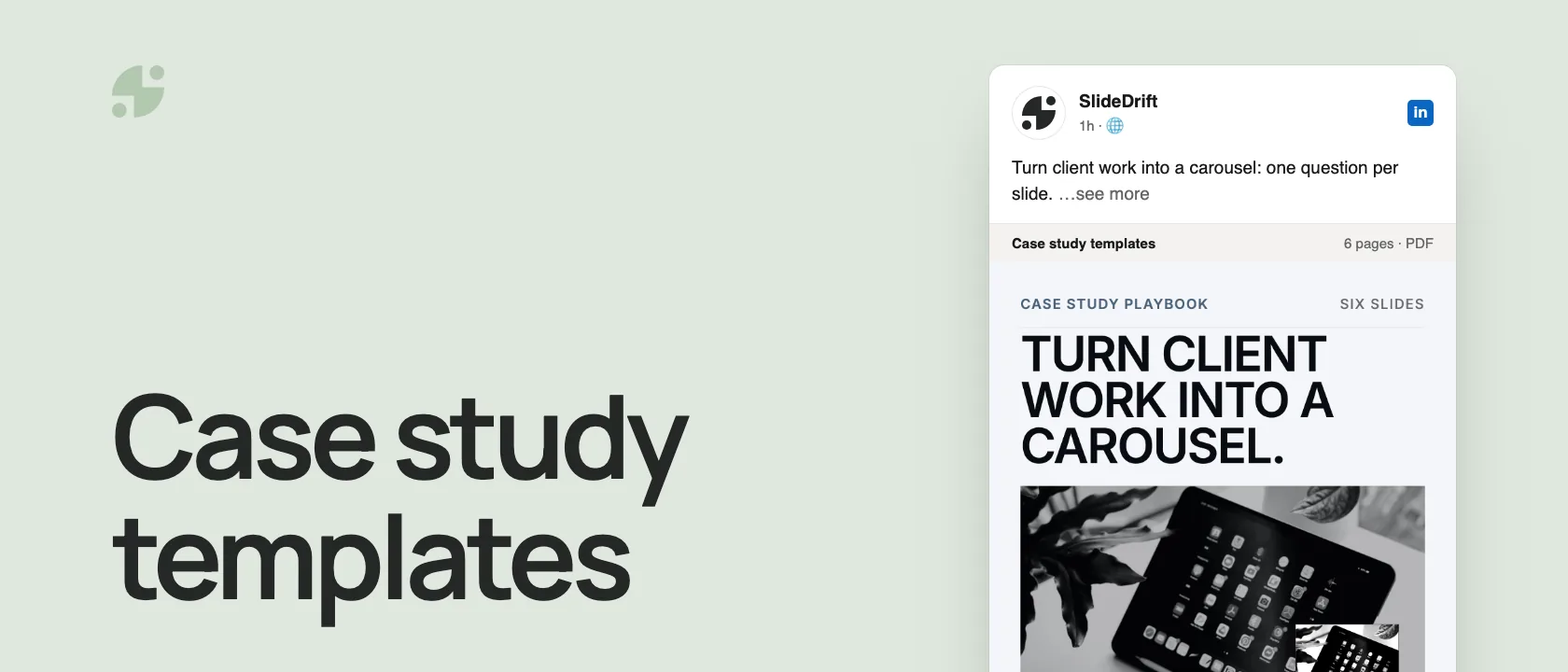
A case study carousel works when each slide answers the next question a reader would ask: what changed, for whom, what made it hard, what you decided and what happened. Pick the template that matches your story:
- A clear before and after: use Before and after.
- One call made the difference: use Decision breakdown.
- The work happened in stages: use Timeline.
- The results are confidential: use Lessons learned.
- Something went wrong first: use Mistakes and fixes.
- A straightforward client win: use Problem, solution, result.
The structure behind every template
Most case studies need six to eight slides: the result in one line, the context, what made it hard, the decision, the result in detail, and the lesson with a next step. Each template below changes the order or the emphasis, not the idea.
Here's that structure as a carousel, made in SlideDrift. Each page answers one question, so readers always know why to swipe.
SlideDriftCreate your ownCarousel transcriptShowHide


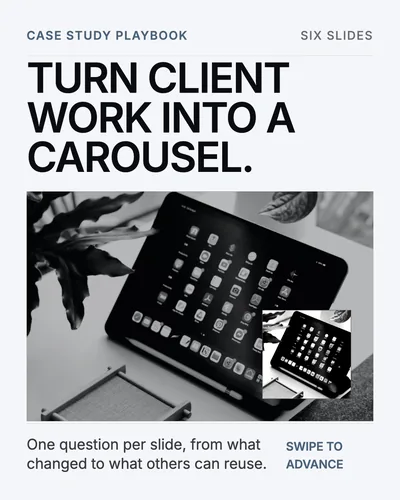
- 01Turn client work into a carousel. One question per slide, from what changed to what others can reuse.
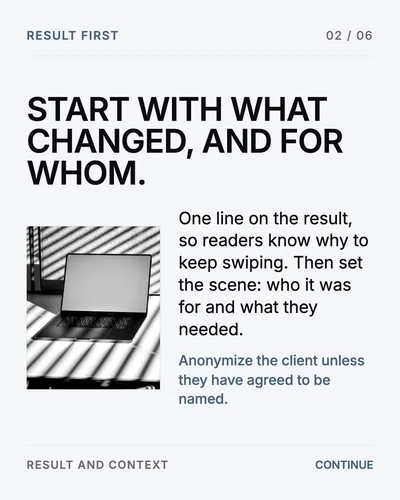
- 02Start with what changed, and for whom. One line on the result, so readers know why to keep swiping. Then set the scene: who it was for and what they needed. Anonymize the client unless they have agreed to be named.
- 03Name what made it hard. The obstacle is what makes the story worth reading. A result without one reads like a brag. A hard trade-off reads like expertise.
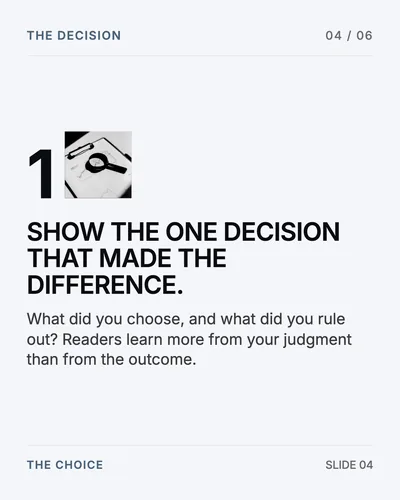
- 04Show the one decision that made the difference. What did you choose, and what did you rule out? Readers learn more from your judgment than from the outcome.
- 05Give the result, honestly. Share: numbers your client agreed to share, with their timeframe and scope. Leave out: names, screenshots and figures nobody approved, however good they look.
- 06End with what the reader can reuse. Close on the lesson and one next step: a question, a link to the full story, or an invitation to talk.
Six case study carousel templates
1. Problem, solution, result
Best for a simple client win with a clear outcome.
- How we helped [type of company] fix [problem]
- The situation
- The problem
- Why the obvious fix didn't work
- What we did instead
- How we rolled it out
- The result
- What others can take from it
2. Before and after
Best for redesigns, process changes, onboarding and content systems. Readers get the change at a glance.
- Before and after: [the process you fixed]
- How it worked before
- What that was costing
- The turning point
- How it works now
- What changed to get there
- The result
- A checklist readers can reuse
3. Decision breakdown
Best when the interesting part is the judgment behind the work. It shows how you think, which is what builds trust.
- The decision that changed this project
- The context
- The options we considered
- Why option A wouldn't work
- Why option B did
- The trade-off we accepted
- The result
- The rule we use now
4. Timeline
Best for launches, implementations and campaigns with clear stages.
- What we set out to do
- Week 1: diagnosis
- Week 2: the first change
- Week 3: testing
- Week 4: rollout
- The result
- What we learned
- What we'd do differently
5. Lessons learned
Best when the numbers are sensitive or not the point. It suits regulated and confidential work, because the lessons travel without the details.
- 5 lessons from [type of project]
- Lesson 1
- Lesson 2
- Lesson 3
- Lesson 4
- Lesson 5
- The one to start with
- A next step for the reader
6. Mistakes and fixes
Best for turning a difficult project into something useful. Teach with it; don't blame the client.
- What went wrong on [type of project]
- Mistake 1
- Mistake 2
- Mistake 3
- The fix
- The new process
- What changed
- A checklist to avoid it
If you only use one, use the structure from the carousel above. The difference between a case study that brags and one that builds authority is slide 4: what made it hard. For the first and last slides, see the hook examples and CTA examples.
Client-safe checklist
Check these before you post:
- The client is named only with their permission.
- Identifying details are removed where needed.
- Screenshots are approved.
- Every number is accurate and cleared for sharing.
- The carousel teaches something; it isn't only a pitch.
- The client knows where and when it will be published.
- Nothing private or sensitive is visible, including in screenshots.
Common mistakes
- Leading with the result and skipping the problem. Without the problem, the result has no weight.
- Vague claims. "Massive growth" means nothing. Use the numbers you're allowed to share, or leave numbers out.
- Hiding the decision. Readers want to know what you chose and why, not just that it worked.
- Too many screenshots. One clear screenshot per slide, at most.
- A hard sell on the last slide. Teach first. A case study that helps the reader is already your best pitch.
Make it in SlideDrift
Start from the case study you've already written, or from approved notes. Paste the text or a link into SlideDrift and say which template to follow:
SlideDrift brief
Turn this into an 8-slide LinkedIn case study carousel.
Structure: context, problem, constraint, decision, result, lesson.
Keep the client anonymous. Make the lesson useful for other agencies.On paid plans you can start from the PDF instead of pasting text. SlideDrift drafts the slides; you edit them, check them against the client-safe list, then export a PDF for LinkedIn.
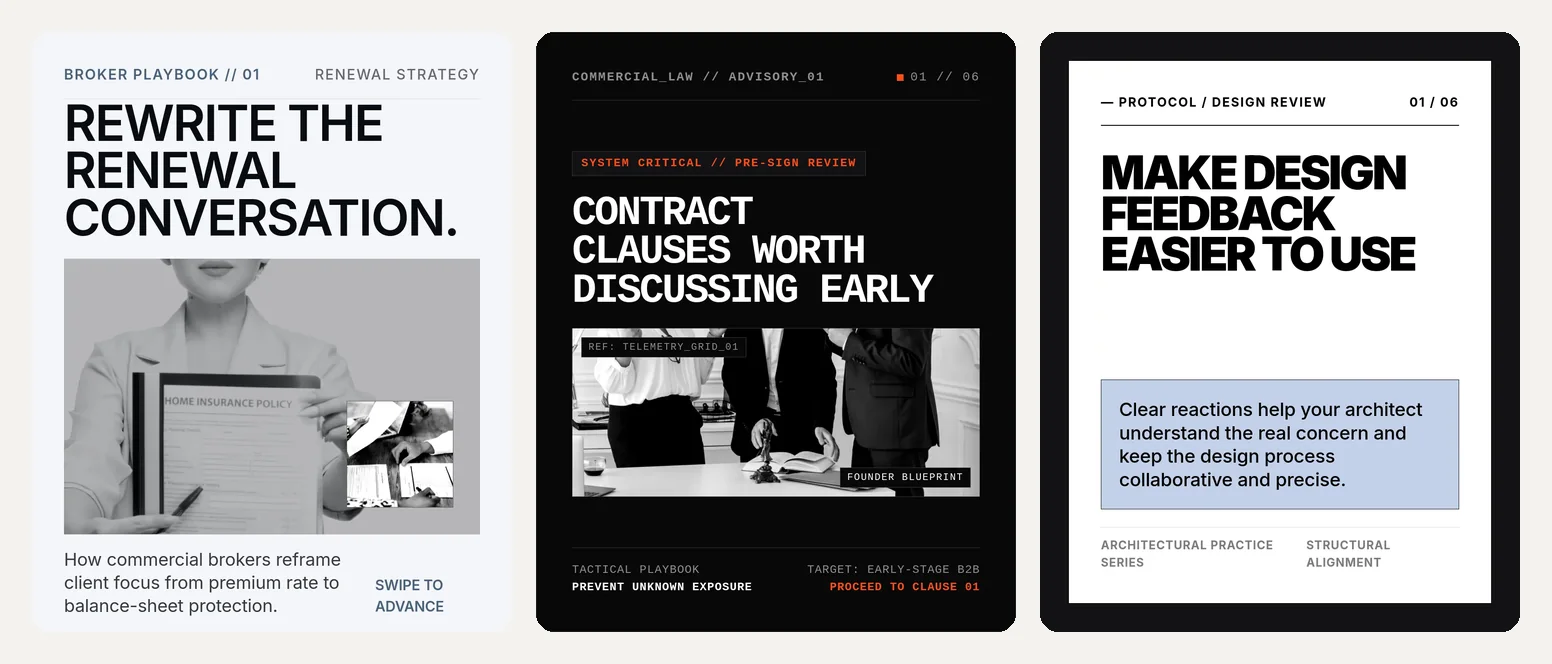
To pick a look first, browse the templates. Editorial, high-contrast designs suit case studies because the words carry the story:
Turn your case study into a carousel
Paste your write-up or a link, name the structure, and edit the draft before you export.
Brief for this carousel
Make a 6-slide LinkedIn carousel that shows how to structure a case study. One question per slide: what changed and for whom, what made it hard, the one decision that made the difference, the result with only approved numbers, and the lesson with one next step.
FAQ
Do case studies work as LinkedIn carousels?
Yes. A case study already has an order (context, problem, decision, result, lesson), and a carousel gives each part its own page, so readers follow the story one step at a time.
How long should a case study carousel be?
Seven to nine slides covers most case studies. If you need more, the story probably has two lessons; split it into two carousels.
How do I share a case study without exposing client details?
Get approval for anything identifying, remove what you can't share, and focus on the decision and the lesson rather than confidential numbers. The Lessons learned template is built for this.
What's the best case study carousel structure?
Result in one line, context, what made it hard, the decision, the result in detail, the lesson, and one next step.
Can SlideDrift make a case study carousel?
Yes. Paste your write-up or notes, or use a PDF on paid plans, tell SlideDrift which structure to follow, then edit the draft and export it as a PDF.