LinkedIn Carousel CTA Examples: 25 Endings That Actually Fit the Post
End a LinkedIn carousel with one action that follows from what readers just swiped through. 25 CTA examples by goal, where to put them, and what to avoid.
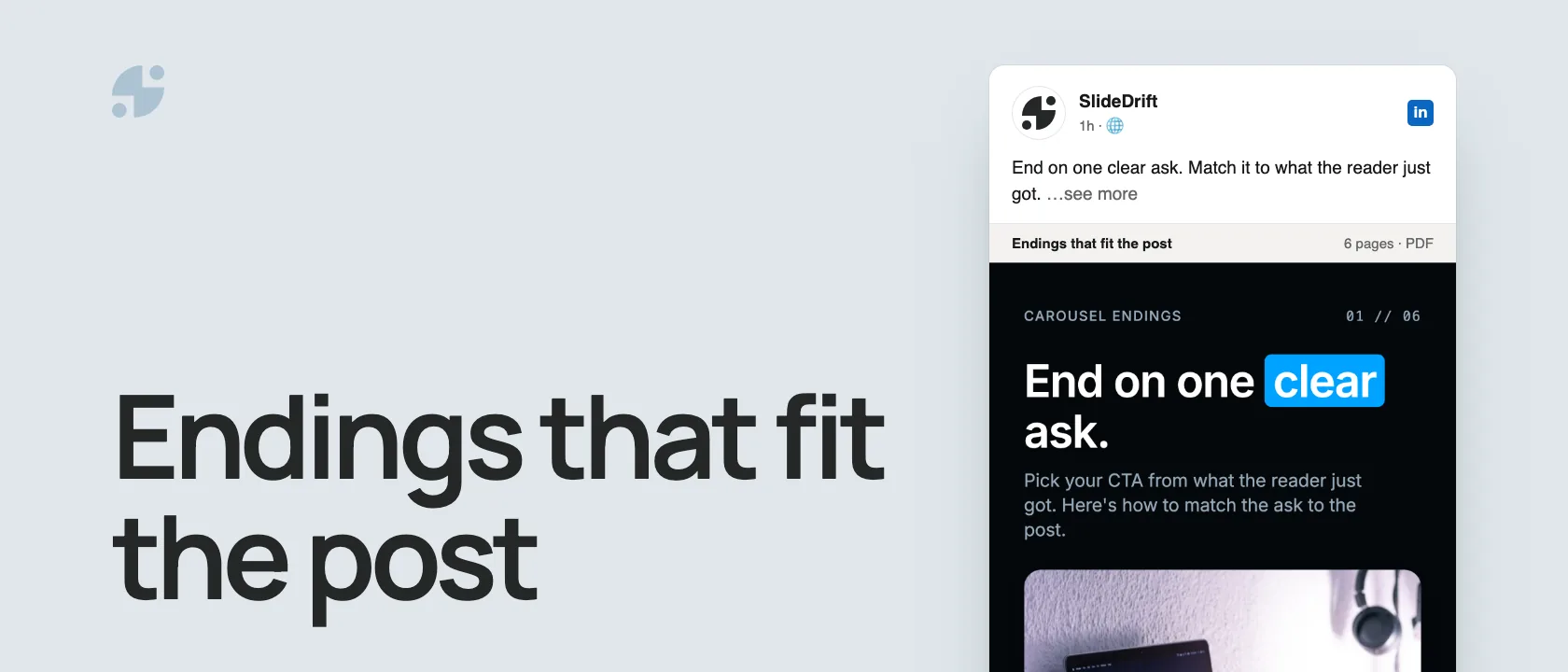
End your carousel with one action that follows from what the reader just swiped through:
- A checklist or framework: ask readers to save it.
- An opinion: ask one specific question.
- A how-to: point to the next step.
- A case study: link to the full story in the caption.
- A product workflow: invite readers to try it.
One carousel, one ask
Someone who reaches your last slide has already given you a minute of attention. Ask for one thing that makes sense after what they just read. A slide that asks for a save, a comment, a follow and a call usually gets none of them.
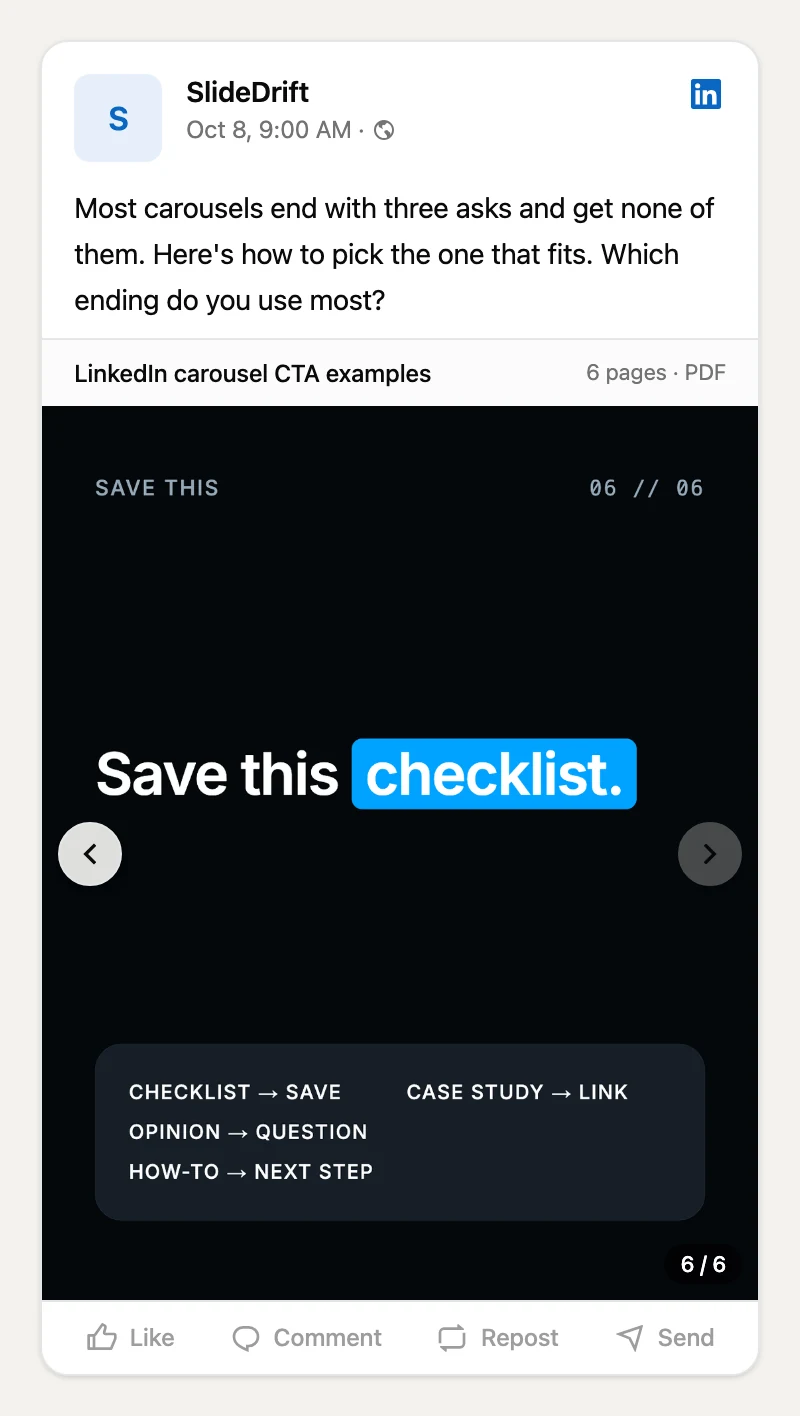
Here's this guide as a carousel, made in SlideDrift. Swipe to the last page: it asks for a save, because the carousel is a checklist.
SlideDriftCreate your ownCarousel transcriptShowHide


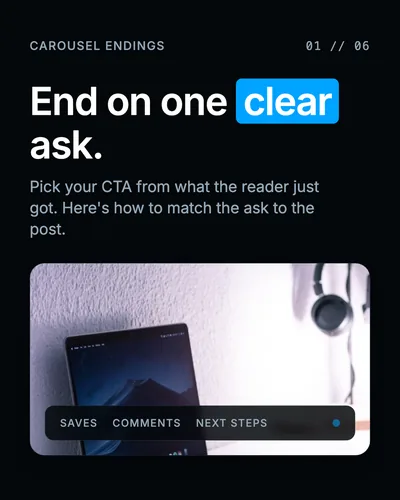
- 01End on one clear ask. Pick your CTA from what the reader just got. Here's how to match the ask to the post.
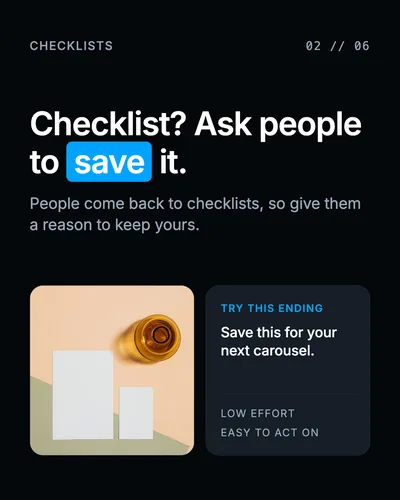
- 02Checklist? Ask people to save it. People come back to checklists, so give them a reason to keep yours. Try this ending: Save this for your next carousel.
- 03Ask one sharp question. "Which slide would you cut?" gets better replies than "Thoughts?" Ask about something specific in the carousel.
- 04Match the ending. Each kind of carousel has an ending that fits it. Use one, not all of them. How-to: point to the next step. Case study: link the full story. Product: invite them to try it.
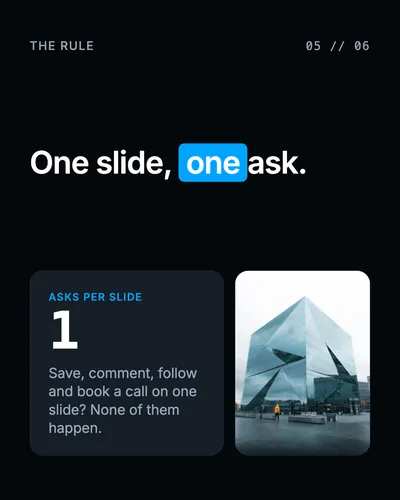
- 05One slide, one ask. Save, comment, follow and book a call on one slide? None of them happen.
- 06Save this checklist. Checklist: save. Opinion: question. How-to: next step. Case study: link.
25 LinkedIn carousel CTA examples
For saves (checklists, frameworks, templates)
- Save this checklist for your next carousel.
- Save this before you rewrite your next LinkedIn post.
- Save this if you build content from rough notes.
- Save this framework for the next time your idea feels too big.
- Save this as your pre-publish carousel check.
For comments (opinions, mistakes, comparisons)
- Which slide would you cut?
- Which mistake do you see most often?
- What would you add to this checklist?
- Which example fits your workflow best?
- Comment "outline" and I'll send you the outline. (Only if you will.)
For shares
- Send this to someone who still builds carousels by hand.
- Share this with a teammate who writes your LinkedIn posts.
- Forward this to whoever owns your content calendar.
- Send this to a founder with more ideas than time.
- Share it with someone who crams too much onto one slide.
For follows and leads
- Follow for practical LinkedIn carousel workflows.
- DM me if you want the editable version.
- Book a call if you want this applied to your content.
- Join the newsletter for one carousel framework a week.
- The full guide is linked in the caption.
For a product or tool
- Paste your article into SlideDrift and turn it into a carousel.
- Make your first carousel from your notes in SlideDrift.
- Turn this framework into slides with SlideDrift.
- Make a carousel from your next blog post.
- Save your Brand Kit once and reuse it on every carousel.
A good CTA names the action and the reason in one line. Fill in the gaps:
| Goal | Formula | Example |
|---|---|---|
| Saves | Save this for [when they'll need it]. | Save this for your next carousel draft. |
| Comments | Which [specific option] would you choose? | Which hook would you use first? |
| Shares | Send this to [a specific person]. | Send this to someone still building decks by hand. |
| Follows | Follow for [a specific topic]. | Follow for practical LinkedIn carousel workflows. |
| Product | Try [the workflow] with [the tool]. | Paste your article into SlideDrift to make a carousel. |
Last slide, caption or first comment?
You can ask in more than one place, as long as each place has a different job:
| Where | Its job | Example |
|---|---|---|
| Last slide | One simple next action | Save this framework for your next carousel. |
| Caption | Context and a discussion question | Which of these would you test first? |
| First comment | An optional link or resource | The full guide is in the first comment. |
CTAs to avoid
- "Thoughts?" It's vague and overused. Ask about something specific instead: "Which part would you change first?"
- "Like and share." It reads like an instruction to the algorithm, not a reason to act. Ask for the action that fits the post.
- A sales call after light advice. "Book a call" works after specific, credible content. After a few generic tips it feels premature.
- Several asks at once. Pick the one action that matters most and cut the rest.
- A promise you can't keep. Don't ask people to comment for a template you haven't made.
Check your last slide in five questions
Before you export, answer yes or no:
- Does it follow from the carousel? The ask continues what the reader just got.
- Is it specific? The reader knows exactly what to do.
- Is the effort proportionate? A save after a checklist, not a sales call after three tips.
- Is there only one ask?
- Is it honest? It only mentions resources and results that exist.
Worked example
From three competing asks to one next step
A seven-slide carousel teaches a five-step pre-publish review. The first draft ends with: "Follow me, comment 'template' and book a call."
It fails all five questions: it doesn't follow from a checklist, it isn't specific, a call is too big an ask, there are three asks, and no template exists yet. Score: 0/5.
Rewrite: "Save this five-step review for your next carousel." It continues the checklist, names one low-effort action and promises nothing new. Score: 5/5.
The score is an editing check, not a performance prediction. It tells you the ask makes sense; whether readers act on it is what your post results will show.
The opening matters as much as the ending: the LinkedIn carousel hook examples cover the first slide, and the storytelling frameworks cover the middle.
Put the CTA in your SlideDrift brief
Tell SlideDrift what the last slide should ask for when you create the carousel. Add a line to your notes like this:
SlideDrift brief
Create a LinkedIn carousel from these notes.
Audience: solo consultants.
Goal: teach a simple pre-publish checklist.
Last slide: ask readers to save the checklist.
Tone: direct and practical.SlideDrift drafts every slide, including the last one. Read the ending against the five questions above and rewrite it in the editor if it doesn't fit, then export. The AI content review checklist covers the rest of the deck.
Make a carousel with a clear ending
Paste your notes or a link, say what the last slide should ask for, and edit the draft before you export.
Brief for this carousel
Make a 6-slide LinkedIn carousel on ending a carousel with the right call to action. One idea per slide: end on one clear ask, checklists ask for a save, opinions ask one sharp question, match the ending to the kind of carousel (how-to, case study, product), one slide gets one ask, and finish with a short checklist readers can save.
FAQ
What should the last slide of a LinkedIn carousel say?
One next step that follows from the carousel: save the checklist, answer a specific question, read the full story, or try the workflow you just showed.
Should every LinkedIn carousel have a CTA?
Most should. A carousel that just stops feels unfinished. Keep the ask in proportion to the post: a save or a question after a short lesson, a bigger ask only after detailed, credible content.
What's the best CTA for an educational carousel?
Usually a save. Readers want to come back to a checklist, framework or set of examples, and saving is a small, natural ask.
Should the CTA go on the last slide or in the caption?
Use the last slide for the main action and the caption for context or a discussion question. Put an optional link in the first comment.
How many CTAs should one carousel have?
One main ask. If you want a second, put it in the caption or the first comment, not on the same slide.