For orthodontists
LinkedIn Graphics for Orthodontists
20 AI-designed LinkedIn graphics made for orthodontists. Swap the headline for yours, add your brand colours, and post it.
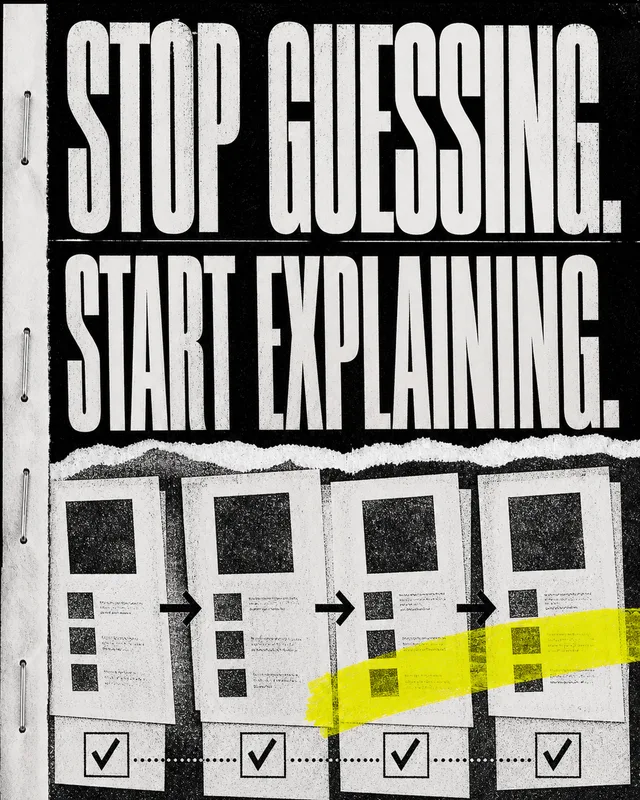
Framework · Mistakes · Numbers
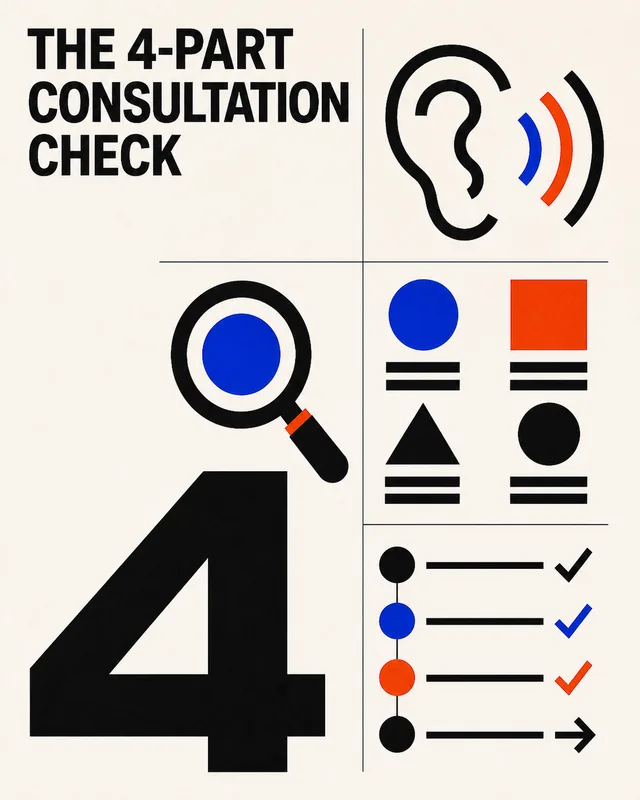
Framework · Checklist · Numbers

Case Study · Framework · Mistakes
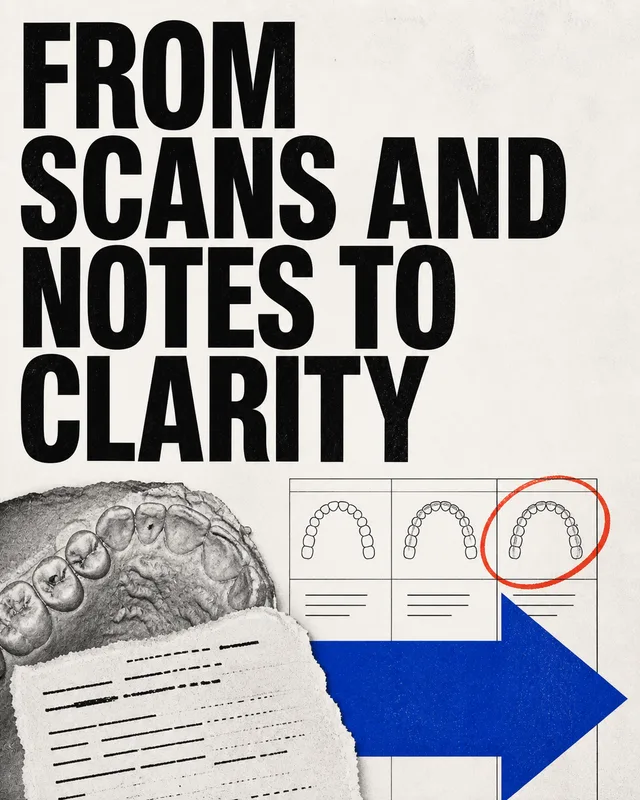
Case Study · Framework
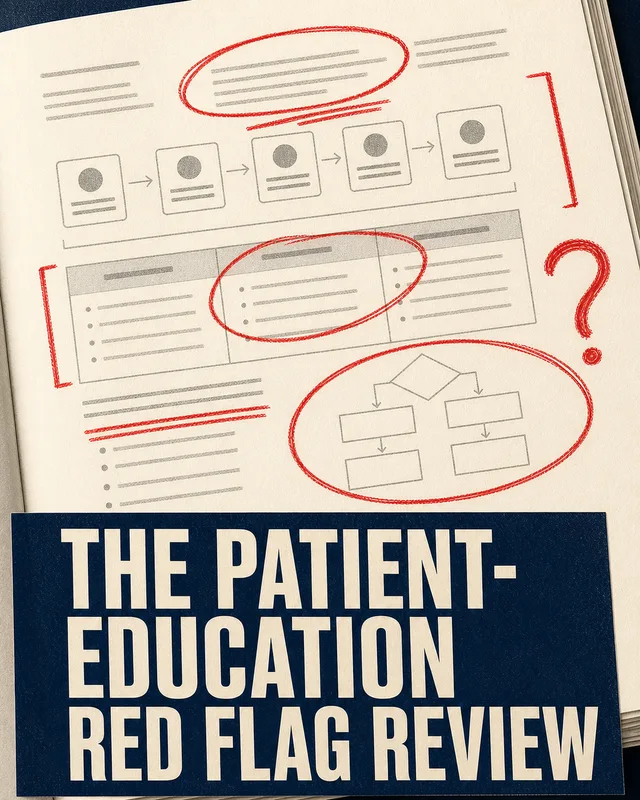
Mistakes · Checklist · Case Study

Framework · Hot Take · Case Study
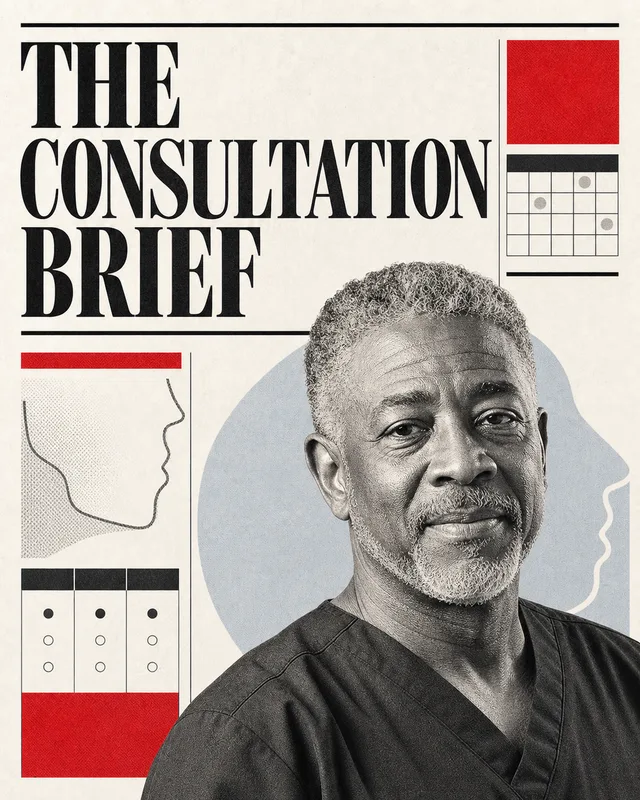
Announcement · Numbers · Case Study
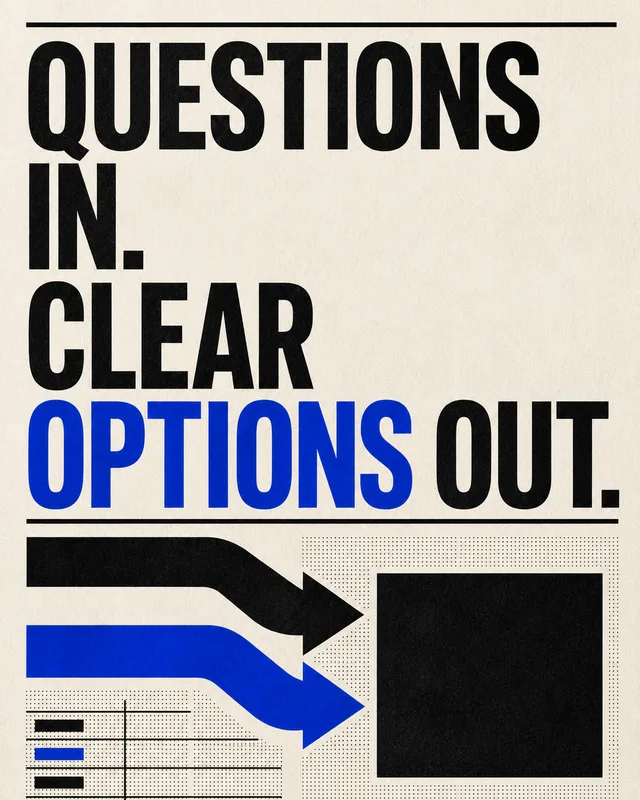
Framework · Mistakes · Numbers

Numbers · Hot Take · Framework

Framework · Mistakes · Numbers

Mistakes · Checklist · Framework

Case Study · Numbers
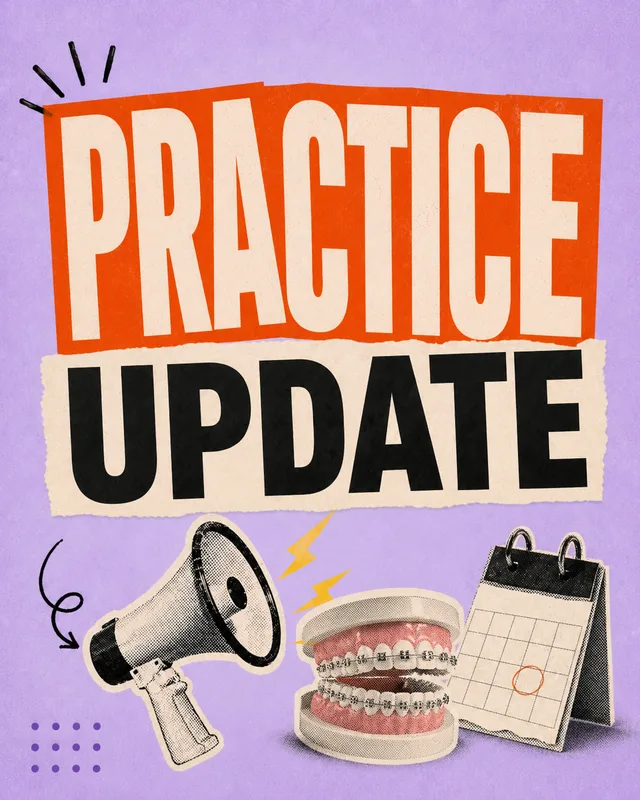
Mistakes · Hot Take

Case Study · Announcement
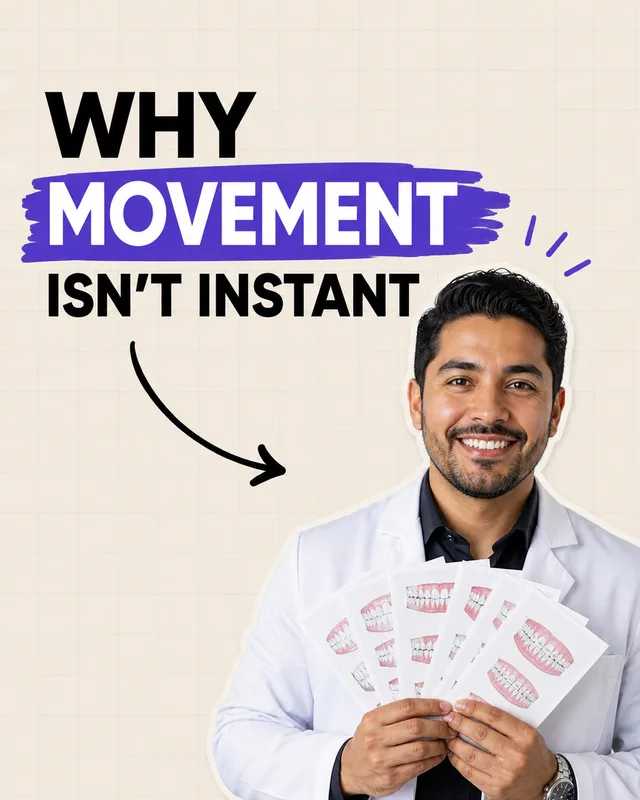
Case Study · Framework · Mistakes

Framework · Checklist

Mistakes · Numbers
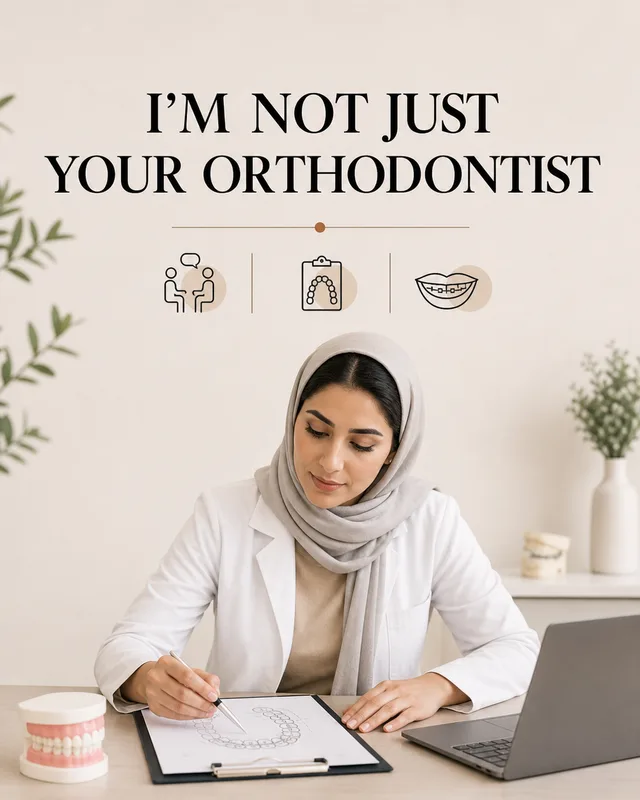

Framework · Hot Take
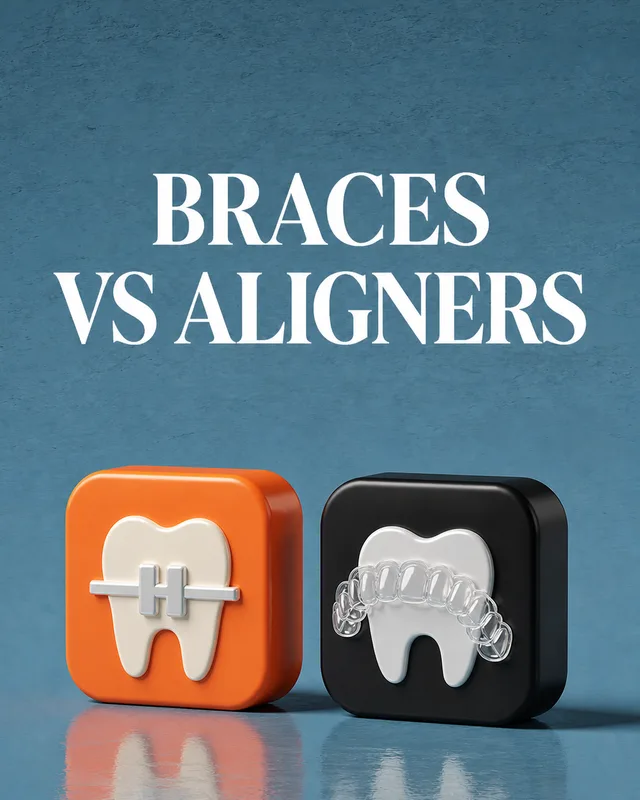
Announcement · Hot Take · Case Study
Why a graphic made for orthodontists
A cover slide is the only part of a carousel that everyone sees. It appears in the feed at thumbnail size and decides whether the other nine slides get read. These are the same designs from the graphics library, redrawn with the subject matter, setting, and tone orthodontist's audience expects.
Pick one and it stays a starting point: change the headline to yours, apply your brand colours, or swap in your own photo, and SlideDrift redraws it in the same art direction.