
Your name
Now ·
How you run the first two weeks sets the tone for the entire engagement. Here’s how I build early momentum and real trust.
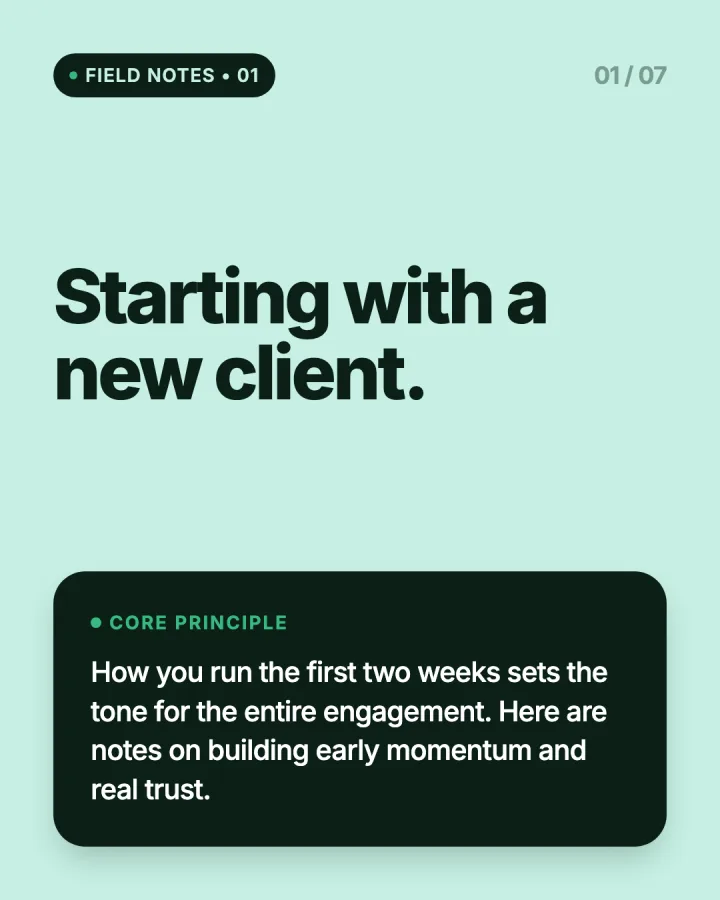
Make a carousel in your brand, put it on the calendar with the rest of your week, and let it go out on time to your profile or Company Page.
7 days free, $0 today. Cancel before the trial ends and you pay nothing.
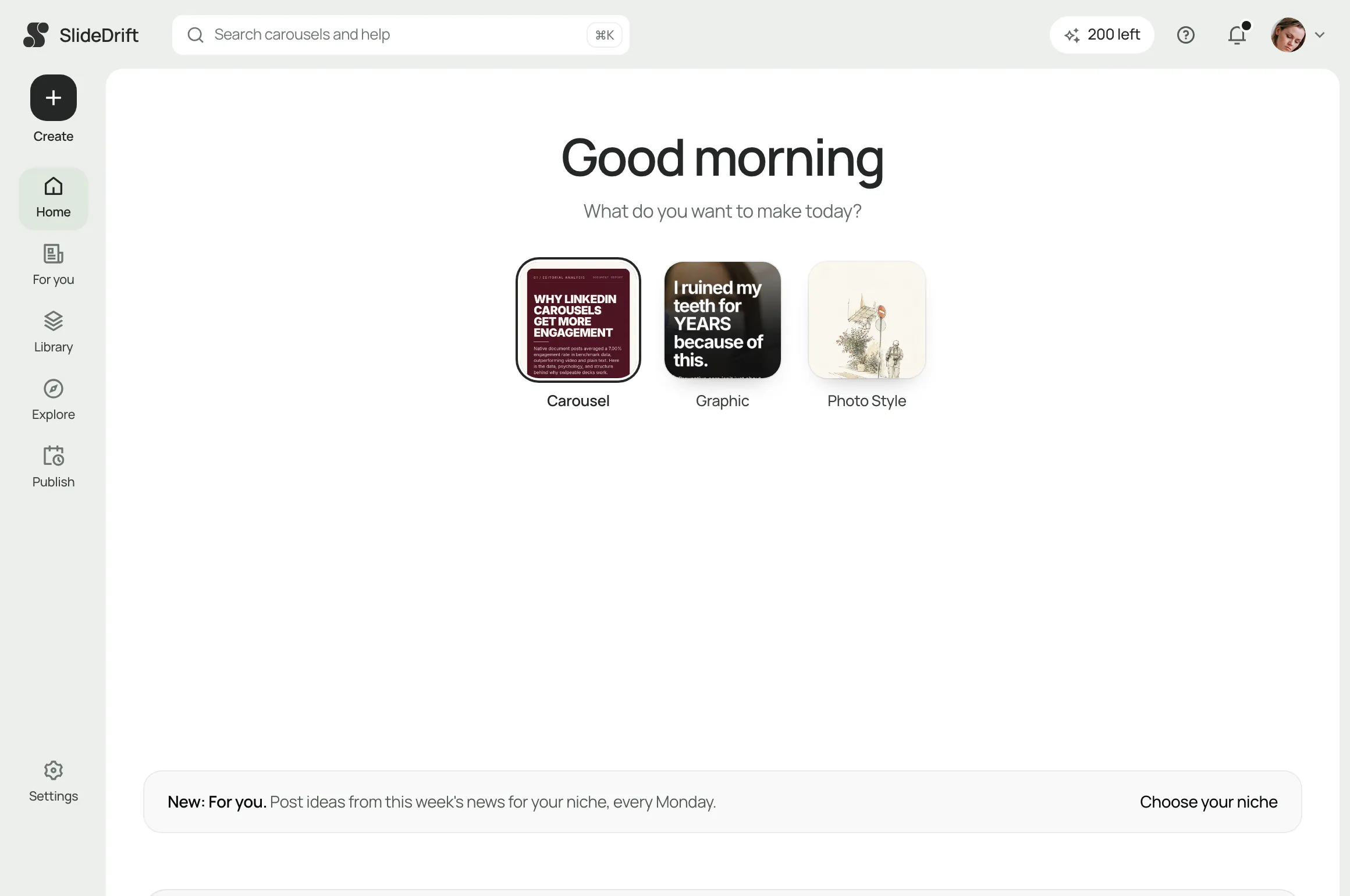
Turn notes, a link or an idea into a carousel, a graphic, a text post or a poll, then edit it.

Your Brand Kit puts your logo, colours and fonts on every design.
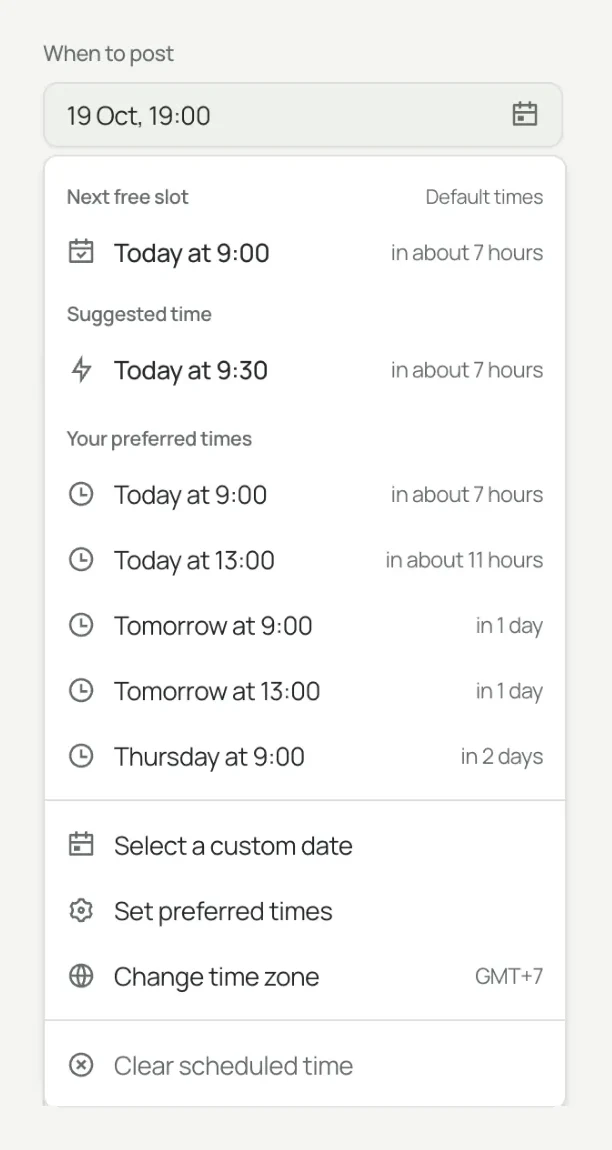
Take the next free slot, a preferred time, or any date you choose.

A review link with no account needed. The post can wait for their yes.
On time, to your profile or Page, with the comments and reshares you planned.
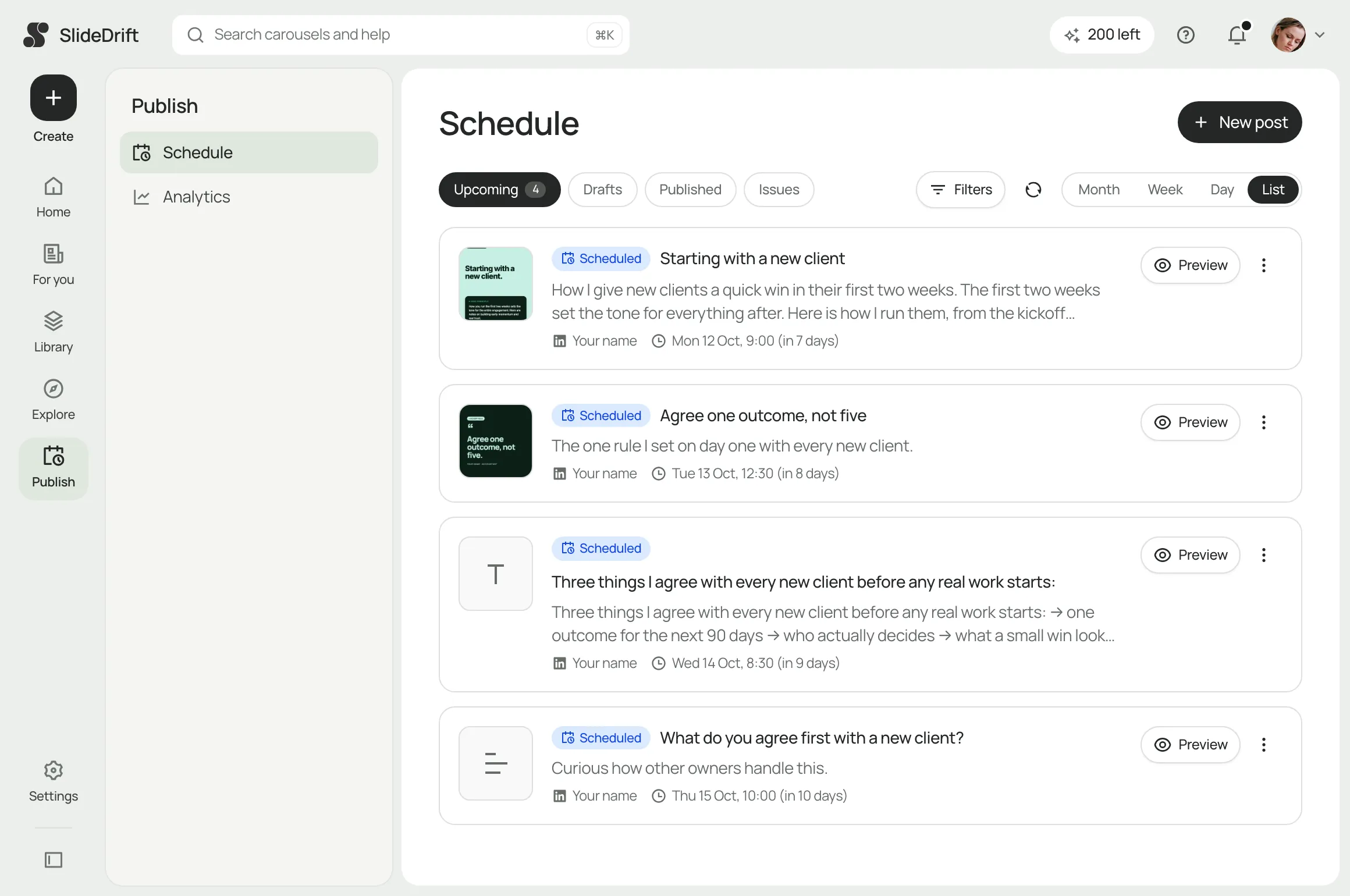
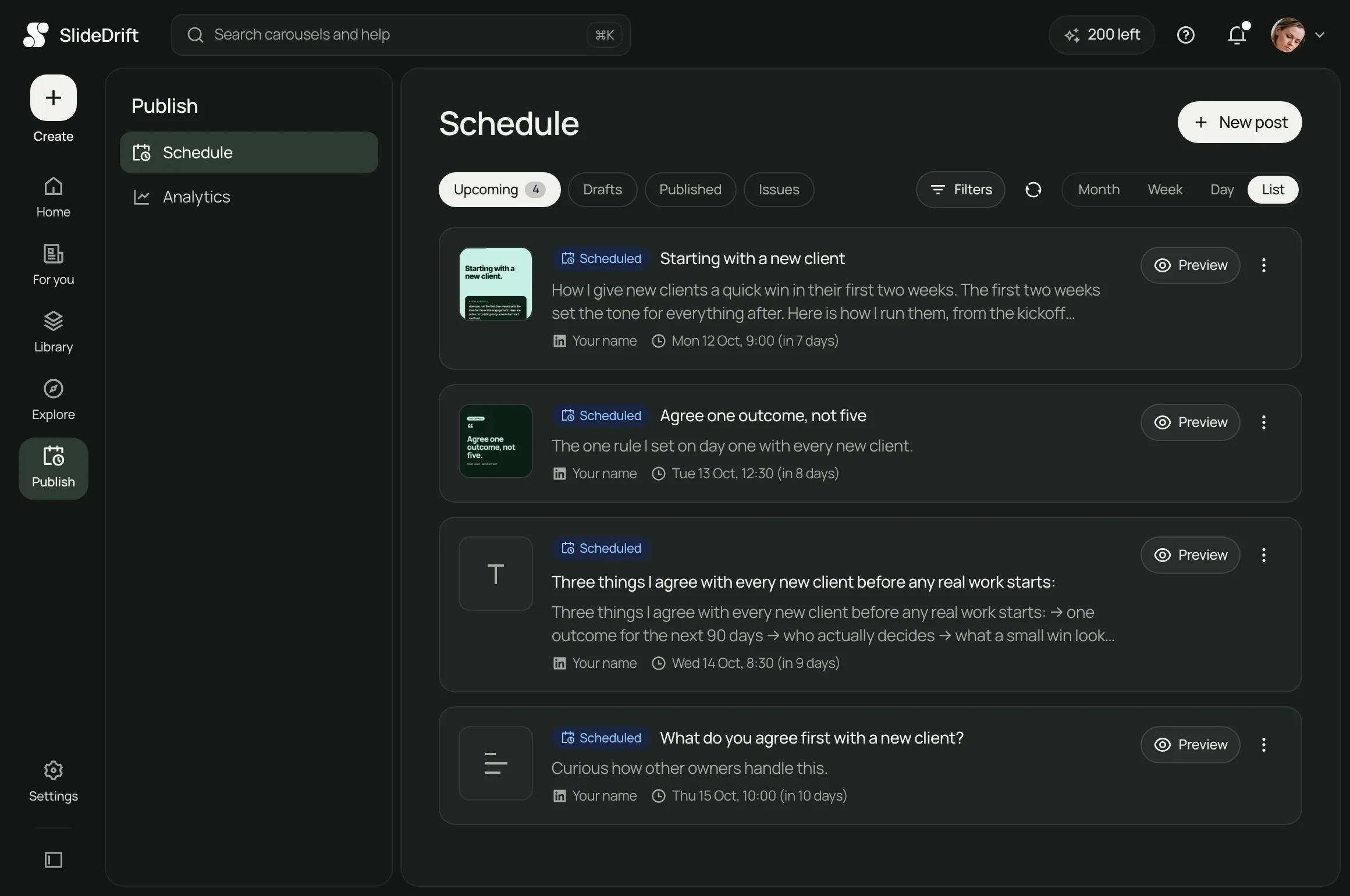
Drafts, scheduled, published and issues in one list, or switch to Month, Week or Day. Drag a post to a new slot to move it.

Up to four comments per post, from the posting account or another one, right after it posts or on a delay.

Send a review link. Clients approve or ask for changes without an account, and a post can wait for their yes.
Reshare from your profile, add a later comment, or act once a Page post reaches a number of likes.

Set preferred times for each account. The picker offers the next free one, or any date you choose.
Here is what LinkedIn itself says. No tool can promise reach, and SlideDrift doesn’t.

LinkedIn's own composer has a clock icon for scheduling posts up to three months ahead. Its help for Page admins suggests scheduling posts at a regular cadence to increase audience reach.
Source: LinkedIn Help: Schedule posts · Schedule a Page post
SlideDrift publishes with LinkedIn's Posts API, using the permission you approve on LinkedIn when you connect. Each post goes out from your own profile or Page at the time you picked.
Source: LinkedIn Posts API
LinkedIn says its feed looks at what a post is about and whether it shares knowledge or advice, and that generic content is less likely to be widely distributed. SlideDrift helps you turn what you know into carousels in your brand.
Source: LinkedIn Help: your feed · AI-assisted content
For a post now and then, LinkedIn’s clock icon does the job. For a week of posts with carousels, comments and a client’s yes, SlideDrift does it all in one place.
LinkedIn column from LinkedIn Help: Schedule posts and Schedule a LinkedIn Page post.
Yes. LinkedIn lets you schedule a post from its own composer with the clock icon next to Post, up to three months ahead. A scheduler such as SlideDrift adds a calendar, drafts, first comments, reshares from your other accounts and client approval.
LinkedIn's built-in scheduling is free. SlideDrift scheduling is on paid plans, and you can try it free for seven days. The trial needs a card, charges nothing when it starts, and you can cancel before it ends.
Yes. Pick a carousel you made in SlideDrift, and when it is due SlideDrift turns the latest saved slides into a PDF and posts it. Scheduling is free; a carousel uses credits only when it publishes, and none if it carries the SlideDrift banner.
Yes, on Pro or Agency, as long as your LinkedIn user is an admin of the Page. You can post to a profile and a Page together, with different text and times for each.
Yes. Change the text, the account or the time while it is scheduled, or drag it to a new slot on the calendar. For a carousel, any slide edits you save go out with the post.
There's no single answer that holds for every audience. SlideDrift lets you set preferred times for each account and offers the next one that's free; its suggested time is a general suggestion, not a reading of your followers.
Open Schedule and connect your LinkedIn account. Nothing to post yet? Make a carousel first, then drag it onto the week.
7 days free, $0 today.