LinkedIn carousel templates for consultants
Pick the part of an engagement you want to talk about, compare styles, and SlideDrift writes your method into the slides. Every slide stays editable.
- 27 real templates
- Every slide stays editable

Starting with a new client: agree one outcome for the next 90 days, ask what would make them renew, find out who actually decides.

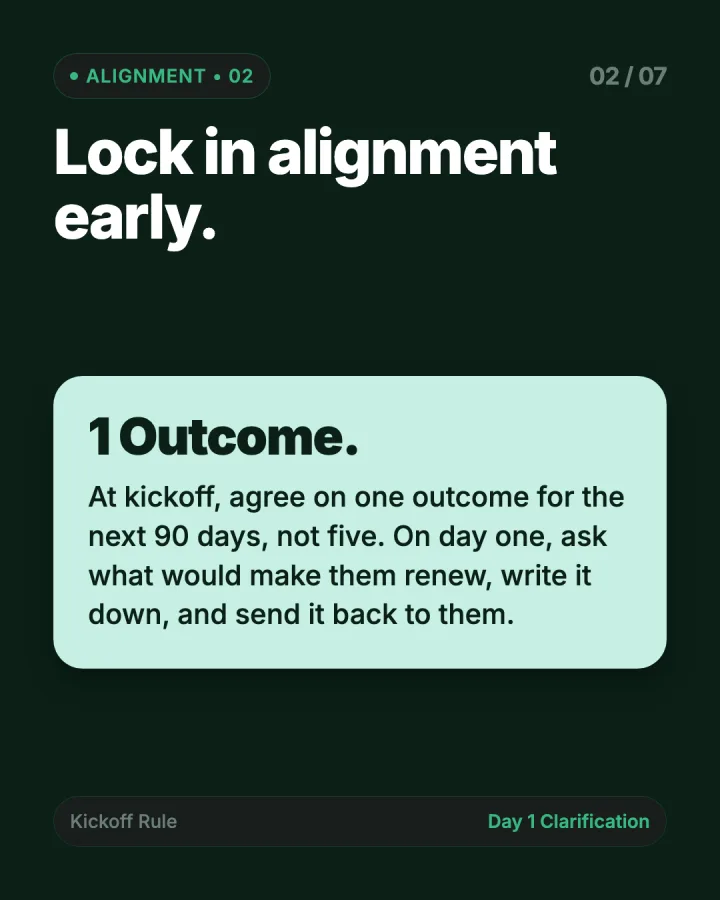
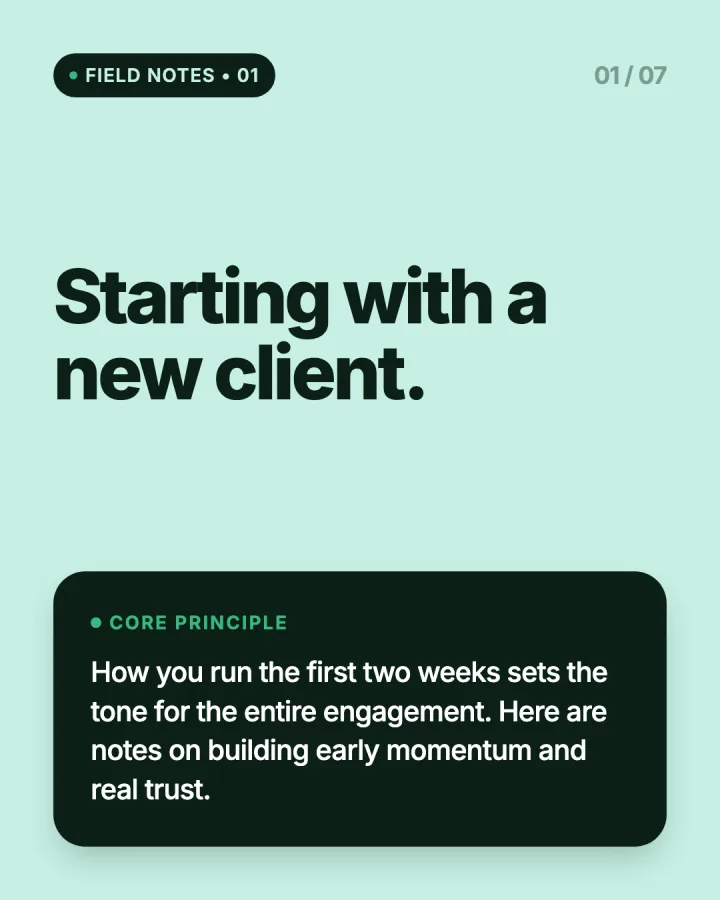
Client discovery
From a broad request to a decision-ready brief.


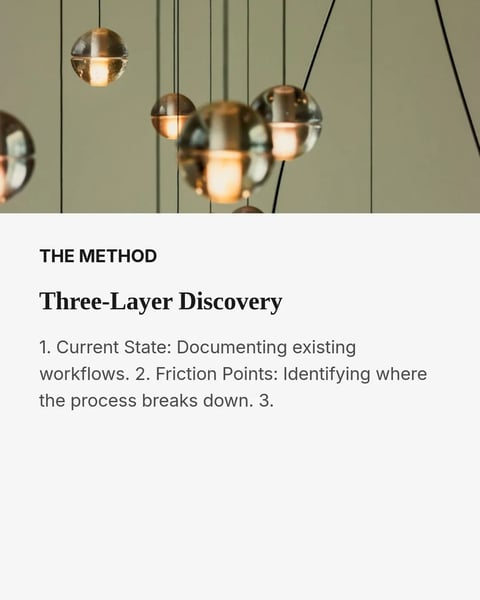
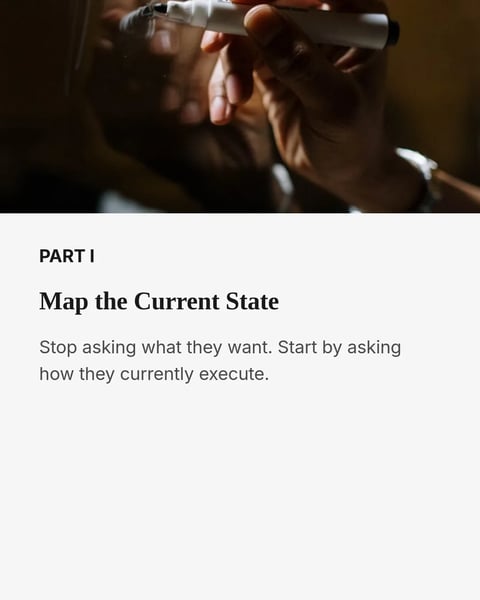

Sample slides from the template. Your own words replace them.
Better questions
The questions that sharpen a client decision.
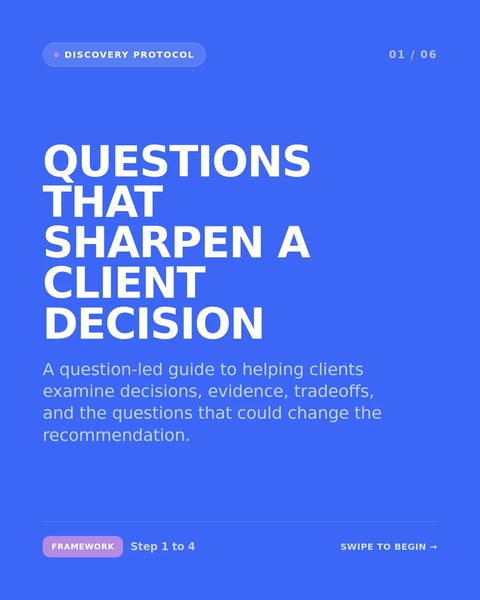
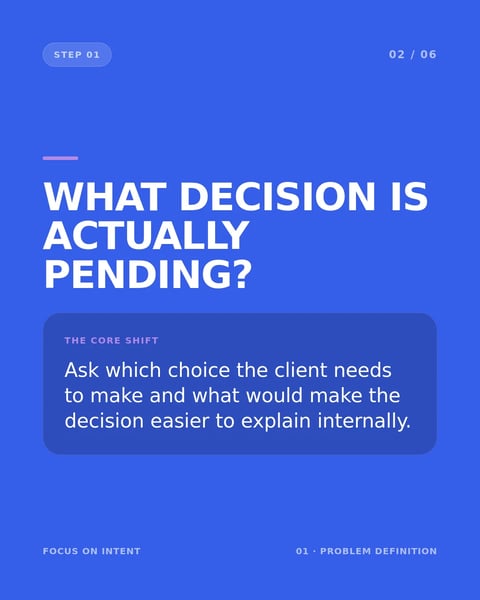

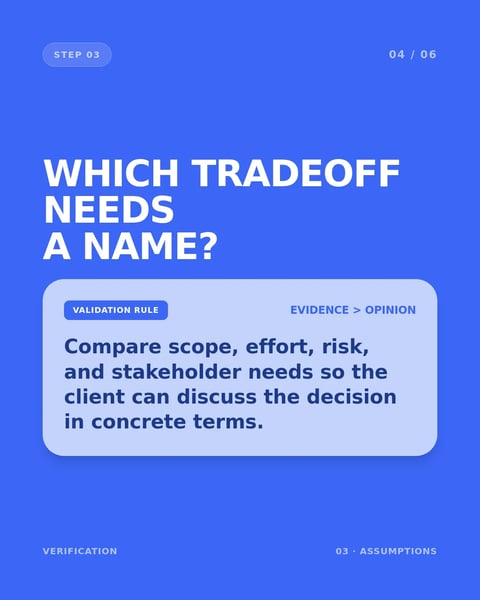
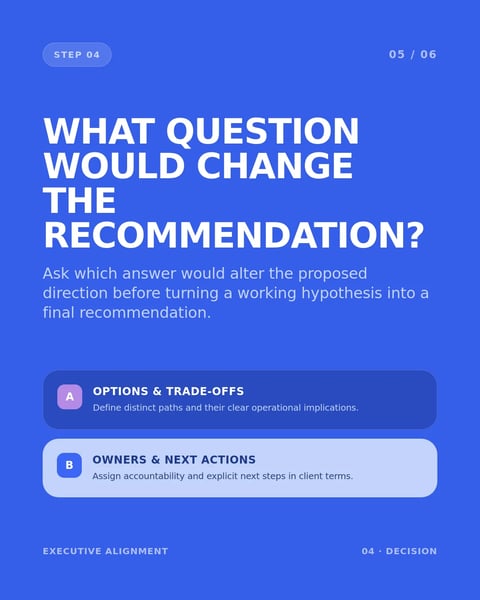
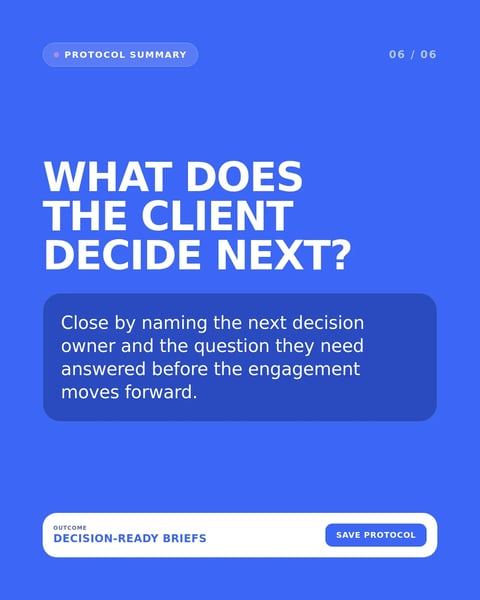
Sample slides from the template. Your own words replace them.
Scope and expectations
What the work covers, what it doesn't, and what comes next.
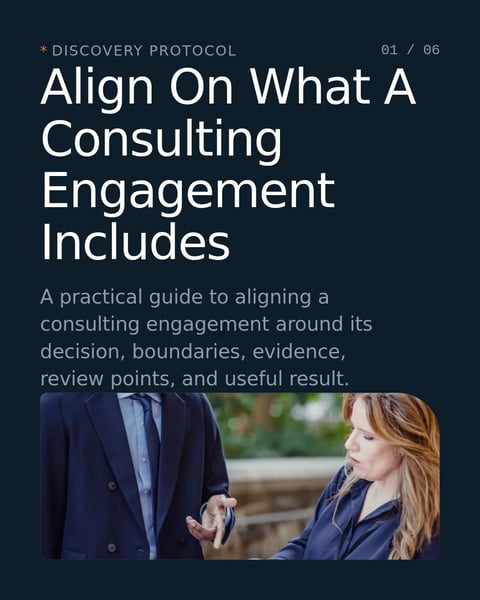
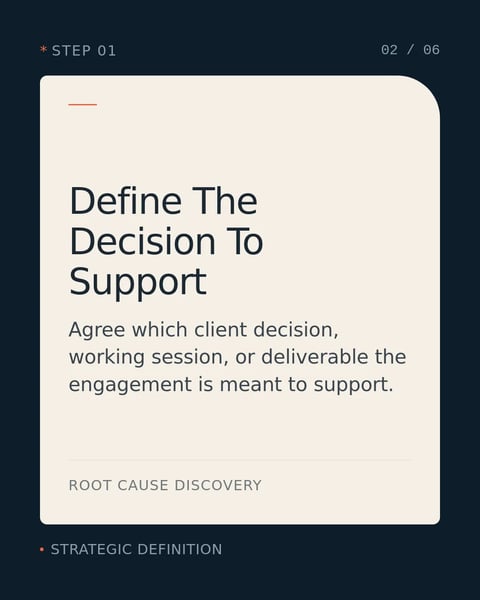
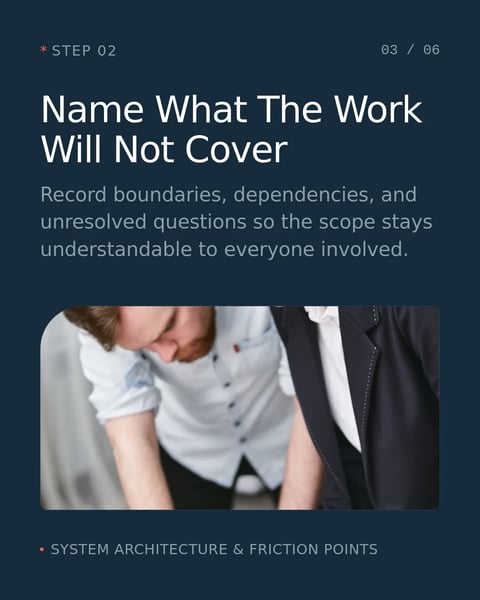
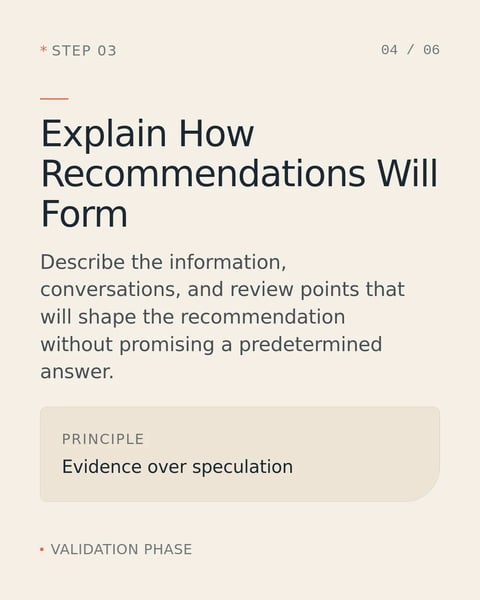

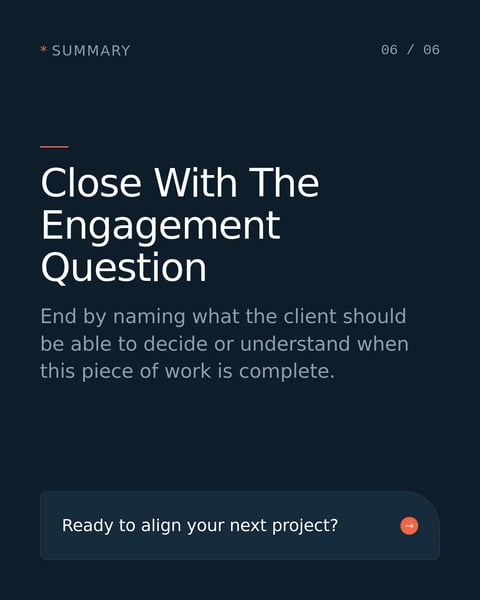
Sample slides from the template. Your own words replace them.
Reviews and recommendations
The checks before a deliverable reaches the client.

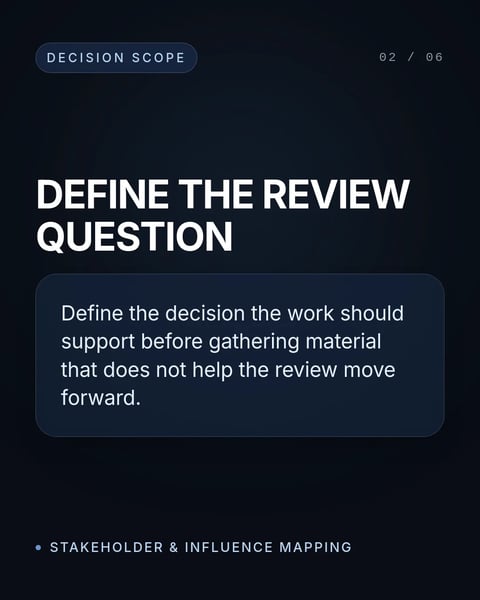


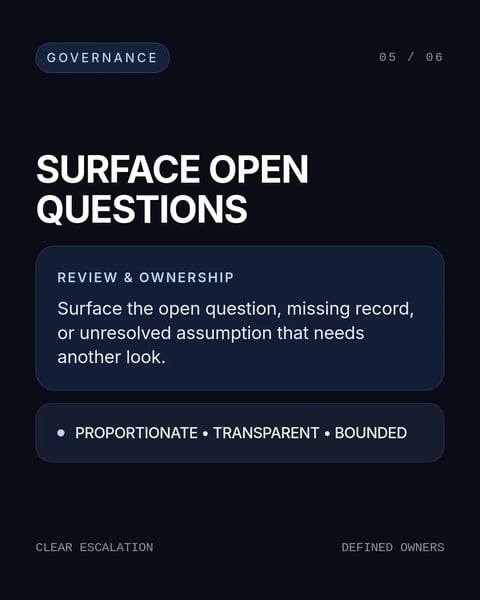
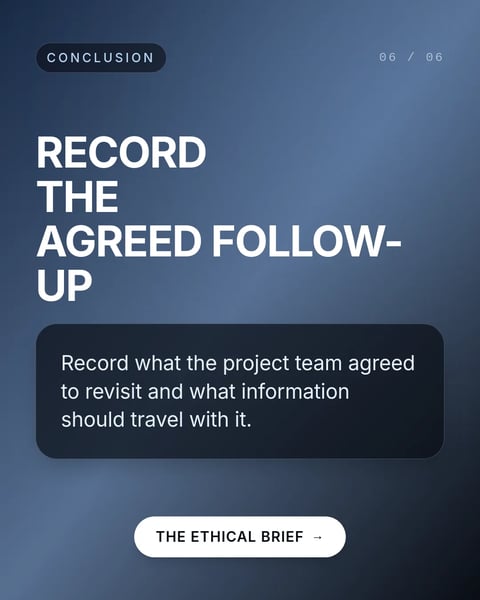
Sample slides from the template. Your own words replace them.
Handoffs and delivery
Implementation gaps, handoffs and owned next steps.
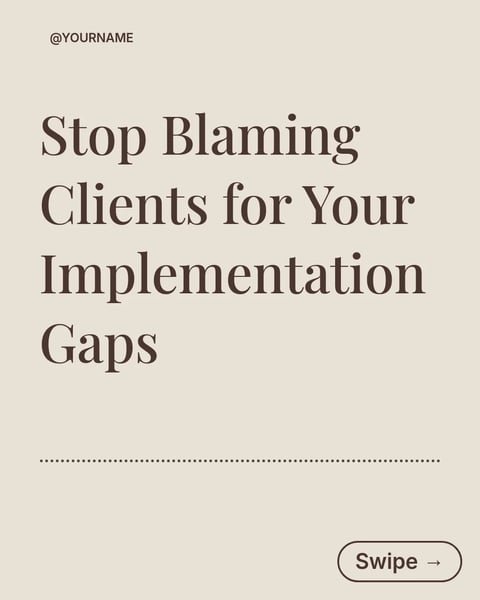
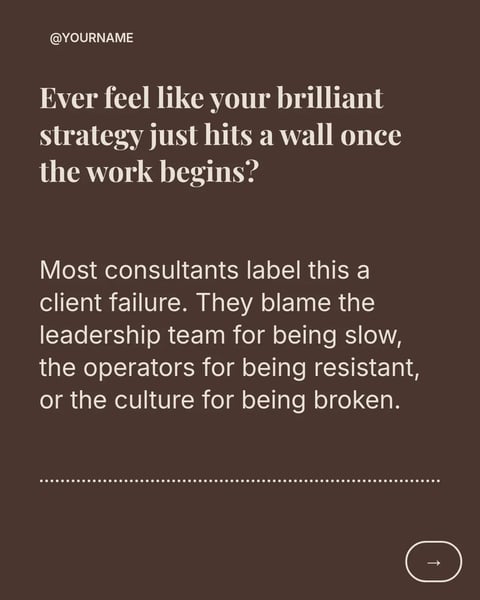
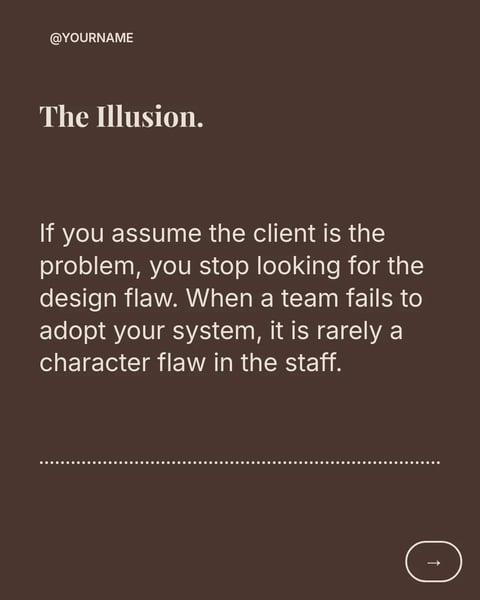

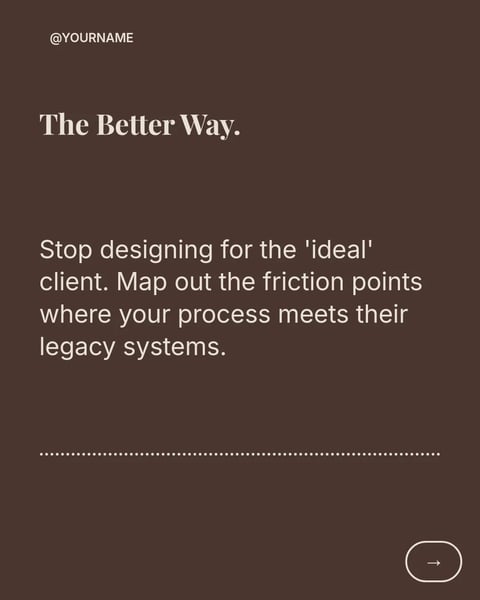
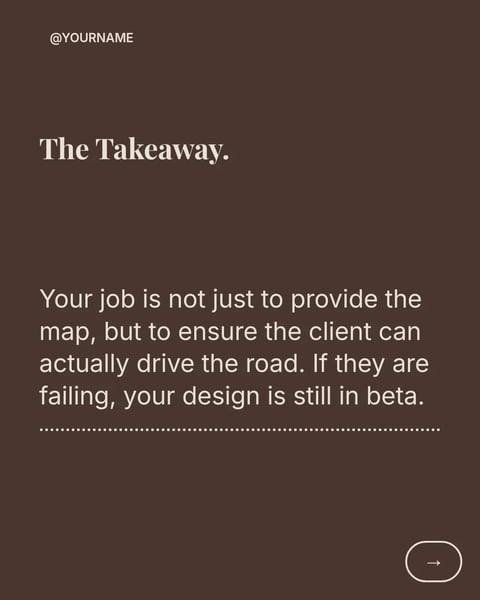

Sample slides from the template. Your own words replace them.
How it works.
From a template to a post in your firm's brand.
- 01
Choose a stage of the engagement
Discovery, questions, scope, reviews or handoff: each one below holds real templates. Open a style to see every slide.
- 02
Add your method
Paste workshop notes, a framework you use or a link to your article. SlideDrift fits it into the slides you chose.
- 03
Review, approve, publish
Tighten the wording, apply your firm's Brand Kit, send a review link to a partner or the client, and schedule it.
Questions?
Explore the docsAre these templates written for consultants?
Yes. Each one comes from SlideDrift's consultants catalogue. The previews show the template's own sample slides; your content replaces them when you make a carousel.
How many credits does a carousel use?
30 credits on a Pro design and 10 on a standard template. The cost shows before anything is generated, and the 7-day trial includes credits.
Can I use my firm's look?
Yes. Add your firm's website and SlideDrift creates a Brand Kit from its logo, colours and fonts; every slide picks it up once it's applied.
Can a client approve a post that mentions their project?
Yes, on paid plans. Send them a review link: they can approve, ask for edits or comment on one slide without an account, and the post can wait for their yes.
Which formats can I download?
A PDF for a LinkedIn document post, or PNG slides in square 1:1, portrait 4:5 or stories 9:16.
Your method is already a carousel.
Type the framework you use with clients, or paste last week's workshop notes. SlideDrift lays it out in a design for consultants.
Try every feature free for 7 days.