Carousel templates / Better questions
Carousel templates for consultants on asking better questions
Good consultants are known for their questions as much as their answers. These templates turn your best questions into a sequence readers can borrow for their own meetings.
- 4 real templates
- Every slide stays editable



Pick a style.
Every style below is a real template. Switch to see all of its slides.
What goes on each slide.
A plan that suits this topic. Use it as is, or change it in the editor.
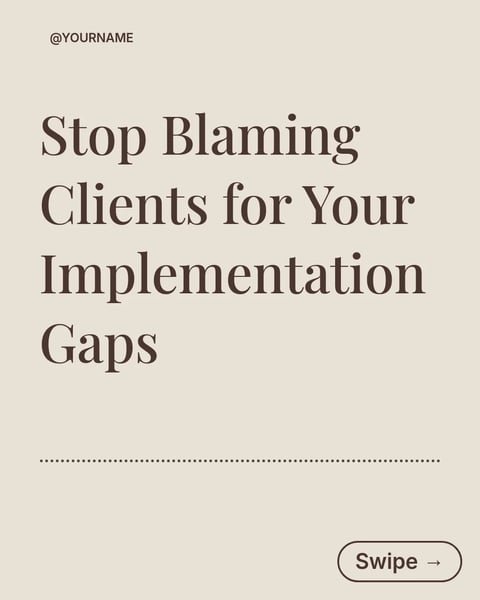
- 1A cover that promises a set of questions for a specific moment
- 2The question that finds the decision behind the request
- 3A question that separates evidence from opinion
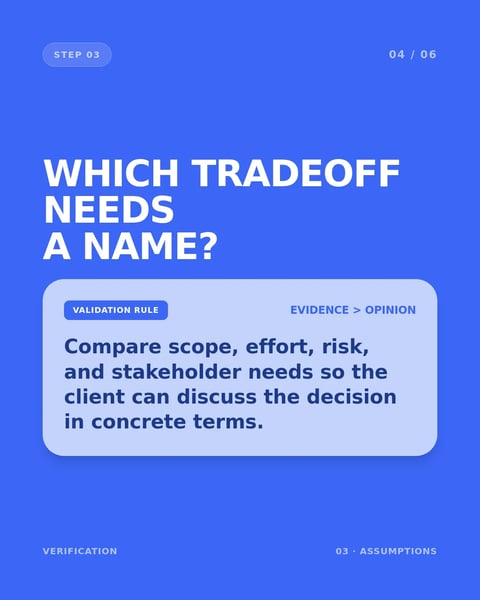
- 4A question that names the tradeoff
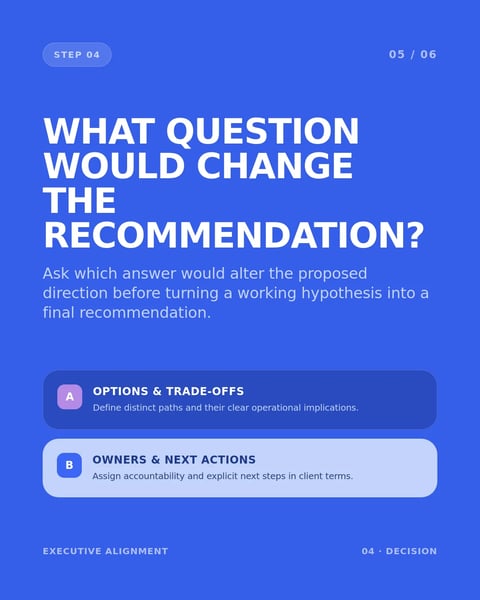
- 5The question that confirms what the client decides next
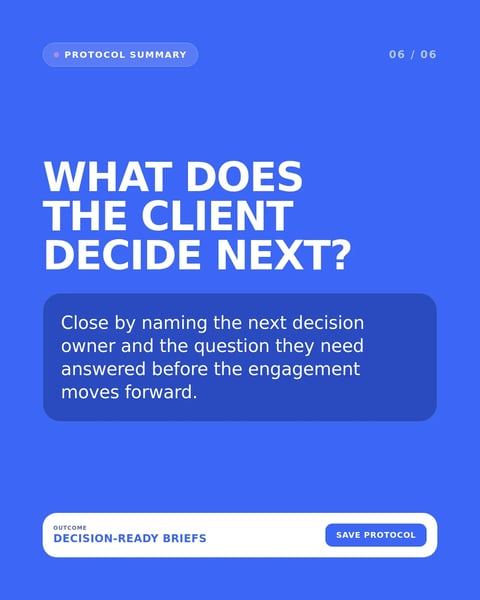
- 6A closing slide with your name and firm
Start with this topic in the box above, then add your own notes.
How to make one.
Three steps from your notes to a carousel you can post.
- 01
Collect your questions
Note the four or five questions that most often change the direction of a project.
- 02
Choose a style
Four styles above, from bold blue to a quiet navy layout.
- 03
Explain why each one works
Under each question, say what it tends to uncover, in a single line.
More topics for consultants.
Real templates for the other posts consultants make.



Questions?
Explore the docsIs a list of questions enough for a post?
Yes, when each question comes with a line on why it matters. Readers save these to use in their next meeting.
Who is this carousel for?
Clients and peers alike: leaders preparing for a project, and other consultants comparing methods.
Should I add an example answer?
Only an invented one. A real client's answer belongs to them.
Your method is already a carousel.
Type the framework you use with clients, or paste last week's workshop notes. SlideDrift lays it out in a design for consultants.
Try every feature free for 7 days.