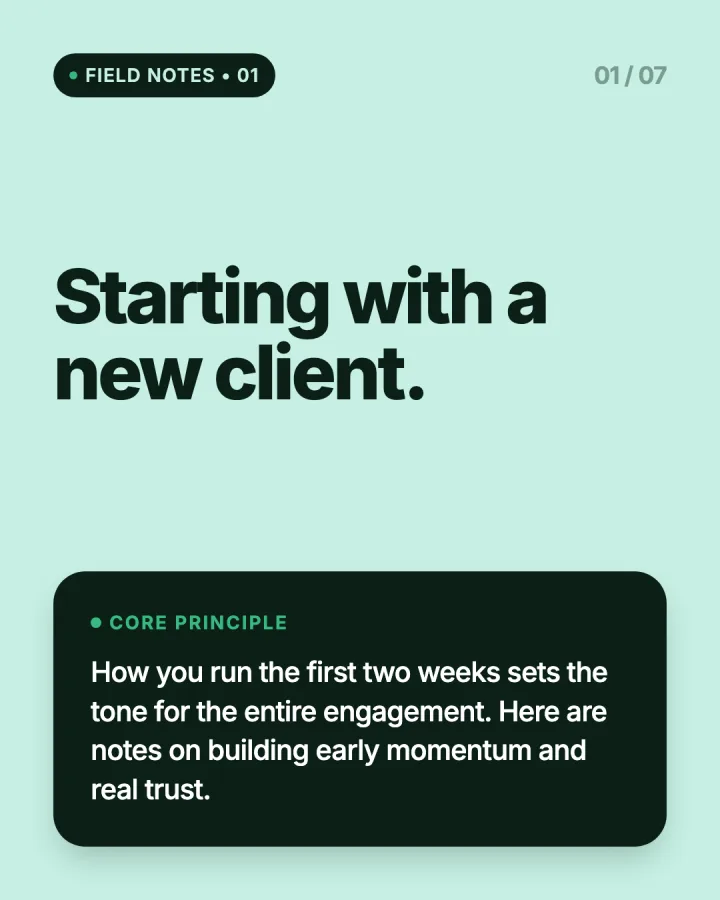
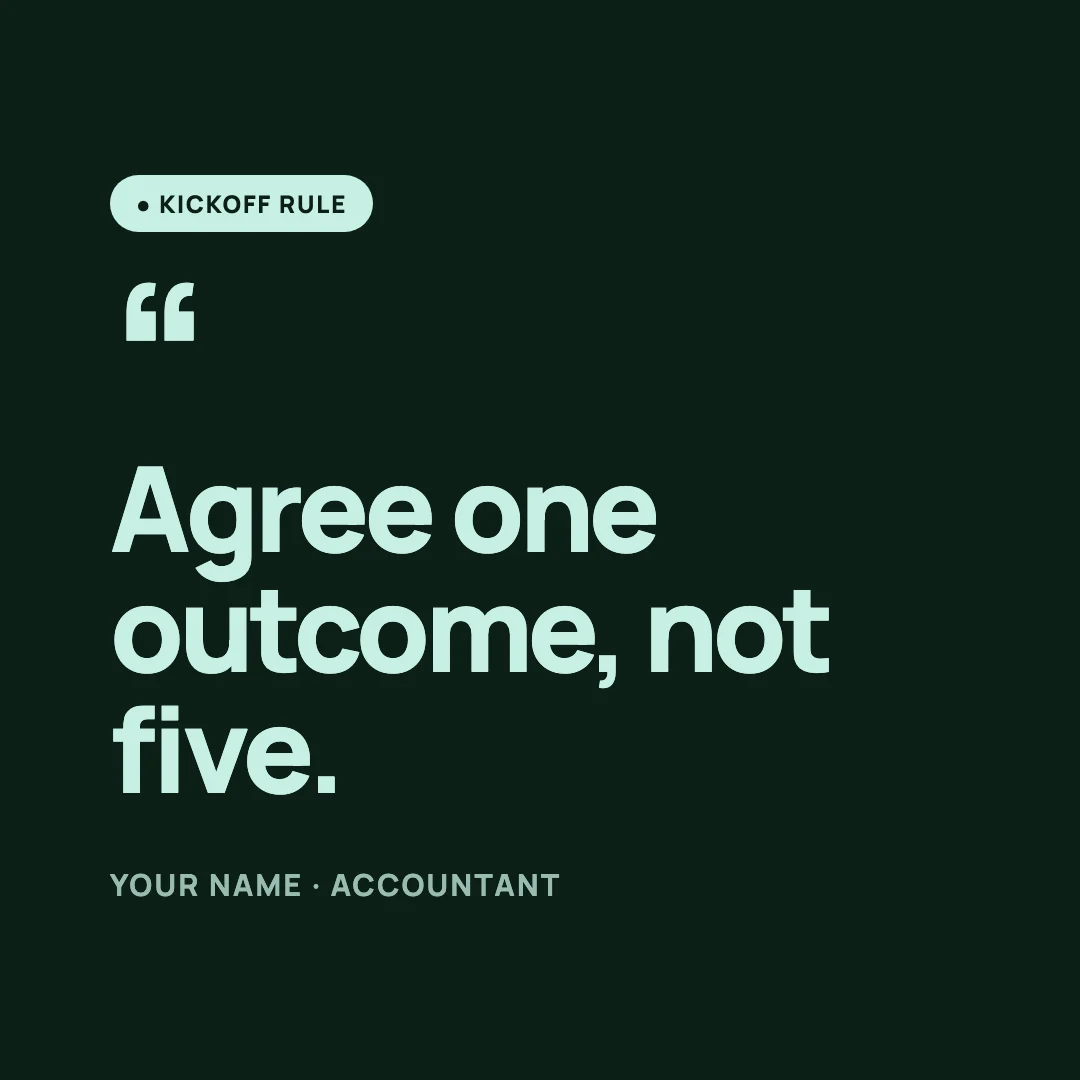
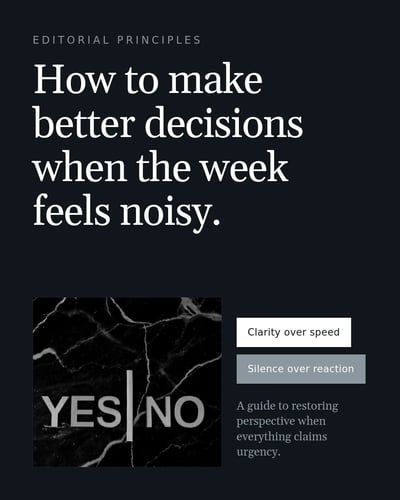
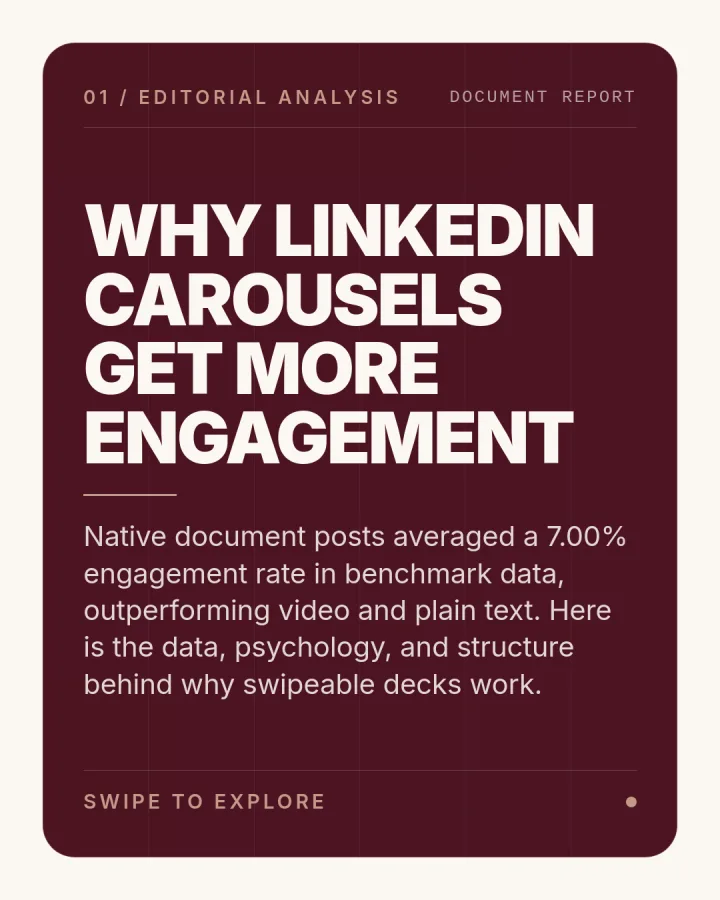
The LinkedIn carousel generator that starts from your notes.
Paste notes, a link or one line. SlideDrift writes the slides and designs them. Try it here, no account needed.
- Free up to a daily limit
- Every slide stays editable

“Why most professionals are posting on LinkedIn the wrong way”

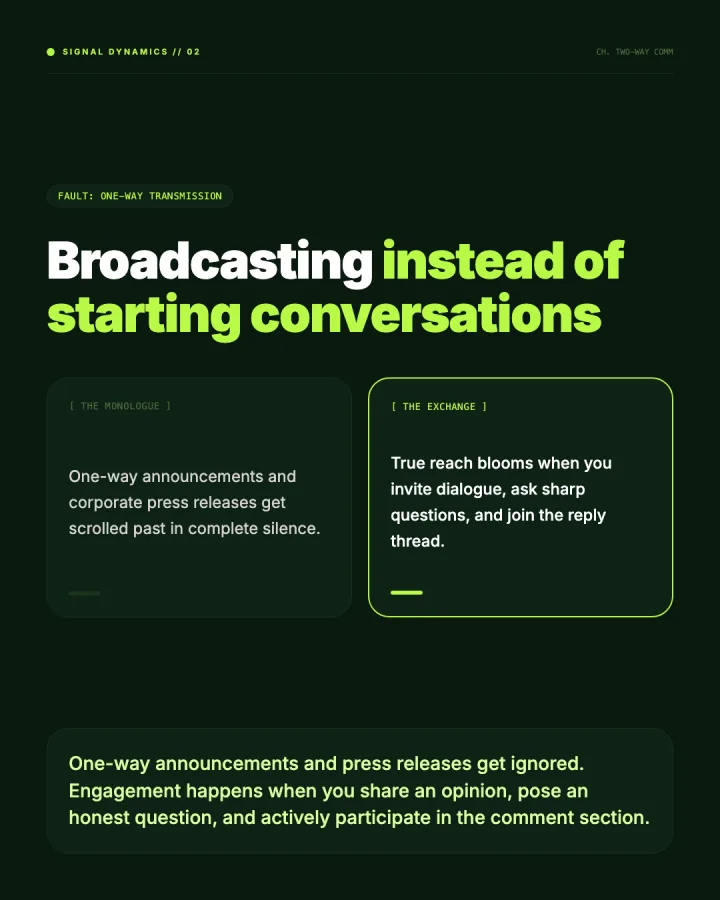
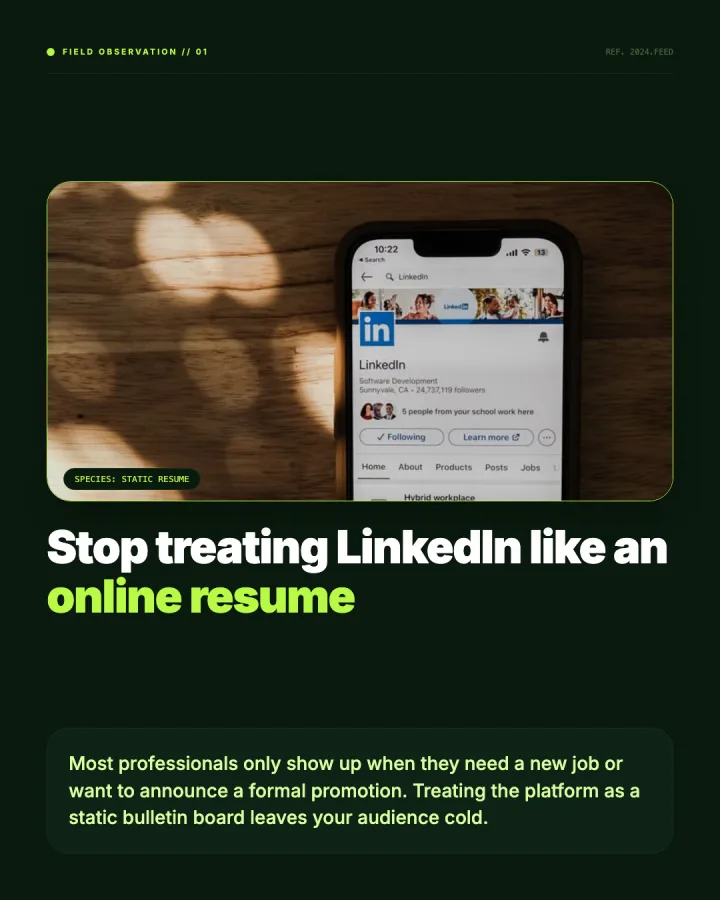
What went in, and what came out.
Real first drafts from a link, rough notes, a PDF and one idea. Pick one and see every slide.
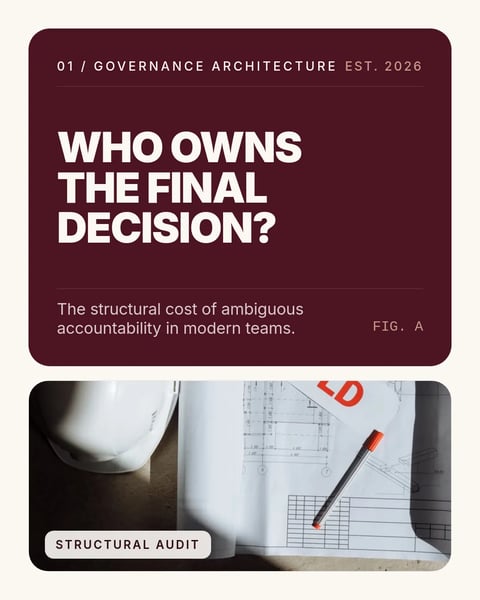
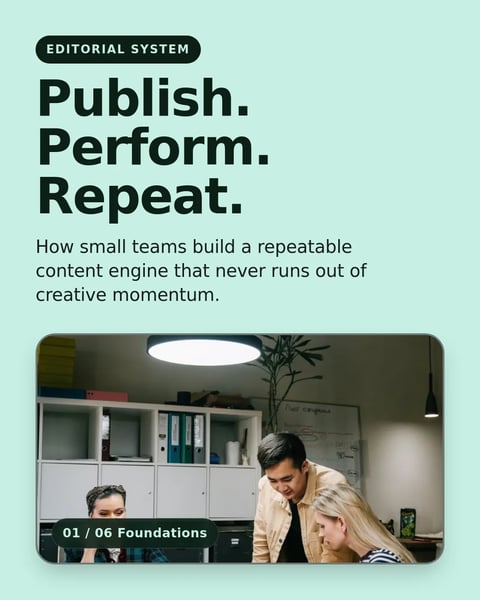
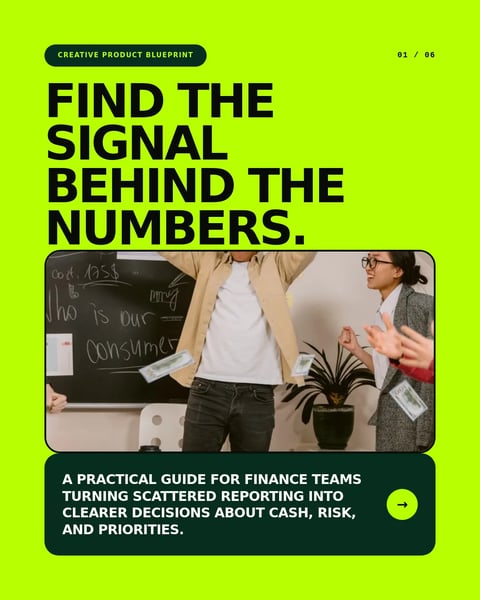
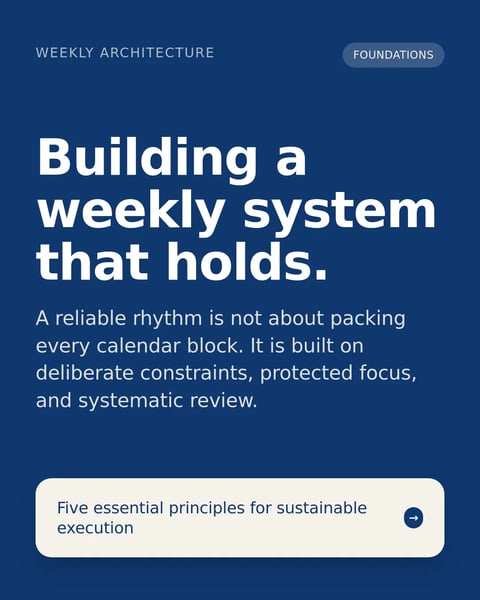
Start with a design.
Every carousel starts in a designed template. Pick one and SlideDrift writes your slides into it.








How it works
SlideDrift turns what you know into LinkedIn posts in your brand. A carousel takes three steps.
Add what you already have
Type an idea, paste your notes or drop in a public link. Rough is fine. On a paid plan or a trial you can also start from a PDF.
Open CreateGenerate and pick a design
SlideDrift plans the slides, writes the copy and lays it out in a design. Choose another template if the first look isn't right, or apply your Brand Kit once you have an account.
Browse the designsEdit, then export or schedule
Change any word, reorder or delete slides, and regenerate one that misses. Export a PDF for LinkedIn, or schedule it from SlideDrift on a paid plan.
How scheduling works
Edit any slide. Keep it in your brand.
The draft is a starting point. Change the words and the layout, then put every slide in your colours and fonts.
- Add, delete and reorder slides
- Regenerate one slide that misses
- Export PDF or PNG in 1:1, 4:5 or 9:16
- Schedule to LinkedIn on a paid plan or the trial
Questions?
Explore the docsIs there a free LinkedIn carousel generator?
Yes. You can generate a carousel on SlideDrift's Create page as a guest, without an account, up to a daily limit. A Free account gives you a few generations and exports a day, with a small SlideDrift banner on the exported slides.
How do I make a carousel on LinkedIn?
LinkedIn has no carousel builder of its own. You make the slides elsewhere, save them as one PDF, and upload it as a document post; LinkedIn shows each page as a slide. SlideDrift makes and exports that PDF, or schedules the post for you on a paid plan.
What size should a LinkedIn carousel be?
Use portrait, 1080 by 1350 pixels (4:5), which fills more of a phone screen. Square, 1080 by 1080, suits posts you also share elsewhere. Pick the format before you export, because SlideDrift exports the size the carousel is set to.
Can AI turn a PDF or blog post into a LinkedIn carousel?
Yes. Paste a public article link on any plan, or paste the text itself. PDF uploads work on paid plans and during the seven-day trial; SlideDrift pulls out the text and supported visuals, then drafts the slides.
Can I edit the slides after the AI generates them?
Yes, and you should. Change any text, reorder, add or delete slides, regenerate a single slide, or switch the design. Nothing is locked once the draft appears.
Will my carousel have a watermark?
On the Free plan, exported slides carry a small SlideDrift banner. Paid plans can remove it, and the export dialog tells you before you download whether the banner is on.
Your notes are a carousel already.
Paste them below and see the slides. You don't need an account to try it.
Free up to a daily limit. Every slide stays editable.