Text and image posts
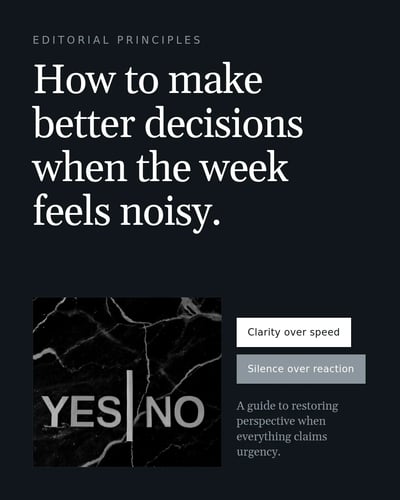
Post ideas writes them from your notes and your answers about your audience. Edit the words, change the photo or design, or ask Personalise to rewrite one.

Paste notes, a link or one idea. SlideDrift drafts text posts, image posts, polls and carousels from it, and you edit each one. Try it here, no account needed.
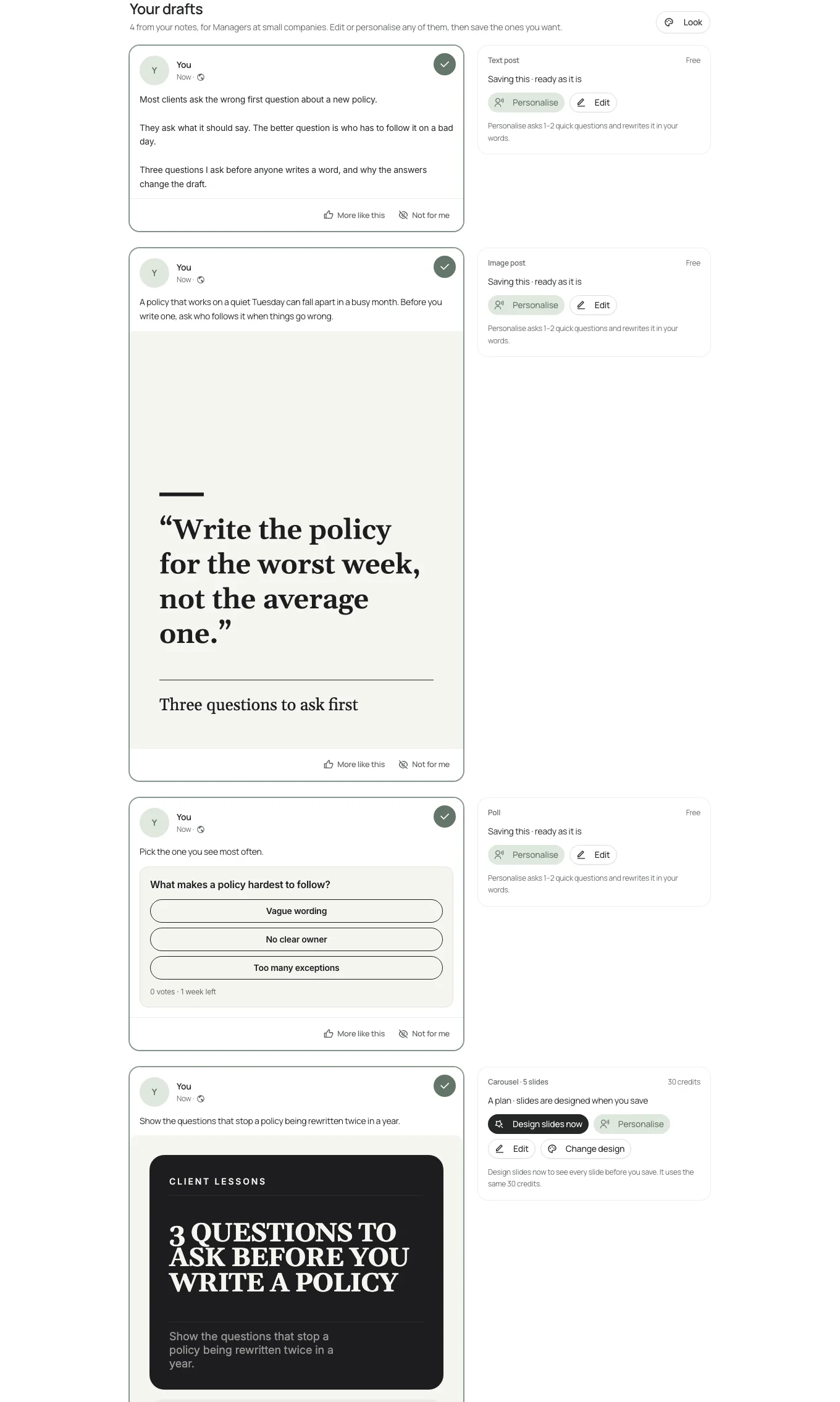
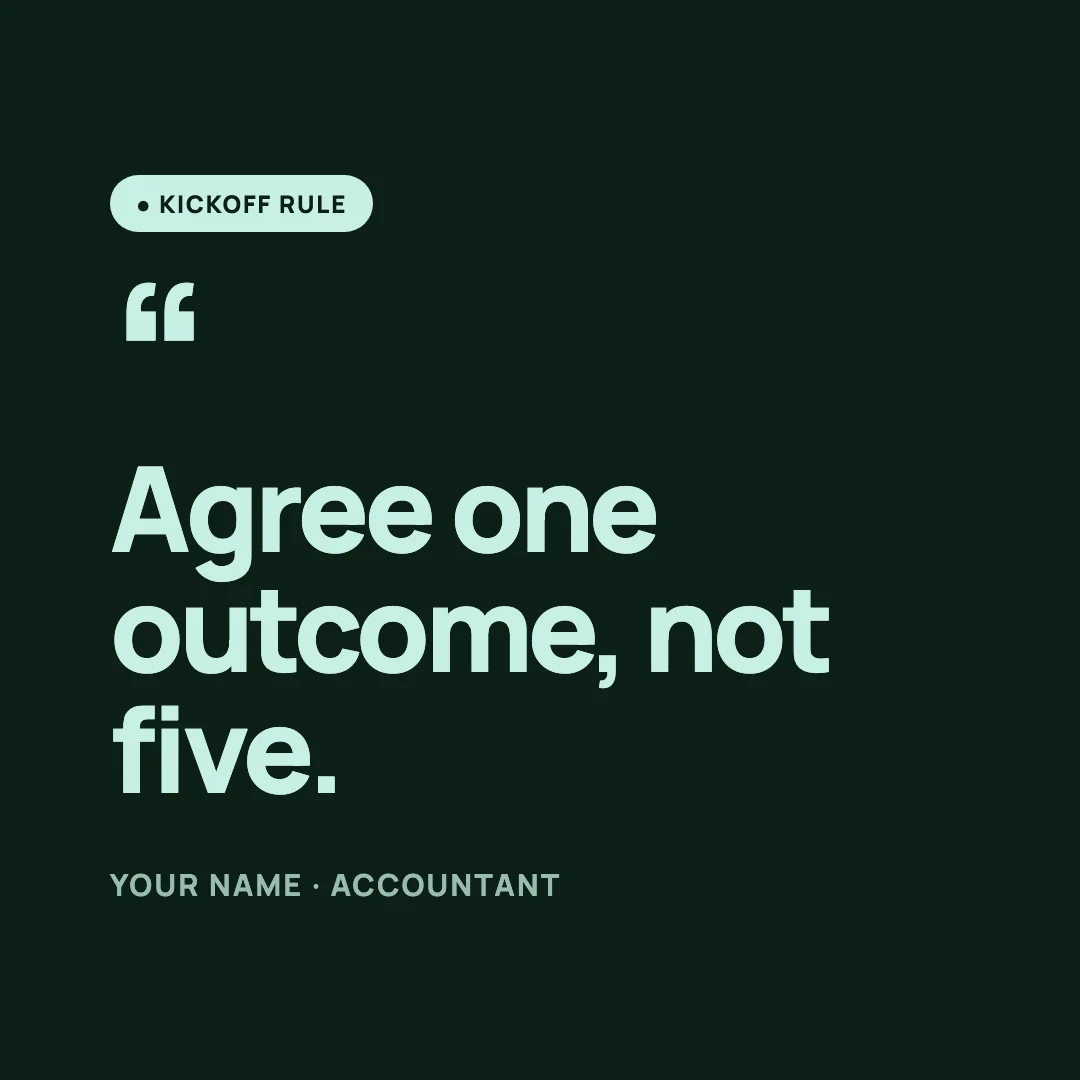
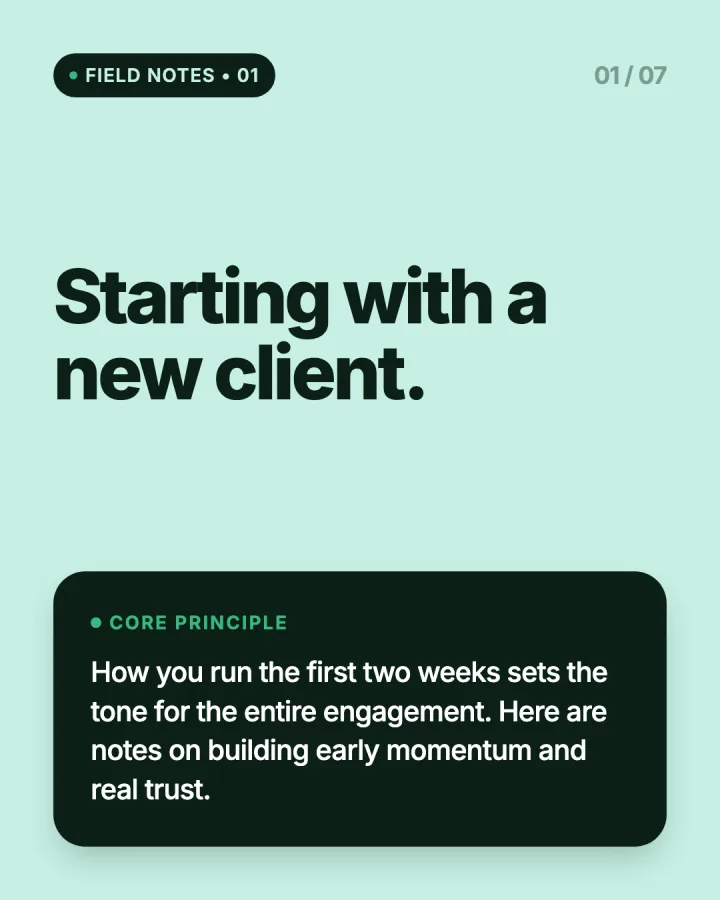
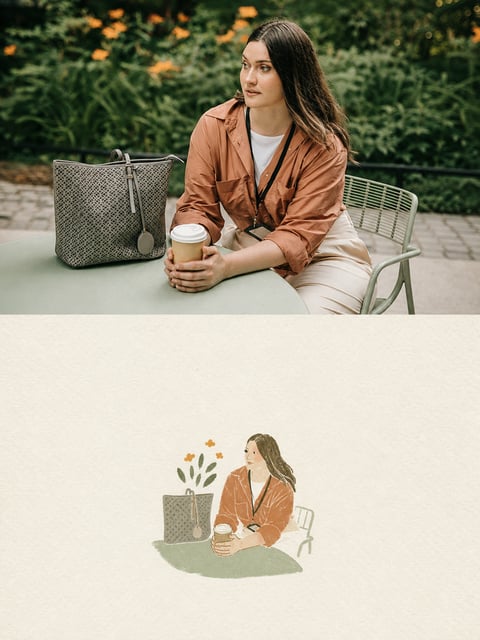
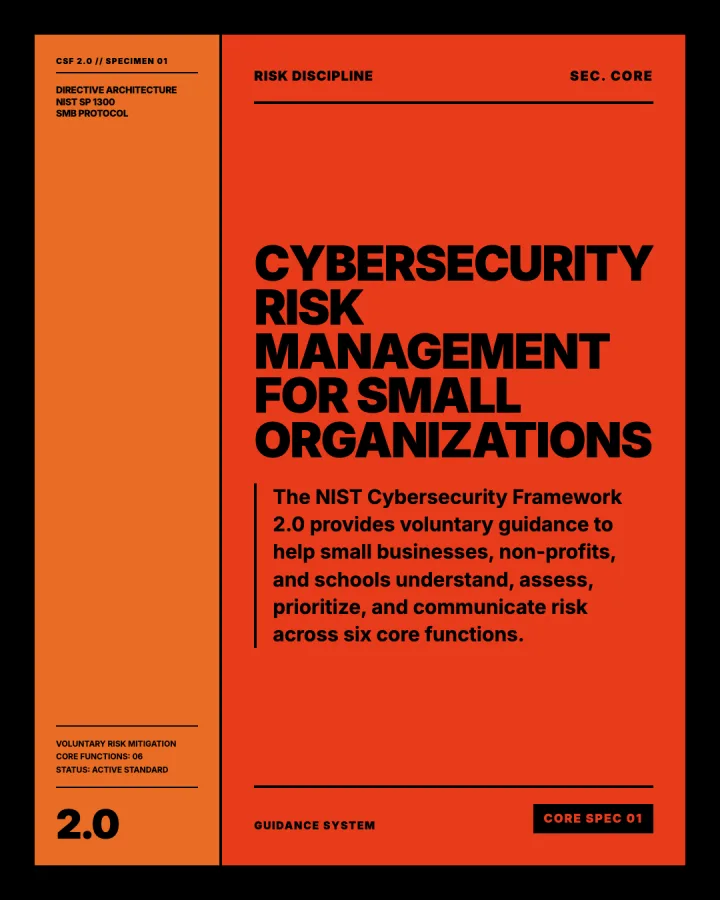
Real drafts and designs from SlideDrift. Graphics and Photo Styles are on paid plans; the rest starts free.
Post ideas writes them from your notes and your answers about your audience. Edit the words, change the photo or design, or ask Personalise to rewrite one.
A question and two to four options, drafted from the same notes. Change both before you save, and pick how long it stays open when you schedule it.
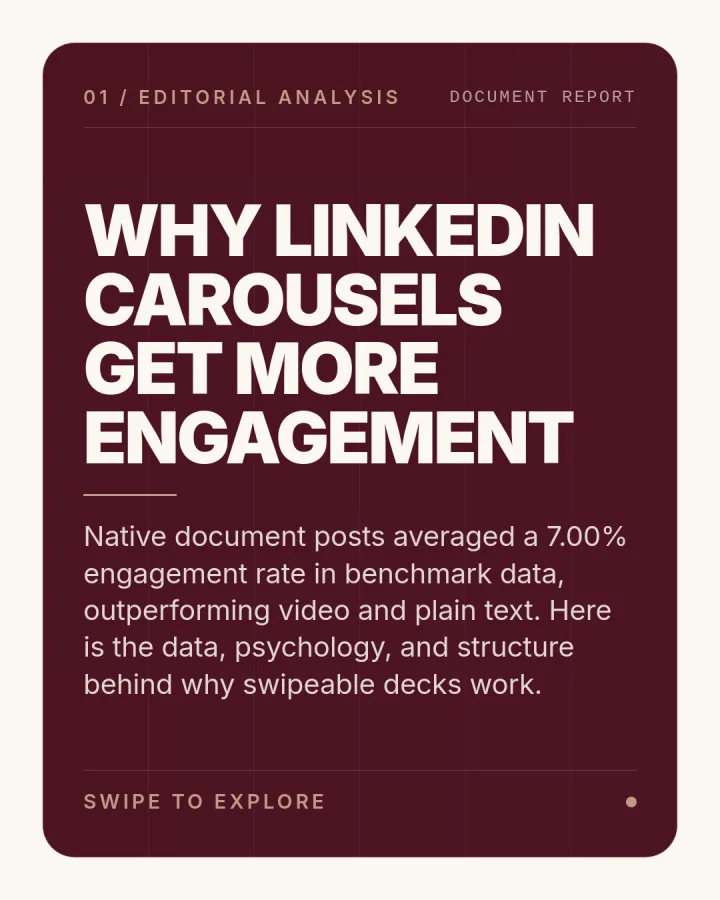
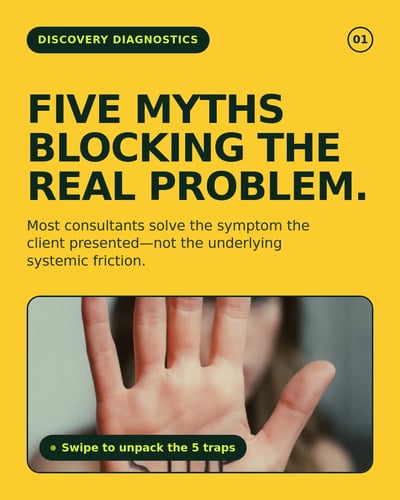
Turn the best idea into slides in a template or your Brand Kit, then edit every slide.
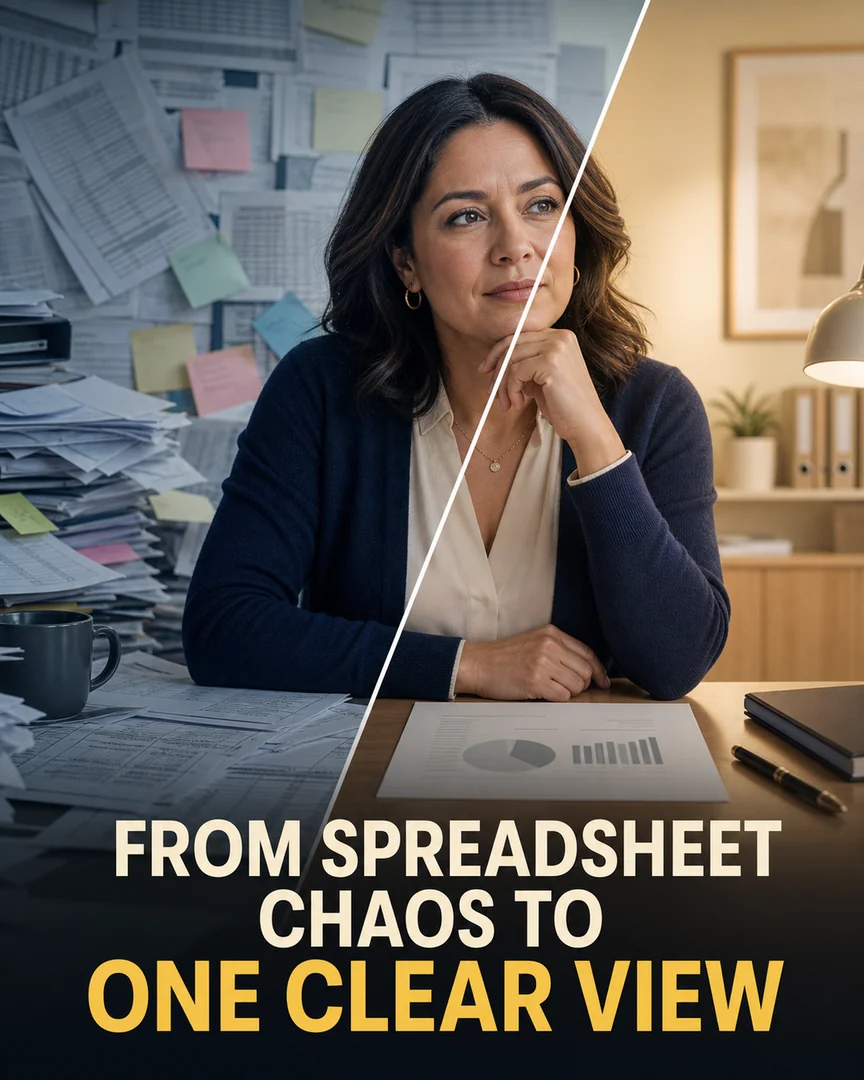
A designed single image from a library design or your own pictures. On paid plans.
Restyle a photo you own, one result per photo. On paid plans.
One set of notes becomes a week of drafts. Nothing goes out until you schedule it.
Type an idea, paste rough notes or add a public article link. Answer a few short questions about who you help and what readers should do next.
Open Post ideas
SlideDrift writes a mix of text posts, image posts, polls and carousels. Edit any draft, ask Personalise to rewrite it with your details, or remove the ones that miss.
How Post ideas worksTick the drafts you want and save them to your account. Text, image and poll drafts are free to save; schedule them on a paid plan or the trial.
How scheduling works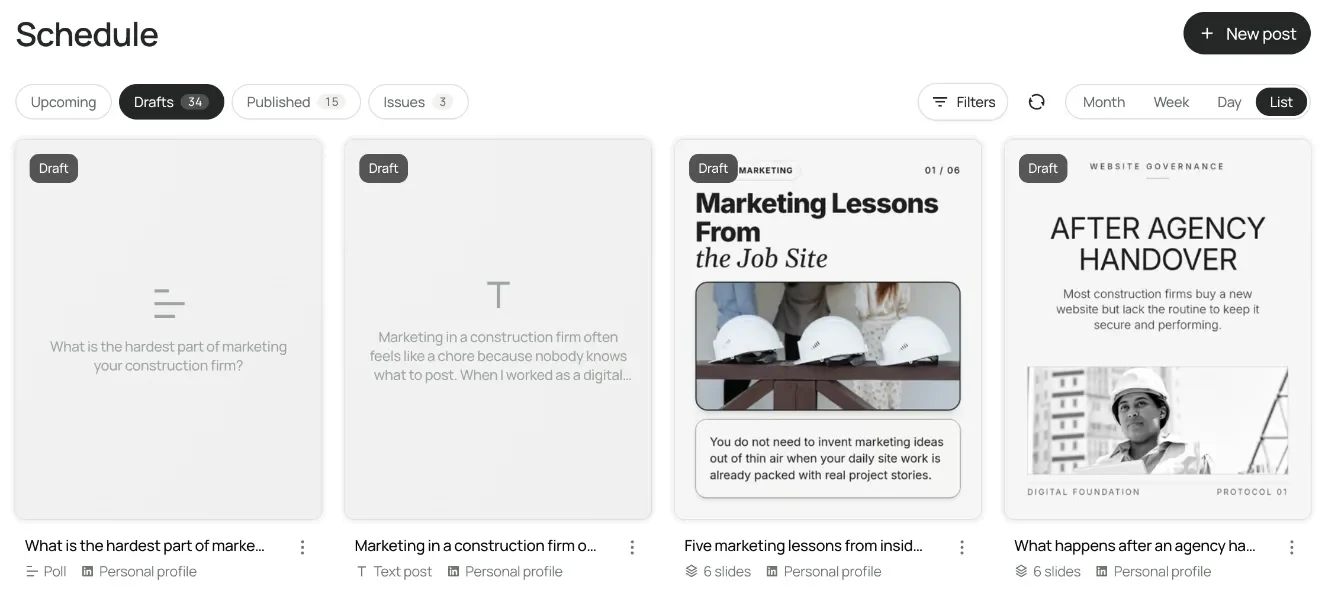
Yes. SlideDrift's Post ideas drafts text posts, image posts, polls and carousels from your material without using credits. You can try it before making an account, and saving text, image and poll drafts is free. Daily limits apply.
Text posts, image posts, polls and carousels from Post ideas. On a paid plan you can also make Graphics from a library design or your own images, and restyle your photos with Photo Styles.
Yes. Post ideas can suggest a poll with its question and options, and you can edit both. A poll takes a question of up to 140 characters and 2 to 4 options, open from one day to two weeks.
They start from your notes and your answers about your audience, so they carry your points rather than generic advice. Use Personalise to add your own details, then edit the words yourself before you save.
Yes, on a paid plan or the seven-day trial. Connect your LinkedIn account and schedule the drafts. Text, image and poll posts publish without using credits. On Free, copy the text or export the file and post it yourself.
Paste them below and see the drafts. You don't need an account to try it.
Drafting uses no credits. Daily limits apply.