LinkedIn Carousels vs Text Posts: When to Use Each Format
Use a text post for one sharp idea in your own voice and a carousel when the reader needs steps. How to choose, test the premise and compare results.
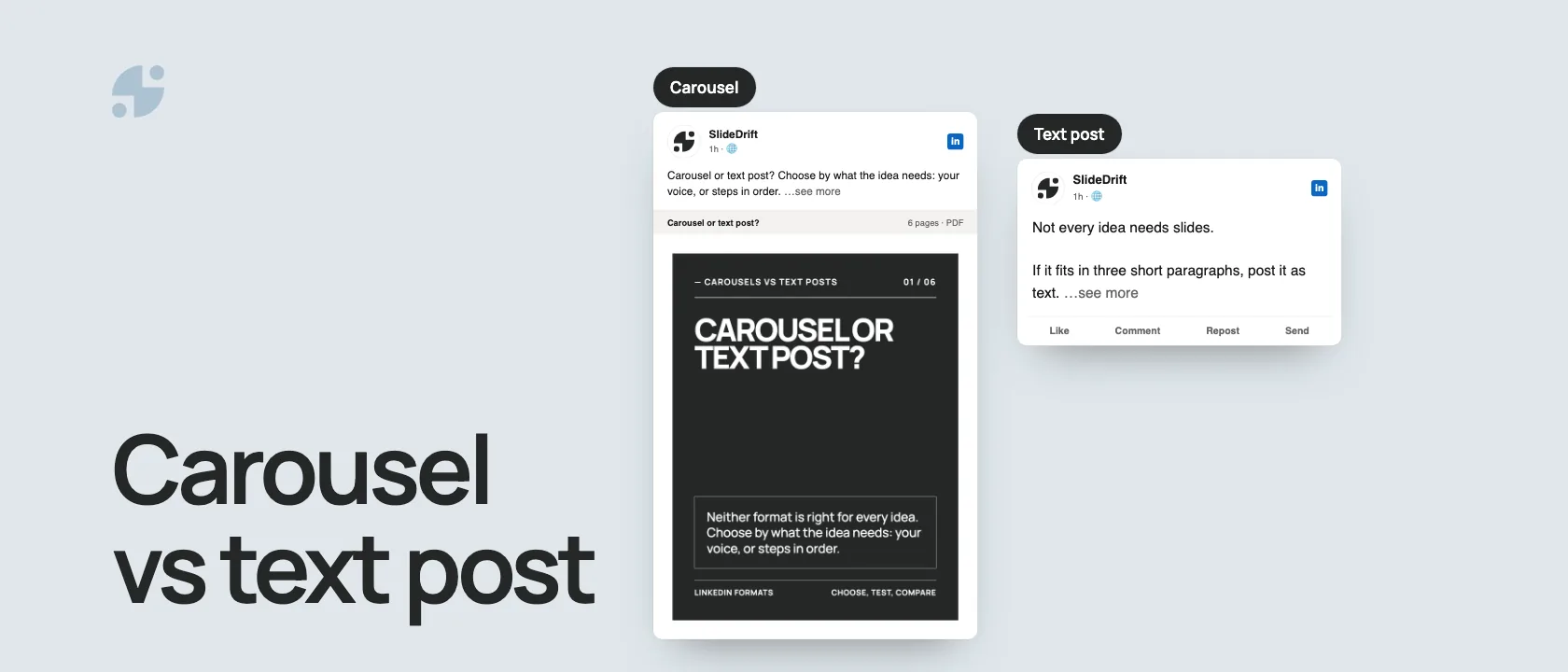
Use a text post when one paragraph carries the idea and your voice is the point: an opinion, a story, a question. Use a carousel when the reader needs steps, examples or a checklist in a set order, something worth saving and coming back to. Neither format is better for every idea, so choose by what the idea needs.
- Text post: one sharp idea, quick to write and easy to reply to.
- Carousel: several connected points, one per page, usually a PDF uploaded as a document post.
- Not sure yet: post the premise as text, then build a carousel from the part people respond to.
Which format fits the job
| Content job | Format | Why |
|---|---|---|
| Share a sharp opinion | Text post | Readers can reply straight away |
| Tell a short story | Text post | Voice matters more than design |
| Start a discussion | Text post | A question in text is easy to answer |
| Announce an update | Text post or single image | It rarely needs slides |
| Explain a framework | Carousel | Slides take the logic one step at a time |
| Teach a checklist | Carousel | Readers can save it and come back |
| Break down mistakes | Carousel | Each slide can isolate one mistake and its fix |
| Summarize a long article | Carousel | Pages can hold the depth in order |
Here's this guide as a carousel, made in SlideDrift.
SlideDriftCreate your ownCarousel transcriptShowHide


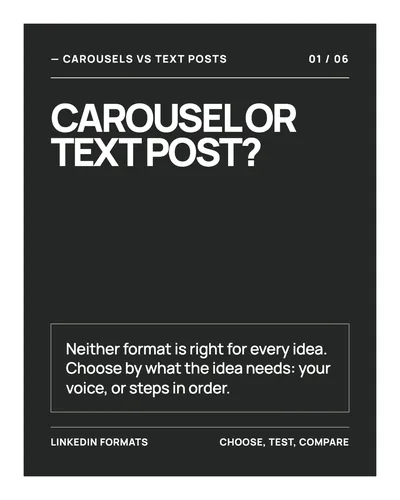
- 01Carousel or text post? Neither format is right for every idea. Choose by what the idea needs: your voice, or steps in order.
- 02Text for one sharp idea. Use a text post when one paragraph holds the idea and your voice matters most: an opinion, a story, a question.
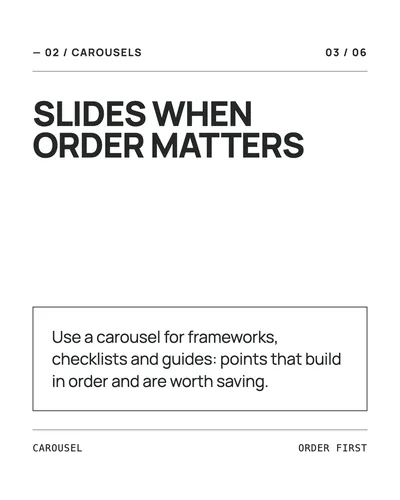
- 03Slides when order matters. Use a carousel for frameworks, checklists and guides: points that build in order and are worth saving.
- 04Test it in text first. Post the premise as text. Expand the part people respond to into a carousel only when steps or examples help.
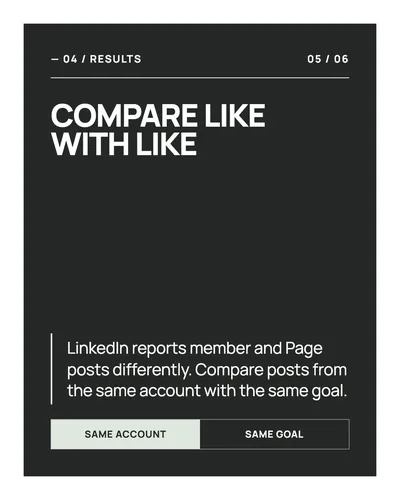
- 05Compare like with like. LinkedIn reports member and Page posts differently. Compare posts from the same account with the same goal. Same account; Same goal.
- 06Text for voice. Slides for order. Before your next post, ask: can one paragraph carry it, or does the reader need steps?
When a text post is the better choice
Text posts suit ideas where speed and personality matter. They're quick to write and easy to revise, so they're a low-effort way to see whether a compact idea starts the conversation you wanted.
Good text post topics include:
- a decision you changed your mind about;
- a lesson from a client conversation;
- a contrarian take;
- a short update on your work;
- a question that invites discussion;
- a story where the feeling matters more than the structure.
Example text post hook:
I used to think LinkedIn carousels were a design problem. They're not. They're an editing problem.
That works as text because the whole idea fits in three short lines. Spread across ten slides, it would get weaker unless you added examples or a repeatable editing method.
When a carousel is the better choice
Carousels suit ideas that benefit from pacing: each slide is one step in the argument, and the reader moves through them in order. If you're new to the format, start with what a LinkedIn carousel is.
Use a carousel for:
- frameworks and decision trees;
- checklists and templates;
- step-by-step guides;
- case studies and before-and-after examples;
- mistake breakdowns with fixes;
- comparisons between options.
Example carousel hook:
7 signs your "content problem" is actually an editing problem
That one needs slides because each sign can take a page of its own, with an example.
Most carousels are PDFs uploaded as a document post. LinkedIn's help page lists PDF, PPT, PPTX, DOC and DOCX files of up to 100 MB and 300 pages, and recommends converting to PDF for the best quality. You can edit the post's description after uploading, but not the document, so check every page first.
What the benchmark data shows
Socialinsider's 2026 LinkedIn benchmark analyzed 1.3 million posts from 16,645 business Pages between January 2024 and December 2025. Native documents, its name for PDFs uploaded to LinkedIn, had the highest average engagement rate of any format in 2025 at 7.00%, against 4.50% for text posts. In its Q2 2026 update, documents averaged 6.60% and text posts 3.95%.
Two limits matter before you read that as "carousels win":
- It measures response, not reach. Socialinsider's engagement rate is engagements divided by impressions. It shows how people reacted to the posts they saw, not how many people saw them.
- It covers business Pages only. It sets no benchmark for a personal profile, and it doesn't show that turning a particular text post into slides would improve it.
Test in text first, then expand
Don't start every idea as a carousel. A text post is a quick way to learn what your audience cares about.
- Post a short text version with one clear idea.
- Note its impressions, comments and reposts, plus saves and sends if you posted from a personal profile.
- Find the part people responded to, such as the point a comment asked you to expand.
- Expand that part into a carousel only when steps, examples or a checklist would add something.
- Export the PDF, check every page and post it with a fresh caption.
This gives the carousel a tested premise. It doesn't promise the second post will do better, so compare the two as described below.
Worked example: should this deck stay a carousel?
The six-slide deck in the LinkedIn document posts guide makes a good test because its transcript is on the page. After the cover, it does four jobs in order: what a document post is, when to use one, why the format works, and what to check before posting. Then it recaps.
Real six-slide deck
Apply the five-question format worksheet
- Can the full idea land in one compact paragraph? No. It combines a definition, file limits, a use case, a reason and a pre-posting check.
- Does order improve understanding? Yes. The definition comes before the advice, and the checks come last, just before you post.
- Can each section do one clear job? Yes. Each slide carries one point.
- Will the reader reuse part of it? Probably. The file limits and the pre-posting checks work as reference.
- Is personal voice the main value? No. The value is the organized explanation.
Decision: keep it a carousel. Use the caption as a short text post that states the premise and says what the document covers. Don't copy all six slides into the caption.
Run the same five questions on your own idea. If one paragraph carries the full value and your voice matters most, post text. If several sections need an order and each can do a distinct job, make a carousel.
Turn a text post into a carousel with SlideDrift
When a text post deserves more structure, paste it into SlideDrift's Create page with a short brief. You can also start from notes or a link to a public article. SlideDrift drafts the slides, and you edit the draft until every slide has one job.
SlideDrift brief
Turn the text post below into a 7-slide LinkedIn carousel for consultants.
Make each slide one symptom of a weak client onboarding process, with its fix.
Open with a specific promise and end with a short checklist.

[Paste your text post here]Apply a template and your Brand Kit so recurring posts look consistent, then export the PDF. On a paid plan you can also schedule the carousel, or a text post, to LinkedIn from Schedule in SlideDrift.
Make a carousel from a post
Paste a text post, notes or a link. SlideDrift drafts the slides, you edit them, then export the PDF for LinkedIn.
Brief for this carousel
Make a 6-slide LinkedIn carousel on choosing between a carousel and a text post. A cover asking which format an idea needs, then one point per slide: use a text post for one sharp idea where your voice matters most, use a carousel when order matters (frameworks, checklists, guides), test the premise as a text post before expanding it, and compare posts from the same account with the same goal. End with the rule: text for voice, slides for order.
Before you post, run the LinkedIn carousel checklist and sharpen slide one with these first slide examples.
Compare the results fairly
For member posts, LinkedIn's post analytics show impressions, members reached, reactions, comments, reposts, saves, sends, profile viewers, followers gained and link visits. LinkedIn notes that these numbers are estimates.
For Page posts, LinkedIn's Page content analytics show impressions, members reached, clicks, reactions, comments, reposts and engagement rate. LinkedIn defines that rate as interactions per impression, counting clicks, reactions, comments and shares.
The two sets don't match, so don't mix them in one score. Compare member posts with member posts and Page posts with Page posts, from the same account and with the same goal. Then pick the signal that fits the job:
| Job | Signals to watch |
|---|---|
| Start a discussion | Comments and the quality of replies |
| Teach a reusable process | Saves and sends on member posts; clicks and engagement rate on Page posts |
| Build authority | Profile viewers and followers gained on member posts |
| Send people somewhere | Link visits on member posts; clicks and CTR on Page posts |
The 30-day carousel measurement worksheet helps you set the comparison window and record results without reading too much into one post.
Mistakes to avoid
- Turning every text post into a carousel.
- Using slides when the idea only needs a paragraph.
- Pasting a long post straight into slides instead of giving each slide one job.
- Judging the formats by one metric. A text post that starts the right conversation can be worth more than a carousel with more reactions and no follow-up.
The rule
If the idea needs voice, use text. If it needs structure, use a carousel. If it needs both, test the premise in text and build the carousel when the extra depth helps the reader.
FAQ
Are LinkedIn carousels better than text posts?
Not for every idea. Carousels suit frameworks, checklists and step-by-step guides; text posts suit opinions, stories and questions. Socialinsider's 2026 benchmark found native documents had a higher average engagement rate than text posts on business Pages in 2025, but that's an average across Pages, not a forecast for your next post.
Should I only post carousels on LinkedIn?
No. Use a carousel when an idea needs an order and a text post when it lands in a paragraph. Posting both also lets you test ideas in text and turn the ones people respond to into carousels.
Can a text post become a carousel?
Yes, when it explains a process, a checklist, a case study or a framework. Give each point its own slide and add the examples the text post had no room for. If the post is one sharp opinion, leave it as text.
How do I compare a carousel with a text post fairly?
Compare posts from the same account with the same goal, over the same period after posting. LinkedIn reports member posts and Page posts with different metrics, so don't mix them, and judge each post by the signal that fits its job, such as comments for a discussion.