Best AI LinkedIn Carousel Generators in 2026
The best AI LinkedIn carousel generators compared: SlideDrift, Taplio, Typegrow, aiCarousels, PostNitro, Contentdrips and Canva. Inputs, free options, prices and a 10-minute test.
The best AI LinkedIn carousel generator is the one that starts where you already are. Pick by the job:
- Turning articles, notes or links into designed slides: SlideDrift, Contentdrips or PostNitro.
- A LinkedIn growth suite with a carousel generator inside: Taplio or Typegrow.
- Carousels for LinkedIn, Instagram and TikTok: aiCarousels or PostNitro.
- Designing every page yourself: Canva.
We make SlideDrift, so weigh that. Every tool fact below was checked on the tool's own site on October 6, 2026.
What makes a good LinkedIn carousel generator
A generator saves time only if it removes the slow part of your workflow. Judge it on these:
| What to check | Why it matters |
|---|---|
| What it starts from | A link, notes or a post you already wrote, not just a one-line topic |
| Slide structure | A logical sequence instead of a paragraph split across pages |
| Editing | Fixing one slide without regenerating the deck |
| Brand settings | The same fonts, colors and logo on every carousel |
| Export | A clean PDF for LinkedIn, with every page the same size |
| Posting | Scheduling to LinkedIn, if you want it in the same tool |
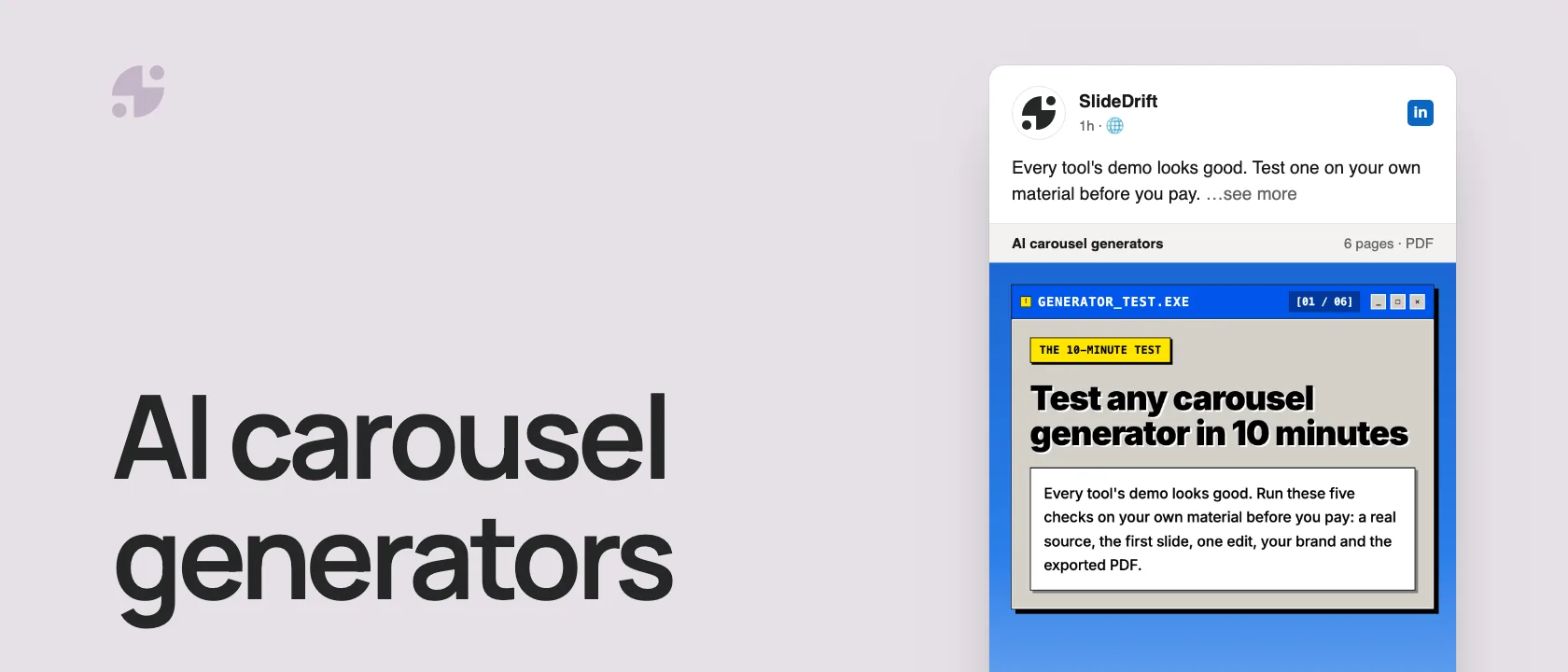
Here's a 10-minute test for any carousel generator, as a carousel made in SlideDrift.
SlideDriftCreate your ownCarousel transcriptShowHide


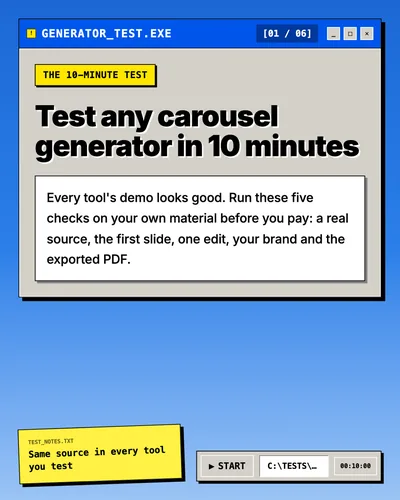
- 01The 10-minute test. Test any carousel generator in 10 minutes. Every tool's demo looks good. Run these five checks on your own material before you pay: a real source, the first slide, one edit, your brand and the exported PDF. Use the same source in every tool you test.
- 02Test 01, bring your own source. Start from a real source. Paste an article, a newsletter or notes you'd actually post about. A one-line topic shows what the tool invents; your own material shows what it understands.
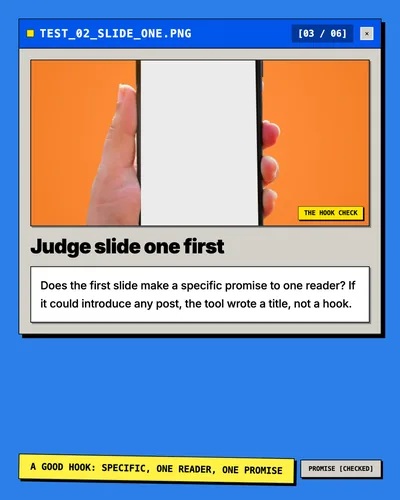
- 03Test 02, the hook check. Judge slide one first. Does the first slide make a specific promise to one reader? If it could introduce any post, the tool wrote a title, not a hook. A good hook: specific, one reader, one promise.
- 04Test 03, no full regeneration. Edit one slide without starting over. Change a headline, swap an image and reorder two slides. If fixing one slide means regenerating the whole deck, every draft becomes a gamble.
- 05Test 04, your brand settings. Apply your brand once, then reuse it. Save your fonts, colors and logo once, and check they land on every slide of the next carousel without fixing anything by hand.
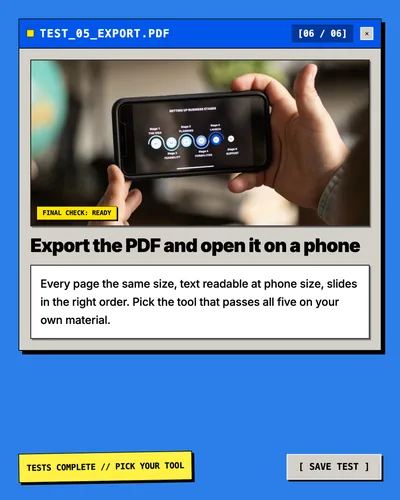
- 06Test 05, the final check. Export the PDF and open it on a phone. Every page the same size, text readable at phone size, slides in the right order. Pick the tool that passes all five on your own material.
The best AI LinkedIn carousel generators, compared
| Tool | Starts from | Free option | Paid plans | Posts to LinkedIn |
|---|---|---|---|---|
| SlideDrift | A link, text or notes; a PDF on paid plans | 200 credits; free exports carry a SlideDrift banner | From $29 a month | Yes, on paid plans |
| Taplio | An idea, a post, or an article or YouTube link | A free carousel tool, with a Taplio watermark | From $39 a month, with a 7-day trial | Yes |
| Typegrow | A topic | Says it's completely free for now | None yet | Yes |
| aiCarousels | A topic, text, a website link, a YouTube video or a PDF | Free to start, no sign-up | See its site | Not stated |
| PostNitro | A topic, an article link, your text or an X post | 5 AI slides and 5 downloads a month, with a watermark | From $15 a month; posting from $30 | From the $30 plan, to five networks |
| Contentdrips | A topic, a blog link, a YouTube video, text, a CSV or tweets | 50 credits | See its site | LinkedIn and Instagram |
| Canva | A template or a blank page | See its site | See its site | See its site |
The tools
SlideDrift
SlideDrift starts from what you already have: paste a link, an article or rough notes, or upload a PDF on a paid plan, and it drafts an editable carousel in one of its designs. You can apply a saved brand kit, export a PDF or PNGs, and schedule carousels, image posts and polls to LinkedIn on paid plans. It also works inside Claude and ChatGPT through an AI connection. The free plan includes 200 credits; free exports carry a small SlideDrift banner, and paid plans start at $29 a month. It's built for LinkedIn, so it doesn't post to Instagram or TikTok.
Taplio
Taplio is a LinkedIn growth suite: an AI writer, scheduling, analytics and engagement tools, with a carousel generator inside. In the app, you paste a post, an article or YouTube link, or a rough idea, apply your brand, then export a PDF or schedule it. A separate free carousel tool works from a topic, tweets, Reddit posts or images and adds a "Made with taplio.com/carousel" watermark that only subscribers can remove. Plans start at $39 a month, with a 7-day trial; check which plan includes the carousel generator before you buy.
Typegrow
Typegrow's carousel generator turns a topic into slides you edit and download as a PDF. The wider app schedules posts and carousels, and its pricing page says it's completely free for now, with a paid plan in the works. It starts from a topic, so it suits new ideas more than existing material.
aiCarousels
aiCarousels makes carousels for LinkedIn, Instagram and TikTok, and you can start without signing up. It works from a topic, your text, a website link, a YouTube video or a PDF, and exports a PDF for LinkedIn. Choose it when the same carousel needs to work on several platforms.
PostNitro
PostNitro writes and designs carousels from a topic, an article link, your own text or an X post, and exports PNG, PDF or MP4. Its free plan allows 5 AI slides and 5 downloads a month with a watermark. Paid plans start at $15 a month, and posting to LinkedIn, Instagram, TikTok, Threads and Facebook starts on the $30 plan.
Contentdrips
Contentdrips generates carousels from a topic, a blog link, a YouTube video, a TikTok or Reel, your text, a CSV or tweets, and publishes to LinkedIn and Instagram. The free plan includes 50 credits.
Canva
Canva isn't a carousel generator in the same sense: you start from a template or a blank page and design each slide yourself. Choose it when design control matters more than speed. Canva's site couldn't be checked for this update, so its row stays general. If Canva is your current tool, the Canva alternatives guide compares the options.
How to choose
| If you need | Look at |
|---|---|
| An article, newsletter or notes turned into a designed carousel | SlideDrift, Contentdrips, PostNitro |
| Carousels inside a wider LinkedIn growth workflow | Taplio, Typegrow |
| The same carousel on LinkedIn, Instagram and TikTok | aiCarousels, PostNitro |
| Full manual design control | Canva |
| Scheduling to LinkedIn from the same tool | SlideDrift (paid plans), Taplio, Typegrow, PostNitro ($30 plan) |
For head-to-heads, read Taplio vs SlideDrift, Typegrow vs SlideDrift, aiCarousels vs SlideDrift and PostNitro vs SlideDrift.
Test any generator in 10 minutes
- Paste a real source you'd actually post about, not a one-line topic.
- Judge slide one: does it make a specific promise?
- Edit one slide without regenerating the whole deck.
- Apply your brand: fonts, colors and logo.
- Export the PDF and open it: same page size, text readable on a phone.
Make one in SlideDrift
Run the test on SlideDrift with a brief like this, and your own source below it:
SlideDrift brief
Turn the article below into an 8-slide LinkedIn carousel.
Make slide one a specific promise for one reader.
One point per slide, and end with a short recap and one next step.

[Paste your article, notes or link here]Test it on your next post
Paste a link, an article or notes. SlideDrift drafts the carousel, you edit it, then export a PDF for LinkedIn.
Brief for this carousel
Make a 6-slide LinkedIn carousel with a 10-minute test for any AI carousel generator. A cover, then one test per slide: start from a real source, judge slide one, edit one slide without regenerating the deck, apply your brand once, and export the PDF and open it on a phone. End with: pick the tool that passes all five on your own material.
Before you publish, confirm the dimensions with the LinkedIn carousel size guide and run the LinkedIn carousel checklist.
FAQ
What is the best AI LinkedIn carousel generator?
It depends on where you start. To turn articles, notes or links into designed slides, try SlideDrift, Contentdrips or PostNitro. For a LinkedIn growth suite, look at Taplio or Typegrow. For several platforms, aiCarousels or PostNitro.
Is there a free AI LinkedIn carousel generator?
Yes. Typegrow says it's completely free for now. SlideDrift, aiCarousels, PostNitro and Contentdrips have free plans or free starts, and Taplio has a free carousel tool that adds its watermark.
Can AI turn a blog post into a LinkedIn carousel?
Yes. SlideDrift, Taplio's app, PostNitro, aiCarousels and Contentdrips all take a link to an article. Check the draft: the first slide and the order usually need a human edit.
Should I export a LinkedIn carousel as a PDF or images?
A PDF. LinkedIn shows a PDF as a swipeable document post and recommends PDF for the best quality; separate images make an image post instead.