LinkedIn carousel templates for accountants
Choose a topic, flick through the styles, and SlideDrift puts your own figures and wording into the slides. Every slide stays editable.
- 29 real templates
- Every slide stays editable

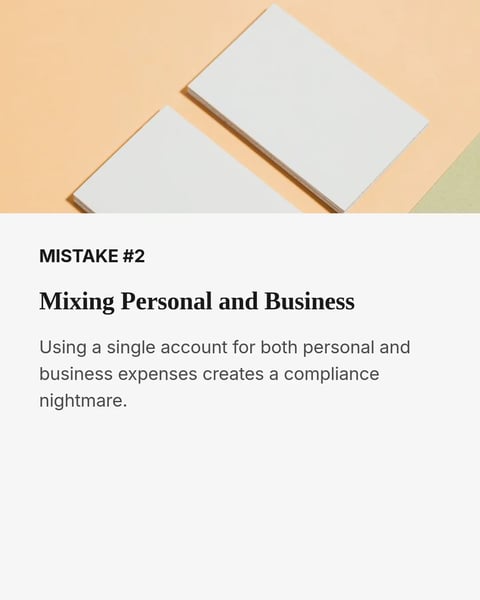


Cash flow and tax mistakes
One money mistake per slide, and what to do instead.
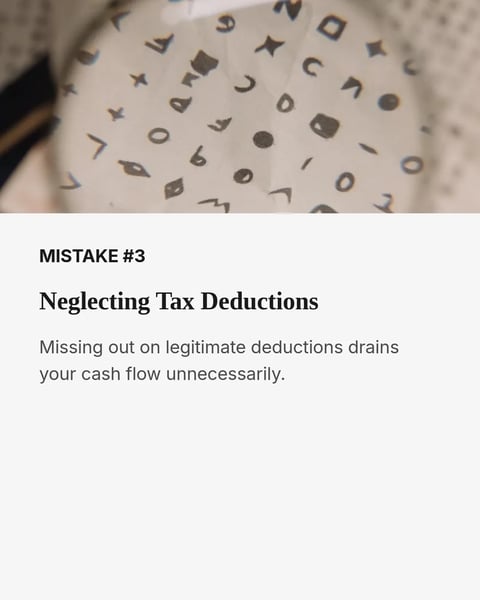



Sample slides from the template. Your own words replace them.
Cash flow and forecasting
Forecasts, budgets and late invoices, one step at a time.
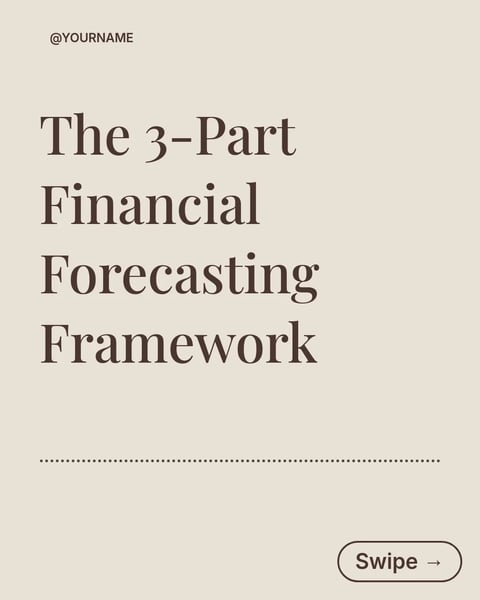



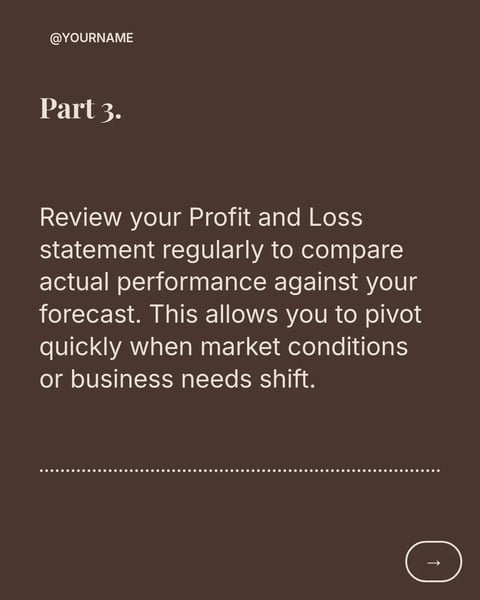


Sample slides from the template. Your own words replace them.
Month-end close
Gather, reconcile, review and explain, in four phases.

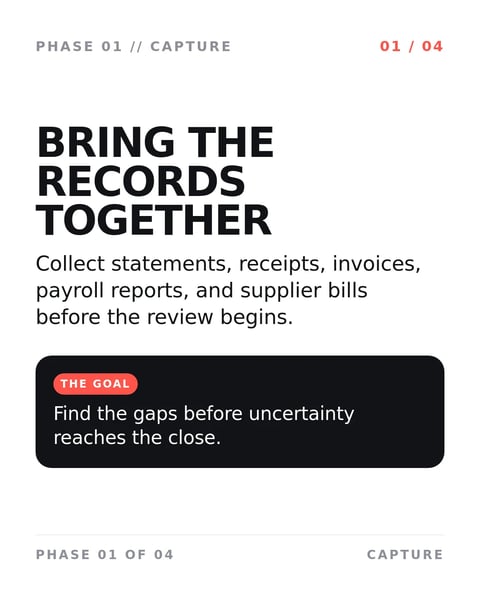
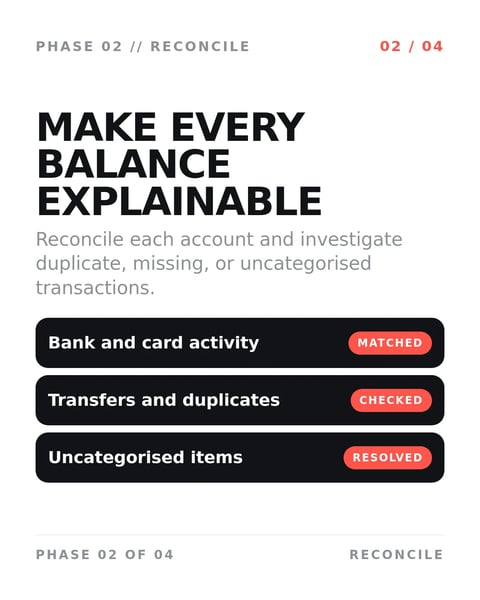
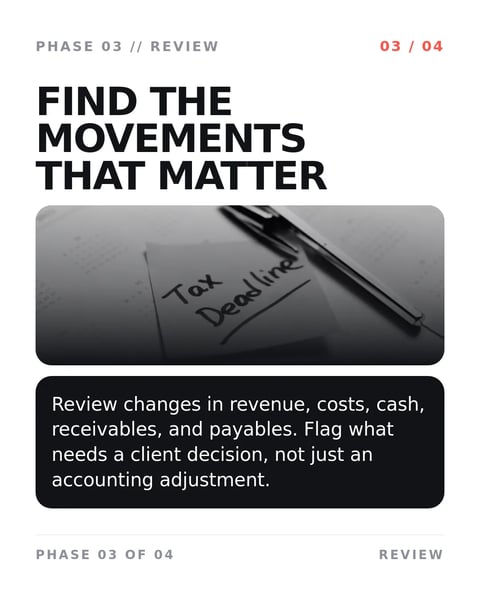
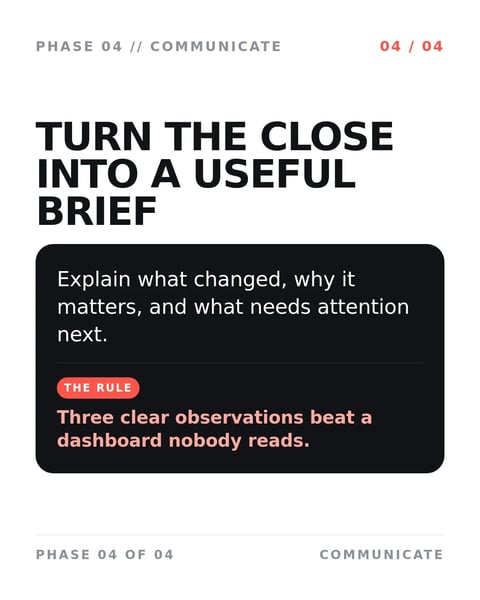

Sample slides from the template. Your own words replace them.
Records and documents
Collecting, tracking and signing off the paperwork.

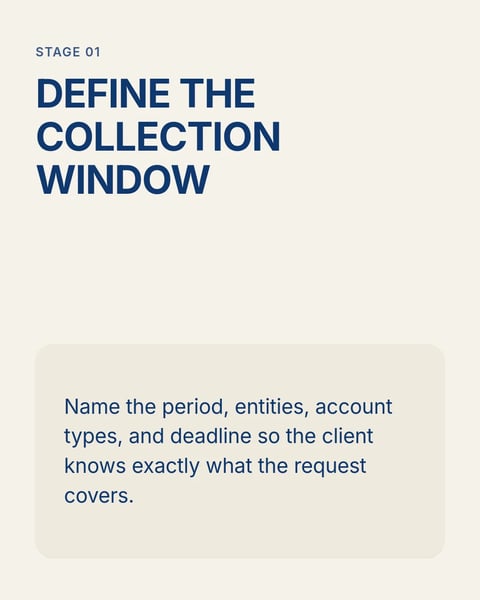
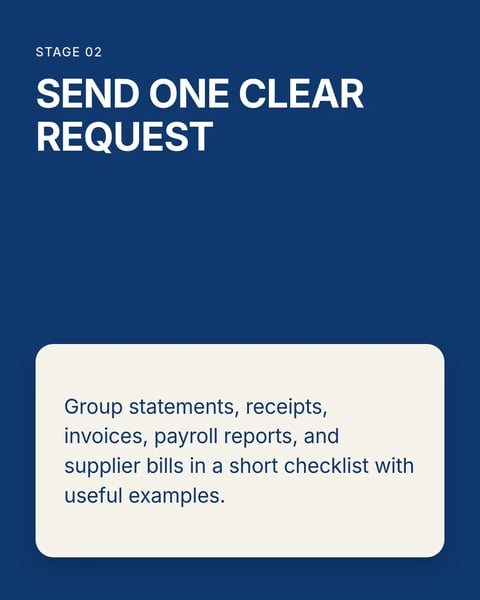
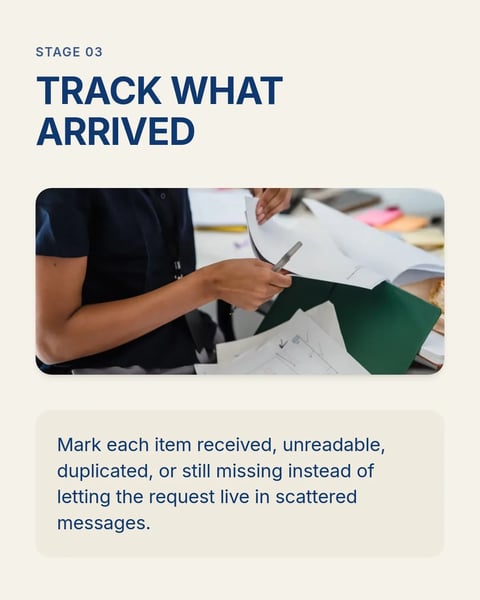
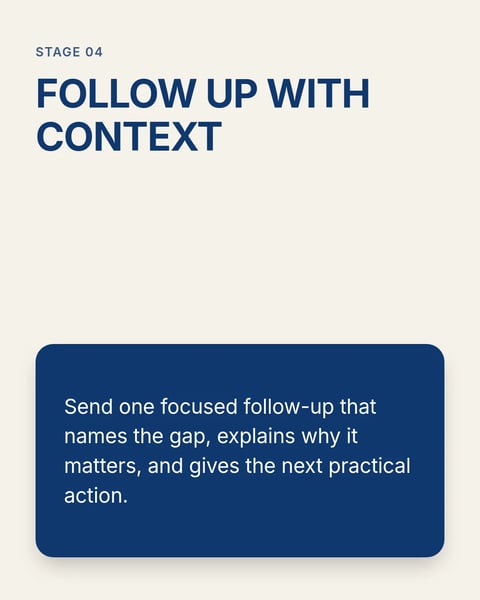
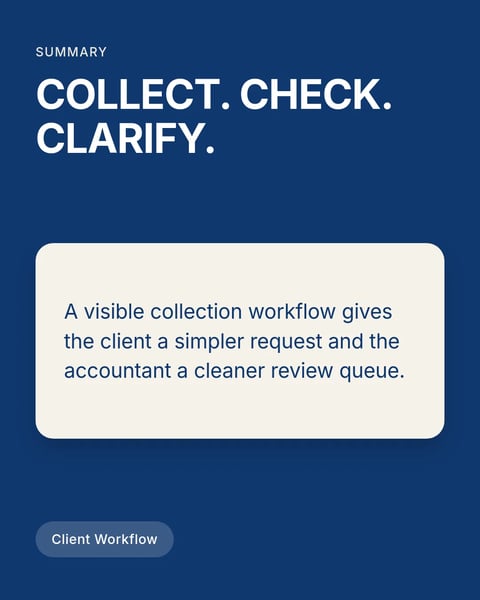
Sample slides from the template. Your own words replace them.
Client conversations
Explaining options and reviews in plain language.
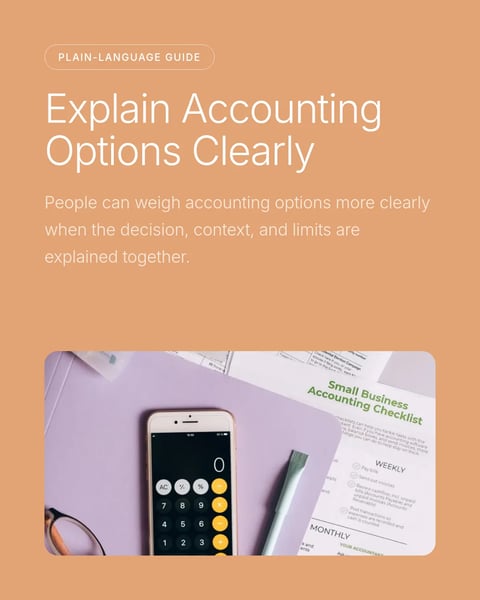
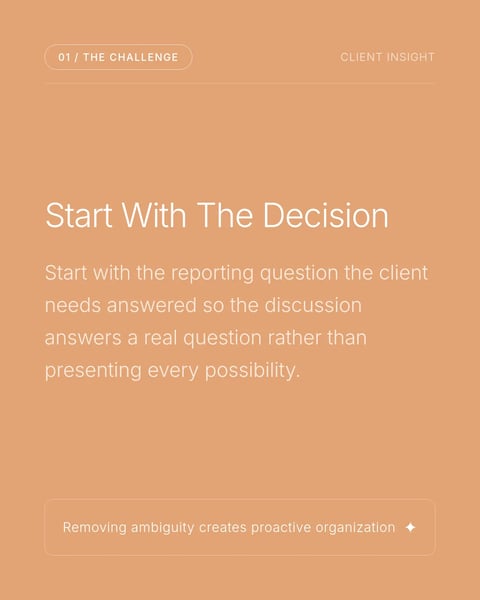

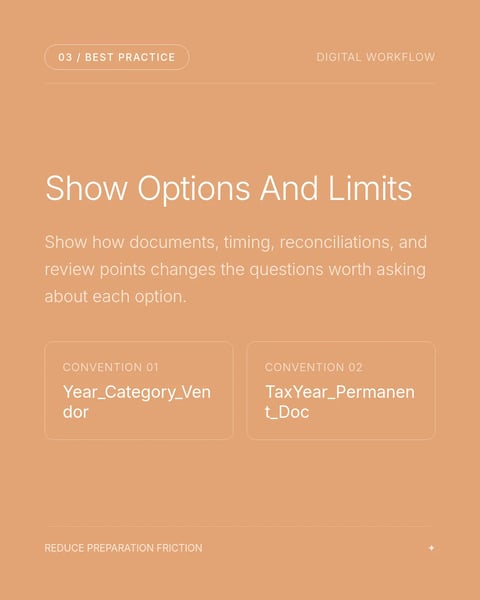

Sample slides from the template. Your own words replace them.
How it works.
From a template to a post in your firm's brand.
- 01
Pick a topic, then a style
Every topic below holds real templates. Open each style to see all of its slides first.
- 02
Bring your own material
Paste month-end notes, a link to a client guide or one question you keep answering. SlideDrift writes it into the slides.
- 03
Check the figures, then post
Correct any line, apply your practice's Brand Kit, send a partner the review link and schedule it for LinkedIn.
Questions?
Explore the docsAre these templates made for accountants?
Yes. Each one is a SlideDrift template from the accountants catalogue. The previews show its own sample slides, and your words take their place when you make a carousel.
What does one carousel cost?
A carousel on a Pro design costs 30 credits; a standard template costs 10. You see the price before anything is made, and the 7-day trial comes with credits to try both.
Can the slides match our practice's colours?
Yes. Paste your practice's website and SlideDrift builds a Brand Kit from its logo, colours and fonts. Turn it on and every slide follows it.
Can someone check the numbers before it posts?
Yes, on paid plans. A review link lets a partner or the client approve, request changes or comment on one slide without an account, and the post waits for that approval.
What can I export?
A PDF for a LinkedIn document post, or PNG slides in square 1:1, portrait 4:5 or stories 9:16.
Your next carousel can start from one deadline.
Type the date clients forget, or paste your month-end notes. SlideDrift drafts the slides in a design made for accountants.
Try every feature free for 7 days.