Carousel templates / Cash flow and tax mistakes
Cash flow and tax mistake carousel templates for accountants
Business owners recognise themselves in a list of money mistakes, which is why this shape gets saved and shared. These five templates already run one mistake per slide, so you bring the ones you see every year.
- 5 real templates
- Every slide stays editable

Pick a style.
Every style below is a real template. Switch to see all of its slides.
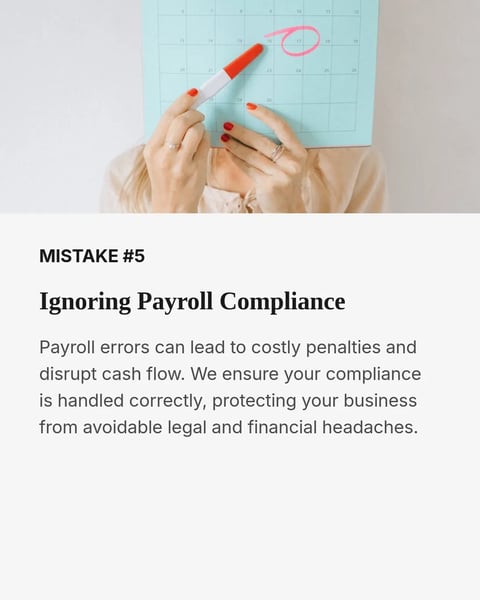

What goes on each slide.
A plan that suits this topic. Use it as is, or change it in the editor.
- 1A cover that names who it's for, such as owners of small service businesses
- 2A slide on why profit on paper and cash in the bank differ
- 3One mistake per slide: mixing accounts, no forecast, late invoicing, missed deductions
- 4Under each mistake, the habit that fixes it
- 5A closing slide with your name, practice and a general-information line
Start with this topic in the box above, then add your own notes.
How to make one.
Three steps from your notes to a carousel you can post.
- 01
Note the mistakes you correct most
Pick four or five from this year's files, with no client names or figures.
- 02
Choose one of five styles
From editorial serif to photo-led layouts, each already built for a list of mistakes.
- 03
Check rules and rates
Where a slide mentions tax, confirm it against the official source for your country before posting.
More topics for accountants.
Real templates for the other posts accountants make.
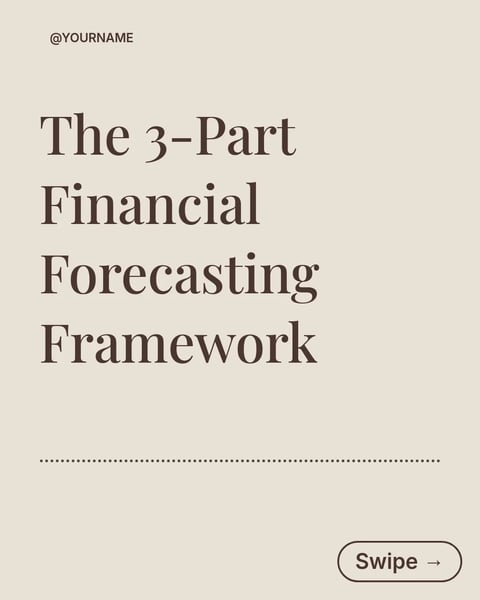
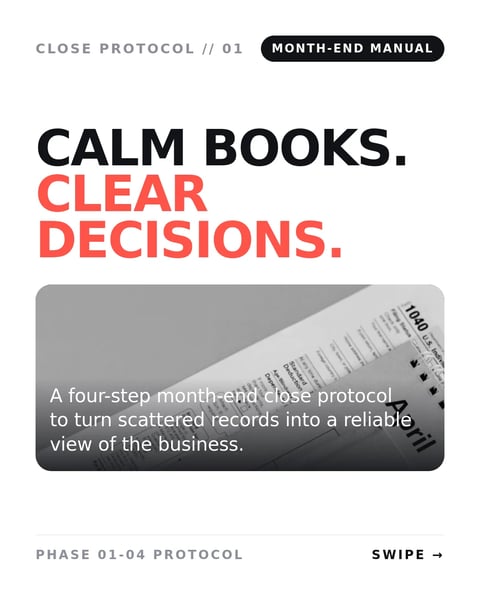
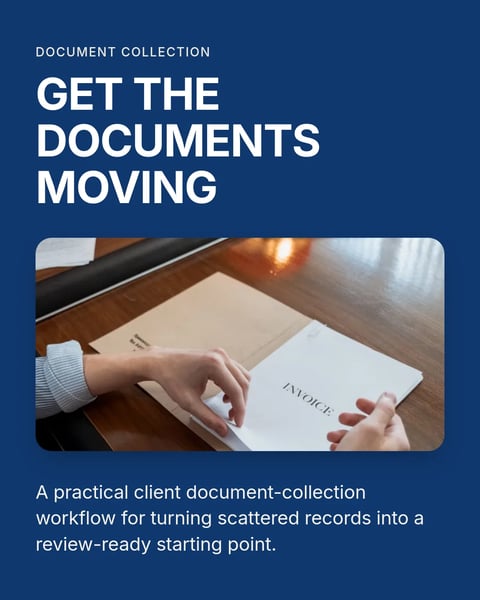
Questions?
Explore the docsCan I use real numbers from a client?
Use invented, rounded examples instead, and say they are examples. Never post figures that could identify a client or their business.
Should tax rules go in a mistakes carousel?
Keep them general and name the country they apply to, because rules differ. A line such as "General information, not tax or financial advice." on the first and last slides helps.
How many mistakes fit in one carousel?
Four to six keeps each slide readable. Save the rest for a second post the following week.
Your next carousel can start from one deadline.
Type the date clients forget, or paste your month-end notes. SlideDrift drafts the slides in a design made for accountants.
Try every feature free for 7 days.