Carousel templates / Client conversations
Client conversation carousel templates for accountants
The numbers are only half of the job; explaining them is the rest. These templates show how you talk with clients: hearing the question behind the ask, laying out options plainly and agreeing what happens next.
- 5 real templates
- Every slide stays editable

Pick a style.
Every style below is a real template. Switch to see all of its slides.
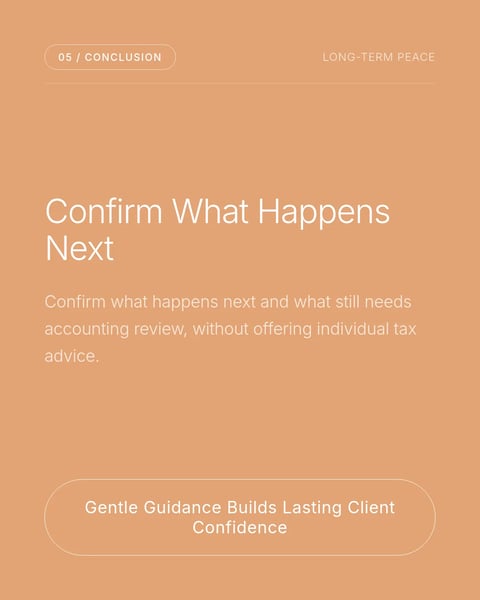
What goes on each slide.
A plan that suits this topic. Use it as is, or change it in the editor.
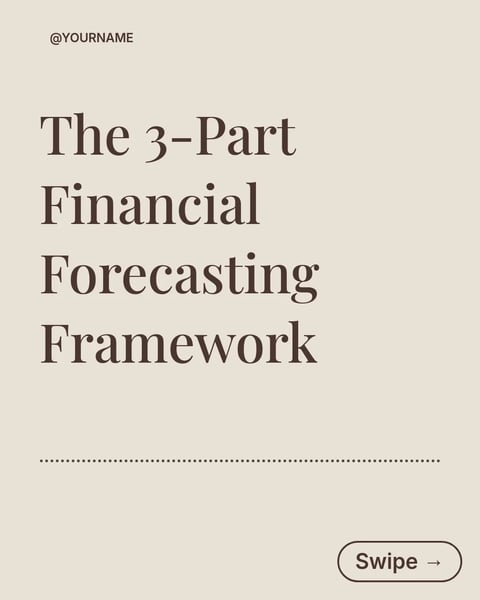
- 1A cover with the moment, for example before you choose a business structure
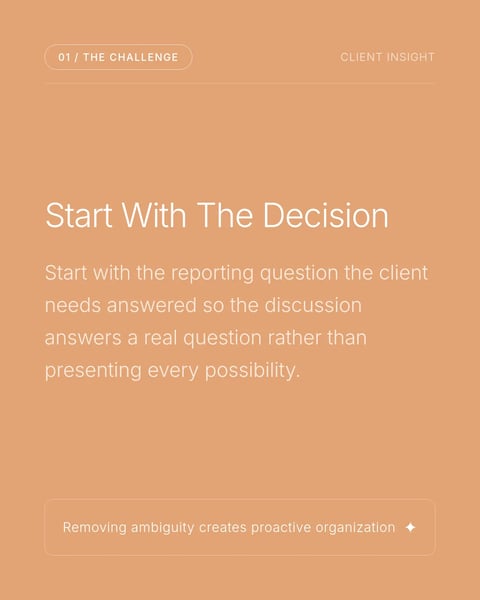
- 2The decision the client actually needs to make
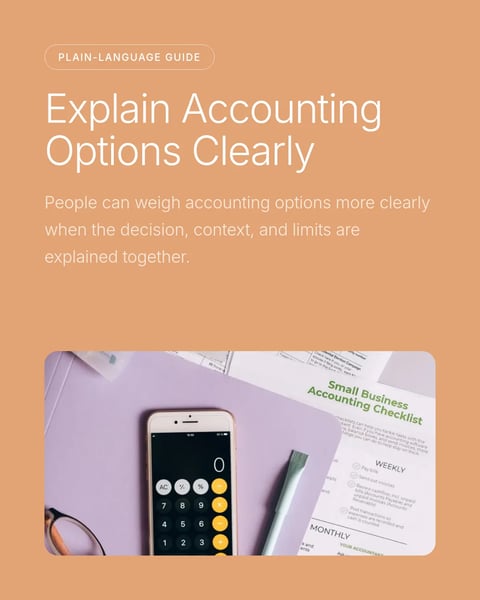
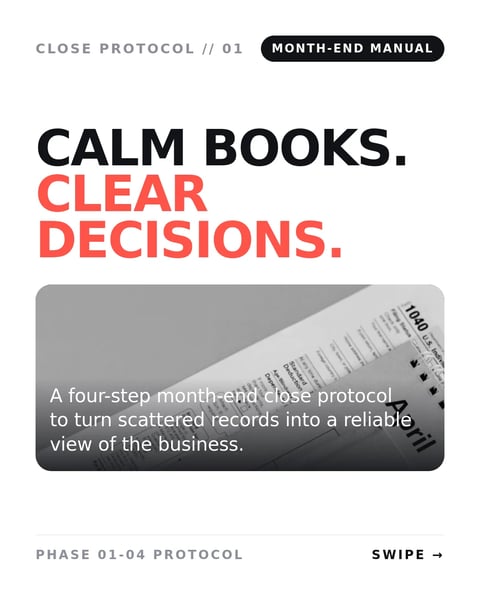
- 3The options, with what each one means in plain words
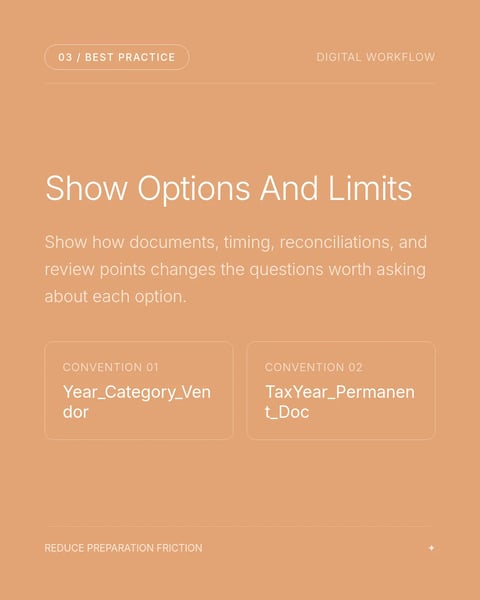
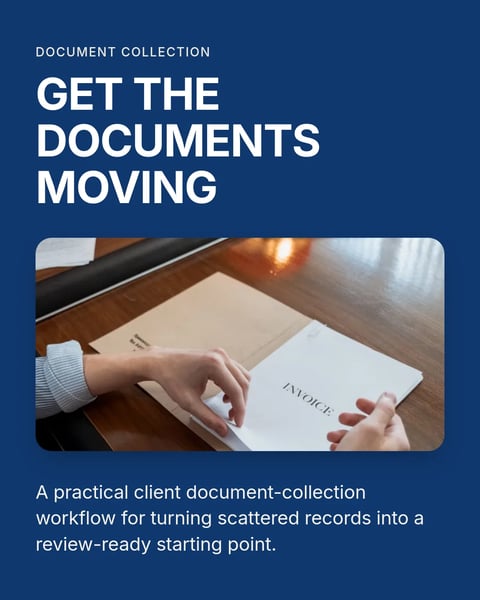
- 4What you need from the client, and what you will review
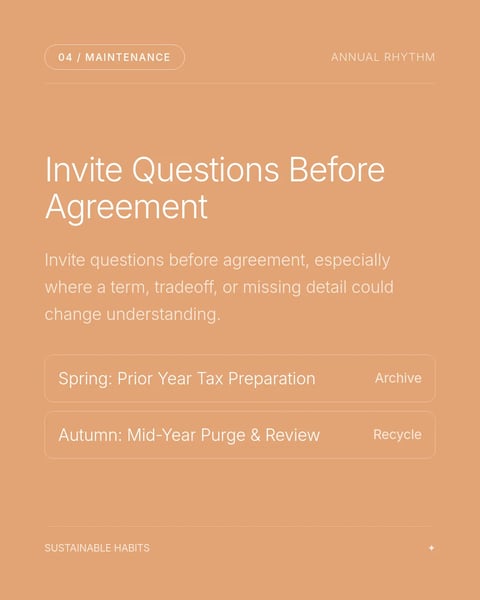
- 5How you confirm next steps after the conversation
- 6A closing slide with your name and practice
Start with this topic in the box above, then add your own notes.
How to make one.
Three steps from your notes to a carousel you can post.
- 01
Recall a recent conversation
Think of a question a client asked that turned out to be about something else.
- 02
Choose a style
Five styles above, from calm peach to a dark, technical look.
- 03
Stay general
Explain how you approach the conversation; don't give advice for one person's situation.
More topics for accountants.
Real templates for the other posts accountants make.

Questions?
Explore the docsIsn't this too soft a topic for an accountant?
Clients often choose an accountant for how clearly they explain things. Showing that is as useful as a technical post.
Can I describe a real client meeting?
Describe the pattern, not the meeting. Leave out anything that could identify the client.
How do I avoid giving advice in the post?
Explain the options and what to ask, and say a decision depends on each person's situation. General information, not tax or financial advice.
Your next carousel can start from one deadline.
Type the date clients forget, or paste your month-end notes. SlideDrift drafts the slides in a design made for accountants.
Try every feature free for 7 days.