Carousel templates / Client questions
Client question carousel templates for lawyers
The question you answer every week is a ready-made post. These templates turn one question into a short sequence: the question, the parts of the answer, and what the reader can do next.
- 5 real templates
- Every slide stays editable
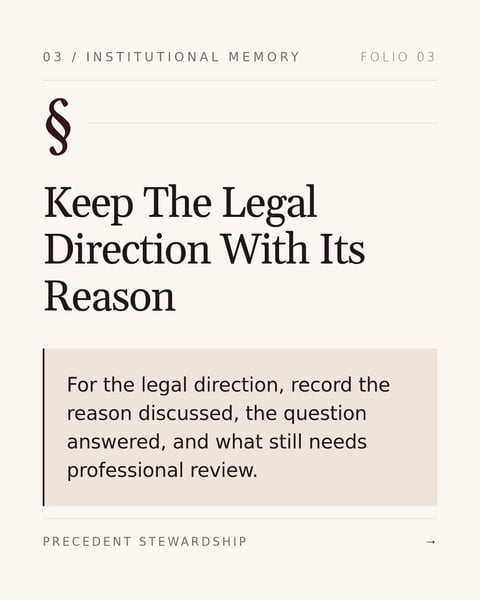


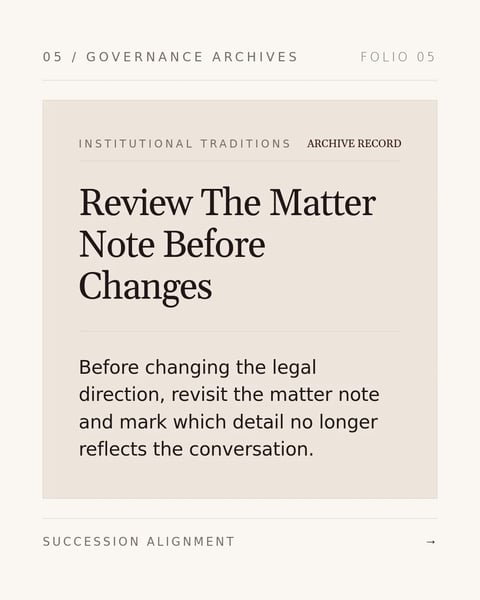
Pick a style.
Every style below is a real template. Switch to see all of its slides.


What goes on each slide.
A plan that suits this topic. Use it as is, or change it in the editor.
- 1A cover with the question, in the client's own words
- 2Why the answer depends on a few things, named plainly
- 3One slide for each of those things
- 4What the reader can do now, for example what to write down
- 5A closing slide with your name, firm and a general-information note
Start with this topic in the box above, then add your own notes.
How to make one.
Three steps from your notes to a carousel you can post.
- 01
Pick the question you hear most
Write it the way clients say it, not the way a textbook would.
- 02
Switch styles
Five styles above, from classic serif to bold modern layouts.
- 03
Answer in general terms
Explain the factors, not the outcome for any one person.
More topics for lawyers.
Real templates for the other posts lawyers make.




Questions?
Explore the docsWhat if the honest answer is 'it depends'?
That is a good carousel. Name the things it depends on, one per slide, and say when someone should get advice for their own situation.
Can I answer a question from a real client?
Answer the question in general, and leave out anything that could identify the client or their matter.
How long should the carousel be?
Five to seven slides suits most questions: one cover, a slide per factor, and a closing slide.
Your next carousel starts with one question.
Type the question clients ask most, or paste your notes. SlideDrift drafts the slides in a design for lawyers.
Try every feature free for 7 days.