LinkedIn carousel templates for lawyers
Pick a topic, switch between styles, and SlideDrift writes your own words into the slides. Each one stays editable.
- 25 real templates
- Every slide stays editable

A pattern in supplier disputes: unclear delivery clauses, first-week emails, and the weeks behind a one-day mediation.

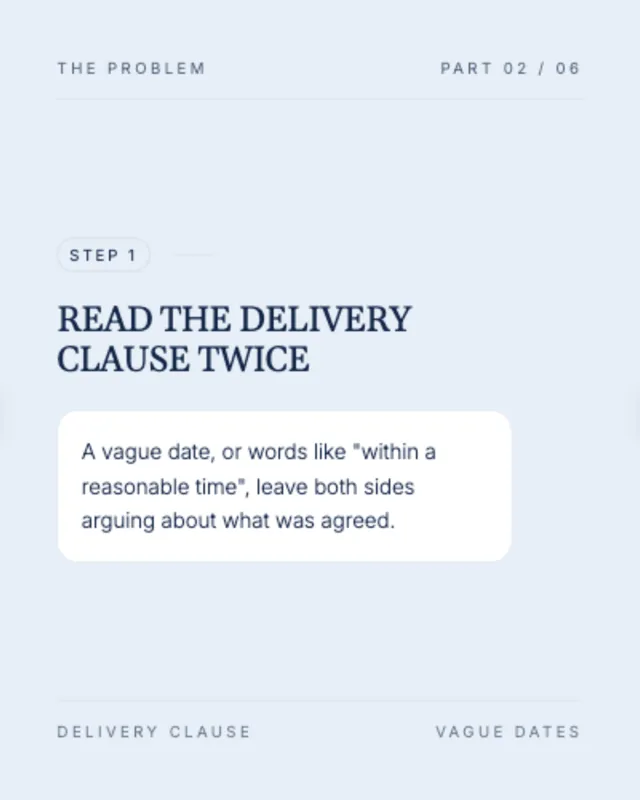

Contract mistakes
One mistake per slide, with the fix under it.







Sample slides from the template. Your own words replace them.
Client intake
What happens between the first email and the first meeting.
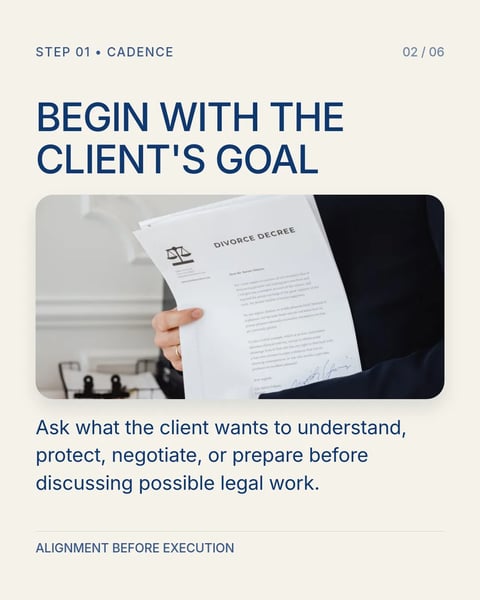
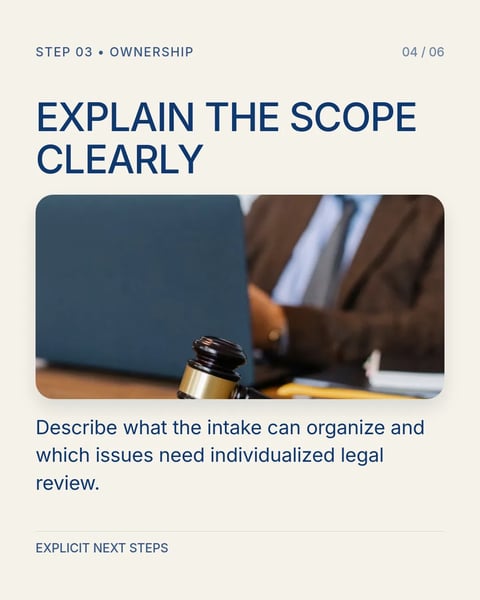

Sample slides from the template. Your own words replace them.
Client questions
One question clients ask, answered across a few slides.

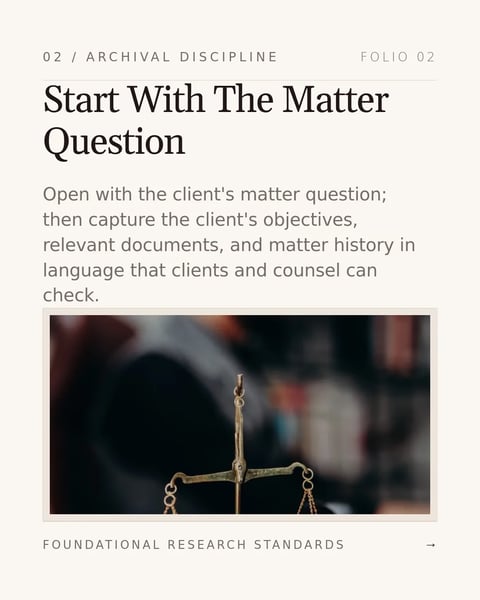



Sample slides from the template. Your own words replace them.
Setting expectations
Options, scope and timing, explained before the work starts.

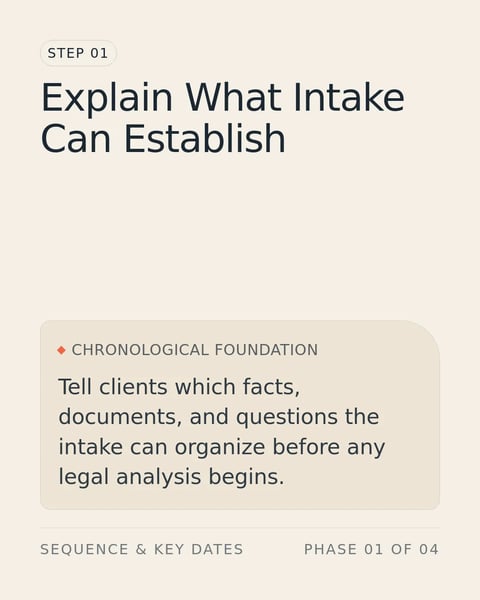
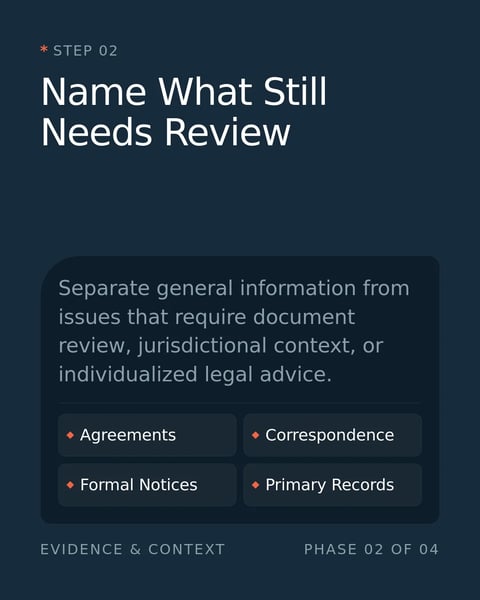
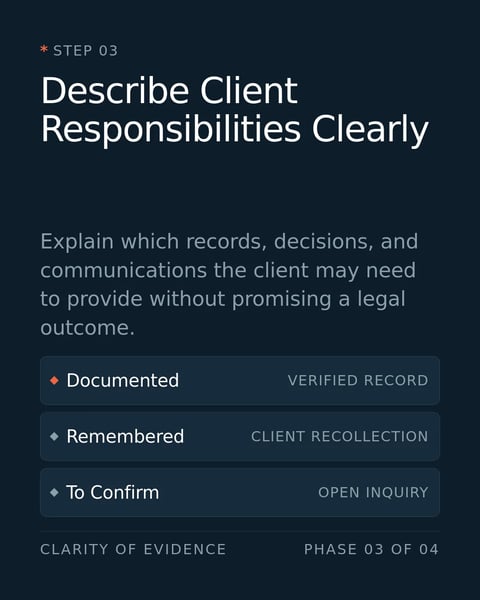
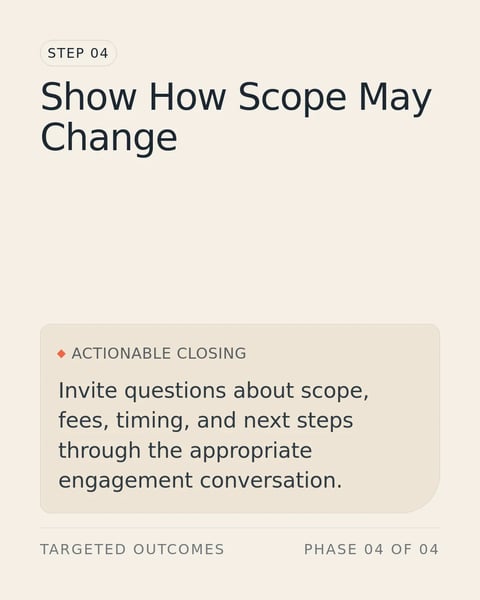

Sample slides from the template. Your own words replace them.
Reviews and records
The checks, records and handovers clients don't see.

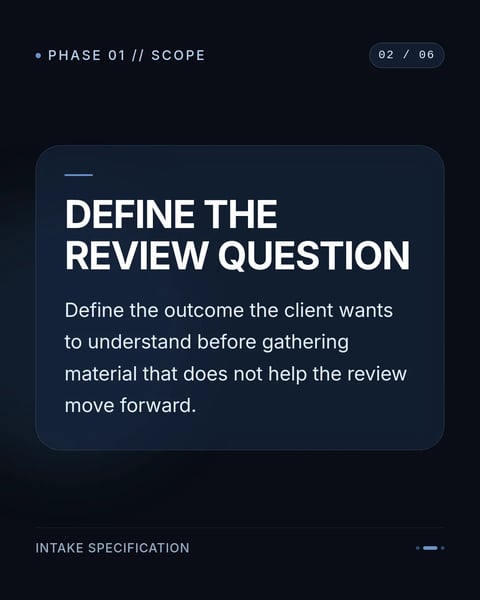




Sample slides from the template. Your own words replace them.
How it works.
From a template to a post in your firm's brand.
- 01
Choose a topic and a style
Each topic below has real templates. Switch styles to see every slide before you start.
- 02
Add your own words
Paste your notes, a link to your article or a client question. SlideDrift writes them into the slides you picked.
- 03
Check it, then post
Edit any line, add your firm's Brand Kit, send a review link to a partner, and schedule it to LinkedIn.
Questions?
Explore the docsAre these real templates?
Yes. Each one is a SlideDrift template made for lawyers. The preview shows its own sample slides; your words replace them when you make a carousel.
How much does a carousel cost?
A carousel on a Pro design costs 30 credits and one on a standard template costs 10. The price shows before anything is made, and the 7-day trial includes credits to try it.
Can the slides use my firm's colours and fonts?
Yes. Add your firm's website and SlideDrift builds a Brand Kit with its logo, colours and fonts. Apply it and every slide takes them.
Can a partner approve a carousel before it posts?
Yes, on paid plans. Send a review link; the reviewer can approve, ask for changes or comment on one slide without an account, and the post can wait until it is approved.
Which sizes can I export?
PDF for a LinkedIn document post, or PNG slides, in square 1:1, portrait 4:5 or stories 9:16.
Your next carousel starts with one question.
Type the question clients ask most, or paste your notes. SlideDrift drafts the slides in a design for lawyers.
Try every feature free for 7 days.