
Your name
Now ·
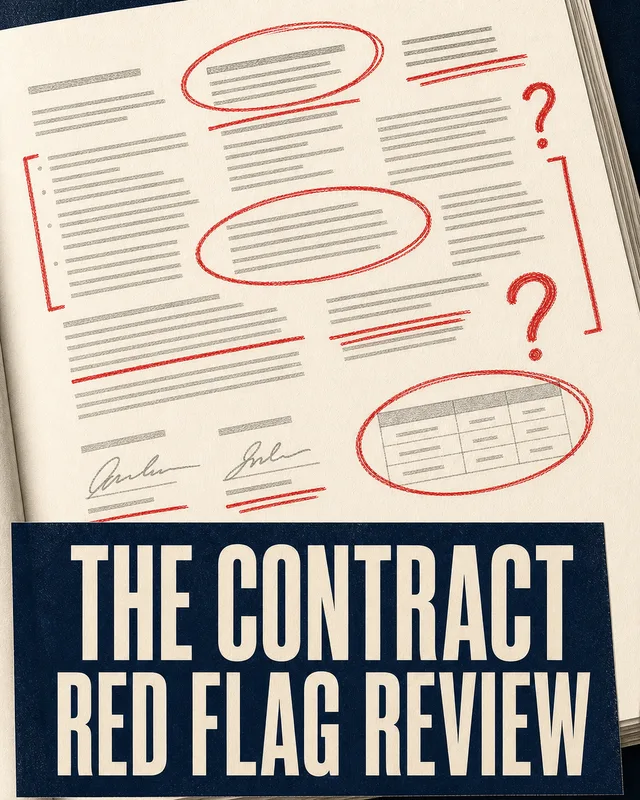
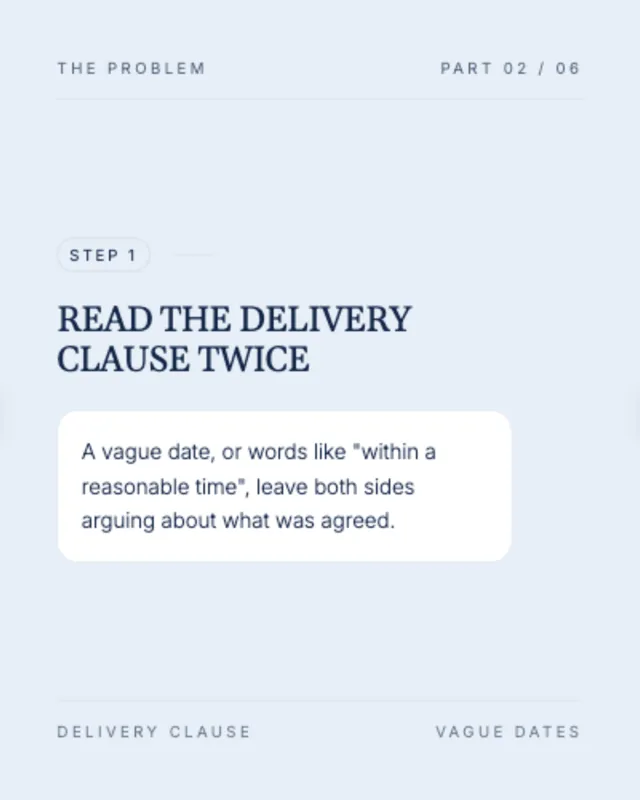
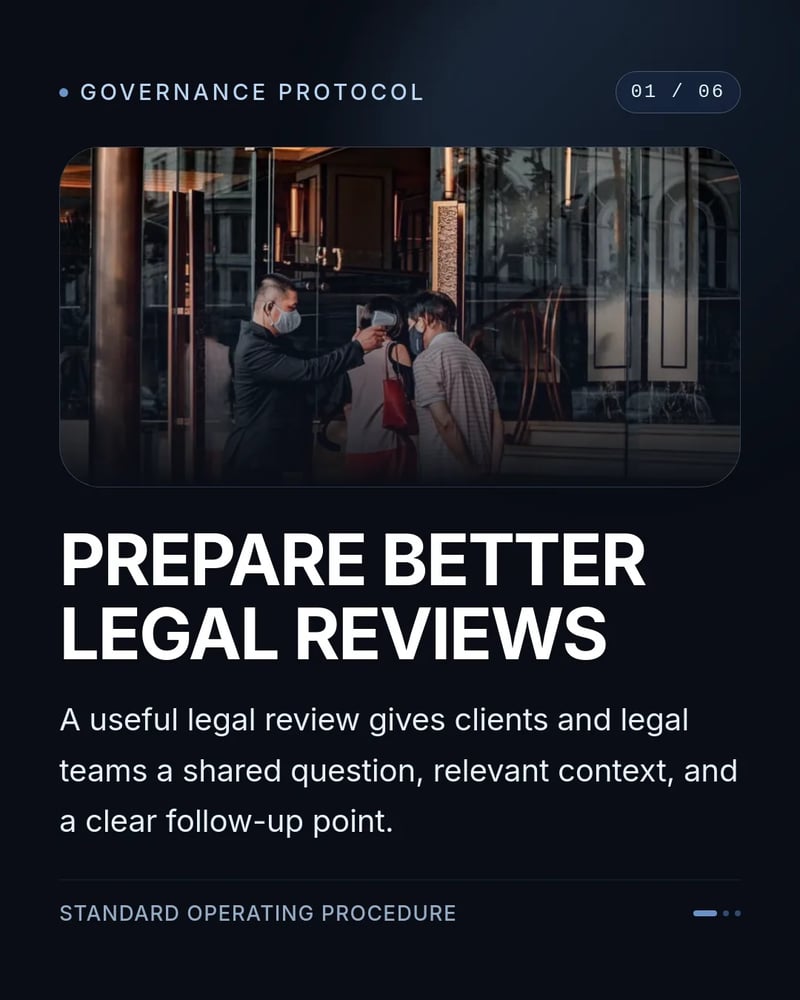
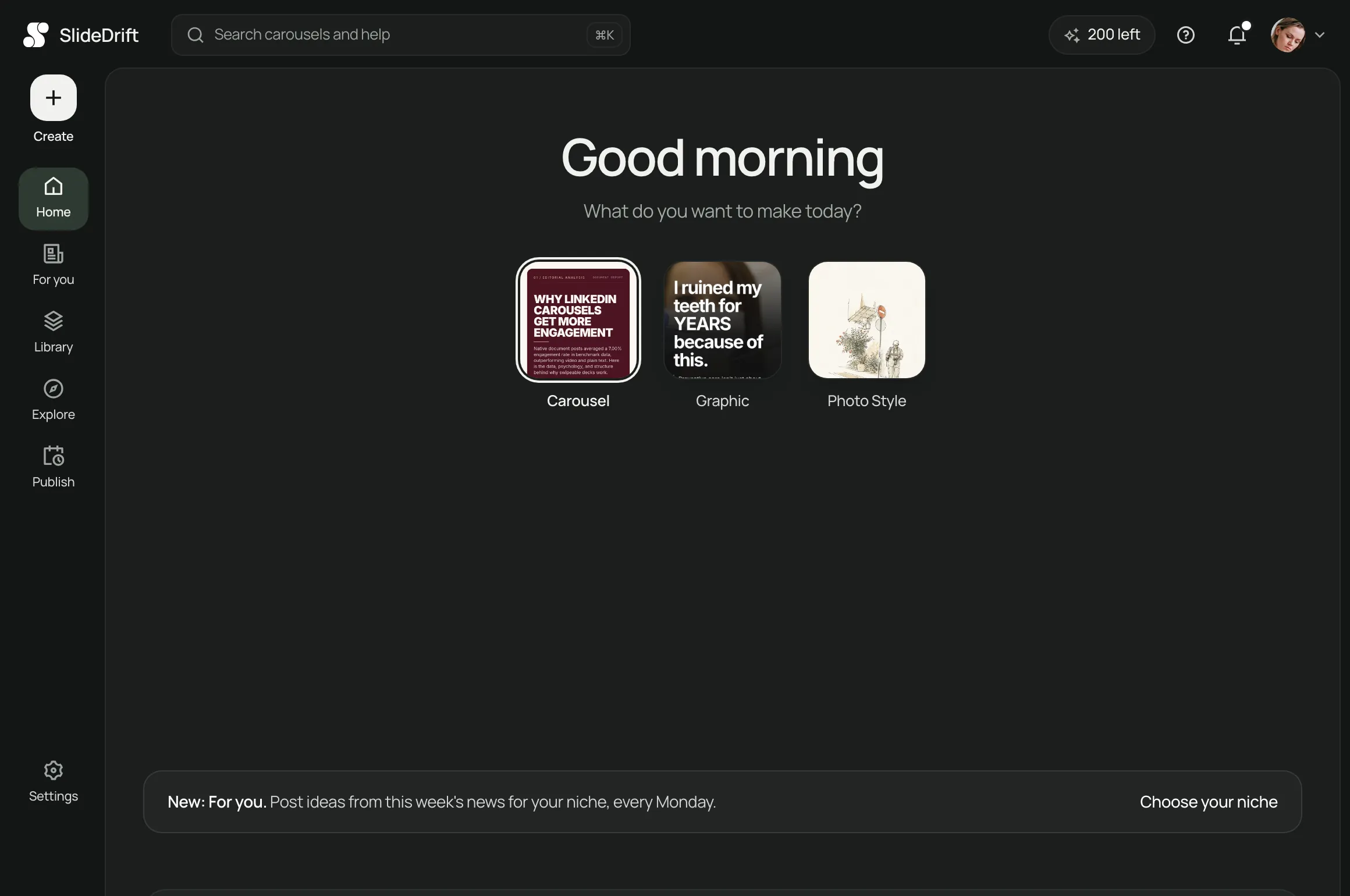
Many supplier disputes I see start with the same sentence: the delivery clause.
Posts, carousels and graphics for law firms
Turn client questions and case lessons into LinkedIn posts in your firm's brand, with a partner's sign-off before they go out.
Try every feature free for 7 days.
How it works
Every draft in your firm's brand, checked before it goes out.

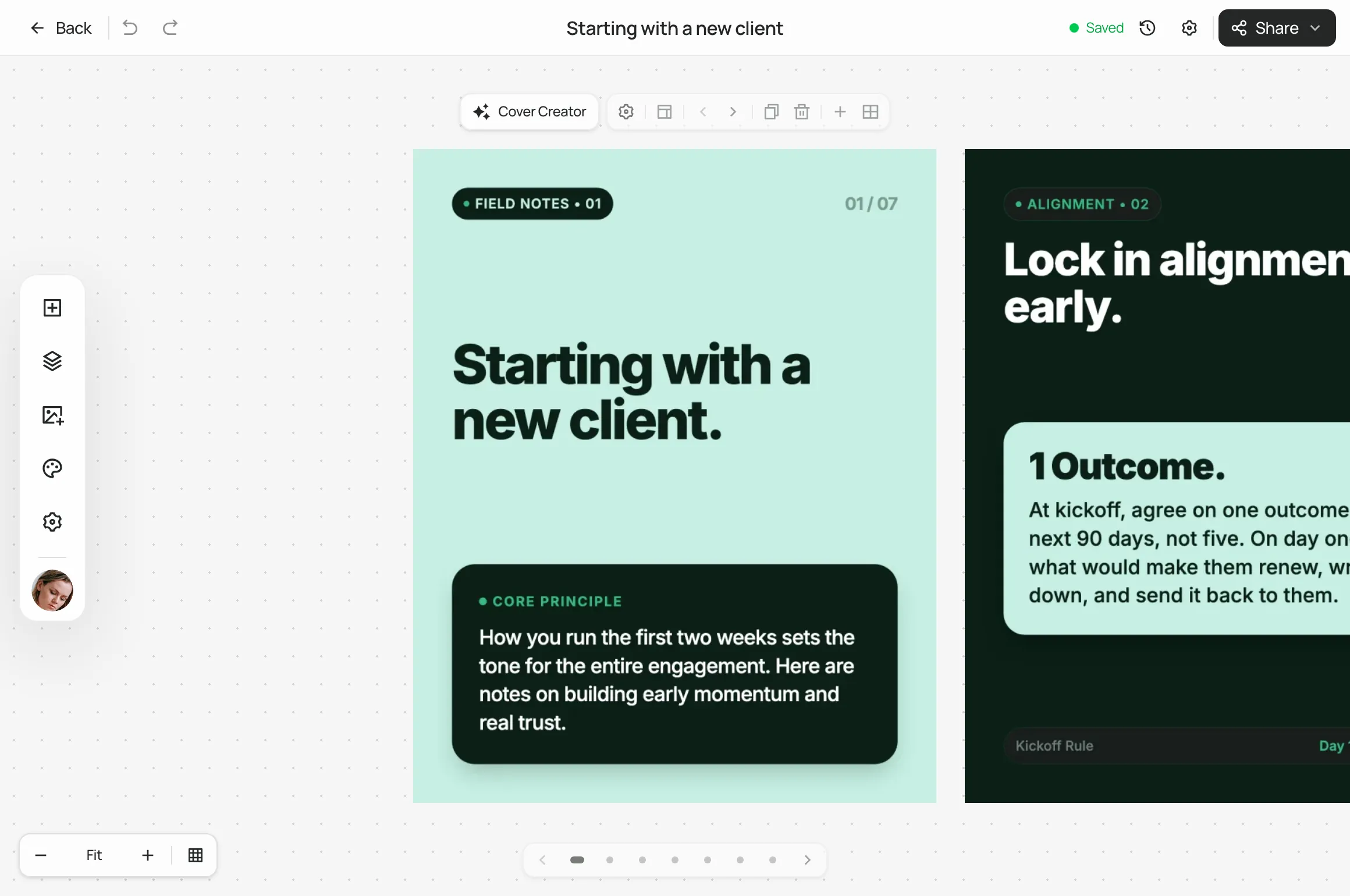
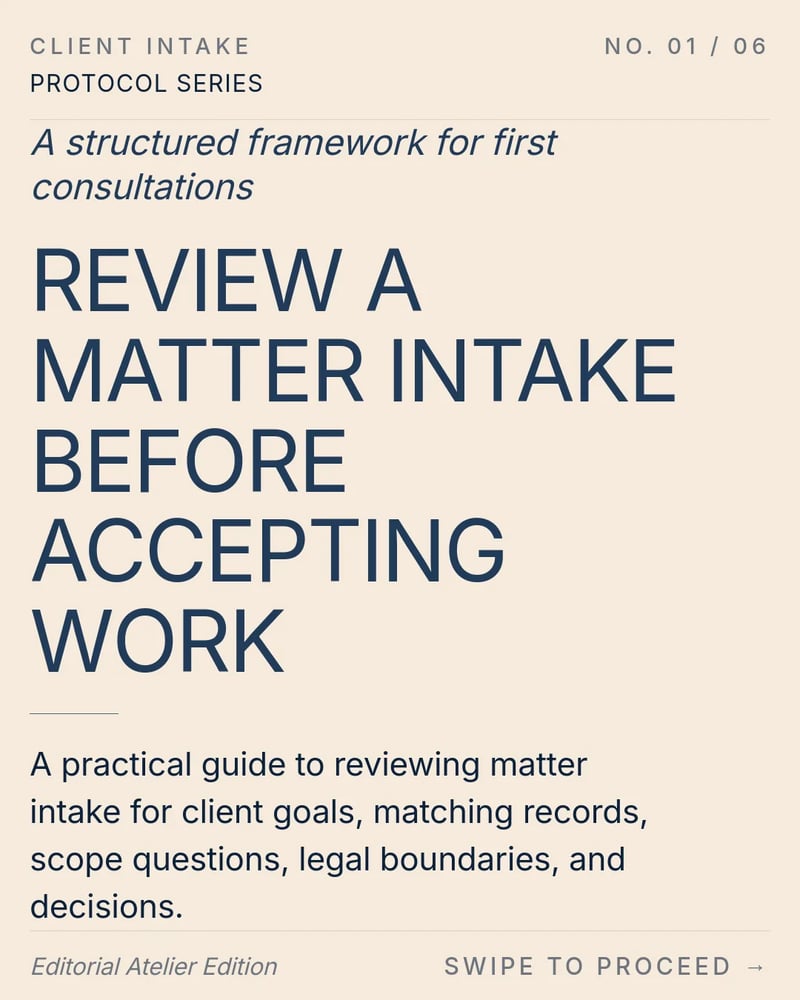
First two weeks of a new matter
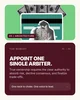
Agree what a good outcome looks like. Find out who decides.“What should I bring to our first call?”
Twelve years advising owner-run businesses on contracts
What changes for employers on 1 April
yourfirm.com/insights You
From a matter note to a partner-approved post.
Anonymised case notes or a briefing link are enough.
Start a postSee how it worksPost ideas
A pattern you keep seeing,
or one question clients ask.
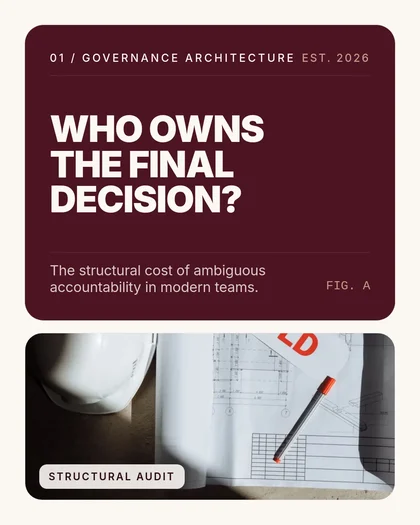
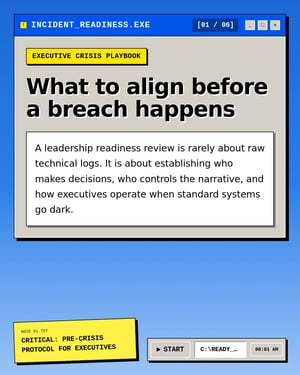
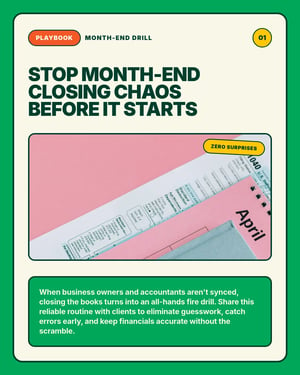
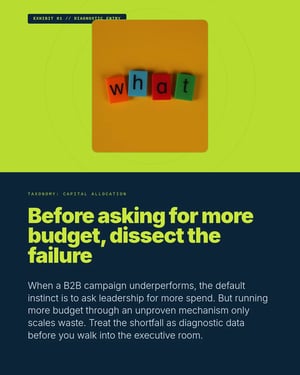
Real SlideDrift carousels, example posts.
The question new clients ask most often. One line is enough to start.
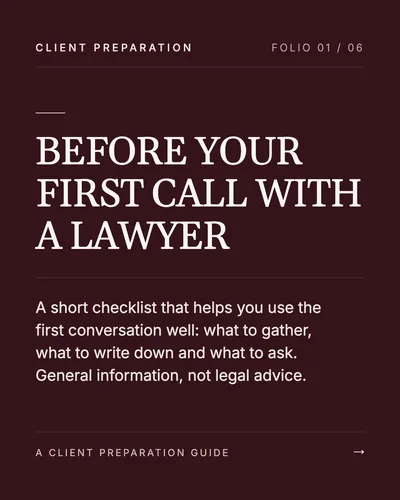
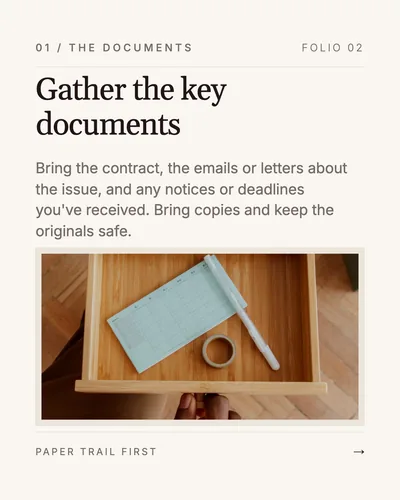
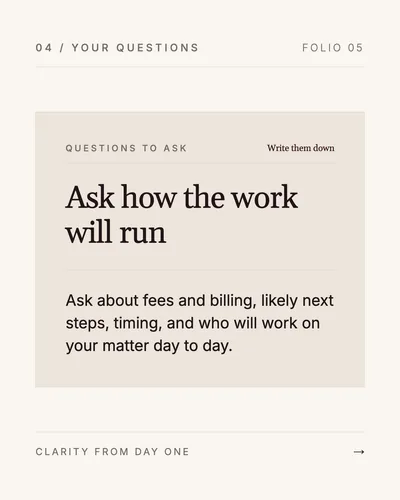
Every line stays yours,
down to the disclaimer.
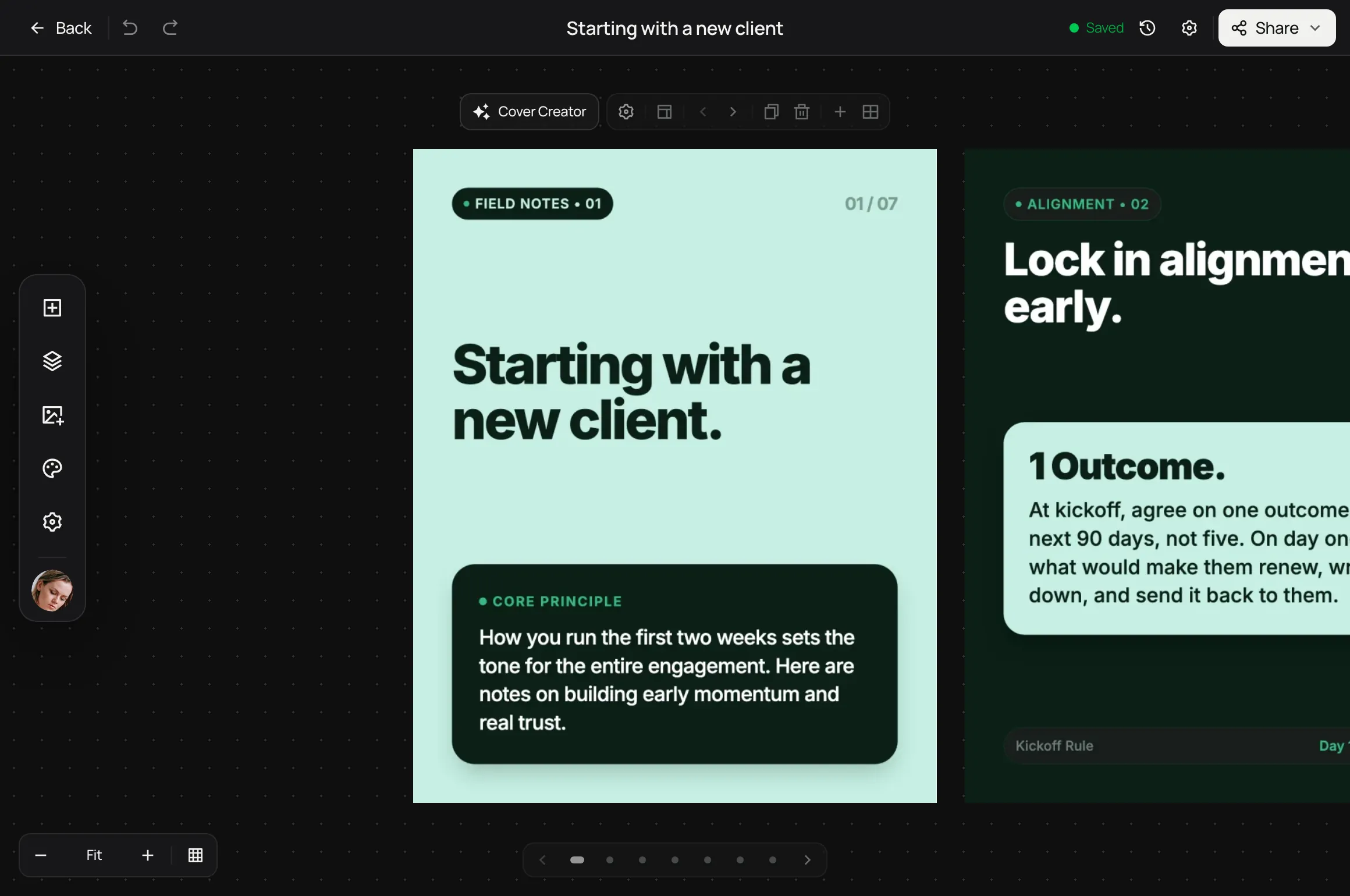
Carousel templates, Graphics and Photo Styles.
Review, schedule and results
in one place.
Research in Claude or ChatGPT? Paid plans link it to SlideDrift, so drafts arrive here for a partner. How it works
From the founder
In the video I start from my own notes. Start from a client's question instead and nothing else changes.
For sole practitioners, partners and firm
marketing teams who want to post often
and look professional.
Pick a plan to try.
Cancel anytime.
200 credits to start, no card needed.
Only as your rules allow. Keep examples general or made up; you and your reviewer check, not SlideDrift.
No. It drafts and designs; you decide. Add “General information, not legal advice” where it fits.
Yes. They open a link, approve or comment; nothing posts before that. On paid plans.
They start from your notes, and you edit every line. The Brand Kit keeps the firm's voice.
A client question, anonymised case notes, a briefing note or a client guide PDF.
Pro and Agency include Company Pages; personal profiles come with every paid plan.
It does: link it once, then a partner reviews the result in SlideDrift.
A week with 250 credits (Starter) or 1,250 (Pro, Agency). Cancel before day 7 and pay nothing.
No. Still leave out anything that identifies a client.
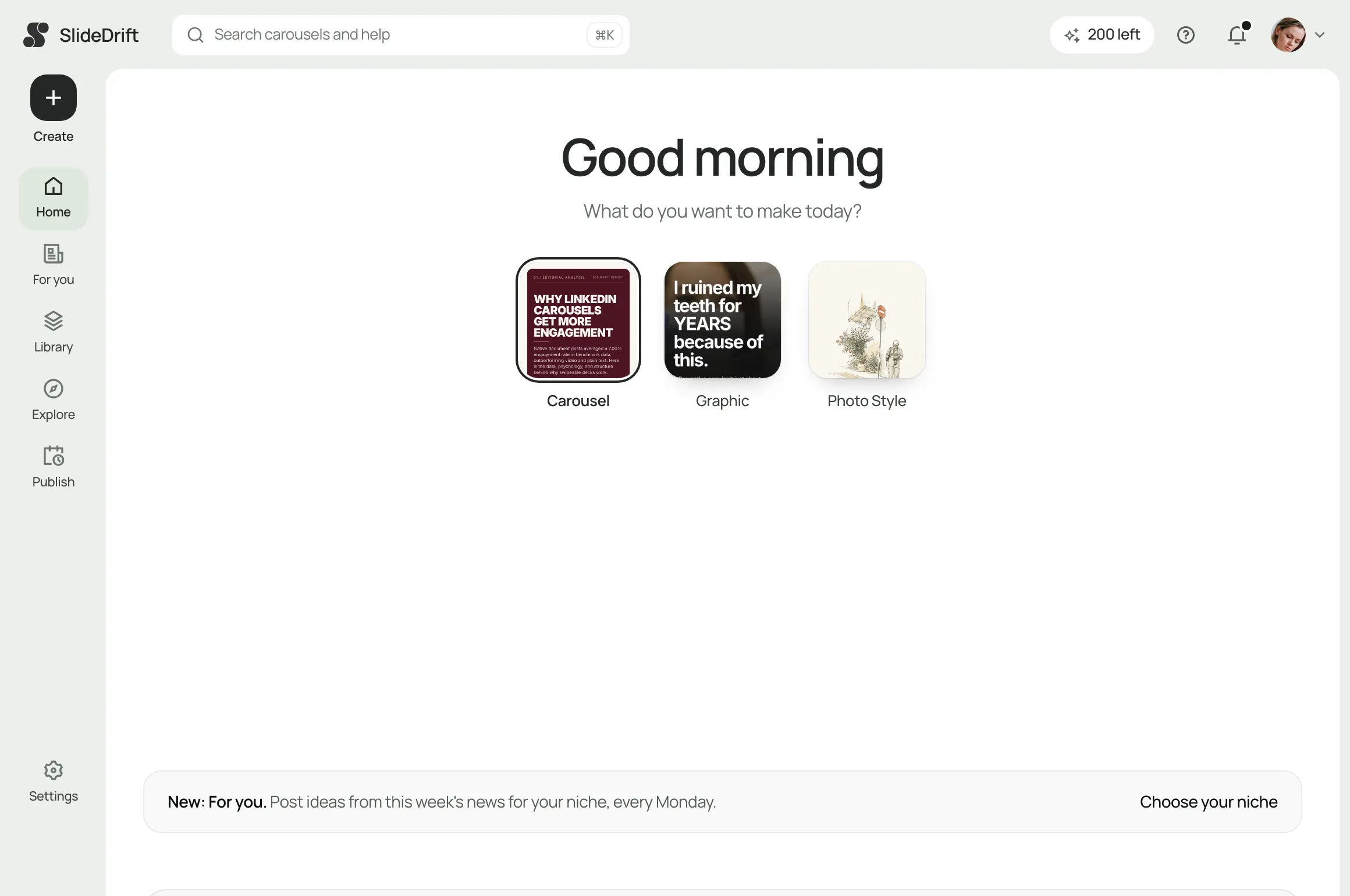
Paste your notes, a link or a question clients ask. SlideDrift drafts the posts, and you check them before they go out.
Try every feature free for 7 days.
From a matter note to a partner-approved post.
Anonymised case notes or a briefing link are enough.
Start a postSee how it worksPost ideas