Carousel templates / Reviews and records
Carousel templates for lawyers on reviews and records
Clients rarely see the checking that happens before a document reaches them. These templates show the work behind it: how drafts are reviewed, which records matter, and how a matter is handed over cleanly.
- 6 real templates
- Every slide stays editable

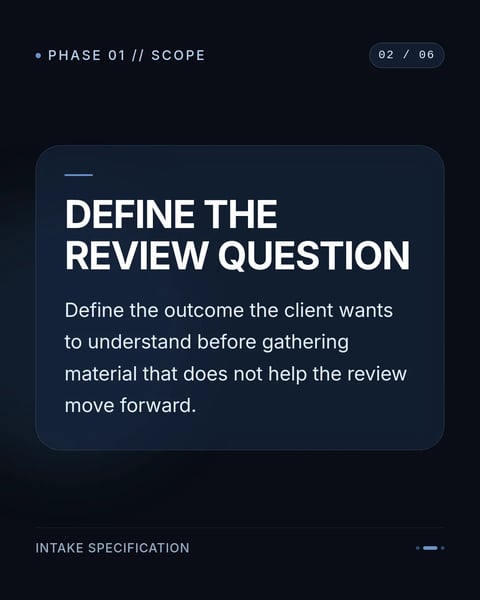

Pick a style.
Every style below is a real template. Switch to see all of its slides.



What goes on each slide.
A plan that suits this topic. Use it as is, or change it in the editor.
- 1A cover that names the habit, for example checking a draft before it goes out
- 2Why the habit matters to the client
- 3The steps, one per slide
- 4What the client can do to help, such as keeping records in one place
- 5A closing slide with your name and firm
Start with this topic in the box above, then add your own notes.
How to make one.
Three steps from your notes to a carousel you can post.
- 01
Pick one habit
A review step, a record you always keep, or how you hand work over.
- 02
Match it to a style
Six styles above, from structured grids to bold workflow layouts.
- 03
Show the work, not the matter
Describe the process in general; leave out any detail from a real file.
More topics for lawyers.
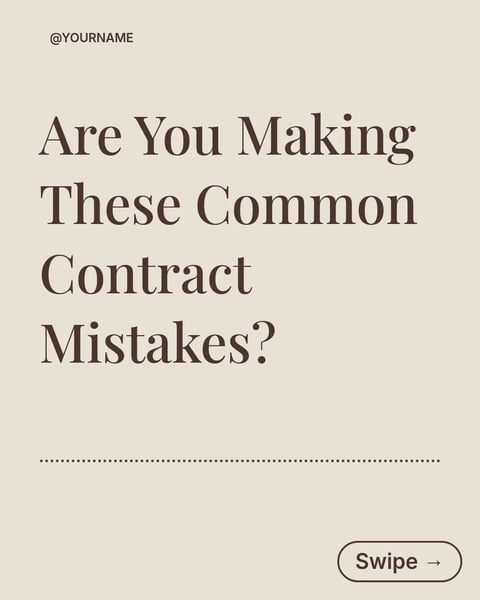
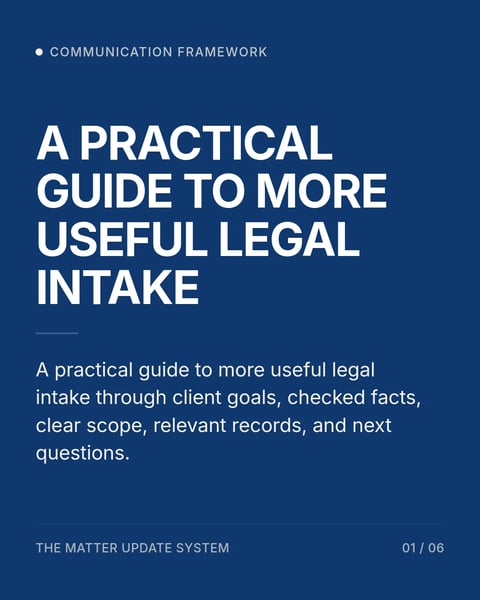
Real templates for the other posts lawyers make.


Questions?
Explore the docsWhy would clients care about internal reviews?
It shows how carefully their work is handled, and it explains why some steps take the time they do.
Can this be a series?
Yes. One habit per carousel, posted a week apart, makes an easy series to plan.
Does it work for a sole practitioner?
Yes. Describe your own checks, such as a second read the next morning or a checklist before sending.
Your next carousel starts with one question.
Type the question clients ask most, or paste your notes. SlideDrift drafts the slides in a design for lawyers.
Try every feature free for 7 days.