Carousel templates / Contract mistakes
Contract mistakes carousel templates for lawyers
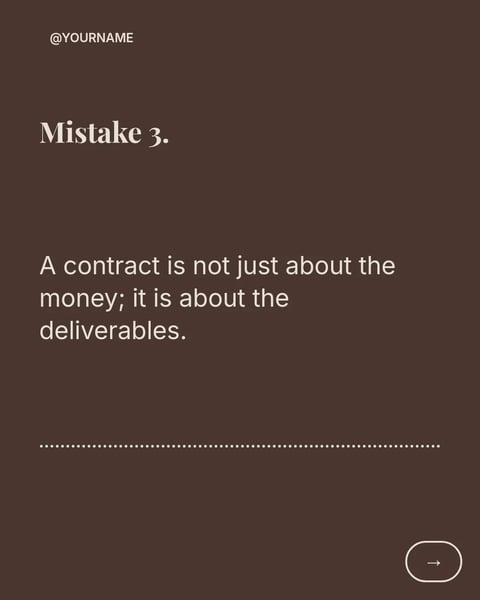
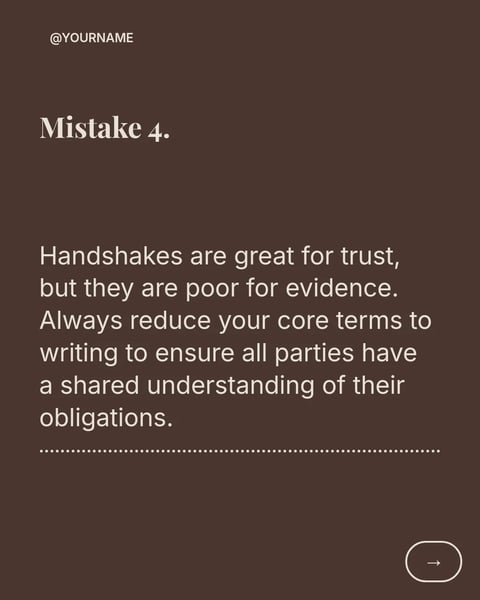
A list of mistakes is one of the easiest carousels to read: one clause or habit per slide, and a fix under each. These four templates already follow that shape, so you only bring the mistakes you see most.
- 4 real templates
- Every slide stays editable
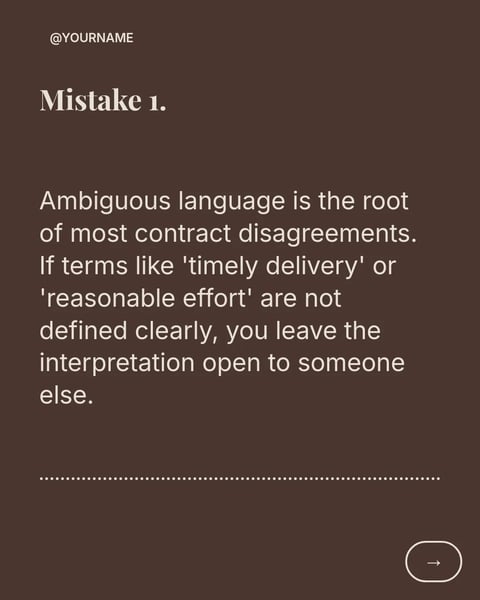
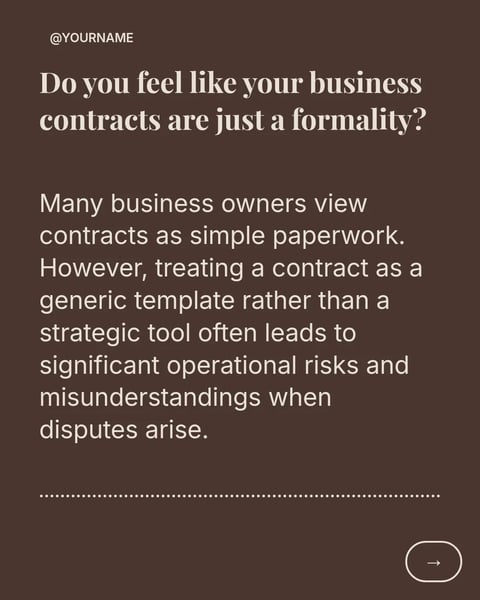
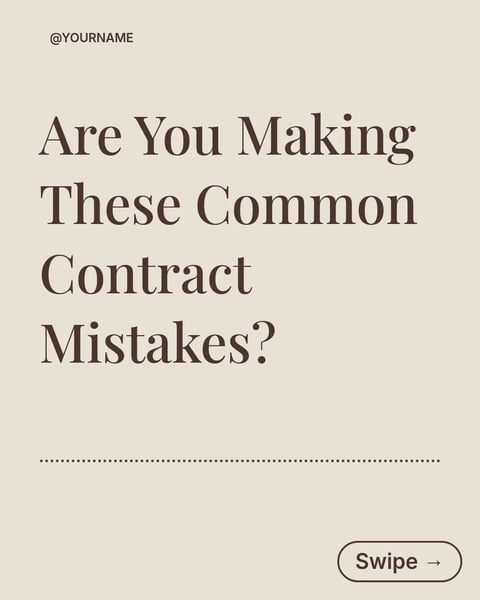
Pick a style.
Every style below is a real template. Switch to see all of its slides.
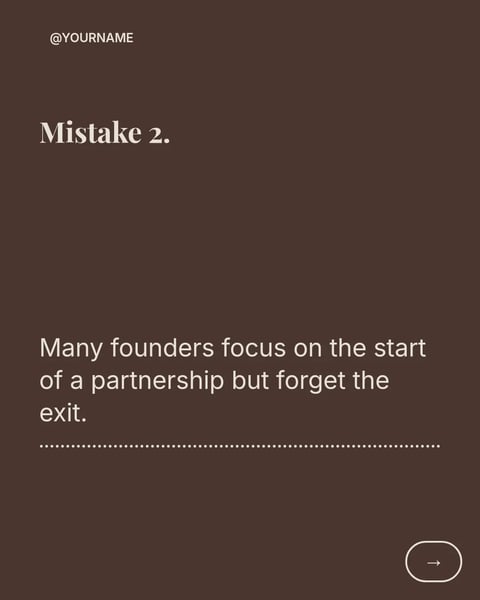

What goes on each slide.
A plan that suits this topic. Use it as is, or change it in the editor.
- 1A cover that names the reader, for example owners signing supplier contracts
- 2One mistake per slide: the clause or habit, in plain words
- 3Under each mistake, what to check instead
- 4A slide that says when to get advice
- 5A closing slide with your name, firm and a general-information note
Start with this topic in the box above, then add your own notes.
How to make one.
Three steps from your notes to a carousel you can post.
- 01
List the mistakes you see
Write down four to six you have seen more than once, without client details.
- 02
Pick a style
Switch between the four styles above and choose the one that fits your firm.
- 03
Make it and check the wording
SlideDrift writes your list into the slides. Read each one against your conduct rules before it goes out.
More topics for lawyers.
Real templates for the other posts lawyers make.


Questions?
Explore the docsCan I name real clauses from a client's contract?
Use made-up sample wording or describe the clause in general terms. Never copy a client's document into a post.
How many mistakes should one carousel cover?
Four to six keeps each slide readable. If you have more, split them into two posts a week apart.
Should I add a disclaimer?
Your rules decide. A short line such as "General information, not legal advice." on the first and last slides is easy to add.
Your next carousel starts with one question.
Type the question clients ask most, or paste your notes. SlideDrift drafts the slides in a design for lawyers.
Try every feature free for 7 days.