LinkedIn Carousel Examples for Customer Success Teams: 30 Posts for Onboarding, Adoption, and Retention
30 LinkedIn carousel examples for customer success teams covering onboarding, adoption, QBRs, renewals, and customer education.

Customer success teams already have useful carousel material: onboarding lessons, recurring support questions, QBR frameworks, adoption blockers, and customer education workflows. The harder part is separating a teachable pattern from the private account context around it.
This guide gives you 30 LinkedIn carousel examples for customer success teams. It also includes an evidence and privacy brief for turning one approved source into a reviewable slide sequence.
Key takeaways
- Start with a recurring customer question or workflow, not a vague lesson about retention.
- Use approved source material and remove names, account details, private metrics, and identifiable screenshots.
- Give every slide one job so the carousel teaches a process instead of compressing a playbook.
- State what the source does not prove before drafting performance or outcome claims.
Why customer success teams should use carousels
Customer success work is process-heavy. A carousel can show the steps behind a better onboarding, cleaner handoff, or stronger QBR. It also gives sales, marketing, and product teams a reusable asset.
LinkedIn document posts support PDF and other common document formats, and the uploaded document cannot be changed inside the post after publication LinkedIn Help. That makes review important when using customer examples.
30 carousel examples for customer success teams
- The onboarding checklist new customers actually need
- 5 signs a customer is stuck before they churn
- How to prepare for a better QBR
- The difference between adoption and usage
- What to do in the first 30 days after buying software
- How to define success metrics before implementation
- The customer handoff checklist from sales to CS
- Why feature training is not the same as onboarding
- How to write a better support ticket
- The renewal conversation timeline
- How champions can build internal buy-in
- The product-adoption ladder
- How to spot silent accounts
- The implementation mistake that slows every rollout
- What great customer notes include
- How to run an executive check-in
- The difference between health score and relationship health
- A guide to customer enablement content
- What to automate in CS and what to keep human
- How to use customer feedback without overreacting
- Why customers do not use features they asked for
- The onboarding email sequence explained
- How to turn support questions into education
- What a good customer success plan includes
- How to prepare customers for change management
- The quarterly value recap template
- How to explain ROI after implementation
- What to include in a customer training deck
- How to reduce avoidable support volume
- The customer success meeting agenda that saves time

Customer success teams can turn recurring questions and approved playbooks into useful public education.
Turn one approved CS source into a safe deck
An idea list helps you choose a topic. This brief helps a customer success, legal, or account owner review the evidence and privacy boundary before the first slide is designed.
Customer success evidence and privacy brief
| Field | What to write |
|---|---|
| Reader question | The single onboarding, adoption, support, or renewal question the carousel will answer. |
| Approved source | The public guide, approved playbook, help article, or reviewed case study the draft can use. |
| Evidence units | The exact steps, definitions, examples, or approved facts available in that source. |
| Privacy exclusions | Names, screenshots, account details, health scores, support messages, or metrics that must stay out. |
| Claim boundary | What the source does not prove, including retention, adoption, or revenue outcomes. |
| Slide jobs | One distinct job per slide, such as problem, context, step, check, recap, or next action. |
| Next step | One useful action the reader can take after applying the lesson. |
Copy this version into your working document:
Reader question:
Approved source:
Evidence units:
Privacy exclusions:
Claim boundary:
Slide jobs:
Next step:Public-source example
Completed brief: prepare for an onboarding kickoff
Reader question: what should a customer success manager confirm before an onboarding kickoff?
Approved source: the public onboarding checklist in this article.
Evidence units: define the success outcome, confirm stakeholders, map systems and access, set a first 30-day milestone, schedule training, and decide how support works.
Privacy exclusions: customer names, account screenshots, contract details, support messages, usage data, and internal health scores.
Claim boundary: the source provides a preparation checklist. It does not prove that following it will improve activation, retention, or expansion.
Eight slide jobs:
- Name the pre-kickoff problem.
- Define the customer's success outcome.
- Confirm stakeholders and decision roles.
- Map systems, access, and dependencies.
- Set the first 30-day milestone.
- Schedule the right training.
- Agree how support will work.
- Close with a pre-call checklist.
Next step: review the checklist with the account owner, remove private details, and use it before the kickoff call.
The completed example turns 6 approved checklist items into 8 distinct slide jobs. It also records 6 privacy exclusions, 1 explicit claim boundary, and 1 next step before drafting begins.
Review the brief before it becomes a carousel
- The reader question fits in one sentence.
- Every factual claim maps to an approved evidence unit.
- The privacy exclusions cover both text and screenshots.
- The claim boundary removes unsupported outcome promises.
- Each slide has one job and earns its place in the sequence.
- The final action follows naturally from the lesson.
Example structure: onboarding checklist
- Hook: “Most onboarding problems start before the kickoff call”
- Define the success outcome
- Confirm stakeholders
- Map systems and access
- Set first 30-day milestone
- Schedule training
- Decide how support works
- Recap checklist
- CTA: “Save this for your next rollout”
Example structure: QBR preparation
| Slide | Content |
|---|---|
| 1 | “A QBR should not be a usage report” |
| 2 | Start with the customer's business goal |
| 3 | Show what changed since last quarter |
| 4 | Explain blockers, not just metrics |
| 5 | Align on next priorities |
| 6 | Ask for stakeholder feedback |
| 7 | Confirm owners and dates |
Use customer examples safely
Do not publish:
- Customer names without approval
- Screenshots from private accounts
- Contract details
- Usage metrics that identify a customer
- Support tickets with personal information
- Internal health-score data
Use safe alternatives:
- Aggregated patterns
- Public examples
- “Common situation” language
- Approved case studies
- Public customer stories
How CS teams can use SlideDrift
SlideDrift can turn source material into editable LinkedIn carousels. Useful CS inputs include:
- Onboarding guides
- Help-center articles
- QBR templates
- Support-ticket themes
- Customer-training notes
- Product-adoption frameworks
- Internal playbooks rewritten for public education
Use this prompt:
Create a LinkedIn carousel for B2B SaaS customer success leaders about preparing for a better QBR.
Audience: CS managers and account teams.
Tone: practical and experienced.
Avoid: customer names, private metrics, confidential screenshots.
Include: checklist structure and final save-worthy recap.Measurement for CS carousel content
Do not only track likes. LinkedIn's post analytics can include reactions, comments, reposts, saves, sends, profile activity, and link engagement, depending on the post and account LinkedIn post analytics.
For CS content, useful signals include:
- Saves from target accounts
- Sends to colleagues
- Comments from CS leaders
- Inbound questions
- Sales team reuse
- Newsletter clicks
- Help-center traffic if linked later
Use the create-from-text guide when you have approved notes or an outline. Before publishing, use the PDF export guide to export and inspect the finished deck.
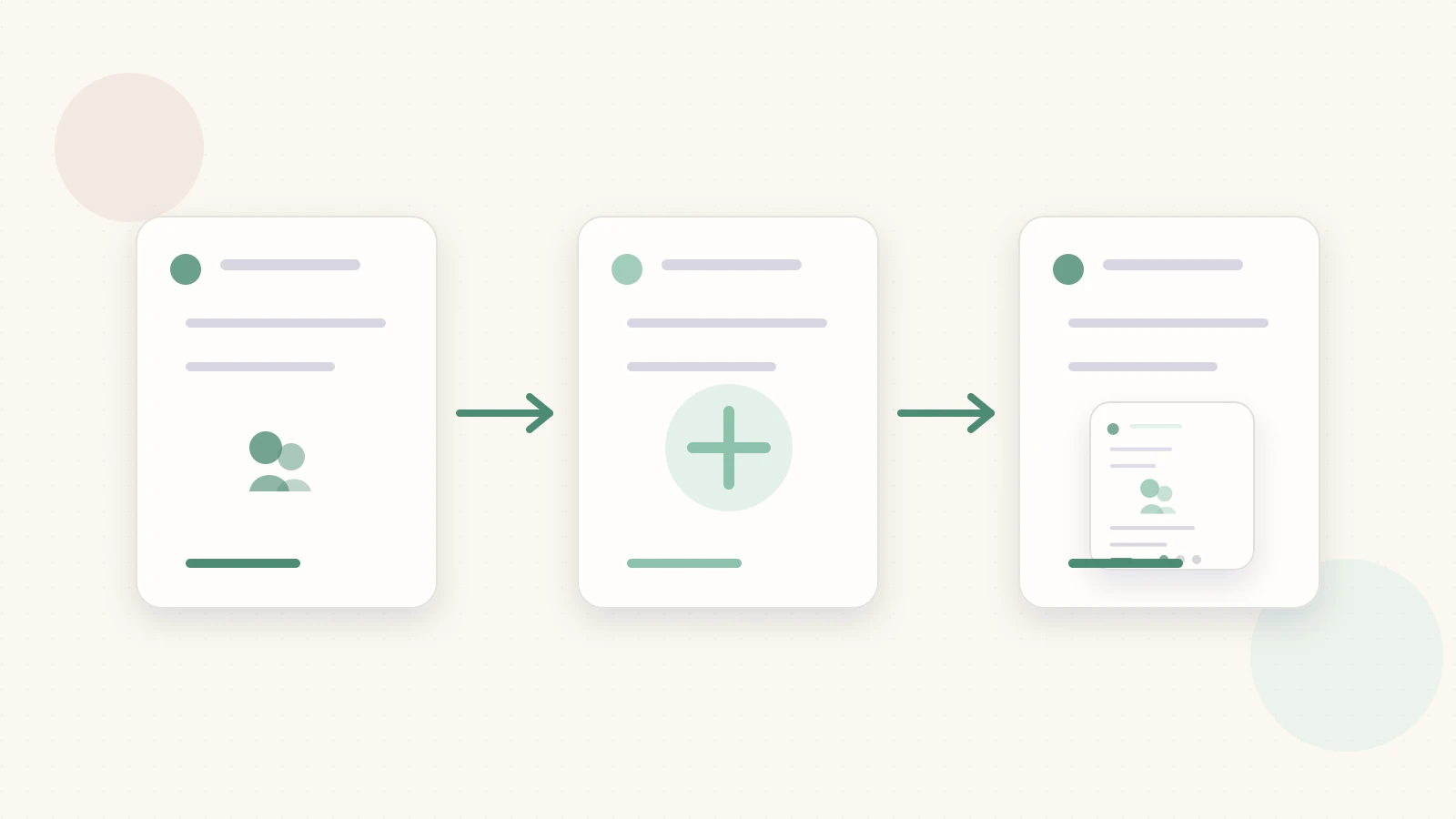
Move from approved source material to a privacy check, slide sequence, and final review.
Related reading
Before you publish, use the LinkedIn carousel checklist and confirm dimensions with the LinkedIn carousel size guide.
Turn your CS source into slides
Ready to make one? Start with a URL, notes, or a short outline in SlideDrift, then export the finished carousel as a PDF for LinkedIn.