LinkedIn Carousel Examples for B2B Marketers
35 LinkedIn carousel examples for B2B marketers, grouped by team, with real carousels to swipe through and a brief for turning your material into slides.
The B2B carousels that work help a reader make one decision: whether to scale a campaign, how to brief a writer, what a metric really means. Below are 35 examples by team, real carousels made in SlideDrift to swipe through, and a brief for turning your own material into a deck.
- Demand generation: pre-launch checks, campaign teardowns, lead-quality diagnostics.
- Content marketing: repurposing one asset, briefs that prevent generic drafts.
- Product marketing: explaining a feature, turning an objection into a lesson.
- Lifecycle: onboarding mistakes, customer education.
- Reporting: what a metric hides, turning a report into a decision.
One question for every B2B carousel
Before you write a slide, answer: what will this help the reader do better? Plan a campaign, diagnose a funnel problem, brief content more clearly, understand a benchmark. If the honest answer is "learn that we made something", the post is about your company, not your reader.
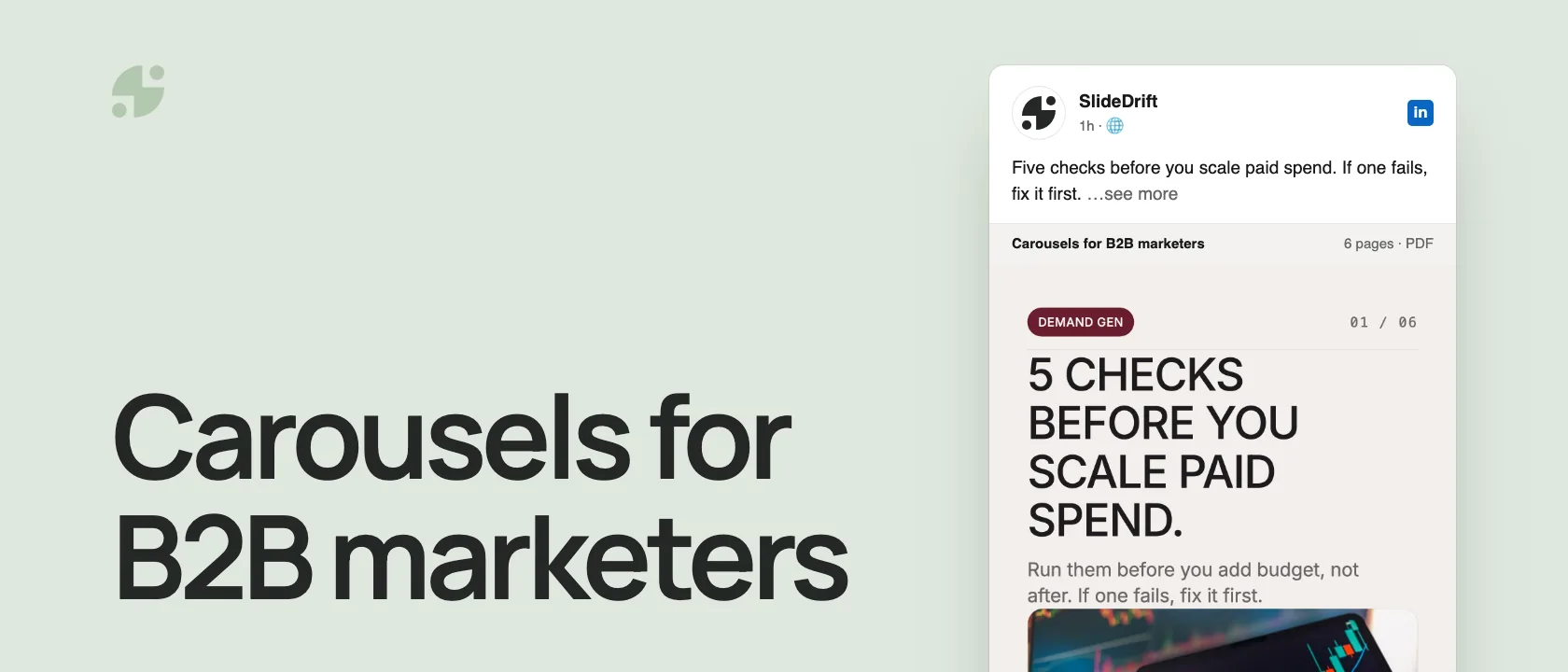
Here's example 2 from the list below, made into a carousel in SlideDrift: a pre-launch checklist a demand-gen marketer can use before adding budget.
SlideDriftCreate your ownCarousel transcriptShowHide


- 015 checks before you scale paid spend. Run them before you add budget, not after. If one fails, fix it first.
- 02Check 1, is the offer clear? If people can't say what they get and why it matters, more traffic won't fix it.
- 03Check 2, is it the right audience? Look at who converts, not just how many click. Cheap clicks from the wrong people get expensive fast.
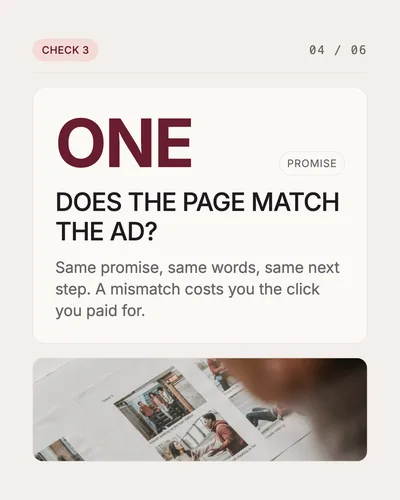
- 04Check 3, does the page match the ad? One promise. Same promise, same words, same next step. A mismatch costs you the click you paid for.
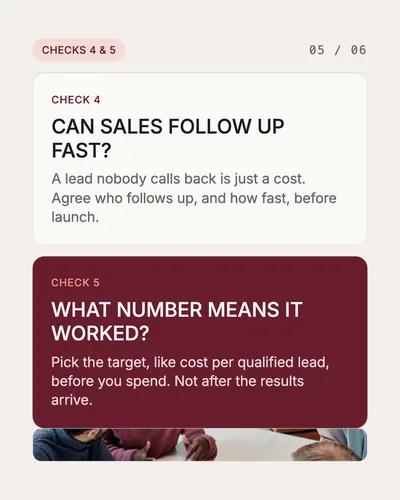
- 05Check 4, can sales follow up fast? A lead nobody calls back is just a cost. Agree who follows up, and how fast, before launch. Check 5, what number means it worked? Pick the target, like cost per qualified lead, before you spend. Not after the results arrive.
- 06Scale what passed. Fix what failed first. Offer, audience, page match, follow-up and a target. Check all five before you add budget. Save this for your next launch.
35 LinkedIn carousel examples for B2B marketers
Demand generation
- "Why your demo page isn't the real conversion problem"
- "5 checks before you scale paid spend"
- "How to diagnose a low-intent lead problem"
- "Traffic quality vs offer clarity: which one is broken?"
- "A campaign teardown: what worked, what failed, what changed"
- "How to build a campaign brief sales will actually use"
- "Before you scale spend, check these 6 signals"
Structure that works: problem → diagnostic → example → checklist.
Content marketing
- "How to turn one research report into 10 content assets"
- "The blog brief that prevents generic drafts"
- "Why your content calendar has topics but no point of view"
- "A content pillar vs a content pile"
- "Blog, carousel or email? How to choose the format for an idea"
- "A teardown of a weak thought-leadership post"
- "How to repurpose a webinar without every post sounding the same"
Structure that works: source asset → best angle → format → example → CTA.
Product marketing
- "How to explain a feature without sounding like a release note"
- "The positioning checklist before you write a launch post"
- "How to turn a customer objection into a carousel"
- "The launch story that connects feature, workflow and outcome"
- "Why your comparison page should become a carousel"
- "How to teach the category before pitching the product"
- "The messaging test we use before launch"
Structure that works: market confusion → decision → why the product matters → proof.
Lifecycle and customer marketing
- "The onboarding email mistake that delays activation"
- "How to turn support questions into customer education posts"
- "A customer success checklist for the first 30 days"
- "The renewal-risk signals marketers should understand"
- "How to explain a workflow improvement to existing customers"
- "Why usage education belongs in your LinkedIn content"
- "A customer story that teaches a reusable lesson"
Structure that works: user moment → mistake → better workflow → checklist.
Reporting and analytics
- "The dashboard metric that looks good but hides the problem"
- "How to review a campaign without cherry-picking wins"
- "Activity metrics vs decision metrics"
- "How to turn a monthly report into a leadership-ready insight"
- "Three questions to ask before reporting pipeline influence"
- "How to explain CAC payback to non-marketers"
- "A reporting checklist before your next QBR"
Structure that works: metric → misunderstanding → better reading → decision.
Two more real examples
A case study teardown, like examples 5 and 28: Google's public case study on Saramin as a carousel that keeps every number with its timeframe and scope. The case study guide walks through the method behind it.
A format explainer for content teams, like example 12. It gives one decision per page and ends with a single next step:
Turn your material into a deck you can review
An idea list helps you pick a topic. A short evidence brief keeps the slides accurate. Fill it in before you write the first slide:
B2B carousel evidence brief
| Field | What to write |
|---|---|
| Reader decision | The one choice or action the reader should take after the last slide. |
| Approved source | The brief, report, article, call notes or product docs the deck can use. |
| Evidence | The exact facts, examples, quotes and steps available in that source. |
| Claim boundary | What the evidence doesn't prove, including results you can't promise. |
| Slide jobs | One job per slide: hook, context, evidence, example, decision or next step. |
| Next step | One useful action that follows from the lesson. |
Reader decision:
Approved source:
Evidence:
Claim boundary:
Slide jobs:
Next step:Check the brief before it becomes a deck
- The reader decision fits in one sentence.
- Every factual claim maps to something in the approved source.
- The claim boundary rules out performance promises you can't support.
- Each slide has one job and earns its place.
- The last slide's action follows from the lesson.
Make these in SlideDrift
Start with material you already have: a campaign brief, blog post, webinar notes, launch doc, customer story or report. Paste the text, or start from a public link, and give the draft one job:
SlideDrift brief
Turn the campaign brief below into a LinkedIn carousel for B2B marketers.
Goal: teach one campaign planning lesson.
Format: teardown.
Tone: practical and specific. Not promotional.
End with a checklist readers can save.

[Paste your campaign brief here]SlideDrift drafts the slides; edit them against your evidence brief, then export the PDF. If the draft is too broad, tighten the reader decision before you add more instructions.
Turn your brief into slides
Paste a brief, report or link, then edit the draft against your evidence before you export.

Brief for this carousel
Make a 6-slide LinkedIn carousel for B2B marketers: 5 checks before you scale paid spend. A cover, then one check per slide: is the offer clear, is it the right audience, does the landing page match the ad, can sales follow up fast, and what number means it worked. End with: scale what passed, fix what failed first, and ask readers to save it for their next launch.
What to measure
For a post from your personal profile, LinkedIn's post analytics can include impressions, members reached, reactions, comments, reposts, saves, sends, profile viewers, followers gained and link visits. LinkedIn notes these are estimates. For a Company Page, use Page analytics: impressions, members reached, clicks, reactions, comments, reposts, click-through rate and engagement rate.
Keep conversions and pipeline in your own reporting. A click or a save is a platform signal, not proof that a post created a demo or a deal. The carousel measurement guide has a 30-day worksheet for keeping the two apart.
FAQ
What B2B marketing topics work well as LinkedIn carousels?
Frameworks, checklists, campaign teardowns, funnel diagnostics, repurposing workflows, case studies and benchmark summaries: anything a reader has to follow in order.
Do LinkedIn carousels work for B2B lead generation?
They can support it, but the carousel has to be useful on its own first. Treat clicks and conversions as results to measure, not results the format guarantees.
Can SlideDrift turn existing marketing assets into carousels?
Yes. Paste text, reports, campaign notes or webinar summaries, or start from a public link, then edit the draft and export it as a PDF.
How should B2B marketers measure carousel performance?
Use the LinkedIn metrics for the account you posted from, then connect clicks and visits to your own conversion and pipeline data separately.