LinkedIn Carousel vs Document Post: What’s the Difference?
A LinkedIn carousel and a document post are the same post with two names. When to use each word, what LinkedIn accepts, and when a PDF really works as a carousel.
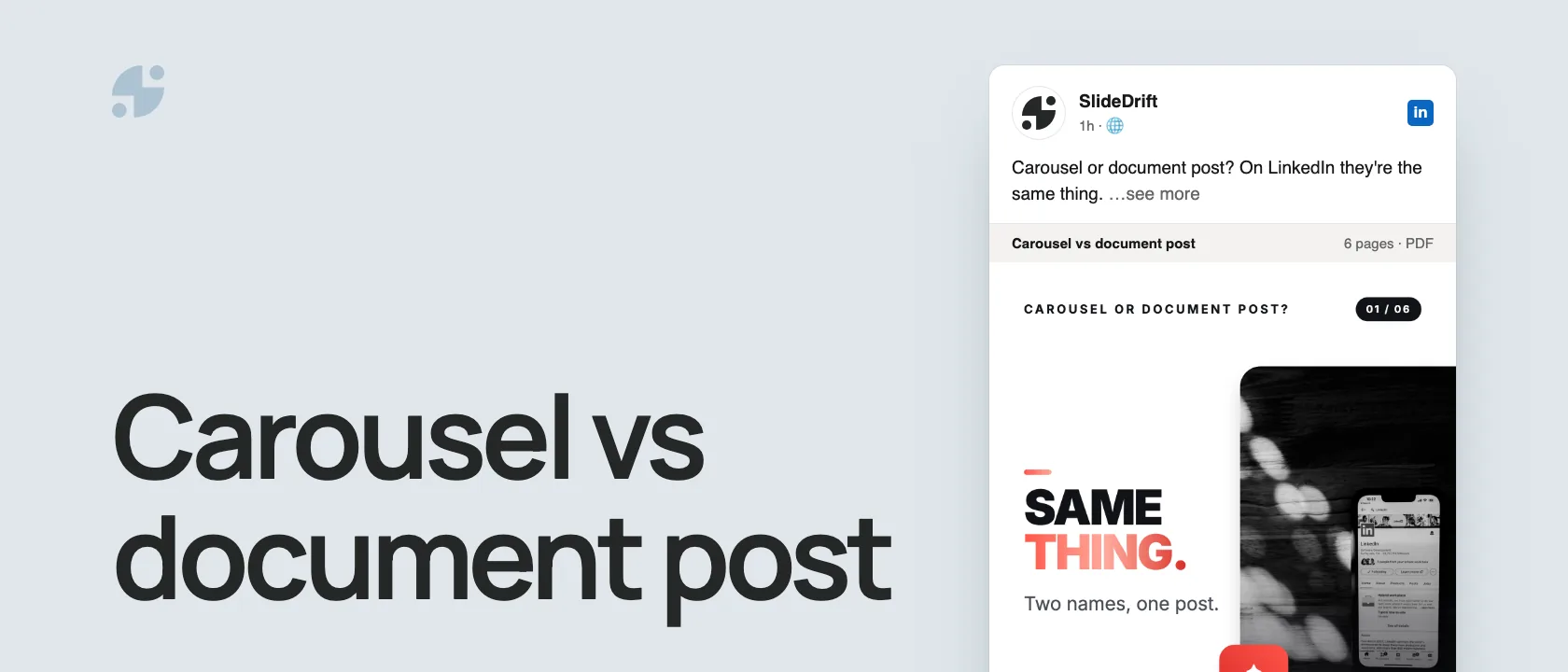
A LinkedIn carousel and a LinkedIn document post are the same thing. Document post is LinkedIn's name for uploading a file; carousel is what creators call the swipeable result. Most carousels are PDFs posted as documents.
- Say carousel when you talk to readers and other creators.
- Say document post when you explain how to upload it.
- Say PDF carousel when you mean the file itself.
Same post, two names
LinkedIn and creators describe the same post from different sides:
| Question | LinkedIn's answer | Creators' answer |
|---|---|---|
| What am I uploading? | A document | A carousel PDF |
| What is the feature called? | Document post | Carousel post |
| What does the reader see? | A document viewer | A swipeable carousel |
| What file do most people use? | PDF carousel |
LinkedIn's help page describes the upload: from your homepage, a Group or a LinkedIn Page, you attach a PPT, PPTX, DOC, DOCX or PDF file of up to 100 MB and 300 pages. That's why a tutorial can say "post a carousel" while LinkedIn's composer asks you to add a document.
Here's the difference as a carousel, made in SlideDrift.
SlideDriftCreate your ownCarousel transcriptShowHide


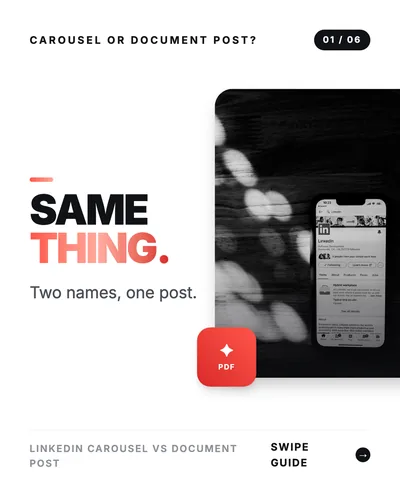
- 01Carousel or document post? Same thing. Two names, one post.
- 02Document post: the upload. The platform term. In LinkedIn's composer you add a document: a PDF, PowerPoint or Word file up to 100 MB and 300 pages. Upload from your homepage, a Group or a Page.
- 03Readers swipe each page. The creator term. Carousel is the creator word for the experience: a sequence of slides people swipe through. Most carousels are PDFs posted as documents.
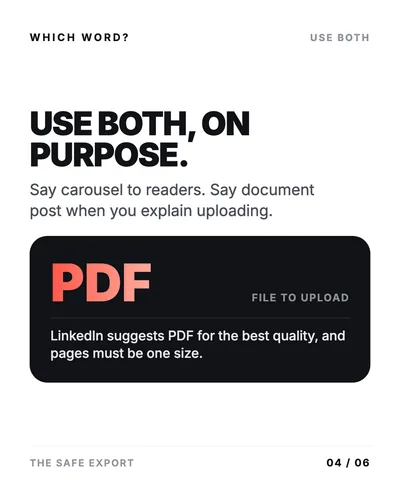
- 04Use both, on purpose. Say carousel to readers. Say document post when you explain uploading. The file to upload is a PDF: LinkedIn suggests PDF for the best quality, and pages must be one size.
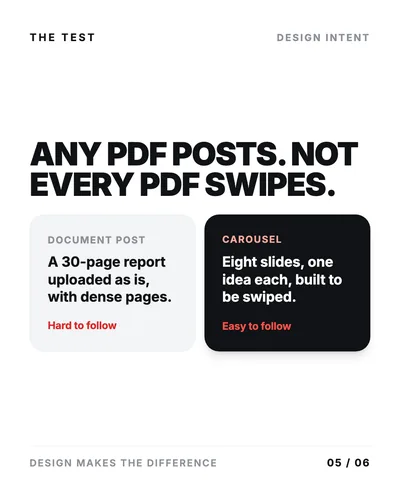
- 05Any PDF posts. Not every PDF swipes. Document post: a 30-page report uploaded as is, with dense pages, hard to follow. Carousel: eight slides, one idea each, built to be swiped, easy to follow.
- 06Open the PDF once before you post. You can't change the document after posting. Check page order, page size and the title first.
When a document becomes a carousel
Any PDF can be posted as a document. It only works as a carousel when every page is designed to be swiped: a strong first page, one point per page, readable type, and an ending that gives the reader a next step.
Two examples
Same upload format, different reading experience
Carousel: an 8-page PDF opens with "Why onboarding stalls after signup," uses five pages for five distinct mistakes, and ends with a checklist. Every page moves the story on.
Plain document post: a 30-page report uploaded as it is, with dense pages and no cover written for the feed. Readers can open it, but nothing invites them to swipe.
Both are document posts on LinkedIn. Only the first is usefully called a carousel.
Which word to use
- Use LinkedIn carousel for creators, marketers, consultants and anyone looking for examples or templates.
- Use LinkedIn document post when you explain the upload, file types or LinkedIn's requirements.
- Use PDF carousel when you talk about exports and design files.
People search for all three, so a good explainer answers the naming question directly instead of making readers work it out.
Does the name affect performance?
No. LinkedIn doesn't reward a post for what you call it. What helps is the format itself: a well-designed document packages an idea into pages people can swipe, save and reuse.
Socialinsider's 2026 LinkedIn benchmark, based on 1.3 million posts from business Pages, put native documents at a 7.00% average engagement rate in 2025, the highest of any format. In its Q2 2026 figures, multi-image posts edged ahead, 6.90% to 6.60%. Treat that as context, not a forecast for your post.
Hand it over with four lines
The naming matters most when one person makes the carousel and someone else publishes it. A short handoff stops the publisher getting a folder of page images, an editable source file or an unexplained PDF.
LinkedIn carousel format handoff
| Line | What to record |
|---|---|
| Reader experience | The carousel's promise and who it's for. |
| Slide sequence | The page count and the job of the cover, the teaching pages and the ending. |
| Delivery file | The final multi-page PDF, not the editable source or separate PNG pages. |
| Publish check | Page order, readable type, equal page sizes, document title and caption. |
Copy this into the publishing brief:
Reader experience: [carousel promise] for [audience]
Slide sequence: [page count] pages from [cover job] to [ending job]
Delivery file: [final-file-name].pdf
Publish check: page order, mobile readability, equal page sizes, title, captionReady to publish
Filled in: onboarding carousel
Reader experience: 5 onboarding mistakes for SaaS product marketers.
Slide sequence: 8 pages, from a problem-led cover to a review checklist.
Delivery file: saas-onboarding-mistakes.pdf.
Publish check: page order confirmed, type readable on a phone, every page the same size, title and caption approved.
LinkedIn recommends converting documents to PDF where possible, flattening PDFs with layers, and fitting every page to the same size. Open the finished PDF before uploading: you can edit the caption later, but you can't replace the document.
Make one in SlideDrift
SlideDrift says carousel because that's the result people want, but the publishing step is the document upload: create the carousel, edit the slides, export a PDF and post it as a document. Start from text or notes or from a link, and when the deck is ready, export it as a PDF.
Make your next carousel PDF
Paste notes, an article or a link. SlideDrift drafts the slides, you edit them, then export the PDF for LinkedIn.
Brief for this carousel
Make a 6-slide LinkedIn carousel explaining that a LinkedIn carousel and a document post are the same post with two names. A cover, then: what LinkedIn calls it (a document post: a PDF, PowerPoint or Word file up to 100 MB and 300 pages), what creators call it (a carousel people swipe), when to use each word, why a PDF only works as a carousel when it's designed slide by slide, and a final check before posting.
For the full upload steps, see how to post a LinkedIn carousel, and run the LinkedIn carousel checklist before you publish.
FAQ
Is a LinkedIn carousel the same as a document post?
Yes. A document post is LinkedIn's name for uploading a file. A carousel is the swipeable result when that file is designed slide by slide.
Does LinkedIn have a separate carousel feature?
Not for ordinary posts: a carousel is a PDF uploaded as a document. LinkedIn's carousel ads are a separate, paid ad format.
What file should a LinkedIn carousel be?
A PDF. LinkedIn recommends PDF for the best quality, and every page should be the same size.
Can I change the slides after posting?
No. You can edit the caption, but not the document. To fix the slides, delete the post and upload the corrected PDF.