How to Create LinkedIn Carousels for Personal Branding Without Sounding Self-Promotional
Create LinkedIn carousels for personal branding that teach through experience, using lessons, decision stories, process reveals, and practical frameworks.

Personal branding carousels work best when they make the reader better, not when they make the author look impressive. The safest approach is to teach through your experience: explain a decision, lesson, mistake, process, or framework that someone else can use.
The short version: create personal branding carousels by turning your experience into practical lessons. Use formats such as lesson learned, decision explained, process reveal, mistake reflection, principle carousel, and myth-vs-reality. Keep the story specific, but make the takeaway useful to the reader.
The personal branding trap
A weak personal branding carousel says: “Here is why I am impressive.”
A strong one says: “Here is a lesson I learned that may save you time.”
The difference is not humility theater. It is reader value. People tolerate personal stories when the story helps them think, act, or decide.
8 personal branding carousel formats
| Format | Best use | Slide structure |
|---|---|---|
| Lesson learned | Authenticity | Moment → lesson → practical rule → reader prompt |
| Decision explained | Credibility | Choice → tradeoff → result → takeaway |
| Principle carousel | Point of view | Belief → why → example → application |
| Mistake reflection | Trust | Mistake → cost → correction → lesson |
| Process reveal | Expertise | Task → method → example → checklist |
| Myth vs reality | Positioning | Common belief → reality → nuance → advice |
| Resource list | Utility | Problem → tools/questions → when to use → save CTA |
| Behind the decision | Leadership | Context → constraints → decision → what changed |

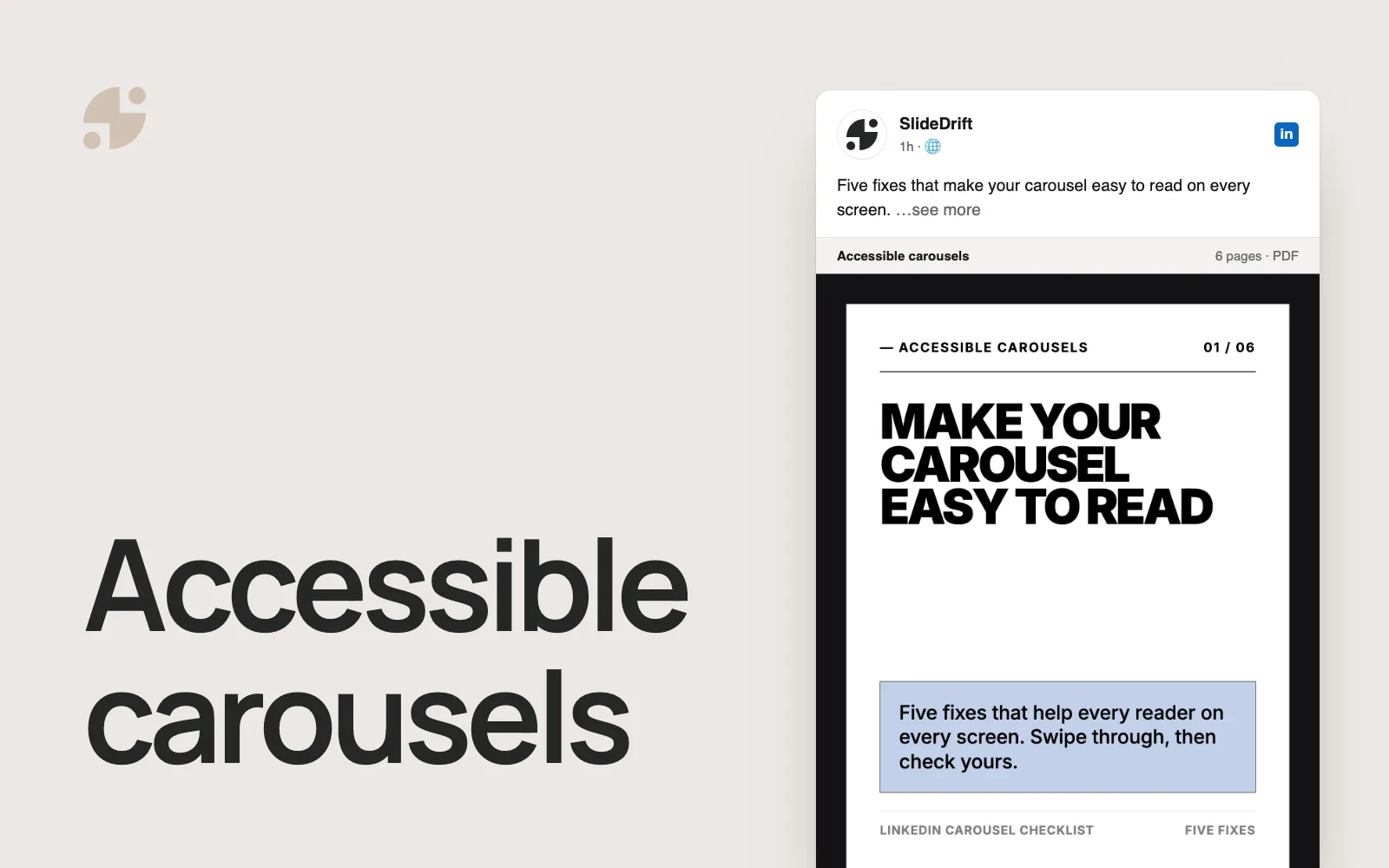
Example slide mockups for LinkedIn carousels for personal branding.
A simple structure that works
Use this five-part structure:
- Specific hook: name the situation or belief.
- Context: explain what was happening.
- Decision or mistake: show the turning point.
- Lesson: make it generalizable.
- Reader application: give a checklist, prompt, or question.
Example title: “I stopped trying to sound like a thought leader. Here is what worked better.”
20 personal branding carousel ideas
- The decision that changed how I work with clients.
- What I misunderstood when I started posting on LinkedIn.
- A mistake I made that made me better at my work.
- The framework I use before saying yes to a project.
- Why I stopped chasing perfect content.
- What a difficult client taught me about communication.
- The questions I ask before giving advice.
- The difference between confidence and certainty.
- What I learned from a project that did not go as planned.
- My personal checklist before publishing a strong opinion.
- Why your best content may already be in your notes.
- How I decide what not to post publicly.
- The habit that made my work easier to explain.
- A behind-the-scenes look at my weekly content process.
- The principle I use when simplifying complex ideas.
- What I wish I knew before building a personal brand.
- How to share expertise without pretending to know everything.
- Why case studies do not need to reveal private details.
- The difference between being visible and being useful.
- How to turn a recurring client question into a carousel.
How to use SlideDrift
Paste a rough personal story, voice note transcript, or bullet list into SlideDrift. Add direction:
Turn this into a practical LinkedIn carousel. Keep the personal story, but make every slide useful to the reader. Avoid motivational fluff.Then edit the opening slide so it sounds like you. Personal branding content needs a recognizable point of view, not a generic polished voice.
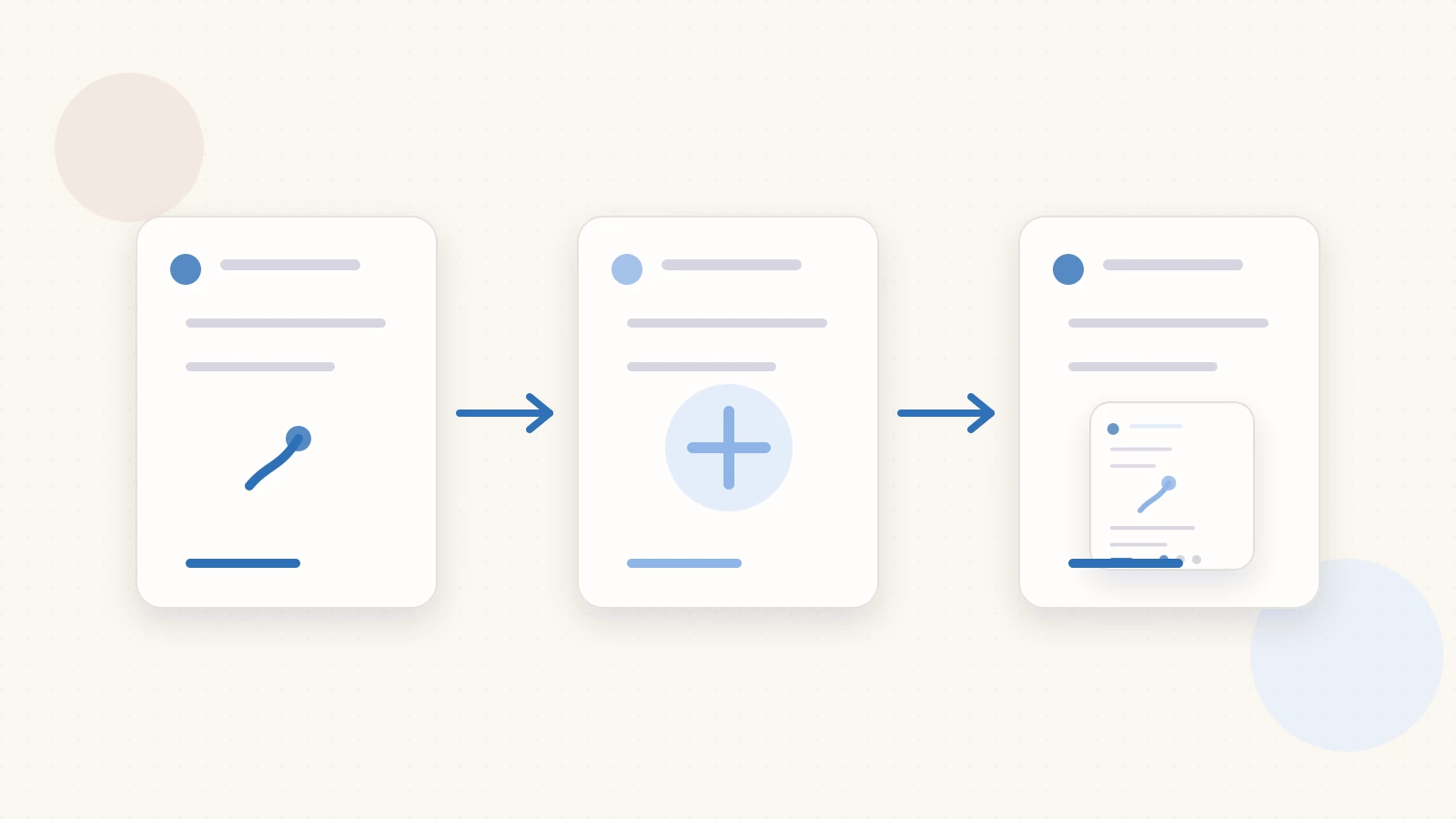
Workflow visual showing how to turn source material into a carousel for LinkedIn carousels for personal branding.
What to avoid
Avoid vague origin stories, humblebrags, unsupported claims, and posts that only describe your success. Also avoid making private client or employer situations identifiable.
Use SlideDrift to turn your lessons, notes, and rough ideas into LinkedIn carousels that build a personal brand by being useful first.
Related reading
When the draft is ready, use the LinkedIn carousel checklist and confirm the deck with the LinkedIn carousel size guide.
Make your own carousel
SlideDrift drafts the slides from your text. You edit them, then export a PDF for LinkedIn.