LinkedIn Carousel Examples for Accountants: 30 Posts Clients Will Actually Save
30 LinkedIn carousel examples for accountants covering tax prep, cash flow, bookkeeping, financial statements, and advisory content.
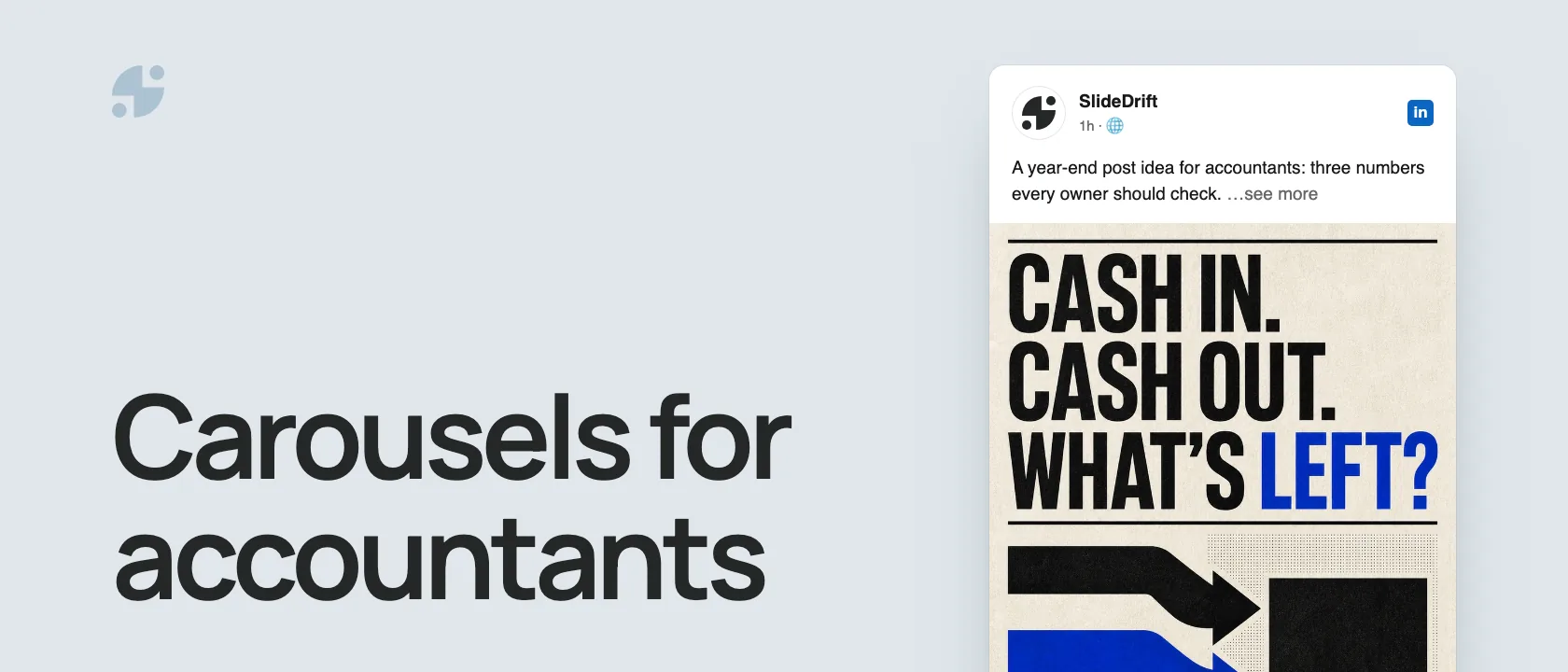
Accountants have a natural advantage on LinkedIn: they understand the numbers behind business decisions. The challenge is turning that expertise into content that clients can understand without turning every post into tax advice or a sales pitch.
This guide gives you 30 LinkedIn carousel examples for accountants. It also includes a claim and scope brief for turning one approved source into a reviewable slide sequence.
Key takeaways
- Start with one recurring client question, not a broad promise to improve a reader's finances.
- Record the jurisdiction, source, evidence, and advice boundary before drafting the first slide.
- Label simplified examples clearly and remove client names, account details, and private financial data.
- Give every slide one job, then have the appropriate reviewer check technical claims before publication.
The short version: The best LinkedIn carousel examples for accountants explain recurring client questions: tax-season preparation, cash flow, bookkeeping habits, financial statements, month-end close, advisory decisions, and common misconceptions. Keep the post educational, state its scope, and direct readers to an appropriate professional when facts depend on their circumstances or jurisdiction.
Why accountants should use carousels
Accounting topics often need sequence. A carousel can walk a business owner through a process: what the metric means, why it matters, what to check, and what to ask their accountant.
LinkedIn's native document format supports PDF and other common document uploads. LinkedIn also says the uploaded document cannot be changed inside the post after publication, so technical and compliance review should happen before upload LinkedIn Help.
30 carousel examples for accountants
- 5 tax-season documents clients should gather early
- The difference between cash flow and profit
- Why a profitable business can still run out of cash
- A month-end close checklist for small businesses
- What founders misunderstand about deductible expenses
- How to prepare for a cleaner bookkeeping handoff
- The finance metrics every agency owner should know
- What a balance sheet tells you in plain English
- The difference between revenue, margin, and net income
- Common invoice habits that hurt cash flow
- How to read a profit and loss statement
- When to separate personal and business expenses
- What to ask before hiring your first finance person
- How quarterly tax planning reduces surprises
- A simple chart-of-accounts explanation
- What accountants wish clients tracked monthly
- The hidden cost of messy receipts
- How to avoid year-end bookkeeping panic
- What management accounts are and why they help
- How to prepare for a loan application
- The difference between bookkeeping and advisory
- Why bank balance is not the same as business health
- What to review before making a large purchase
- How to explain gross margin to a non-finance team
- The clean handoff checklist from founder to accountant
- What to automate first in finance operations
- How to spot a cash-flow bottleneck
- A founder-friendly guide to accruals
- The weekly money review for small businesses
- What good financial hygiene looks like

Recurring client questions can become focused educational carousels when the scope is clear.
Define the claim before you design the carousel
An idea list helps you choose a topic. This brief helps the subject-matter reviewer see exactly what the carousel will teach, what supports it, and where the advice must stop.
Accountant claim and scope brief
| Field | What to write |
|---|---|
| Reader question | The single finance, bookkeeping, reporting, or preparation question the carousel will answer. |
| Jurisdiction | The country, state, or region that applies, or “general education” when no local rule is discussed. |
| Approved source | The current official guidance, reviewed firm article, checklist, or public explainer the draft can use. |
| Evidence units | The exact definitions, steps, dates, thresholds, or examples available in that source. |
| Exclusions | Client details, private figures, regulated data, and facts that are outside the chosen source or jurisdiction. |
| Claim boundary | What the source does not prove, including savings, eligibility, compliance, or business outcomes. |
| Slide jobs | One distinct job per slide, such as question, definition, step, example, check, or next action. |
| Next step | The useful action the reader can take without treating the post as personal advice. |
Copy this version into your working document:
Reader question:
Jurisdiction:
Approved source:
Evidence units:
Exclusions:
Claim boundary:
Slide jobs:
Next step:Illustrative example
Completed brief: month-end close preparation
Reader question: what should a small-business owner prepare for a cleaner month-end review?
Jurisdiction: general education; no tax filing, reporting-standard, or statutory deadline advice.
Approved source: the seven-step month-end close checklist in this article.
Evidence units: reconcile bank accounts, review unpaid invoices, check expenses and receipts, review payroll and taxes, compare budget with actuals, and record decisions for the next month.
Exclusions: client names, bank balances, invoice details, payroll records, tax amounts, login screens, and jurisdiction-specific deadlines.
Claim boundary: the source is a preparation checklist. It does not define a complete close process or promise accuracy, compliance, time savings, or better business results.
Eight slide jobs:
- Name the “detective work” problem.
- Set the general-education scope.
- Reconcile bank accounts.
- Review unpaid invoices.
- Check expenses, receipts, payroll, and taxes.
- Compare budget with actuals.
- Record decisions and open questions.
- Close with the preparation checklist and a prompt to ask the reader's accountant what else applies.
Next step: gather the records, mark open questions, and confirm the final checklist with the accountant responsible for the close.
The completed example turns 6 checklist actions into 8 distinct slide jobs. It also records 7 categories of excluded information, 4 outcomes the source does not promise, and 1 practical next step before drafting begins.
Review the brief before it becomes a carousel
- The reader question fits in one sentence.
- The jurisdiction and general-education boundary are explicit.
- Every technical claim maps to an approved source or is removed.
- Dates and thresholds have an owner who will recheck them before publication.
- The exclusions cover both written details and screenshots.
- The final action does not turn the post into personal advice.
Example structure: cash flow vs profit
- Hook: “Profit does not pay bills. Cash does.”
- Define profit in plain English
- Define cash flow
- Show why timing matters
- Give a simple example
- List three cash-flow habits
- Explain when to ask for help
- CTA: “Save this for your next finance review”
Example structure: month-end close checklist
| Slide | Content |
|---|---|
| 1 | “Your month-end close should not feel like detective work” |
| 2 | Reconcile bank accounts |
| 3 | Review unpaid invoices |
| 4 | Check expenses and receipts |
| 5 | Review payroll and taxes |
| 6 | Compare budget vs actuals |
| 7 | Note decisions for next month |
| 8 | CTA: ask for the checklist |
Compliance-aware content rules
For accountants, avoid:
- Promising a specific tax saving
- Giving individualized advice without context
- Suggesting loopholes
- Sharing client details without approval
- Overstating credentials
- Using outdated tax thresholds or deadlines
Use safer language:
- “Ask your accountant about…”
- “This is a common pattern, not personal advice.”
- “Rules vary by jurisdiction.”
- “Use this as a discussion checklist.”
These phrases do not replace technical review. Rules vary by jurisdiction, service, credential, and client situation, so route regulated or time-sensitive claims to the appropriate reviewer before publishing.
How to create accountant carousels in SlideDrift
Use this prompt:
Create an 8-slide LinkedIn carousel for small-business owners explaining the difference between profit and cash flow.
Tone: plain English, practical, calm.
Avoid: tax advice, guarantees, jurisdiction-specific claims.
Include: simple example, checklist, and CTA to review with an accountant.SlideDrift can turn your article, client-safe notes, or rough outline into editable slides. Use the create-from-text guide when your approved source is not public, then use the PDF export guide to export and inspect every page before upload.
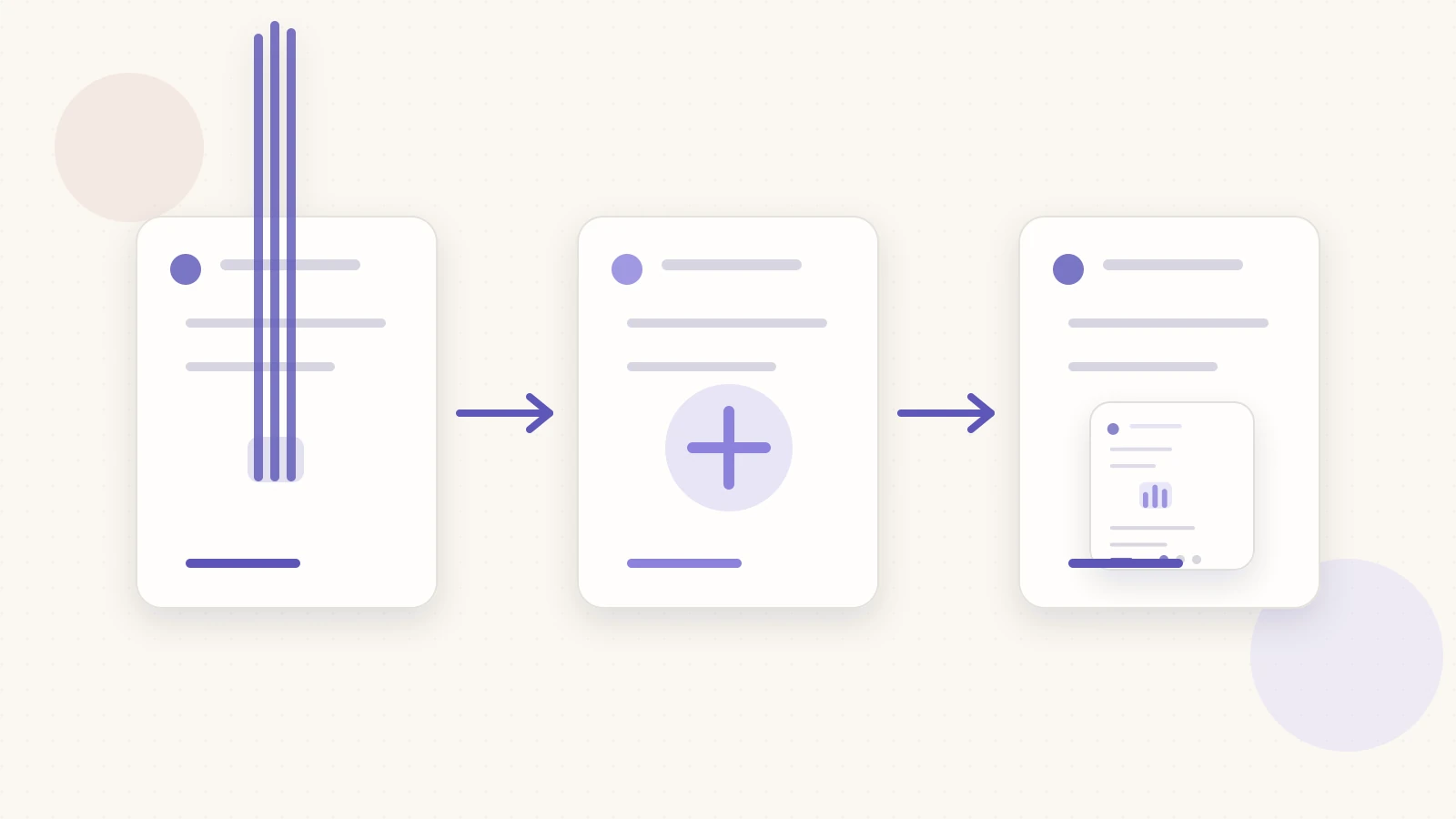
Move from an approved source to a defined advice boundary, slide sequence, and final review.
Measure whether the carousel was useful
LinkedIn member post analytics can include impressions, members reached, reactions, comments, reposts, saves, sends, profile activity, and link engagement. LinkedIn notes that these figures are estimates LinkedIn post analytics.
Match the signal to the carousel's job. A preparation checklist may be judged by saves, sends, and relevant follow-up questions. A service explainer may be judged by profile activity or qualified enquiries. None of those signals proves that the accounting guidance changed a reader's financial outcome.
Related reading
Before you publish, use the LinkedIn carousel checklist and confirm dimensions with the LinkedIn carousel size guide.
Turn your accounting source into slides
Ready to make one? Start with a URL, notes, or a short outline in SlideDrift, then export the finished carousel as a PDF for LinkedIn.