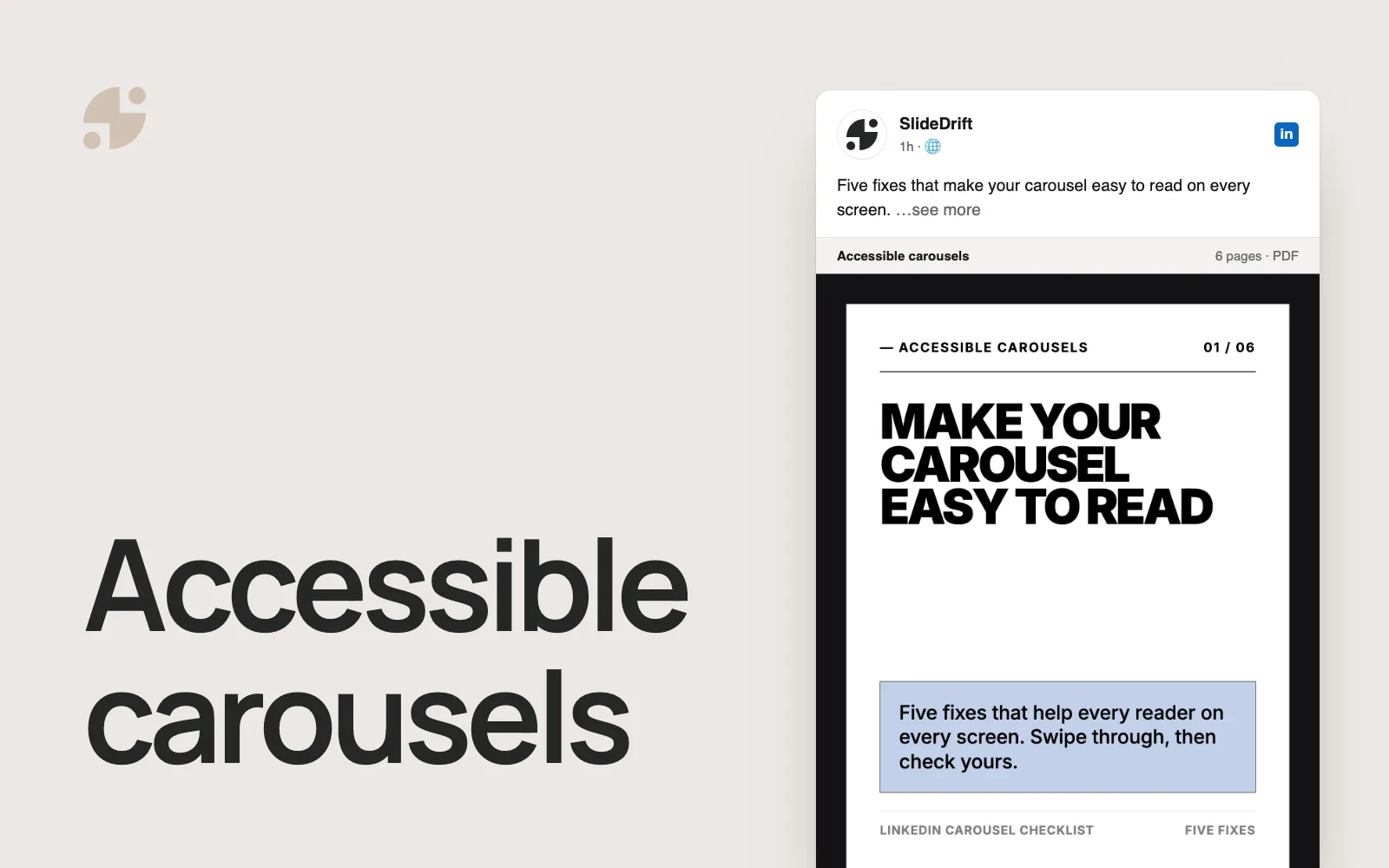
How to Create LinkedIn Carousels for B2B Lead Generation
Plan B2B LinkedIn carousels that answer one buyer question, end with one next step, and measure the follow-up in LinkedIn's analytics and your own records.
To create a LinkedIn carousel for B2B lead generation, pick one question your buyers are already asking, answer it in a short PDF deck built from evidence you can show, and end with one next step that continues the lesson, such as a checklist or a reply. The carousel won't capture leads on its own. Its job is to show the right buyers you understand their problem, and you judge it by what they do next, in LinkedIn's post analytics and in your own records.
- One buyer question, for one stage of the decision.
- A format that fits that stage: a problem explainer early on, a checklist or comparison later, a rollout plan near the end.
- Evidence you can show, with a note of what it doesn't prove.
- One next step that follows from the lesson, instead of a generic "Book a demo".
- Two places to measure: LinkedIn's analytics for the post, your CRM for what follows.
What a carousel can do for lead generation
A LinkedIn carousel is a PDF uploaded as a document post. For B2B lead generation, its value is the lesson it gives before you ask for anything: a way to diagnose a problem, compare options or plan a rollout. Readers who find it useful may save it, send it to a colleague, visit your profile, follow you or take the next step you offer. You can measure those signals, and any conversation that follows is where a lead can start.
So open with the buyer's problem, not your product:
Weak first slide: "Book a demo with us."
Better first slide: "5 signs your sales-to-success handoff is slowing onboarding."
The better version lets a buyer check for a problem before anyone asks them to talk to sales. If the check turns something up, your next step makes sense to them. The hook examples have more first-slide patterns.
Match the format to where the buyer is
Early carousels help buyers name a problem. Later ones help them compare approaches, make the case internally and plan the rollout.
| Format | Where the buyer is | Slide structure | Example first slide |
|---|---|---|---|
| Problem explainer | Hasn't named the problem | Symptom → cause → cost → first check | "Your churn problem may start before activation." |
| Buyer myth | Knows the problem | Myth → what's true → example → question to ask | "More onboarding emails won't fix a slow start." |
| Framework | Knows the problem | Model → steps → example → checklist | "Find where onboarding stalls in four steps." |
| Comparison guide | Comparing approaches | Option A → option B → when each fits | "Templated or behavior-based onboarding: when each works." |
| Decision checklist | Comparing vendors | Decision → criteria → warning signs → next step | "What to ask before you choose an onboarding platform." |
| Case-study lesson | Comparing vendors | Situation → decision → what changed → lesson | "What [customer] changed in its sales-to-success handoff." |
| ROI check | Making the business case | Assumption → hidden cost → better calculation | "The cost your onboarding ROI model leaves out." |
| Rollout plan | Ready to decide | Week 1 → week 2 → month 1 → what to measure | "A 30-day rollout plan for improving activation." |
Use the case-study format only with a story the customer has approved. The case study guide shows how to remove what isn't approved and keep each number with its context.
Plan the deck with a buyer-education brief
An idea isn't ready for slides until the buyer question, the evidence and the next step agree. Fill in this brief before you write the first slide:
Buyer-education carousel brief
| Field | What to decide |
|---|---|
| Where the buyer is | Hasn't named the problem, knows the problem, comparing approaches, comparing vendors, making the business case, or ready to decide. |
| Buyer question | The one diagnosis or choice the reader should be able to make by the last slide. |
| Evidence | The notes, documentation, research or customer-approved story the deck may use. |
| Claim boundary | What the evidence doesn't prove, including results you can't promise. |
| Slide jobs | One job per slide: hook, symptom, cause, evidence, example, check or next step. |
| Next step | One action that follows from the lesson. |
| Measurement | The LinkedIn signals you'll check, and the follow-up you'll log in your own records. |
Where the buyer is:
Buyer question:
Evidence:
Claim boundary:
Slide jobs:
Next step:
LinkedIn signals to check:
Follow-up to log in your records:Worked example
Completed brief: diagnose an onboarding handoff
The company here is imagined: it sells onboarding software to customer success leads at SaaS companies. Swap in your own material.
Where the buyer is: knows onboarding is slow, but not why.
Buyer question: is onboarding slow because of the product, or because sales passes too little to customer success?
Evidence: the team's own handoff template, onboarding checklist and approved support themes. No customer names or private call notes.
Claim boundary: this material can show what goes missing in a handoff. It can't prove that fixing the handoff will speed up onboarding or grow expansion revenue.
Seven slide jobs:
- Name the symptom: new customers stall before their first result.
- Show why product problems and handoff problems look alike.
- List what sales should pass to customer success.
- Show one anonymized handoff pattern.
- Give a five-question handoff check.
- Say what to look at next if the handoff passes.
- Offer the next step and the blank checklist.
Next step: run the five-question check on one recent handoff, using the blank checklist on the team's site, linked in the post text.
Measurement: in LinkedIn's post analytics, saves, sends, profile viewers, followers gained and link visits. In the team's web analytics, visits to the checklist page from the tagged link. In the CRM, conversations that mention the post, logged with the post date. None of these counts as a lead by itself.
A reviewer can trace every slide back to that evidence and cut anything it doesn't support.
Use evidence you can show
A lead-generation carousel is an easy place to overclaim. Keep it to what you can back up:
- Use anonymized patterns from calls and support tickets instead of quotes nobody approved.
- Keep each number with its source, timeframe and scope, and leave it out if you can't name them.
- When there's no approved result, describe what changed instead of estimating one.
LinkedIn's Professional Community Policies ask for real and authentic information and rule out false or misleading content. If you quote customers for a US audience, the FTC's endorsement guidance says an endorsement must reflect the endorser's honest opinion and can't make a claim you couldn't legally make yourself. It also says to disclose clearly any connection with the endorser, such as payment, that readers wouldn't expect and that would change how they weigh the endorsement.
End with one next step
The last slide should continue the lesson, and the ask should match where the buyer is:
- Early on, invite a reply to one specific question, such as "Where does your handoff break first?"
- In the middle, offer the checklist, template or worksheet the deck was built on.
- Near a decision, point to a deeper guide, or offer a conversation.
Ask for one thing. The CTA examples cover wording for each goal and whether the ask belongs on the last slide, in the caption or in the first comment.
If the next step is a link, tag it with tracking parameters (UTM tags) so your web analytics can show which visits came from the post. The evidence on whether a link costs reach is mixed. In a September 2025 video shared by social media consultant Matt Navarra, LinkedIn's Rishi Jobanputra said posts with links aren't intentionally limited when the post stands on its own. Yet every study in Ordinal's review of link studies found lower reach for posts with links, mostly on Company Pages and less so on personal profiles. Test it on your own posts.
Measure what happens next
LinkedIn's analytics show what people did with the post. Your own records show whether a conversation or opportunity followed. Keep the two apart, and don't count a save or a click as a lead.
For posts from your profile, LinkedIn's post analytics show impressions, members reached, reactions, comments, reposts, saves, sends, profile viewers, followers gained and link visits, and LinkedIn says the numbers are estimates. For posts from a Company Page, Page content analytics show impressions, members reached, clicks, reactions, comments, reposts and engagement rate, which LinkedIn calculates as interactions per impression, counting clicks. Note which account posted before you compare results.
| What you want to know | Where to look |
|---|---|
| Did the right people see it? | Members reached, then who reacted and commented: are they in the roles you sell to? |
| Was it worth keeping or passing on? | Saves and sends (profile posts) |
| Did readers want to know who posted it? | Profile viewers and followers gained (profile posts) |
| Did readers take the next step? | Link visits (profile posts) or clicks (Page posts), plus the tagged visits in your web analytics |
| Did a conversation start? | Replies, messages, resource requests and meetings that mention the post, logged in your CRM |
Judge a topic over several posts, not one. A topic that keeps bringing profile viewers and follow-up from the roles you sell to is worth another deck. If a deck reaches plenty of people but nobody takes the next step, try a different ask before you drop the topic. The guide to measuring carousel performance includes a 30-day tracker.
Make one in SlideDrift
Start with material your team already has: call notes with names removed, an objection-handling doc, a customer guide or a blog post. Paste it into Create with a short brief like this one, then press Generate:
SlideDrift brief
Write a LinkedIn carousel for [job title] who want to know [buyer question].
Goal: help them check for the problem themselves. Don't advertise our product.
Slides: the symptom, why it's easy to misread, what to check, one anonymized example, a short checklist, what to look at next, and one next step: [your next step].
Use only the notes below. Make no claims about results they don't support.

[Paste your notes here]SlideDrift takes the number of slides from Preferences (7 by default), not from the brief, so change it there if your outline needs more. To work from a public page instead, paste its link on its own line: SlideDrift keeps any notes you typed, adds the page's text and reads only the first link, as the guide to starting from a link explains. Paid plans can also start from a PDF, such as a buyer's guide or report.
SlideDrift drafts the slides. Edit them against your brief so each claim traces back to your notes and the deck says what you'd say. LinkedIn's guidance on AI-assisted posts welcomes them when they reflect a real person's view, makes you responsible for what you post, asks you to disclose heavy AI use and says generic posts get less distribution. When the deck is ready, click Share, then Export, then Download PDF, as the PDF export guide shows.
Make a carousel from your sales notes
Paste call notes, an objection-handling doc or a customer guide with your brief. SlideDrift drafts the slides; you edit them, then export the PDF for LinkedIn.



If you post from a Company Page, SlideDrift can schedule the carousel to a connected Page on the Pro and Agency plans. Scheduling to your own profile needs a paid plan, or you can upload the PDF yourself.
Before you post
Upload the PDF as a document post. LinkedIn's help page on document uploads accepts PDF, PPT, PPTX, DOC and DOCX files of up to 100 MB and 300 pages, recommends PDF for the best quality, and has you add a document title. You can edit the description after posting but not the document, and viewers can download it as a PDF. Treat everything in the deck as public, open the file once to check every page, then run the LinkedIn carousel checklist.
FAQ
Do LinkedIn carousels generate B2B leads?
Not on their own. A carousel can teach the right buyers something useful and give them a reason to visit your profile, follow you or take the next step you offer; whether that becomes a lead depends on your follow-up. On engagement, Socialinsider's 2026 LinkedIn benchmark of 16,645 business Pages found document posts averaged a 7.00% engagement rate by impressions in 2025, against 4.50% for text posts, and multi-image posts had the highest rate in Q2 2026. Those are averages across Pages, not a forecast, and they don't cover personal profiles.
What should the last slide of a B2B carousel ask for?
One next step that continues the lesson: a reply to a specific question, the checklist or template behind the deck, a deeper guide, or a conversation for buyers close to a decision. Keep "Book a demo" for carousels aimed at buyers who are already comparing vendors.
Can you collect contact details from a LinkedIn carousel?
From an ordinary post, send readers to a page you control where they can ask for the resource, and log those requests in your CRM. Viewers can download a document post as a PDF, so don't count on the deck itself to hold anything back. With paid ads, LinkedIn's document ads let you choose how many pages to preview, and with the lead generation objective you attach a Lead Gen Form behind an "Unlock full document" button.
How do you measure whether a carousel helped lead generation?
Check LinkedIn's analytics for what happened on the post: saves, sends, profile viewers, followers gained and link visits for profile posts, or clicks and engagement rate for Page posts. Then log what happened next, such as replies, resource requests and meetings that mention the post, in your CRM, and compare topics across several posts rather than judging one.