

MCP prompt recipes
Short copy-paste prompts for creating, exporting, and planning SlideDrift carousels.
Replace anything in [square brackets], then paste the prompt into your connected AI assistant.
Create from a URL
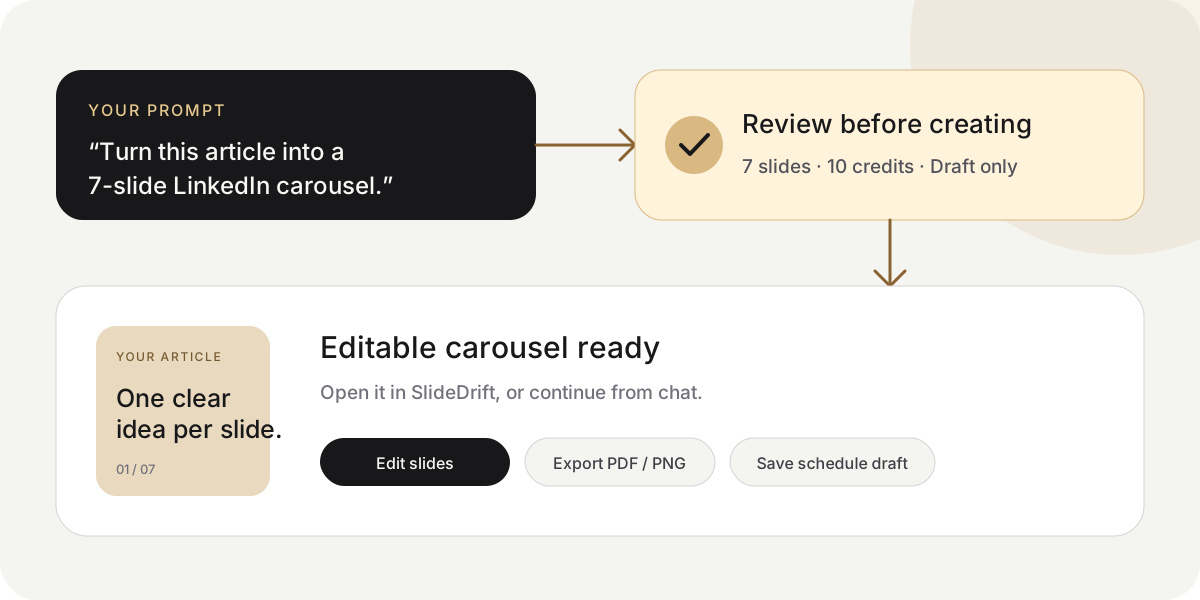
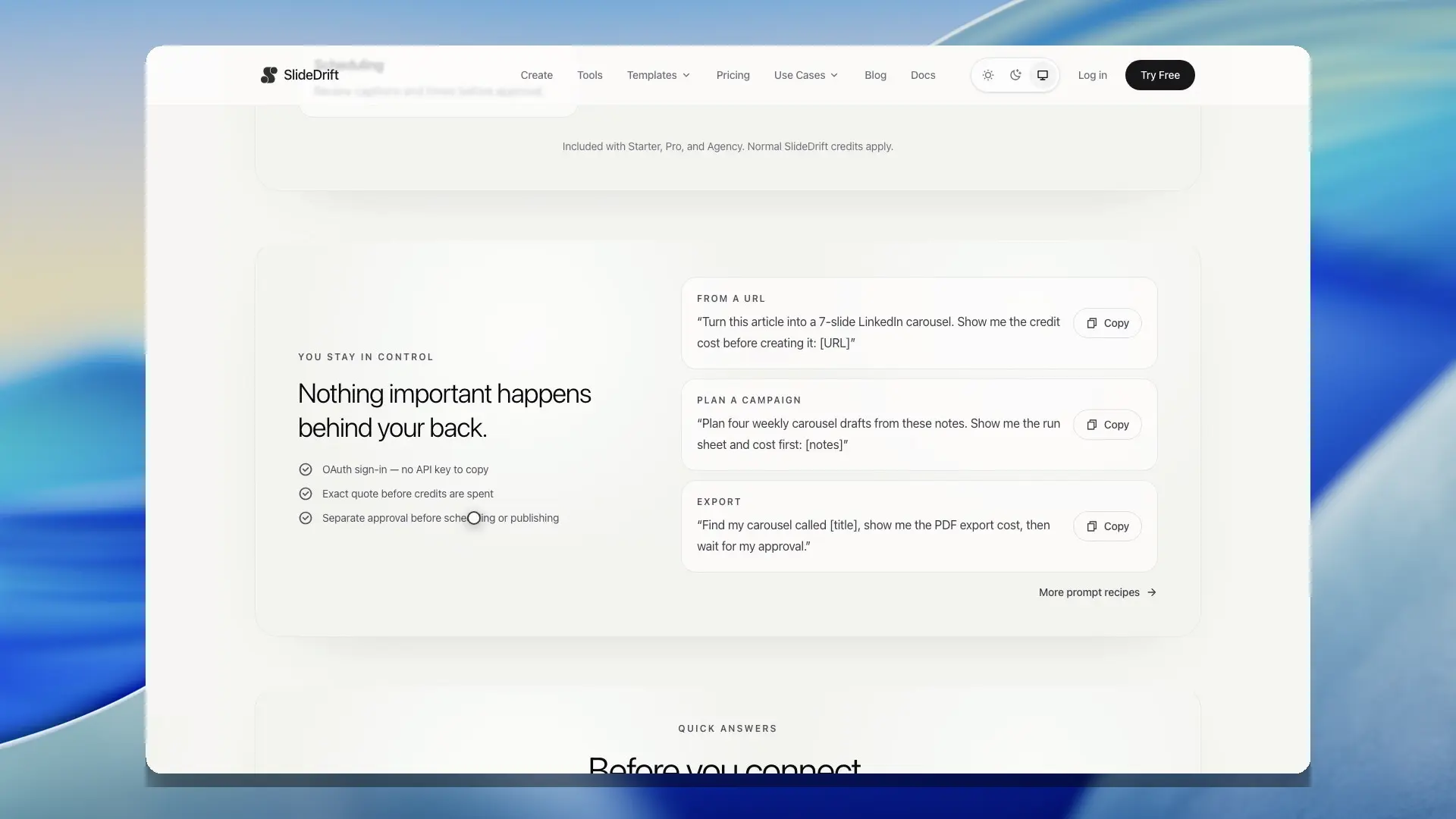
Turn this article into a 7-slide LinkedIn carousel. Show me the credit cost before creating it: [URL]You get an editable SlideDrift draft.
Create from notes and images
Create a 7-slide carousel from these notes and use my attached images. Do not reuse an image. Show me the cost first: [notes]The images are added to your owned SlideDrift assets.
Review the story first
Plan an 8-slide carousel from [URL or notes]. Show me every slide. Do not create it until I approve the plan and credit cost.Planning is free. Creation waits for your approval.
Export a PDF
Find my carousel called [title]. Show me the PDF export cost, then wait for my approval before exporting it.You get a time-limited download link.
Get image links for Instagram or TikTok
Find my carousel called [title]. Show me the cost of exporting it as image links, then wait for my approval before creating them.You get one public JPEG link per slide, in order. Anyone with a link can open that image, and the links work for 30 days.
Build a campaign
Plan [number] weekly carousel drafts from [folder or notes] for my [LinkedIn account]. Show me the run sheet and total cost first. Keep every post as a draft.You approve the campaign once. Publishing still requires a separate approval.
Schedule after review
Find my carousel called [title]. Show me the account, full caption, date, time, and export cost. Wait for my approval before scheduling it.Nothing is scheduled until you confirm the final details.
Check credits without changing anything
Show my SlideDrift credit balance and current MCP action costs. Do not create, export, or schedule anything.For setup and permissions, see Connect an AI assistant with MCP.
Connect an AI assistant with MCP
Connect SlideDrift to Claude, ChatGPT, Codex, Cursor, or another compatible MCP client.
Send SlideDrift events to Zapier, Make and n8n
Get a signed HTTPS request when a post publishes, fails or needs attention, and connect SlideDrift to Zapier, Make, n8n or your own server.